Squareup POS holds a visible position in the US market by shaping how small and mid-sized businesses manage in-store and omnichannel transactions. Its ecosystem centers on payment acceptance, basic inventory visibility, and integrated financial tools, making it a common choice for merchants prioritizing quick deployment and low entry barriers.
Evaluating Squareup POS System in US requires an understanding of how its architecture supports scaling, how data moves across sales channels, and where limits appear as volume, locations, or integrations expand. Drawing on advisory insights from ConnectPOS, this article reviews Squareup POS in the US through a practical, business-focused lens.
Highlights:
- Squareup POS System in US pairs proprietary hardware with cloud software built around payment processing rather than full operational control.
- Key features of Squareup POS for US businesses center on checkout, sales tracking, and payment-linked reporting, with limits appearing in complex workflows.
- The Squareup POS ecosystem connects Squareup services and third-party tools, while pricing in the US relies mainly on transaction-based fees tied to sales volume.
Squareup POS System In US – POS Hardware And Software
The Squareup POS system provides a cloud-based infrastructure for US merchants. It integrates digital management tools with specialized physical equipment to handle transactions across different sales channels.
Squareup POS Software
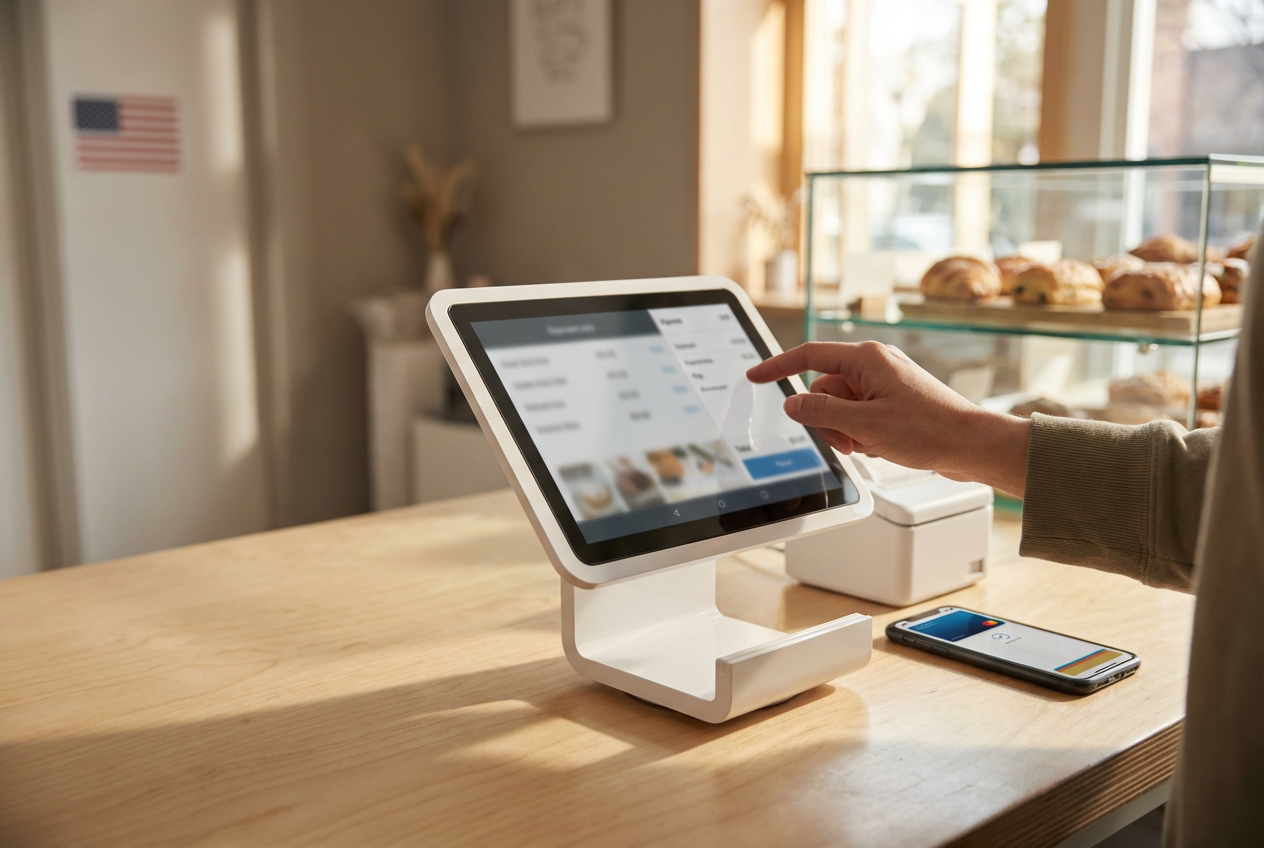
The software operates through a central cloud platform, allowing business owners to monitor operations from any location.
- Retail Mode: This configuration handles high-volume inventory across multiple locations. It tracks stock levels in real-time and generates purchase orders for suppliers when quantities drop.
- Restaurant Mode: This version focuses on dining room efficiency. It includes digital floor plans for table management, coursing tools for kitchen timing, and custom menu grids.
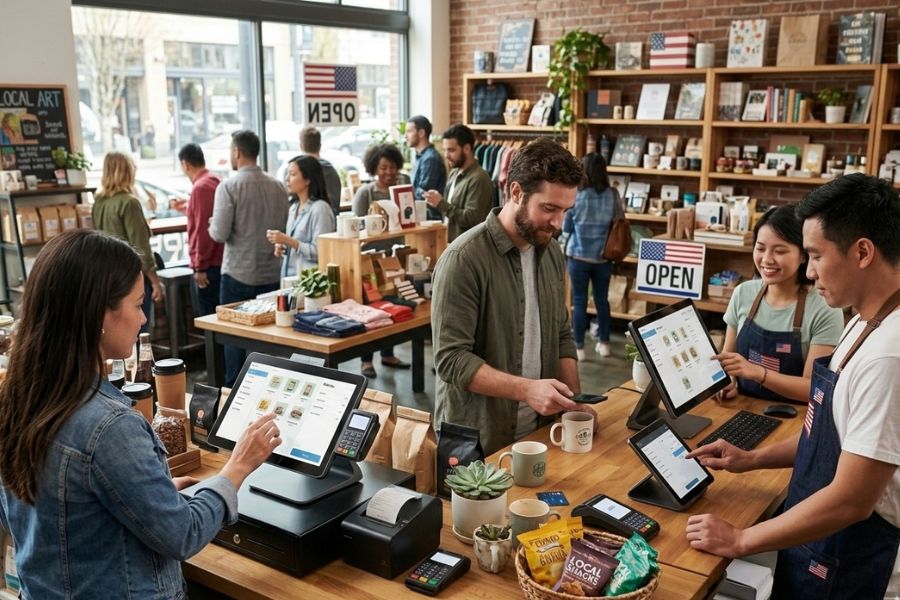
- Omnichannel POS Integration: The platform links physical storefronts with online websites. Sales made on social media or web stores update the central inventory automatically.
- Back-Office Tools: Beyond sales, the software manages employee timecards, processes payroll, and provides live analytics on revenue and profit margins.
Squareup POS Hardware
Squareup designs specific hardware to match different service environments and payment methods.
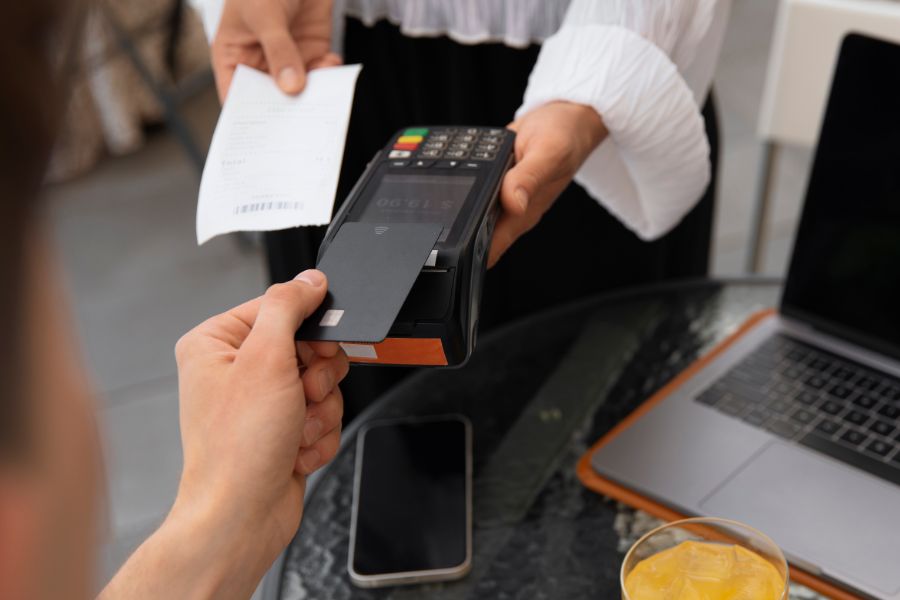
- Squareup Reader: A small, portable device for mobile sellers. It accepts EMV chip cards and contactless payments like Apple Pay or Google Pay via Bluetooth connection.
- Squareup Terminal: A handheld unit that includes a built-in touchscreen and receipt printer. It serves as an all-in-one station for tableside ordering or small counters.
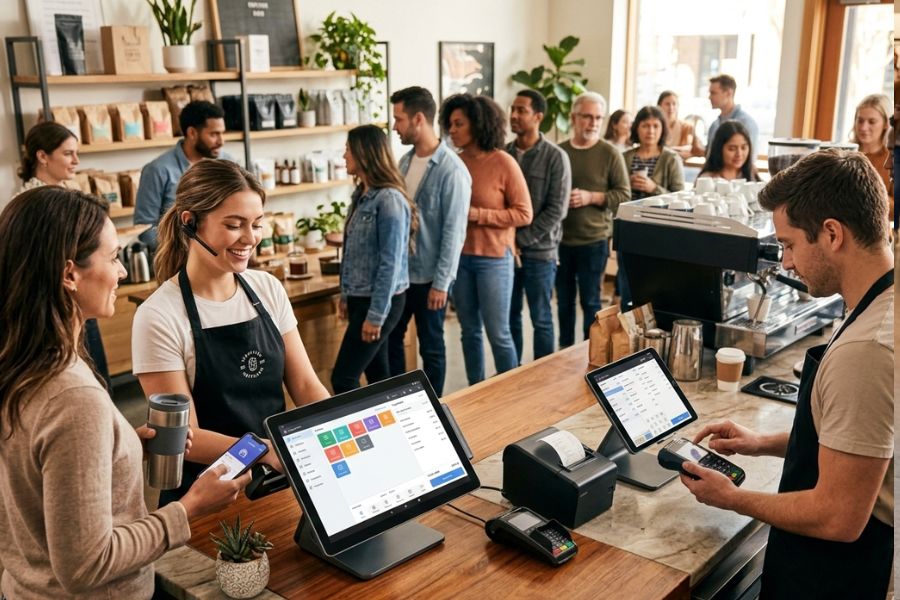
- Squareup Register: A stationary checkout hub featuring two screens. One screen faces the merchant for order entry, while the second faces the customer to show line items and payment prompts.
Read more: POS System Price in US: A Cost Breakdown
Key Features of Squareup POS for US Businesses
Squareup provides a digital foundation for commerce in the US, centralizing transaction data and operational management. The platform consists of several core pillars that handle the daily requirements of modern trade.
Payment Processing in the US
Squareup POS System in US acts as a direct payment processor, removing the need for third-party merchant accounts.
- Domestic Card Support: The system accepts all major US credit and debit cards, including Visa, Mastercard, American Express, and Discover.
- Modern Tenders: Hardware supports Near-field communication (NFC) for Apple Pay and Google Pay. It also integrates with Afterpay for “Buy Now, Pay Later” installments and Cash App for peer-to-peer transfers.
- Offline Payments: In areas with poor connectivity or during internet outages, the software records card data and completes the charge once the signal returns.
- Fund Transfers: Standard deposits reach US bank accounts within one to two business days, while Squareup Banking users can access funds instantly.
Inventory Management
The inventory suite maintains accuracy across physical shelves and digital catalogs.
- Real-Time Syncing: Stock levels update instantly when a sale occurs in-store, on a website, or through social media links.
- Automated Tracking: Users scan barcodes to add items. The system generates low-stock alerts and can create purchase orders for vendors automatically.
- Catalog Tools: Business owners group items by category, add variations like size or color, and track the Cost of Goods Sold (COGS) to monitor profit margins.
Customer Management
Squareup includes a built-in Customer Relationship Management (CRM POS) tool called Customer Directory.
►►► Optimal solution set for businesses: Multi store POS, Next-gen POS, Inventory Management Software (MSI), Self Service, Automation, Backorders

- Profile Creation: The software automatically builds a profile for every new card swipe, recording the customer’s name and transaction history.
- Audience Segments: The system groups buyers into categories like “loyal,” “new,” or “lapsed” based on their visit frequency.
- Engagement Tools: Merchants use these profiles to send digital receipts via SMS or email, which also serve as a channel for direct customer feedback.
- Card on File: For repeat clients, businesses securely store payment info to speed up future checkouts or handle recurring billing.
Reporting and Analytics
The dashboard converts raw transaction data into visual insights for business planning.
- Sales Summaries: Owners view total revenue, tax collected, and top-selling items by the hour, day, or month.
- Labor Reports: The POS tracks employee clock-in times and identifies which staff members generate the highest sales volume.
- Mobile POS Access: The Squareup Dashboard app allows managers to monitor live sales data from a smartphone while away from the shop.
- Comparative Data: The software compares current performance against historical periods to identify growth patterns or seasonal shifts.
Ecosystem and Integrations of Squareup POS System In US
The Squareup ecosystem functions as a unified digital environment that connects payment processing, operational management, and external business software into a single interface.
Squareup POS System in US provides a suite of native tools that share data automatically to handle core business functions. Squareup Payroll syncs with the POS timecard feature to calculate wages, while Squareup Banking allows users to access sales funds immediately via a business debit card. Additionally, the system links physical storefronts to Squareup Online, ensuring that inventory levels update across all channels the moment a customer makes a purchase.
The Squareup App Marketplace allows businesses to connect their POS data to hundreds of external platforms used in the US market. Accounting integrations with QuickBooks and Xero automate the export of sales and tax data to eliminate manual bookkeeping. Retailers can bridge their inventory with sites like Wix, while restaurants can route orders from apps like DoorDash directly to their kitchen printers.
For companies with unique requirements, Squareup provides an open developer platform and a range of APIs. The Terminal API enables custom software to trigger payments on physical Squareup hardware, while the Catalog and Customer APIs allow businesses to sync private databases with Squareup’s internal records. This flexibility allows organizations to build personalized loyalty programs or specialized inventory systems that remain integrated with the central payment engine.
Read more: Square POS System Cost in The US: How Much Are You Paying For?
Pricing Of Squareup POS System In US
Squareup POS System in US provides a transparent pricing structure for this market, divided into hardware costs, monthly software subscriptions, and transaction-based processing fees.
Hardware Investment
Business owners select physical equipment based on their service model. The entry-level Squareup Reader for contactless and chip payments costs $59, while the handheld Squareup Terminal, which includes a built-in receipt printer, is priced at $299.
For a fixed countertop setup, the Squareup Stand costs $149 (excluding the iPad), and the dual-screen Squareup Register retails for $799. These devices are available for purchase upfront or through monthly installment plans over 12 to 24 months.
Software Subscriptions
The core Squareup Point of Sale software is available at no monthly cost, providing basic tools for payments and stock tracking. Specialized plans for specific industries provide deeper functionality:
- Retail Plus: $89 per month per location for advanced inventory and vendor management.
- Restaurant Plus: $60 per month per location for floor plans, kitchen displays, and coursing.
- Appointments Plus: $29 per month for staff scheduling and no-show protection.
- Premium Plans: $149 per month for high-volume businesses requiring 24/7 priority support and lower processing rates.
Payment Processing Fees
Squareup uses a flat-rate model where fees depend on how the card is processed rather than the card type.
For the Free and Plus plans, in-person “tap, dip, or swipe” transactions carry a fee of 2.6% + 15¢. Online sales and invoices are processed at 3.3% + 30¢, while manually keyed-in card numbers are 3.5% + 15¢. Businesses on the Premium plan benefit from reduced in-person rates, such as 2.4% + 15¢, to accommodate higher transaction volumes.
Alternatives to Squareup POS: ConnectPOS
ConnectPOS serves as a flexible, omnichannel alternative to Squareup POS System in US that require deeper integration between their physical stores and e-commerce POS platforms like Shopify, Magento, and BigCommerce.
Unlike Squareup, which operates on its own closed payment network, ConnectPOS is a “hardware-agnostic” and “payment-agnostic” system. This means it allows businesses to choose their own payment processors (such as Stripe, PayPal, or Moneris) and run the software on existing PCs, tablets, or smartphones. It specializes in real-time synchronization, ensuring that high-volume retailers maintain identical inventory counts across multiple warehouses and digital storefronts simultaneously.
Key Features and Capabilities
ConnectPOS focuses on advanced retail workflows and customer-facing technology that goes beyond standard checkout functions.
- Omnichannel Synchronization: The software maintains a constant link between the web store and the physical register. If a customer buys the last item online, it is instantly marked out of stock on the in-store tablet.
- Automatic Offline Mode: While Squareup requires manual activation for offline sales, ConnectPOS automatically switches to a local database during internet outages, allowing sales and inventory adjustments to continue without interruption.
- PWA Consumer App: This PWA Consumer App tool allows customers to scan product barcodes on their own smartphones to read reviews or perform self-checkout, reducing wait times during busy hours.
- Multi-Warehouse Management: Users can track stock across different storage locations and fulfill “Buy Online, Pick Up In-Store” (BOPIS) orders from the nearest available inventory source.
- AI Facial Recognition: The system can identify returning customers to display their past purchase history and preferences, enabling staff to provide personalized recommendations.
Pricing and Subscription
ConnectPOS uses a monthly subscription model based on the number of devices, rather than taking a percentage of every sale like Squareup.
- Standard Plan: Approximately $49 per month per device. This includes basic e-commerce integration, real-time sync, and 24/7 support.
- Advanced Plan: Approximately $79 per month per device. This adds features like gift card support, loyalty programs, and second-screen customer displays.
- Premium Plan: Approximately $99 per month per device. This is designed for larger operations, including stock transfers, multi-source inventory, and click-and-collect functionality.
Read more: Complete Guide For Point of Sale Systems in The US
FAQs
Can the system process payments without the internet?
The software includes an Offline Mode POS that allows merchants to swipe or dip cards during a signal outage. The encrypted data is stored locally and processed automatically once the connection is restored.
Is Squareup compatible with non-Squareup hardware?
Squareup software runs on standard iOS and Android devices. It also supports various third-party US-standard peripherals, including Star Micronics printers and APG cash drawers, connected via Bluetooth, USB, or Ethernet.
What are the monthly subscription fees of Squareup POS System in US?
The standard Squareup Point of Sale app has no monthly cost. Industry-specific versions like Squareup for Retail and Squareup for Restaurants provide free tiers, while their “Plus” versions typically cost between $60 and $89 per month per location for advanced features.
Conclusion
Squareup POS System in US continues to serve as a recognizable option for US merchants prioritizing payment-centric operations and straightforward setup. Its strength lies in accessibility and familiarity, while its constraints become more visible in scenarios involving complex inventory logic, custom workflows, or enterprise-level growth planning. Decision-makers weighing Squareup POS should align its capabilities with long-term operational direction rather than short-term convenience.
For businesses seeking deeper control across channels and locations, ConnectPOS delivers strategic guidance and retail-focused POS solutions built for growth-ready operations. Connect with the ConnectPOS team to explore a system that supports expansion and data clarity beyond standard POS expectations.
►►► Optimal solution set for businesses: Shopify POS, Magento POS, BigCommerce POS, WooCommerce POS, NetSuite POS, E-Commerce POS