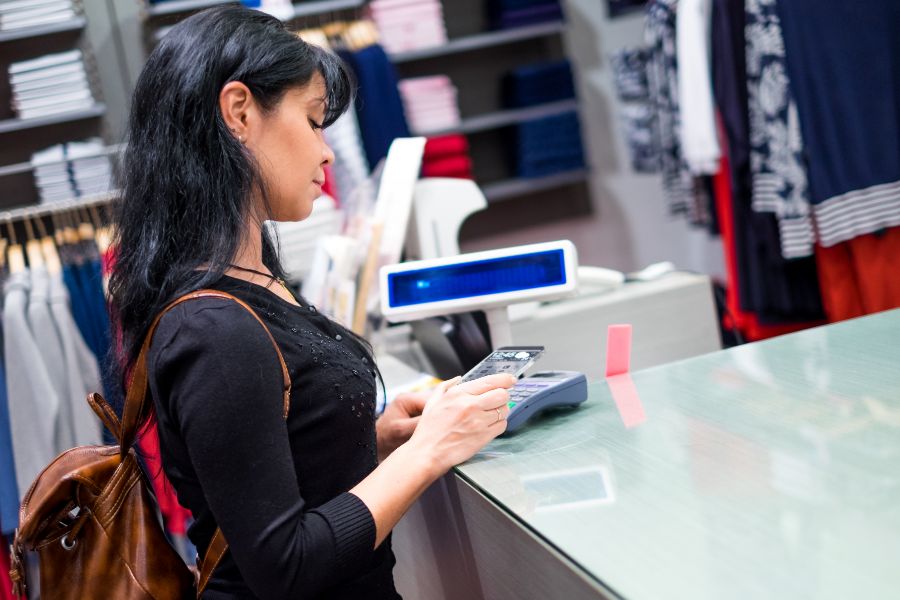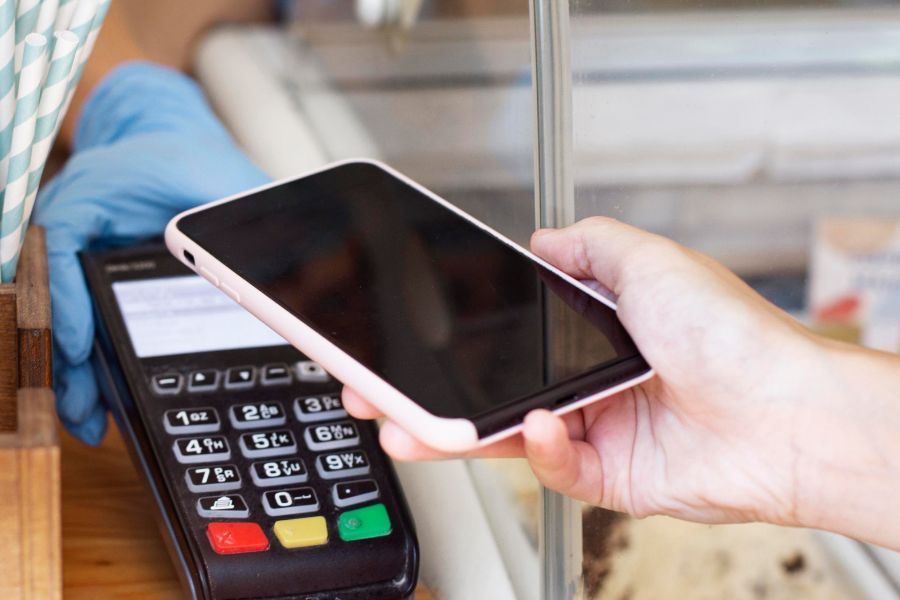
A Point of Sale – POS system is the place where sales happen – the technology that lets a business complete customer transactions, take payments, and record sales data in real time. Modern POS systems go far beyond basic cash registers. They combine hardware and software to handle tasks like inventory tracking, customer data, employee activity, and sales reporting.
You’ll find POS systems in retail stores, restaurants, and ecommerce businesses. In many cases, a POS acts as the central hub that connects checkout with back-office operations. With cloud-based and mobile options widely available, businesses can run checkout at the counter, on the shop floor, or even on the go.
What is a Point Of Sale system?
A Point of Sale (POS) system is the combination of hardware and software that enables businesses to complete sales transactions and manage day-to-day operations efficiently. It’s the place where a customer makes a payment for products or services, whether in a physical store, online, or through a mobile device.
Modern POS systems do more than process payments. They track inventory, store customer details, analyze sales performance, and connect with accounting tools or ecommerce platforms. In simple terms, a POS ties together sales, stock, and customer management in one system so the business can run with clearer data.
There are several types of POS systems available today, including traditional, mobile, and cloud-based POS. Each type fits different industries and operating models, from single-location shops to multi-store retailers.
Different types of POS
Traditional POS Systems (On-Premise POS)
These are classic POS systems that run locally on installed hardware, often used in established retail stores and restaurants.
How it works: Software is installed directly on the terminal or server within the store.
Pros:
- Reliable even without internet access
- Data stored locally for stronger control
- Suitable for high-volume operations
Cons:
- Requires manual updates and ongoing maintenance
- Higher upfront hardware and installation costs
Best for: Large retail stores, restaurants, or businesses that prefer on-site data storage.
Cloud-Based POS Systems
CCloud POS systems run online and can be accessed from any device with an internet connection. They’re a popular choice for modern retail teams.
How it works: Data is stored in the cloud and updated in real time.
Pros:
- Access business data anytime, anywhere
- Automatic updates and backups
- Lower upfront cost with subscription pricing
Cons:
- Requires a stable internet connection
- Data security depends on the provider’s cloud controls
Best for: Small and medium-sized businesses, multi-location retailers, and mobile sellers.
Mobile POS Systems (mPOS)
Mobile POS systems use tablets or smartphones as checkout devices, often connected to portable card readers.
How it works: Transactions run through an app or cloud-based platform.
Pros:
- Portable and flexible for busy selling environments
- Useful for line-busting, events, and outdoor sales
- Minimal setup and cost
Cons:
- Limited features compared to full POS systems
- Dependent on internet connectivity and mobile hardware
Best for: Pop-up shops, food trucks, market stalls, and mobile service providers.
Self-Service POS Systems (Kiosk POS)
Self-service POS lets customers place orders and make payments through a kiosk or touchscreen.
How it works: Customers browse, order, and pay directly on the device.
Pros:
- Cuts waiting time and reduces labor pressure
- Improves order accuracy
- Useful for upselling through visual menus
Cons:
- High initial setup costs
- Requires regular maintenance and technical support
Best for: Quick-service restaurants (QSRs), cinemas, and supermarkets.
Multichannel / Omnichannel POS Systems
These systems connect online and offline selling into one platform, so businesses can keep sales, inventory, and customer data aligned across channels.
How it works: Syncs sales, inventory, and customer records across store and ecommerce systems.
Pros:
- One view of inventory and customer activity
- Supports cross-channel flows like “buy online, pick up in-store”
- Reporting across channels in consistent terms
Cons:
- Can take longer to set up
- Often comes with higher software costs
Best for: Retailers running both ecommerce and brick-and-mortar operations (for example, Shopify stores using POS, or Magento and WooCommerce retailers).
Hybrid POS Systems
Hybrid systems combine on-premise reliability with cloud access. They store data locally and sync to the cloud when online.
Pros:
- Works offline and syncs after reconnecting
- Combines flexibility with local control
Cons:
- Higher cost than single-system setups
- Setup can be more complex
Best for: Restaurants, hotels, and retailers that need both offline reliability and remote access.
Why Do You Need a POS?
A POS system is far more than a cash register. It supports sales processing, inventory control, customer tracking, and reporting. That’s why POS software shows up in almost every industry that sells products or services.
Below is a detailed guide for why businesses adopt POS systems and what changes once checkout data becomes structured.
Streamline Sales and Payment Processing
At its core, a POS system processes sales quickly and accurately.
It accepts multiple payment methods, including cash, credit/debit cards, mobile wallets, and QR codes. Most modern systems also calculate totals, taxes, and discounts automatically, which reduces mistakes at checkout.
For ecommerce brands, an integrated POS can keep pricing and promotions consistent across channels.
Real-Time Inventory Management
Manual inventory tracking takes time and often leads to mismatched counts. A POS records each sale and updates inventory in real time.
You can track fast-moving items, set reorder points, and reduce stockouts. For multi-store or omnichannel retailers, inventory sync also prevents overselling online while stock is moving in-store.
Gain Actionable Business Insights
A POS system collects transaction data that you can turn into reporting.
You can monitor daily sales trends, top-performing items, employee performance, and peak hours. These insights support smarter purchasing, better staffing, and clearer promotion planning.
Enhance Customer Experience
Many POS systems store customer profiles, purchase history, and loyalty activity. With that information, staff can recognize returning shoppers and personalize service.
Receipts can also be emailed or sent via SMS, which some customers prefer over paper receipts.
Enable Omnichannel Retail
Modern shoppers move between online and offline channels. A POS that connects to ecommerce can support common omnichannel scenarios, such as:
- Unified inventory and pricing across channels
- Buy Online, Pick Up In-Store (BOPIS)
- Buy In-Store, Ship to Home
Improve Accuracy and Reduce Loss
POS systems reduce manual entry mistakes and create clearer transaction records. Many platforms also log user activity, which supports audits and reduces shrinkage risks.
If you run a team across multiple shifts, these logs make it easier to review voids, discounts, refunds, and cash drawer events.
Simplify Employee Management
Many POS platforms include employee tools such as:
- Clock-in/out tracking
- Role-based permissions (cashier, manager, admin)
- Performance reporting and commission tracking
These tools support consistent store operations, especially for multi-location teams.
Support Business Growth and Scalability
A good POS system grows with your business.
A POS system should grow with your business. As you add registers, locations, or sales channels, a scalable POS keeps data consistent without forcing a full rebuild.
Cloud-based POS systems also support remote access, which is useful when owners manage operations across multiple sites.
Offline Functionality for Business Continuity
Internet outages happen, and checkout can’t stop every time a connection drops.
Many POS systems support offline selling and then sync transactions once the connection returns. This is especially relevant for busy stores where downtime quickly turns into lost revenue.
Integrations with Third-Party Tools
A POS often connects with tools like:
- Ecommerce platforms
- Payment providers
- Accounting systems
- Marketing and CRM tools
Integrations reduce manual exporting and importing, and they also keep reporting cleaner across systems.
When You Need an Omnichannel POS Platform Instead of Basic POS Tools
Basic POS setups work well for single-store selling. But if you run multiple stores, sell online and offline, or rely on consistent inventory and customer records, an omnichannel POS platform can be a better fit.
ConnectPOS is a cloud-based POS designed for retailers selling across stores and online channels. It connects with platforms like Shopify, Magento, and WooCommerce and focuses on keeping product, order, and inventory data aligned across locations.
Key capabilities commonly used in omnichannel setups include:
- Real-time inventory syncing across channels with MSI
- Multi-store management for centralized control
- Offline mode so checkout can continue during outages
- Customizable checkout and receipts (store branding, taxes, discounts, and payment flows)
- Customer profiles and purchase history for repeat-buyer service and loyalty workflows
- Role-based staff permissions and activity logs for better control at the register
- Centralized reporting across locations and channels (sales, products, staff, and payment summaries)
- Integrations via APIs and connectors for common retail tools (accounting, ERP, CRM, and shipping systems)
ConnectPOS pricing (per register, per month)
Monthly pricing:
- Standard: $49 per register/month
- Advanced: $79 per register/month
- Premium: $99 per register/month
For detailed plans, visit our Pricing page.
Conclusion
A POS system is the combination of hardware and software that processes transactions and records sales data. Depending on the type you choose, it can also support inventory tracking, customer management, reporting, staff permissions, and omnichannel operations.
If you’re still mapping out what POS type fits your business model, message us on Crisp chat. We’ll share practical guidance based on your store count, sales channels, and reporting needs.
Chat with our team►►► Optimal solution set for businesses: Shopify POS, Magento POS, BigCommerce POS, WooCommerce POS, NetSuite POS, E-Commerce POS