iPad-based POS systems have become a common foundation for transaction handling across US retail and service businesses. Their appeal lies in portability, app-driven control, and compatibility with modern payment behavior, yet performance depends on far more than installing software on a tablet. Business owners must address payment compliance, data accuracy, operational fit, and long-term system direction to reach stable results.
This article from ConnectPOS advises how US businesses can approach the POS system on iPad in US with a clear operational mindset rather than a tool-first decision.
Highlights:
- Core iPad POS capabilities for US operations include payment acceptance, sales tracking, inventory visibility, staff access control, and tax handling aligned with state and local regulations.
- Practical adjustments for a POS system on iPad focus on configuration accuracy, workflow alignment, hardware pairing, and consistent data flow across in-store and online channels.
Key Features of a POS System on iPad in US
The global iPad POS software market reached approximately $2.11 billion in 2024. North America holds the largest share of this market, accounting for over 34% of the global tablet POS landscape.
The functions of the POS system on iPad in US as a mobile hub for retail and hospitality operations. These systems in the US market replace traditional cash registers with touch-based interfaces, allowing businesses to operate with higher speed and mobility.
Payment Processing Capabilities
Payment hardware connects to the iPad via Bluetooth or the charging port. Most systems in the US support these methods:
- EMV Chip Cards: Readers process transactions for major networks like Visa, Mastercard, and American Express.
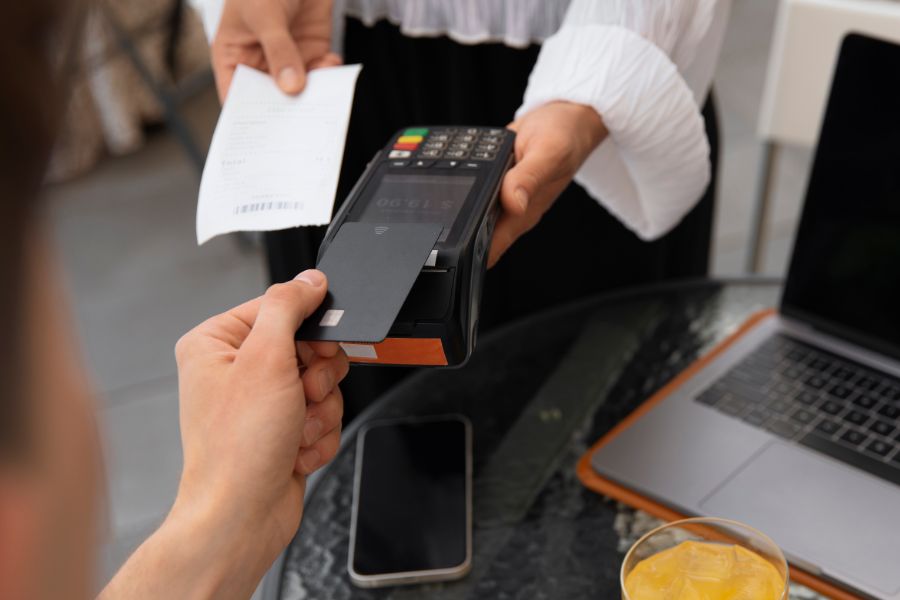
- Contactless Payments: Customers tap phones or watches using Apple Pay and Google Pay. This method uses NFC technology to complete transactions in seconds.
- Offline Mode: Software stores encrypted data when internet access fails. The system then uploads these transactions once a stable connection returns.
- Tipping Prompts: Screens display preset tip percentages (15%, 20%, 25%) during the checkout flow. This helps service businesses collect gratuities without manual calculations.
- Digital Invoicing: For service providers, the system sends requests for payment directly to a client’s email. This allows for remote collection of funds.
Sales and Transaction Management
The iPad interface displays a grid of items for quick selection. This layout helps staff process orders without long wait times.
- Digital Receipts: Employees send confirmations to customer emails or phone numbers. This saves on paper costs and helps build a customer contact list.
- Split Billing: Servers divide a single check among different guests or payment types. This is a standard requirement for US restaurants and bars.
- Returns and Refunds: Staff look up past orders using barcodes or customer names to process credits. This keeps financial records accurate without manual entry.
- Cloud Syncing: Sales data moves from the tablet to a central dashboard for remote viewing. Owners check performance from home or another location.
- Tax Automation: The software applies local and state sales tax based on the store’s GPS coordinates. This guarantees compliance with regional US tax laws.
Read more: A Side-by-Side Comparison of 5 Leading Multi Store POS Systems
Inventory and Product Management
The software tracks stock levels as items sell. Managers update the catalog from the iPad or a computer.
- Low-Stock Alerts: Notifications appear when quantities fall below a set limit. This prevents out-of-stock situations on popular items.
- Product Variants: One item entry manages different sizes, colors, or materials. This keeps the catalog tidy and easy to browse.
- Bulk Imports: Users upload CSV files to add hundreds of products at once. This saves hours of manual data entry during initial setup.
- Supplier Tracking: The system stores vendor contact details and purchase order history. This makes reordering from distributors a simple task.
- Barcode Scanning: Staff use the iPad camera or a Bluetooth scanner to find items. This speed helps during busy hours or during full inventory counts.
Read more: Top 5 POS Systems With Barcode Scanner in 2026
How to Optimize a POS System on iPad for US Businesses
Refining your iPad setup helps maintain speed and reliability during peak hours for businesses running a POS system on iPad in the US. Proper hardware choices and software settings support stable performance and minimize technical interruptions without disrupting daily operations.
►►► Optimal solution set for businesses: Multi store POS, Next-gen POS, Inventory Management Software (MSI), Self Service, Automation, Backorders

Hardware Optimization for iPad POS
The selection of the right peripherals determines the stability of the checkout counter.
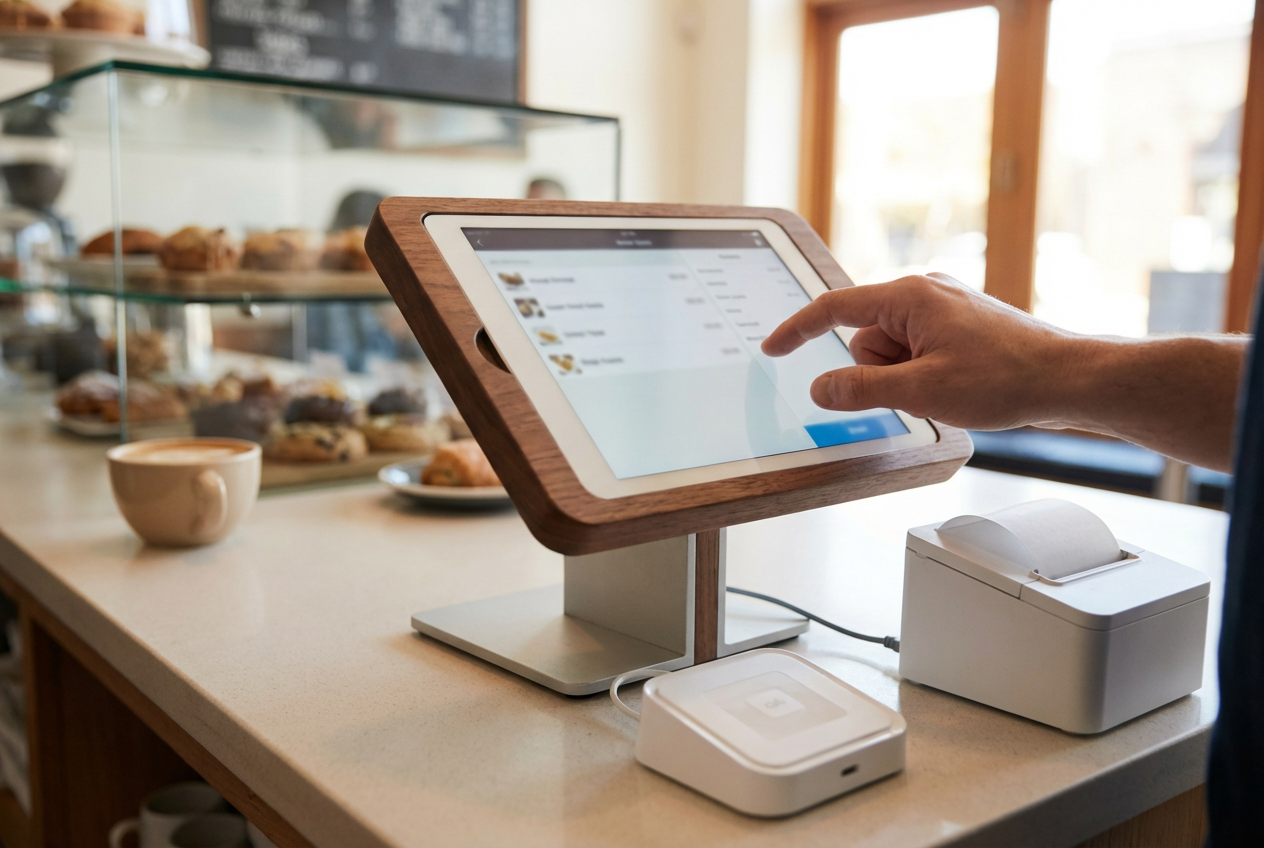
- USB-C Connectivity: Modern iPads (10th Gen, Air, Pro) use USB-C. Use a powered USB-C hub to connect a receipt printer, barcode scanner, and card reader while charging the device.
- Stable Enclosures: Choose a swivel stand. This allows the tablet to face the employee for order entry and then rotate toward the customer for payment and signatures.
- Heavy-Duty Receipt Printers: Thermal printers with LAN (Ethernet) ports provide a more stable connection than Bluetooth models in environments with many wireless signals.
- Battery Management: Keep tablets connected to a power source. For mobile service, use a high-capacity portable battery pack to avoid shutdowns.
POS Software Configuration Best Practices
Adjusting default iPad and app settings creates a focused tool for business transactions.
- Guided Access: Enable this iOS feature to lock the tablet into the POS app. This prevents staff from accidentally exiting the software or using other applications.
- Disable Automatic Updates: Turn off automatic iOS and App Store updates. Schedule these for after-hours to avoid a 15-minute system lockout during a busy shift.
- Item Grid Layout: Arrange the most popular items on the first screen. Use color-coded categories to help staff find products without searching.
- Employee Permissions: Set unique PIN codes for each team member. Limit the ability to process refunds or void transactions to managers only.
- Tax and Tip Settings: Pre-configure US state and local tax rates. Set default tip suggestions to speed up the customer checkout flow.
Read more: Looking to Raise Your Sales with Magento POS Ipad? Here’s How
Connectivity and Performance Optimization
Network strength is the foundation of a cloud-based POS system.
- Dedicated Wi-Fi SSID: Create a private Wi-Fi network exclusively for POS devices. Do not share this password with customers to keep the bandwidth clear.
- Ethernet Adapters: For stationary registers, use a Lightning-to-Ethernet or USB-C-to-Ethernet adapter. A wired connection eliminates the risk of wireless interference.
- Cache Clearing: Regularly offload the POS app data or clear the tablet’s cache. This prevents the software from slowing down as transaction history builds up.
- Frequency Band Selection: Set routers to the 5 GHz band. This frequency is less crowded than 2.4 GHz and offers faster data speeds for syncing sales.
- Storage Management: Keep at least 20% of the iPad storage empty. A full disk causes the operating system to lag during data-heavy tasks like inventory syncing.
ConnectPOS as an Advanced POS System on iPad in the US
ConnectPOS supports US retailers in managing complex operations through a mobile interface designed for daily use, with a POS system on iPad in US that centers on consistent data synchronization and informed customer interaction.
- Instant Inventory Updates: The system prevents overselling by performing real-time stock synchronization across all physical and digital storefronts. As soon as a transaction occurs, the software adjusts the available quantity in the central database.
- Customizable Checkout: Users modify the touch-screen interface to fit their specific retail workflow. This includes adding custom payment methods and rearranging product grids to speed up the transaction process.
- Omnichannel Capability: The omnichannel POS solution from ConnectPOS keeps online and in-store operations connected through the iPad, updates inventory in real time as web orders occur, presents a unified customer purchase history, and supports BOPIS and cross-channel returns.
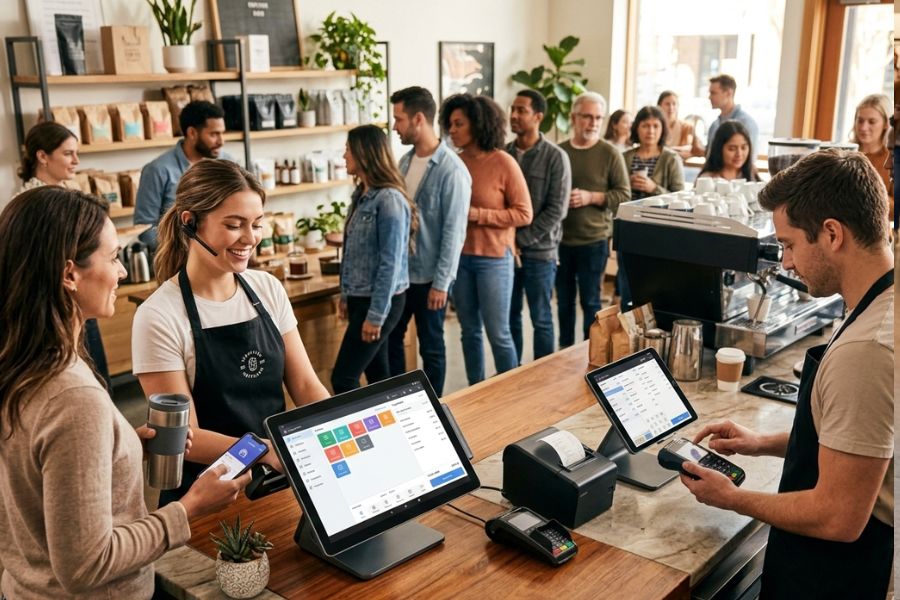
- Mobile POS Functionality: With mobile POS solution, staff handle sales and payments anywhere on the sales floor using iPads, manage peak-hour line-busting, access product and stock information beside the customer, and set up flexible checkout points for pop-up or curbside service.
- Self-Checkout Kiosks: The software enables a customer-facing mode where shoppers scan items and pay independently. This setup helps reduce wait times during peak hours and optimizes labor costs.
- Integrated CRM POS & Loyalty Programs: The app tracks the purchase history of every customer to build detailed profiles. Retailers use these insights to offer personalized promotions and manage tiered reward points directly on the iPad.
- Offline Mode POS: Business operations continue even during an internet outage. The offline mode from the system stores transaction data locally on the iPad and automatically syncs with the cloud once the connection returns.
- Multi-Store POS & Advanced Reporting: Managers monitor sales, staff hours, and inventory levels across several locations from a single dashboard. The reporting tools provide clear data on best-selling items and individual employee performance.
Read more: Top 5 Offline Mode in a POS System in 2026
FAQs
Is an iPad POS system suitable for all types of US businesses?
Yes. iPad POS systems are widely used across US retail stores, restaurants, cafés, salons, and service-based businesses. Their flexibility, mobility, and app-based ecosystem make them ideal for both small businesses and multi-location operations.
What features should a US business prioritize when optimizing an iPad POS system?
For a POS system on iPad in the US, priority areas include secure payment handling, inventory control, sales reporting, staff permissions, state and local tax setup, and connections with accounting, eCommerce, and loyalty platforms.
How can an iPad POS system help with US sales tax compliance?
Most modern iPad POS systems support automated sales tax calculations based on US state, county, and city rules. This reduces manual errors and simplifies compliance across different jurisdictions.
Are iPad POS systems compatible with US payment methods?
Yes. Optimized iPad POS systems accept major US payment methods, including credit/debit cards, EMV chip cards, contactless payments (Apple Pay, Google Pay), and gift cards.
Read more: What is a POS Reseller? 5 Steps To Become A POS Reseller In 2026
Conclusion
A POS system on iPad works best when it aligns with real business processes, US regulatory conditions, and future expansion plans. Software choice, system setup, and integration scope all shape daily operations and data reliability over time.
For organizations seeking a POS platform designed for structured retail growth and cross-channel control through a POS system on iPad in the US, ConnectPOS provides strategic guidance and a platform built to support that direction. Connect with the ConnectPOS team to evaluate how an iPad POS system can support your business goals in the US market.
►►► Optimal solution set for businesses: Shopify POS, Magento POS, BigCommerce POS, WooCommerce POS, NetSuite POS, E-Commerce POS