Running out of stock online while a store shelf is full is frustrating for you and your customers. The opposite is just as painful: you “have inventory,” yet it’s sitting in the wrong warehouse, so shipping costs spike and delivery times slip. Multi source inventory is an outstanding feature that supports store merchants to control their single or multi-channel inventories and sales channels. MSI first appeared as a mainstream platform feature around 2018, designed to make multi-location inventory management easier from a central admin view.
We’ll look into more details now: the real benefits of Multi Source Inventory, the core concepts (Sources, Stocks, salable quantity), and the mechanics that keep quantities accurate.
The Benefits Of Having Multi Source Inventory
Multi Source Inventory lets you manage multiple inventory sources without relying on extra third-party add-ons for the basics. You can link several sources to one or more sales channels, then calculate what’s available to sell based on the sources assigned to that channel.
Key benefits of Multi Source Inventory:
- Generate up-to-date inventory reporting: Track what’s on hand, what’s reserved, and what’s actually sellable across all sources.
- Improve physical location management: Assign products and quantities per location, then manage availability with clearer rules.
- Increase sales with better inventory visibility: When customers see accurate stock by channel, they can buy with confidence. That has a direct impact on conversion and fewer “sorry, it’s unavailable” moments.
- Support dropshipping workflows: Treat dropship vendors as sources, then route items to them when it makes sense.
- Support BOPIS (buy online, pick up in store): Reserve stock at the right store location so pickup doesn’t turn into a cancellation.
- Split fulfillment for a single order: Ship items from different warehouses or stores when one location can’t cover the full basket.
Core Multi Source Inventory concepts you should know
Source
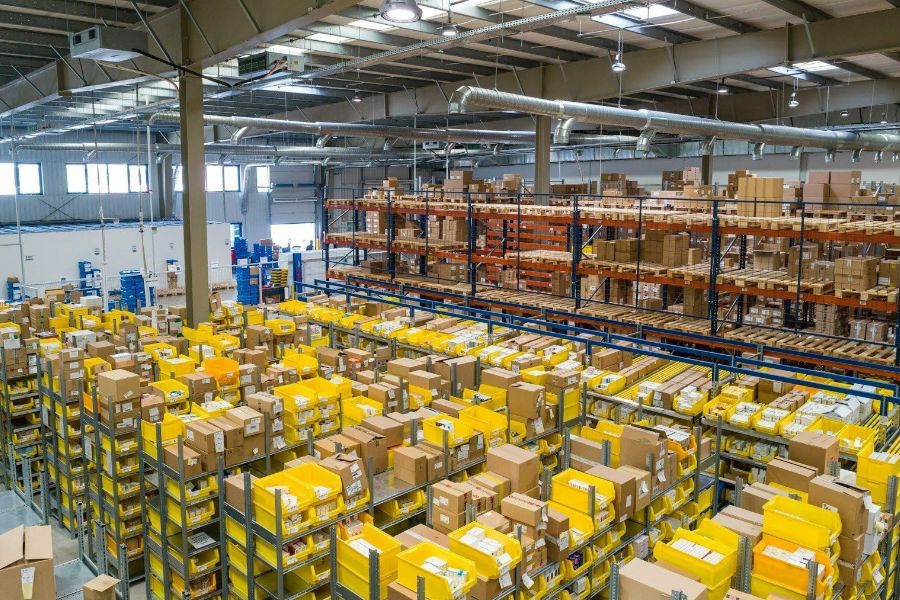
A Source is any physical place where inventory exists. For example:
- warehouse
- retail store
- distribution center
- third-party logistics provider (3PL)
- dropship vendor (in many setups)
In an e-commerce admin panel, you typically create sources, then set available quantities per product for each source.
Stocks
Stocks group multiple sources together and map them to sales channels. Think of it as the “virtual layer” that tells your store which sources can fulfill which channel.
- Sources = real locations
- Stocks = grouped configuration tied to channels and sellable quantities
One practical note: in many ecommerce implementations, you can delete custom stocks, but deleting has consequences because channels and sources may need reassignment. Editing is often safer than removing a stock outright.
Salable Quantity
“On hand” stock isn’t the same as “available to sell.” Salable quantity reflects what you can sell right now after accounting for reservations and rules.
It updates as orders are placed and processed so you don’t oversell.
Partial Shipments
Multi Source Inventory commonly supports partial shipments. That means you can ship part of an order now and ship the rest later, or ship different items from different sources.
When a partial shipment is created:
- the shipped quantity gets deducted from the relevant source
- the remaining reserved quantity stays reserved until it ships later
This keeps salable quantity accurate while still giving you flexibility in fulfillment.
Source Selection Algorithm
Most MSI setups rely on a source selection algorithm to choose the best fulfillment location based on availability and rules.
When an order is placed (and typically when it’s paid), the algorithm kicks in and can:
- calculate salable quantities across assigned sources per stock
- subtract out-of-stock threshold amounts (if configured)
- reserve inventory at checkout and adjust inventory through processing and shipment
- support backorders through negative thresholds (if enabled)
In real life, this logic is what keeps your store from selling inventory that’s already committed elsewhere.
Where ConnectPOS fits: Multi Source Inventory that matches real store operations
Multi Source Inventory works best when ecommerce inventory and in-store selling operate from the same playbook. If your POS can’t see the same stock logic as your online store, you’ll still face overselling, awkward substitutions, and manual stock corrections.
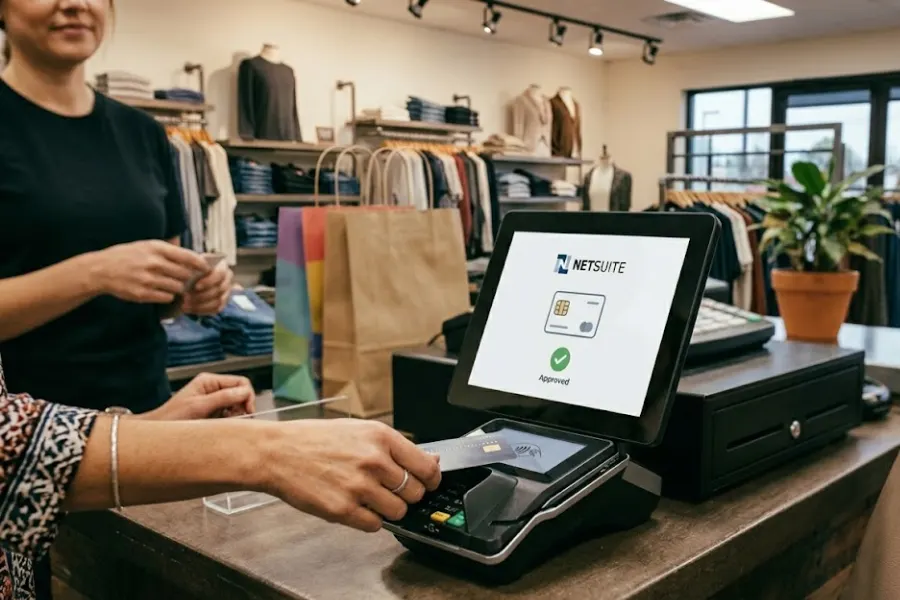
ConnectPOS supports multi-location retailers with POS flows designed for multi-source reality, including inventory visibility across locations and workflows that align with omnichannel selling.
- Multi-store inventory visibility
View stock by location so staff can answer “Do you have this at the other branch?” with confidence. - Real-time sync
Keep products, orders, customers, and inventory aligned across your selling channels. - Omnichannel-ready POS workflows
Support scenarios like pickup and split fulfillment when your business model requires it. - Multi-warehouse and location management
Work with multiple fulfillment points without losing control of reporting and daily operations. - Hardware compatibility for retail
Support common devices such as barcode scanners, receipt printers, and label printers for practical store execution. - Reporting for sales and inventory movement
Track what sells where and spot gaps that drive transfers or replenishment decisions.
Wrapping Up
Multi Source Inventory gives you tighter control over stock across warehouses, stores, and partners. It supports split shipments, BOPIS, dropshipping workflows, and accurate salable quantities—so customers see the right availability and your team spends less time fixing inventory errors.
If you want multi source Inventory that stays reliable across e-commerce and in-store checkout, contact ConnectPOS.
►►► Optimal solution set for businesses: Shopify POS, Magento POS, BigCommerce POS, WooCommerce POS, NetSuite POS, E-Commerce POS