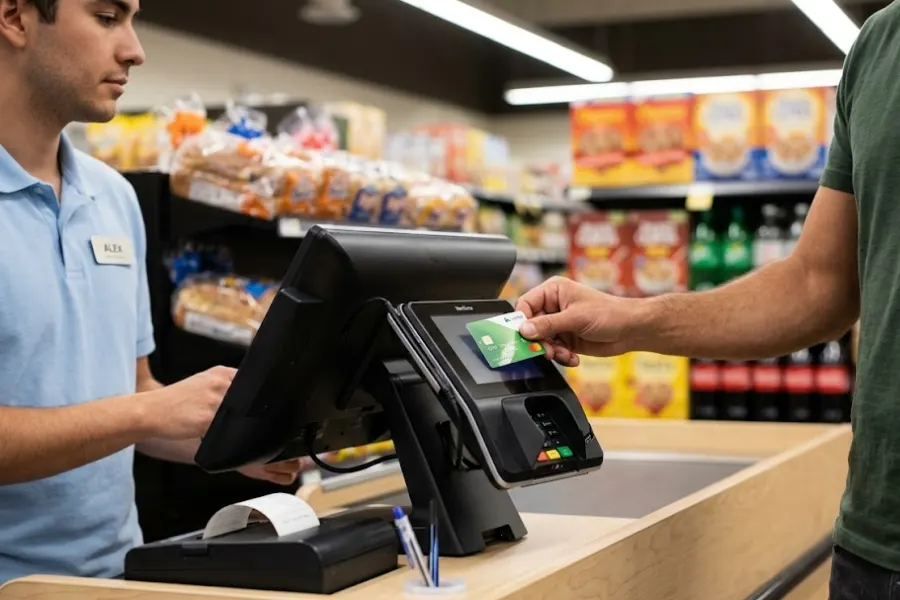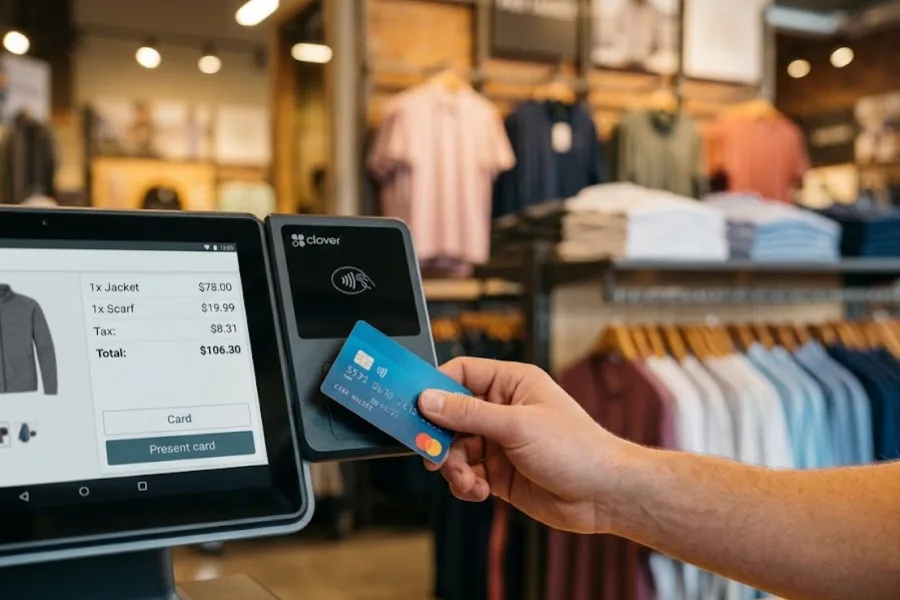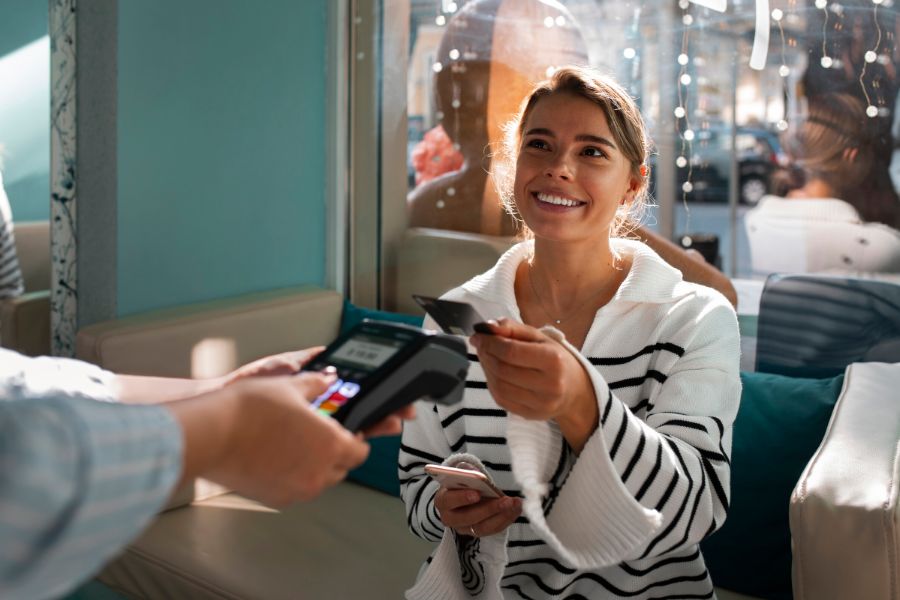
Pop-up shops have become a powerful strategy for brands looking to test markets, increase brand awareness, or drive seasonal sales. However, managing a temporary store comes with its own challenges – efficient transactions, inventory control, and smooth customer interactions are key to success. The right Point-of-Sale (POS) system can simplify these processes, ensuring seamless sales and operations. In this guide, we’ll introduce the top 10 POS systems for pop-up shops, each designed to help retailers maximize efficiency and improve the customer experience. Whether you need mobile compatibility, cloud-based management, or integrated payment solutions, these POS options will provide the flexibility and reliability needed for a successful pop-up retail experience.
Why Popup Shops Need the Right POS System
Popup shops move fast, from setup to sales, and that speed leaves little room for clunky tools or manual processes. While the concept is temporary, the operations are real, and every transaction counts. That’s why having the right POS system in place is a necessity.
A POS for popup shops should be easy to deploy, portable, and reliable in any setting, from indoor retail corners to outdoor markets. It has to handle payments, track stock, and keep up with customer interactions. Without the proper system, popup retailers risk delays, missed sales, and inventory confusion.
What works in a permanent retail location doesn’t always translate to a popup format. A dedicated POS for popup shops gives sellers the tools to move quickly, serve more customers, and track performance in real time.
Benefits of Using a POS for Popup Shops
Popup shops, by their very nature, are agile and temporary retail spaces that offer customers a unique, immersive shopping experience. In such a dynamic environment, a POS system plays a direct role in sales, service, and decision-making. Here’s how:
- Mobility: POS systems for popup shops must match the flexibility of the space. Cloud-based platforms that run on tablets or smartphones make it easy to sell from various locations inside the booth or at offsite events.
- Speed: High foot traffic during events or peak hours means transactions need to be processed quickly. A POS with fast checkout features keeps the line moving and reduces friction at the counter.
- Inventory management: Even with a smaller product range, popup shops still need to track stock closely. A POS with real-time inventory sync helps avoid overselling or running out of key items during limited-time sales.
- Payment flexibility: Customers expect different ways to pay. A capable POS for popup shops supports everything from cash and cards to mobile wallets, keeping checkout smooth and customer-friendly.
- Data insights: With a short operating window, popup retailers need immediate feedback on performance. POS reporting tools can highlight top-selling products, traffic peaks, and buying trends – data that helps with restocking and future planning.
- Checkout experience: A straightforward checkout process strengthens the overall experience. A POS system that supports quick transactions and simple interfaces makes it easier to train staff and engage customers at the point of sale.
- Adaptability: Popup shops often experiment with new products or locations. A flexible POS can adjust to new SKUs, scale with additional devices, and handle increasing sales without requiring a system overhaul.
Key Features to Look for in a POS for Popup Shops
POS systems designed for popup shops need to perform in fast-moving, location-flexible environments. Unlike standard retail setups, popup events demand speed, mobility, and minimal friction. Below are the key features that make a POS system suitable for popup retail:
- Omnichannel sync: A POS for popup shops should connect in-person sales with your online store. This keeps inventory, customer profiles, and order history synced across all platforms, making it easier to manage stock and maintain a consistent shopping experience, no matter where the purchase happens.
- Self-checkout capability: When foot traffic spikes, self-checkout can keep queues short and staff focused. Look for POS systems that support customer-initiated checkout on tablets or kiosks, with built-in loyalty tools and digital receipts.
- Portable and location-ready: Popup shops often change venues, so the POS must work across devices and adapt to different setups. Systems that support tablets, smartphones, and Bluetooth peripherals make it easier to run events without being tied to bulky hardware.
- Quick setup and takedown: Time is limited in popup retail. A good POS system should be easy to install, with minimal hardware, simple software setup, and no complex configurations. This keeps your team focused on selling, not troubleshooting.
- Offline functionality: Internet access isn’t always reliable at popup events. A POS system with offline mode lets you continue selling without interruption, syncing data automatically once the connection is restored.
- Data protection and compliance: Even temporary stores handle sensitive data. A POS with secure login controls, encrypted transactions, and PCI-compliant processing protects customer information and supports trust at checkout.
- Custom branding and layout options: Thematic design is part of what makes popup shops stand out. A POS that supports brand visuals, receipt customization, and tailored checkout flows makes it easier to align the tech with your event concept.
Top 10 POS Systems for Popup Shops in 2026
Pop-up shops are a rising trend in retail, allowing businesses to test new markets, create buzz, and boost seasonal sales. However, operating a temporary store requires a fast, flexible, and reliable POS system to manage sales, inventory, and customer transactions seamlessly.
To help you find the best fit, we’ve compiled a list of the top 10 POS systems for pop-up shops. These solutions offer mobile compatibility, cloud-based management, and integrated payment processing—ensuring a smooth shopping experience for both retailers and customers.
ConnectPOS
ConnectPOS is a standout option when it comes to POS for popup shops. Built to support fast-paced, short-term retail setups, it covers everything from mobile checkout and offline sales to inventory sync across multiple channels. Its flexibility, ease of use, and feature coverage make it especially practical for popup retailers looking to move quickly without sacrificing control.
Key features tailored for popup shop operations:
Integrated platform sync: ConnectPOS syncs data in real time across your online store, inventory system, and sales reports. This helps popup retailers manage stock and orders accurately, even during high-traffic events or multi-day activations.
Self-checkout via Mobile App: Customers can scan, pay, and complete purchases directly from their smartphones—no staff needed. The app supports multiple payment methods, stores customer data for repeat visits, and includes built-in security to reduce fraud risk.
Reliable offline mode: Internet access isn’t always guaranteed at popup locations. With offline functionality, ConnectPOS keeps your sales running, stores data locally, and syncs everything once you’re back online, no lost sales or manual entry needed.
Device flexibility: Whether you’re using a smartphone, tablet, or monitor, ConnectPOS adapts to your setup. This gives popup retailers the freedom to use existing hardware or scale their setup without investing in locked-in terminals.
ConnectPOS brings together the speed, mobility, and control that popup shops rely on. With real-time tools and mobile-first design, it supports smooth operations and a better customer experience, no matter where your next popup takes place.
Shopify POS
Shopify POS is a practical choice for popup shops already using Shopify’s eCommerce platform. It connects online and offline sales, giving retailers a unified view of inventory, orders, and customer data. While best suited for those within the Shopify ecosystem, it still brings solid in-person selling tools to temporary store setups.
- Syncs inventory, order history, and customer data with Shopify’s online store
- Accepts various payment types, including digital wallets and cryptocurrency
- Supports customer profiles, discounts, and loyalty features
- Requires an active Shopify eCommerce subscription to enable POS features
- Transaction fees apply, with rates starting at 2.9% per card payment
- Works best for sellers already using or planning to use Shopify online
Clover
Clover POS is a dependable choice for popup shops looking for a bundled solution with built-in payment processing. It combines user-friendly hardware with streamlined software, making it a suitable option for vendors who want a quick, all-in-one setup for their temporary retail space.
- Offers portable hardware like Clover Flex and Mini, designed for mobility
- Built-in Clover payment processing for cards, contactless, and gift cards
- Includes features for inventory tracking, customer management, and basic reporting
- Supports app integrations through the Clover App Market for added functionality
- Provides limited offline capabilities to process sales during internet downtime
- Best for popup retailers seeking simplicity and pre-configured hardware/software packages
ShopKeep
ShopKeep is a POS system built for mobility, making it a strong option for popup shops and mobile businesses like food trucks. Its straightforward interface and device compatibility make it easy to deploy in temporary retail environments.
- Operates on iOS devices, including tablets and smartphones
- Offers 24/7 customer support with live representatives
- Includes inventory tracking, staff management, and real-time reporting
- Adaptable to popup environments without fixed locations
- Frequent software updates maintain performance and usability
- Designed for users who value flexibility and hands-on support
eHopper
eHopper is one of the few POS software with a free plan that perfectly suits pop-up stores. It is fully portable, works with any device with a web browser, and integrates easily with the Poynt payment processing solution. In addition, it also has important features suitable for a pop-up store, such as order management, order tracking, inventory, and employee management.
- Free plan includes order tracking, inventory, and employee tools
- Runs on any internet-connected device with a browser
- Integrates with Poynt for terminal-based payments
- Offers cloud-based access to business data from anywhere
- Paid plans unlock higher transaction limits and more integrations
- Omnichannel features available on advanced plans for QuickBooks and PayPal
Revel
Revel is a POS for popup shops with great mobile functionality. It also has reporting features such as aggregating business activity data, customer data, inventory, and sales data into one dashboard so users can get the insights they need in seconds. Additionally, it helps stores with inventory tracking, shipping management, and even the ability to coordinate customer relationship management (CRM).
- Combines sales, inventory, and customer data into one dashboard
- Includes CRM tools and loyalty program support
- Offers detailed reporting to track sales trends and performance
- Supports mobile checkout using iPads
- Ideal for popup retailers with larger teams or complex product lines
- Built for businesses that want more analytics and operational depth
Square
Square is a go-to choice for popup shops that prioritize ease of use and fast setup. With no monthly subscription for the basic plan and a full range of mobile features, it’s a solid option for small vendors or first-time popup sellers.
- No monthly software fee; only pay transaction fees as you sell
- Works on smartphones and tablets with optional card readers
- Includes inventory tracking, invoices, staff management, and analytics
- Offers offline mode for sales without internet access
- Supports add-ons like loyalty programs and email marketing
- Ideal for sellers looking for flexibility and minimal setup time
Lightspeed
Lightspeed delivers strong retail tools for popup shops managing multiple products or tracking performance across events. It’s designed to support operational growth while simplifying everyday retail tasks in fast-paced environments.
- Real-time inventory sync across events or locations
- Supports product management, purchase ordering, and discount rules
- Includes customer analytics and sales performance insights
- Compatible with tablets and third-party hardware setups
- Integrates with eCommerce platforms and accounting tools
- Suited for popup retailers preparing for future scale or complexity
OmniPOS
OmniPOS offers a straightforward solution for popup shop owners seeking reliable performance without a steep learning curve. It’s built for mobility and offers core retail functions in a simplified package, making it easy to manage sales on the go.
- Quick setup with simple device compatibility
- Handles payments, order tracking, and customer information
- Works well across different event locations or retail formats
- Designed for ease of use with minimal training required
- Supports product updates and basic promotions
- Best for sellers seeking a no-fuss setup with essential tools
Abacus POS
Abacus POS is tailored for popup shops that want to streamline their sales process and reduce customer wait times. It offers tools that support smooth transactions and store management, especially in high-traffic event settings.
- Supports fast checkout with mobile device compatibility
- Manages product listings, pricing, and stock updates
- Includes tools for staff roles, reporting, and transaction tracking
- Reduces reliance on fixed hardware setups
- Works well for popups focused on quick service and high volume
- Good fit for retailers with changing product lines or event formats
How to Choose the Right POS for Your Popup Shop?
Finding a POS system that fits your popup shop is choosing one that works with how you sell, where you sell, and how fast you need to move. A good match keeps things simple, supports your team, and adapts as your business changes.
Start by thinking through the following:
Setup time and staff familiarity: Some systems require technical steps or training, while others are ready to go out of the box. Choose one that fits your team’s comfort level and the time you have before launch.
Number of products and SKUs: If you’re carrying a wide range of items, you’ll need a POS that can handle detailed inventory input and syncing without slowing down your workflow.
Growth potential: Consider whether you plan to sell at more events, expand to other cities, or connect with an online store. Choose a system that can scale without needing a complete overhaul.
Pricing structure: Flat monthly fees can make budgeting easier, but transaction-based pricing might be better if your sales volume is unpredictable. Review the fine print to avoid surprises.
Mobile and offline readiness: Popup locations don’t always have consistent Wi-Fi. Test how the POS performs on mobile devices and how it handles offline transactions before committing.
Taking the time to match your POS to the way your popup operates can save you time during events and reduce headaches down the road. The right system keeps you focused on selling and engaging.
Conclusion
Choosing the right POS for popup shops means finding a system that’s fast to set up, easy to use on the go, and built to handle limited-time retail events. From mobile checkout to real-time inventory sync and offline selling, the right tools make a big difference in how efficiently you operate. Whether you’re launching a weekend booth or scaling across locations, your POS should support every step.
Looking for a system that covers it all? Reach out to ConnectPOS to see how it fits your popup strategy.
FAQs
1. What makes a POS system suitable for popup shops?
A POS for popup shops should be mobile, quick to set up, and capable of running in locations with limited or unstable internet. It should support multiple payment methods, track inventory in real time, and handle transactions smoothly, even during busy periods or short-term events.
2. Is offline functionality important for popup shop POS systems?
Yes. Since popup shops often operate in places with unreliable Wi-Fi, having offline mode is key. It lets you continue processing sales, adding products to carts, and capturing customer data without an internet connection. Once you’re back online, the system syncs automatically.
3. Which POS system is best for Shopify users running a popup shop?
Shopify POS is designed to work seamlessly with the Shopify eCommerce platform. If you’re already selling online with Shopify, the POS syncs your inventory, customer data, and orders, creating a unified system that supports both online and offline selling.
4. Can I use a free POS system for my popup shop?
Yes. eHopper is one option that offers a free plan suitable for smaller pop-up operations. It includes basic features like order tracking and inventory management, though you’ll need to upgrade for higher transaction limits or advanced integrations.
5. How do I choose the right POS system for my popup shop?
Start by looking at your setup time, staff experience, product range, and internet access. Then, consider pricing models and whether the system can grow with your business. Testing mobile compatibility and offline performance is also important before making a decision.