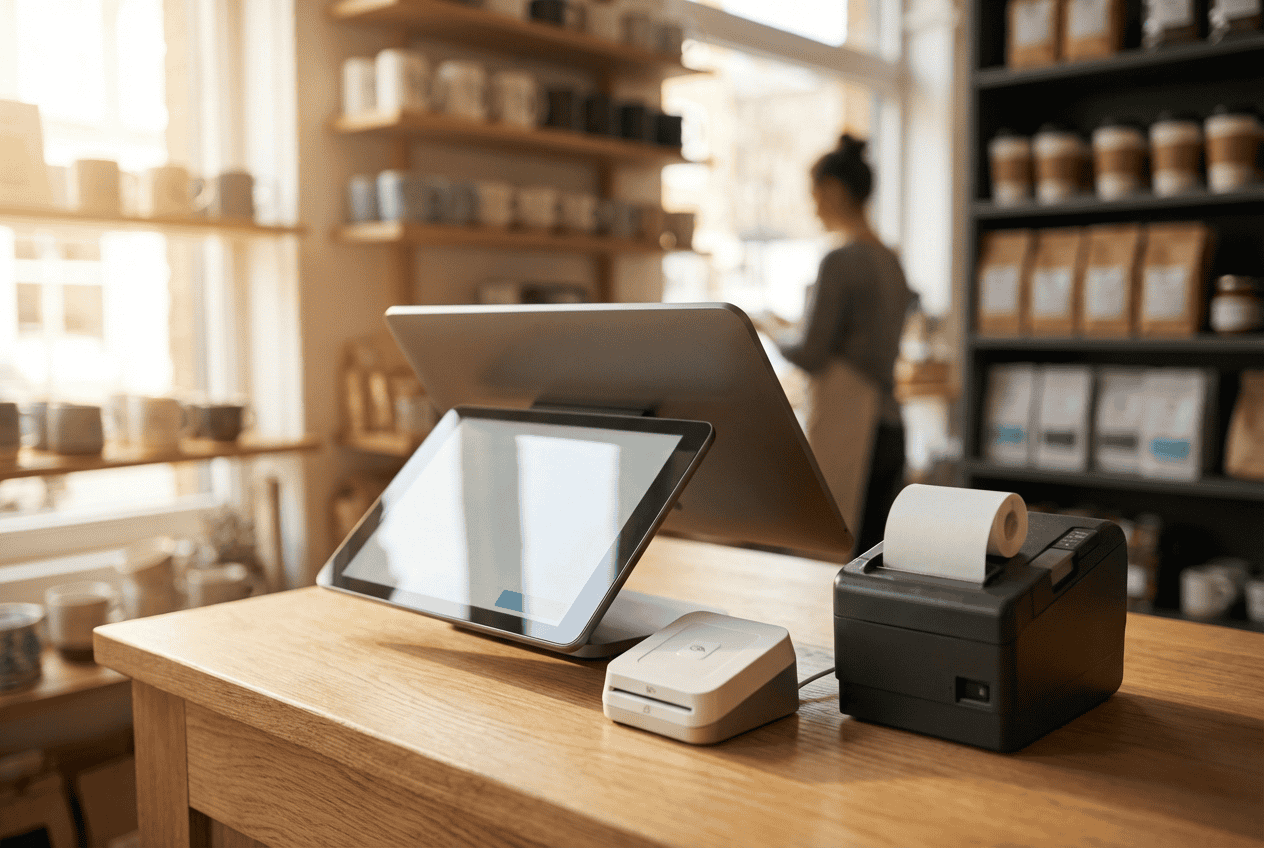
For US small business owners, the POS system is no longer just a “glorified cash register.” In 2026, it has evolved into the central nervous system of your entire operation.
Choosing a small business POS system in US is a high-stakes decision. The wrong choice doesn’t just result in a clunky checkout; it can lead to fragmented data, frustrated customers, and hidden fees that erode your bottom line. This guide from ConnectPOS will walk you through the considerations to guarantee your investment fuels growth rather than friction.
Highlight:
- Rather than just checking the monthly subscription, US owners must also consider hardware costs, payment processing fees, and whether the system offers industry-specific features, such as table mapping for restaurants or SKU management for retail.
- A critical consideration is guaranteeing the system can unify offline and online sales in real-time while providing the infrastructure to add new locations or loyalty programs as the business grows.
Reasons Small Businesses Can’t Operate without a POS System
In a market where consumer expectations are at an all-time high, the gap between a “good” and “bad” POS system is measured in lost revenue. For US-based SMBs, the right system serves as a bridge between physical and digital storefronts.
A modern POS system automates the tedious manual tasks that steal your time. When your POS integrates directly with your accounting software and inventory, you eliminate the “double-entry” errors that lead to tax headaches and stockouts.
The goal of most small businesses is to eventually not be “small.” A scalable small business POS system in US allows you to add a second location, hire ten more employees, or launch a loyalty program without having to migrate your entire database to a new platform.
According to recent 2025 market data, retailers leveraging unified commerce via integrated POS systems reported an average 9.5% increase in revenue due to improved cross-channel efficiency
Furthermore, 83% of US restaurants have now transitioned to cloud-based POS solutions, citing a 25% average reduction in order wait times
Key Things to Consider Before Buying a Small Business POS System in US
Finding the best small business POS system in US requires a deep dive into your specific operational needs and long-term financial goals before committing to a provider.
Define Your Industry-Specific Requirements
A POS for a retail clothing store needs robust SKU management (sizes, colors, materials), while a restaurant POS requires table mapping, split-check capabilities, and Kitchen Display System (KDS) integration.
Don’t settle for a “one-size-fits-all” solution; look for a provider that understands the nuances of your specific vertical.
Assess the Total Cost of Ownership
Many owners look only at the monthly subscription fee, but the TCO includes:
- Hardware Costs: Upfront investment for tablets, stands, and printers.
- Payment Processing Fees: Usually a percentage plus a flat fee (e.g., 2.6% + $0.10).
- Add-on Modules: Extra costs for loyalty programs or payroll.
Determine Essential Features and Capabilities
To remain competitive, your small business POS system in US must be a versatile tool that handles the complexities of modern commerce beyond simple transactions.
- Omnichannel Integration: Your customers expect to buy online and pick up in-store (BOPIS). Your POS must synchronize inventory in real-time across all sales channels, Shopify, Magento, Amazon, and your brick-and-mortar store to prevent “ghost” inventory issues.
- Payment Versatility: In 2026, “cash or credit” isn’t enough. Your system should support contactless payments (NFC), digital wallets like Apple Pay and Google Pay, and even “Buy Now, Pay Later” (BNPL) options to reduce friction at checkout.
- Cloud-Based Access: Cloud-based systems enable you to access your sales data from your phone, whether you’re at home or traveling. They also confirm that your software updates automatically, keeping your business compliant with the latest security standards.
Consider Ongoing Support and Future Scalability
Prioritize providers that offer 24/7 US-based support. When your system goes down on a Saturday afternoon, you can’t afford to wait. Guarantee the provider has a roadmap of features that can grow with you, such as multi-store management.
5 Best Small Business POS Systems in US Should Purchase
The following five providers lead the market in 2026, each offering unique strengths for those seeking a small business POS system in US.
1. ConnectPOS
ConnectPOS is a leading cloud-based solution specifically engineered for retailers who operate both physical storefronts and complex e-commerce sites. Unlike many systems that “tack on” an online integration, ConnectPOS was built from the ground up to unify platforms like Magento, Shopify, BigCommerce, and WooCommerce.
Key features:
- High-Speed Sync Technology: Ensures that web sales are deducted from physical store inventory in milliseconds to prevent overselling.
- Frictionless Shopping: Creates a “one and the same” data environment for online and offline operations.
- PWA Self-Checkout: Includes a powerful Progressive Web App that allows customers to self-checkout via their smartphones to reduce wait times.
- Multi-Source Inventory (MSI): Manage stock across multiple warehouses and store locations from one dashboard, with support for stock transfers and barcode/RFID scanning.
- Smart Stock Replenishment: Set custom inventory thresholds and receive proactive low-stock notifications to automate your reordering process.
Pros:
- Unified Commerce: Seamlessly handles BOPIS (Buy Online, Pick Up In-Store) and cross-channel returns.
- Hardware Flexibility: Compatible with PC, Mac, and mobile devices; no need to buy expensive proprietary hardware.
- Robust Offline Mode: Allows you to continue selling even during a total internet outage.
- Multi-Store Mastery: Excellent for managing multiple warehouses and store locations from a single dashboard.
Cons:
- Learning Curve: The depth of features means initial setup can take longer than simpler “plug-and-play” systems.
- Industry Focus: While excellent for retail, it lacks the specific table-management features needed for full-service restaurants.
2. Square POS
Square revolutionized the small business POS system in US by making credit card processing accessible to everyone. It remains the top choice for new ventures and mobile businesses (like food trucks or pop-up shops). Its business model is built on simplicity: no monthly software fees for the basic version and a clean, intuitive interface that requires almost zero staff training.
The Square ecosystem is massive. Once you join, you have instant access to integrated payroll, marketing, and even small business loans.
Pros:
- Zero Monthly Fees: No fixed software cost for the basic version; you only pay when you make a sale.
- Instant Setup: You can start taking payments within minutes of downloading the app.
- Sleek Hardware: From the free magstripe reader to the elegant Square Register, the hardware is aesthetically pleasing and reliable.
Cons:
- Expensive at Volume: The flat-rate transaction fee (typically 2.6% + $0.10) can be much costlier than subscription-based models once you cross $20k/month in sales.
- Account Stability: Square is known for occasionally freezing accounts without notice if they detects “unusual” activity, which can be a nightmare for cash flow.
Read more: POS Review: ConnectPOS vs Square POS
3. ShopifyPOS
If the majority of your sales happen online, Shopify POS is the most logical small business POS system in US to choose. It acts as a physical extension of your Shopify online store. The “Pro” version provides advanced retail features like “Smart Inventory Management,” which suggests which items to put on sale based on performance.
The “Unified Customer Profile” is its greatest asset. A customer can buy something online, and when they walk into your store, your staff can see their entire purchase history, enabling personalized service and better upselling.
Pros:
- Seamless Integration: Your web store and physical store share the same backend, product list, and customer database.
- Mobile Selling: Excellent iPad-based app that allows staff to roam the floor and check out customers anywhere.
- App Ecosystem: Access to thousands of apps to customize your store’s functionality.
Cons:
- Add-on Costs: To get professional retail features (like staff roles or exchanges), you must pay for the “POS Pro” subscription ($89/month per location).
- Payment Gateway Lock-in: You must use Shopify Payments to avoid additional “third-party” transaction fees.
4. Toast POS
Toast is a “restaurant-first” platform. Unlike general POS systems, every feature in Toast is designed to solve a food service problem. From “order-throttling” (which slows down online orders when the kitchen is slammed) to handheld “Toast Go” devices that allow servers to take orders and payments tableside, it is the industry standard for US eateries.
Kitchen Display System (KDS) integration. Instead of messy paper tickets, your kitchen gets a digital screen that organizes orders by “firing time,” confirming the appetizer and entree don’t come out at once.
Pros:
- Industry Specific: Built-in features for tip splitting, menu engineering, and ingredient-level inventory.
- Durable Hardware: Their Android-based hardware is “restaurant-grade”, spill-proof, heat-resistant, and built for heavy use.
- Tableside Efficiency: Handheld devices can increase table turnover by up to 15%.
Cons:
- Proprietary Hardware: You cannot use your own iPads; you must buy Toast’s specific Android tablets.
- Contract Commitment: Often requires long-term contracts (2–3 years) which can be difficult to exit.
Read more: Toast POS System Cost: How You Will Be Charged?
5. Clover
Clover offers a powerful combination of sleek hardware and a “Play Store” style app market. It is often the choice for business owners who want a “set it and forget it” solution. Clover is highly versatile, serving everyone from dry cleaners to quick-service pizza shops.
If the base software doesn’t do what you need, there is almost certainly an app (like Gusto for payroll or Homebase for scheduling) that can be downloaded directly onto the device.
Pros:
- Beautiful Hardware: The Clover Station Solo and Duo are some of the most professional-looking POS setups on the market.
- Customer Engagement: Built-in loyalty programs that track customer visits and send automated “We miss you” coupons.
- Ease of Use: Very high “walk-up-and-use” factor for new employees.
Cons:
- Hardware Lock-in: Like Toast, you are tied to Clover’s proprietary hardware.
- Opaque Pricing: Because Clover is often sold through various banks and merchant service providers, the monthly fees and processing rates can vary wildly and be confusing.
Read more: Comprehensive Clover POS Review: Features, Pros & Cons, Pricing Plans
FAQs: Small Business Pos System In Us
How much does a small business POS system typically cost?
In 2026, most small businesses spend between $500 and $1,500 upfront for hardware and $50 to $150 per month for software, plus transaction fees.
Can I switch POS systems later as my business grows?
Yes, but it can be a challenge. Most modern systems allow you to export data via CSV files, but you may need to purchase new hardware if the old equipment is proprietary.
Do POS systems work offline if the internet goes down?
Many top-tier systems like ConnectPOS offer an “Offline Mode.” This allows you to continue taking card payments, which are stored securely and processed once your connection is restored.
Conclusion
Investing in a small business POS system in US is more than just a purchase; it’s a strategic move to turn your daily grind into a high-performance, data-backed operation. When you prioritize transparent pricing, industry-specific tools, and omnichannel reach, you build a foundation for growth rather than a technical bottleneck.
Want to see a seamless POS in action? Get in touch with us for a personalized demo and find your perfect small business POS system in the US.
►►► Optimal solution set for businesses: Shopify POS, Magento POS, BigCommerce POS, WooCommerce POS, NetSuite POS, E-Commerce POS