The best bar POS system in US operate under tight margins, high transaction volumes, and strict compliance requirements tied to alcohol sales and payment handling. A POS system in this environment shapes order flow, staff coordination, inventory visibility, and reporting accuracy across every service period. Selecting the right platform requires a clear view of bar-specific workflows, peak-hour pressure points, and long-term operational plans rather than a surface-level comparison of features.
This article from ConnectPOS advises bar owners and operators on how to evaluate POS systems in the US market through an operational and growth-focused lens.
Highlights:
- The best bar POS system in the US starts with mapping real service workflows, peak-hour transaction patterns, alcohol sales rules, and staff roles to system behavior rather than comparing software labels.
- A step-by-step evaluation focuses on hardware fit, reporting structure, inventory tracking for beverages, integration scope, and the platform’s ability to support growth without disrupting daily bar operations.
Reasons Bars in the US Need a POS System
The US bar market includes an estimated 137,599 establishments as of late 2025, with dense concentrations in states such as Florida and Texas. Together, bars and nightclubs generate around $39 billion in annual revenue, marking a period of recovery and stable demand across major urban and tourist-driven regions.
Operating within this scale requires bar owners to manage rapid transaction flow, detailed beverage inventory, and service speed during peak hours. In this context, the best bar POS system in the US functions as a central operational layer, connecting sales activity, stock control, and staff execution into a single working system.
- Faster Service and Accuracy: Bartenders often handle several drink orders at once in a loud environment. A POS system lets staff tap buttons for specific drinks rather than calculating prices manually. This prevents math errors and makes sure every drink gets paid for. When a server enters an order at a table, it prints immediately at the bar, so the bartender starts pouring while the server moves to the next customer.
- Better Inventory Management: Liquor is expensive, and every drop counts. POS software tracks every ounce poured against what remains in the bottle. Managers can see exactly when a bottle of bourbon runs dry or if too many “comps” are happening. This data makes it easier to order the right amount of stock for the coming weekend.
- Employee Accountability: The system records which staff member opens a drawer or rings up a sale. This creates a clear trail for cash handling. It also tracks clock-in and clock-out times, making payroll easier to handle at the end of the week.
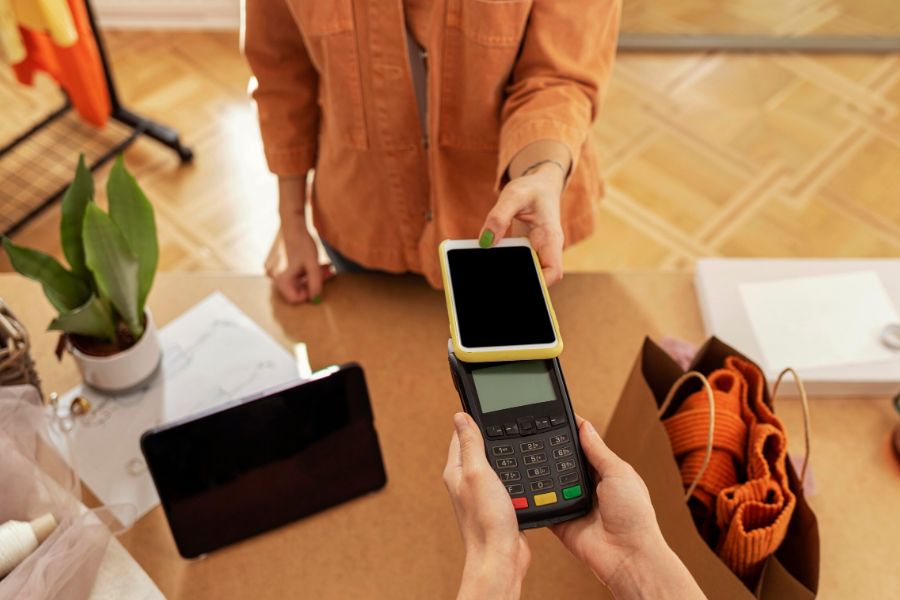
- Secure Payment Processing: Customers expect to pay with cards, phones, or even pre-authorized tabs. A modern POS handles these encrypted transactions quickly. It allows for easy “splitting of checks” among groups, which is a common request that takes too long to do by hand.
Read more: POS System Price in US: A Cost Breakdown
How to Choose the Best Bar POS System in US? – Step-by-step Guideline
Selecting the best bar POS system in US? Follow these steps to find a solution that fits your specific bar operations.
Step 1: Define Your Bar’s Service Model and Volume
The needs of a quiet wine bar differ from those of a high-energy nightclub. A neighborhood pub might prioritize simple tab management, while a sports bar needs a system that handles hundreds of orders per hour. Determining whether staff take orders at the bar, at tables, or through a hybrid model helps narrow down the best bar POS system in the US. High-volume venues benefit from software that limits the number of touches required to complete a single transaction.
Step 2: Evaluate Peak-Hour Workflow Efficiency
Speed is the most important factor during a Friday night rush. Test how quickly the software allows a bartender to:
- Open a new tab by swiping a credit card.
- Search for specific craft beers or cocktails.
- Split a check between four people.
- Reorder a “round” for a group with one tap.
A system that lags or requires too many screen transitions will slow down service and lead to lost revenue.
Step 3: Assess Liquor Inventory and Cost Control
Liquor shrinkage often costs bars thousands of dollars in lost profit. Look for a POS that tracks inventory down to the ounce.
- Recipe Mapping: Does the system deduct $1.5$ oz of gin every time a staff member rings up a Gin and Tonic?
- Real-time Alerts: Can the system notify you when a popular keg is running low?
- Variance Reports: Compare what the system says you sold against your actual shelf counts to find over-pouring or theft.
Step 4: Review Staff Management and Access Control
Your POS should help manage your team as much as your sales. Check for built-in time clocks where employees enter a PIN to start their shift. High-quality systems allow for different permission levels; for example, a bartender might need a manager’s code to void an item or apply a discount. This creates a clear trail of accountability and helps prevent unauthorized “comps” for friends.
Step 5: Analyze Reporting, Data, and Scalability
Data tells you when to staff up and what to remove from the menu. The best bar POS system in the US provides remote access so you can view live sales from your phone. Look for reports that show:
- Sales by Hour: To help plan your labor schedule.
- Product Mix: To see which drinks drive the most profit.
- Staff Performance: To identify your most productive servers.
If you plan to open a second location, guarantee the software can manage multiple sites from a single dashboard.
Step 6: Consider Total Cost and Long-Term Fit
The sticker price of the hardware is only one part of the cost. Calculate the “Total Cost of Ownership” by looking at:
- Monthly Subscription: The flat fee for the software.
- Processing Fees: The percentage taken from every credit card sale.
- Hardware Durability: Bars are wet environments; look for spill-resistant screens.
- Customer Support: Guarantee the company provides 24/7 phone support, as most bar issues happen late at night when standard offices are closed.
Read more: Tips to Increase Sales with Coffee Shop POS System in the US
ConnectPOS: The Best Bar POS System in US for Complex Operations
ConnectPOS provides a specialized solution for US bars, focusing on fast service at the counter and precise liquor inventory tracking. This system links physical points of sale with digital data to maintain smooth operations during peak hours.
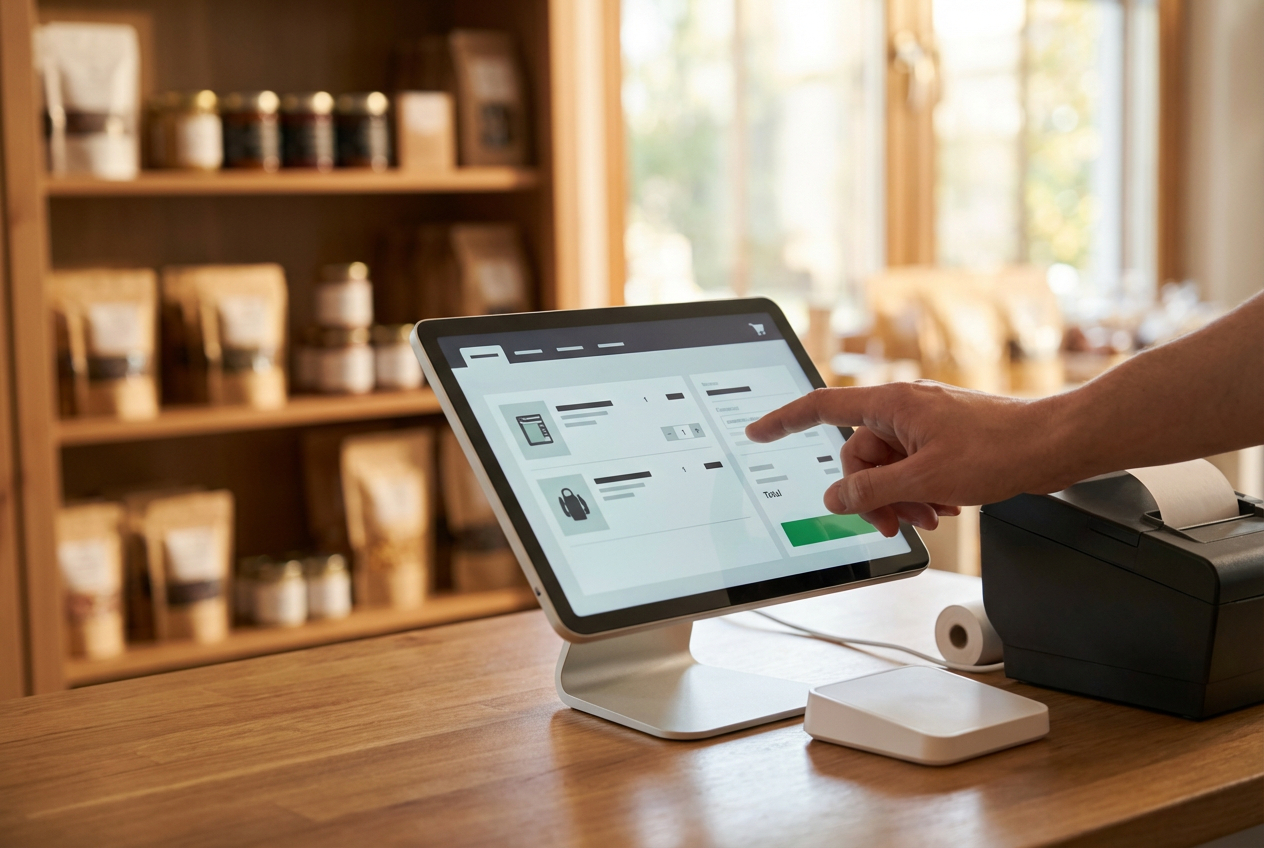
- Easy and Intuitive Platform: The minimalist interface design allows new staff to learn the system quickly. Drink searches and order entries happen instantly, which cuts down on customer wait times at the bar.
- Order/Bill Splitting and Tip Management: The software allows for flexible check splitting based on group requests. Built-in tipping features appear on the payment screen, letting customers select percentages easily while helping managers distribute tips to staff at the end of a shift.
- Detailed Liquor Inventory Control: The software monitors stock levels in real time. When a cocktail is sold, the system automatically deducts the specific pour amount from the inventory to prevent over-pouring or loss.
- On-site Age Verification: ID scanning features with AI-facial recognition help staff verify the validity of identification at the point of sale, ensuring the bar remains compliant with US liquor laws regarding legal drinking age.
- Offline Functionality: If the internet connection fails, the bar can continue to take orders and process transactions. Data automatically syncs back to the central system as soon as the connection returns.
- Multi-location Management and Reporting: Owners track revenue, employee performance, and top-selling drinks remotely through detailed data reports that update constantly.
- Self-Service Kiosks: In venues with quick-service areas, customers can use touch-screen kiosks to order food or canned drinks. This reduces the length of lines at the main bar.
FAQs
What makes the best bar POS system in the US?
A bar-focused POS system must handle fast-paced transactions, split checks, tabs, alcohol inventory tracking, and peak-hour pressure while aligning with US payment standards and compliance rules
How does a bar POS system support high-volume service periods?
A well-matched bar POS system processes orders quickly, keeps tabs and payments organized, and supports flexible checkout points, helping staff maintain service flow during busy nights.
What inventory capabilities matter most for bars?
Bars require real-time tracking of liquor, beer, and cocktail ingredients, along with variance reporting to monitor pour costs, waste, and shrinkage tied to daily sales activity.
Read more: Key Features of A POS System for Food Truck in the US
Conclusion
The best bar POS system in US aligns with how a venue actually runs, supports regulatory demands, and remains stable as transaction volume and location count increase. Hardware compatibility, software logic, reporting structure, and integration depth all influence service speed and management clarity over time.
For bar operators looking for a POS platform built to support structured growth and cross-channel control, ConnectPOS delivers industry insight and a solution designed for complex retail and hospitality environments. Reach out to the Contact us ConnectPOS team to discuss how the right POS system can support your bar’s direction in the US market.