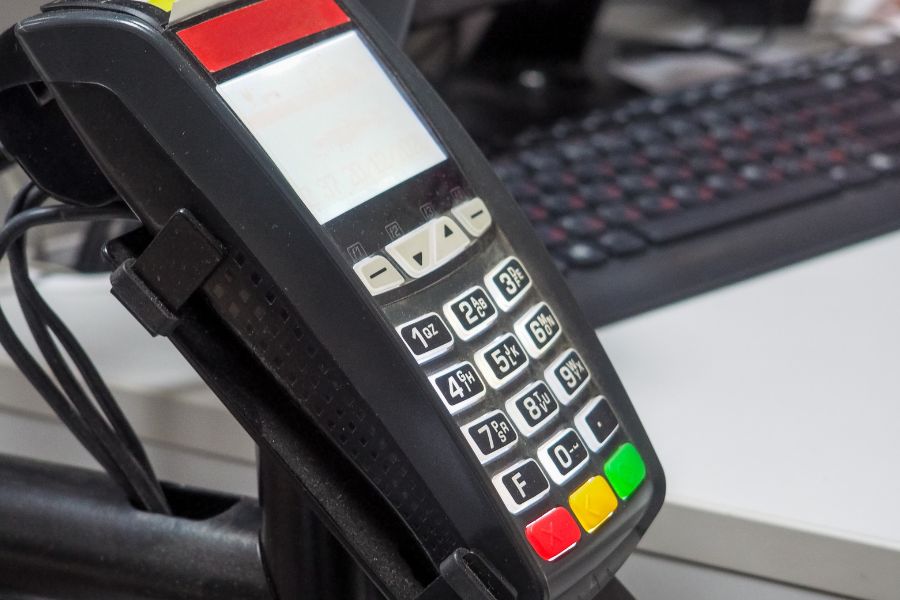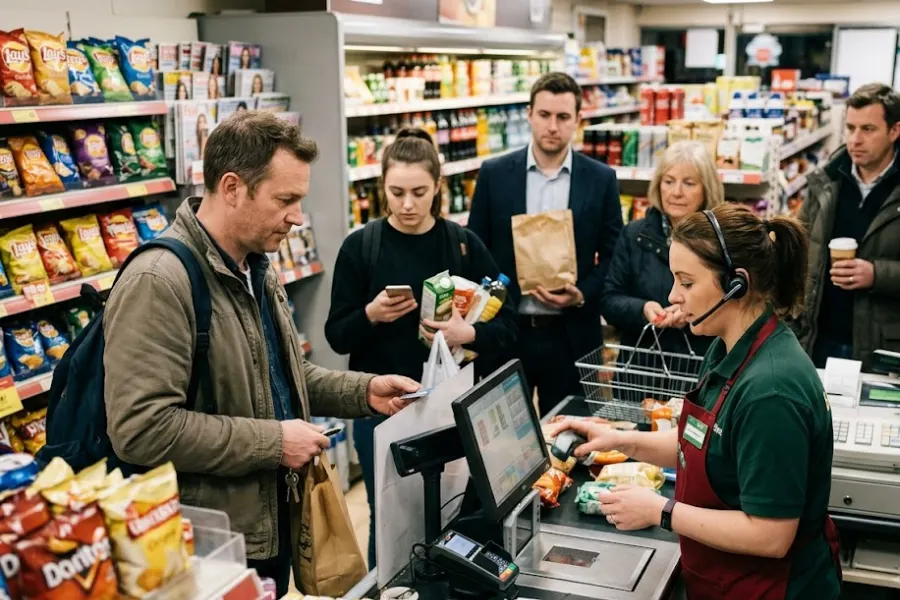
Retailers often rely on several systems to manage sales, inventory, customers, and financial data. A POS may handle in-store transactions, while ecommerce platforms, accounting software, and inventory tools manage other parts of the business. When these systems operate separately, staff may spend hours updating records, checking stock discrepancies, and reconciling orders.
POS integration software connects these systems so information can move between them according to the retailer’s operational requirements. As businesses expand into new locations and sales channels, choosing the right integration approach becomes increasingly important. This guide covers why retailers need POS integration, which capabilities to evaluate, and how to select a solution that fits their existing technology stack and future plans.
Highlights
- POS integration software connects POS systems with ecommerce, inventory, accounting, CRM, marketplaces, and other retail applications to keep daily operations coordinated.
- Connected systems help retailers maintain consistent product, pricing, inventory, and order information while limiting repetitive data entry and manual reconciliation.
- Choosing the right POS integration software depends on system compatibility, synchronization requirements, sales channels, store locations, and the complexity of existing retail workflows.
Why Retailers Need POS Integration as They Grow
A basic POS setup may work well for a single store with straightforward checkout and inventory requirements. As retailers expand into new locations and sales channels, managing information across separate systems becomes more challenging. POS integration software helps address several operational issues:
- More Stores Create More Data to Manage: Each new location adds inventory records, pricing rules, and transactions that need to remain consistent across the business. POS integration connects product and inventory information across stores while accommodating location-specific pricing and stock availability. This becomes particularly valuable when retailers manage stock transfers or fulfill orders across locations.
- Online and Offline Sales Become Harder to Coordinate: Customers may purchase in-store, order online, or collect purchases at a physical location. Without connected systems, online orders and in-store transactions may not be reflected consistently across channels. POS integration helps coordinate order information, product availability, and fulfillment workflows. According to Deloitte’s 2025 US Retail Industry Outlook, omnichannel shoppers spend 1.5 times more per month than single-channel shoppers, highlighting the value of connected retail experiences.
- Inventory Data Becomes Harder to Keep Consistent: Inventory records may be spread across POS software, ecommerce platforms, and warehouses, creating discrepancies when stock changes are not synchronized. According to Zebra Technologies’ 18th Annual Global Shopper Study, 84% of retail decision-makers face high pressure to synchronize real-time inventory across channels for forecasting and replenishment. Reliable integration helps retailers maintain more accurate stock information across locations.
- Multiple Platforms Create More Manual Work: When POS, ecommerce, accounting, and inventory systems operate separately, employees may repeatedly enter the same information or manually reconcile reports. Finance teams may export transaction data, while inventory teams compare stock records across platforms. POS integration connects these data flows, limiting repetitive tasks and giving teams clearer visibility into daily operations.
What to Look for in POS Integration Software?
Choosing POS integration software requires more than checking whether two platforms can connect. Retailers should understand what information moves between systems, how frequently it changes, and what happens when synchronization fails.
System Compatibility and Integration Options
The first consideration is compatibility with the retailer’s existing technology stack.
Relevant systems may include ecommerce platforms such as Shopify, Magento, WooCommerce, and BigCommerce, along with accounting software, ERP, CRM, inventory platforms, marketplaces, and payment services.
Evaluate the available connection methods:
- Pre-built Connectors: Suitable for common platforms and established data workflows.
- Native Integrations: Built into the POS or another existing business application.
- APIs: Relevant when retailers require specialized connections or customized data handling.
Check the actual data fields and workflows covered by each integration. A connector may transfer orders without handling returns, inventory transfers, or customer records.
Data Synchronization
Different types of retail data require different synchronization rules. POS integration software should accommodate these requirements based on how each system handles information.
- Products and Pricing: Keep product details, SKUs, and relevant pricing information consistent.
- Inventory: Reflect sales, returns, transfers, and stock adjustments across connected systems.
- Orders: Transfer order details and fulfillment statuses between ecommerce and store operations.
- Customers: Coordinate customer profiles and purchase history where appropriate.
- Payments and Accounting: Transfer relevant transaction information for financial reconciliation.
Retailers should also evaluate real-time, near-real-time, and scheduled synchronization. Not every data field needs an immediate update, but inventory availability and order status often require more frequent communication than financial reporting.
Another important consideration is data direction. Some integrations transfer information one way, while others permit two-way synchronization. Retailers should define which system owns each record to prevent conflicting updates.
Multi-Location and Omnichannel Capabilities
Retailers operating several stores need integration software that can distinguish between centralized information and location-specific records.
Look for capabilities covering:
- Store-level inventory availability and stock transfers.
- Location-specific prices and product assortments.
- Centralized product management.
- Online orders fulfilled through physical stores.
- Click-and-collect and cross-channel returns.
For example, an online order assigned to a particular store should update the correct inventory location rather than simply adjusting a company-wide stock total.
Scalability and Reliability
An integration that works for one store and a small product catalog may behave differently when handling thousands of SKUs, additional locations, and higher transaction volumes.
Evaluate how the software manages delayed updates, failed connections, duplicate records, and synchronization errors.
Retailers should also check whether teams can identify unsuccessful transfers, retry failed operations, and trace data discrepancies to their source.
Reliable integration depends on clear data ownership, monitoring, and error handling, not simply the number of available connectors.
How to Choose the Right POS Integration Approach?
The appropriate model of POS integration software depends on the number of systems involved and the complexity of the workflows connecting them. Retailers should match their approach to actual operational needs rather than adopting a larger integration architecture prematurely.
- Small or Simple Retail Setup: A retailer with one store, a limited catalog, and a single ecommerce channel may find that native POS integrations cover its requirements. The main priorities are usually checkout, basic inventory synchronization, payment processing, and accounting exports. Before paying for additional integration software, check whether the existing POS already connects the required systems and handles the necessary data correctly.
- Growing Omnichannel Retailer: Retailers selling both online and in-store often require more coordinated inventory, orders, and customer information. At this stage, evaluate whether the existing POS integrations cover these workflows or whether additional connectors and configuration are necessary.
- Multi-Location Retailer: Businesses operating several stores, warehouses, or sales channels require closer control over data ownership and location-level information. Their integration requirements may involve centralized product catalogs, store-specific inventory, warehouse transfers, cross-channel fulfillment, and connections with ERP or accounting platforms. A more structured integration approach can help these retailers manage connected operations without maintaining separate manual processes for each location.
Challenges With POS Integrations as Retail Operations Grow
A POS integration software may still handle transactions while creating difficulties as retailers add stores, sales channels, and business systems. Common warning signs include:
- Repeated Data Entry: Staff manually update the same information across different systems.
- Inventory Discrepancies: Stock quantities differ between stores, ecommerce, and warehouses.
- Disconnected Orders: Online orders, fulfillment, and returns require manual coordination.
- Limited Multi-Store Visibility: Sales and inventory data are difficult to track across locations.
- Integration Gaps: Existing connectors cannot accommodate required ERP, CRM, or accounting workflows.
- Manual Reconciliation: Teams spend excessive time correcting data and preparing reports.
Before replacing the POS, retailers should check whether these issues can be addressed through existing integrations or configuration changes. If the gaps persist, another POS setup may be worth considering.
When a retailer expands beyond one store or begins selling through several channels, the existing POS may still process transactions but require manual work to coordinate inventory, orders, and business systems. If these gaps cannot be addressed through existing integrations, ConnectPOS is one option worth evaluating.
Its relevant capabilities include:
- Ecommerce Integration: When physical stores and ecommerce platforms maintain separate product or order records, ConnectPOS connects with Shopify, Magento, WooCommerce, and BigCommerce to coordinate relevant retail data.
- Real-Time Data Synchronization: When online and in-store inventory records become inconsistent, ConnectPOS synchronizes relevant product, inventory, and order information across connected systems.
- Multi-Store Management: When additional stores make location-level inventory and reporting harder to manage, ConnectPOS brings connected store operations into a centralized management environment through its multi-store POS solution.
- Inventory Management: For retailers managing warehouses, stock transfers, and several inventory locations, relevant ConnectPOS plans cover stocktaking, transfers, and multi-source inventory functions.
- Omnichannel Operations: When online orders require store pickup or fulfillment, ConnectPOS connects physical and digital workflows through capabilities such as click-and-collect.
- Integration Flexibility: When existing systems need connections with ERP, CRM, accounting, or payment applications, retailers can evaluate ConnectPOS integration and API capabilities against those requirements.
- Pricing: ConnectPOS Standard costs $49/register/month, Advanced $79/register/month, and Premium $99/register/month. With annual billing, the equivalent monthly rates are $39, $69, and $89 per register, respectively. Enterprise pricing is available upon request.
The decision should depend on whether these capabilities address the retailer’s existing workflow gaps. Businesses with straightforward checkout and limited integration requirements may not need a broader POS setup.
FAQs: POS integration software
1. What systems can POS integration software connect?
Common connections include ecommerce platforms, inventory management software, accounting and ERP systems, CRM applications, marketplaces, payment services, and fulfillment platforms. Compatibility depends on the POS and available integrations.
2. Does POS integration software sync inventory in real time?
Some solutions handle inventory updates in real time, while others rely on scheduled or near-real-time synchronization. Retailers should confirm the synchronization frequency and how the software handles delayed or failed updates.
3. How do I choose the right POS integration software?
Check system compatibility, supported data types, synchronization frequency, multi-location requirements, error handling, and total cost. Test important workflows before committing to a new integration.
Conclusion
POS integration software plays an important role in connecting retail systems as businesses expand into new locations and sales channels. The right solution should match existing applications, data synchronization requirements, inventory structures, and daily workflows.
Retailers should first determine whether their current integrations can accommodate these requirements. When disconnected systems create persistent manual work or limit multi-store and omnichannel operations, evaluating another POS setup may make sense. For businesses considering a change, view ConnectPOS Pricing to compare available plans against the integrations, locations, and operational capabilities your retail setup requires.
See ConnectPOS Pricing►►► Optimal solution set for businesses: Shopify POS, Magento POS, BigCommerce POS, WooCommerce POS, NetSuite POS, E-Commerce POS