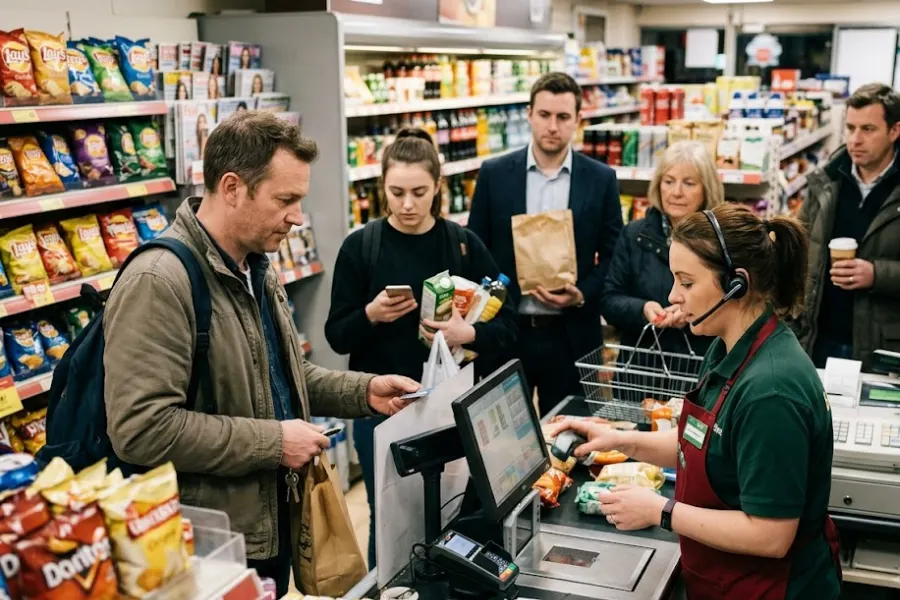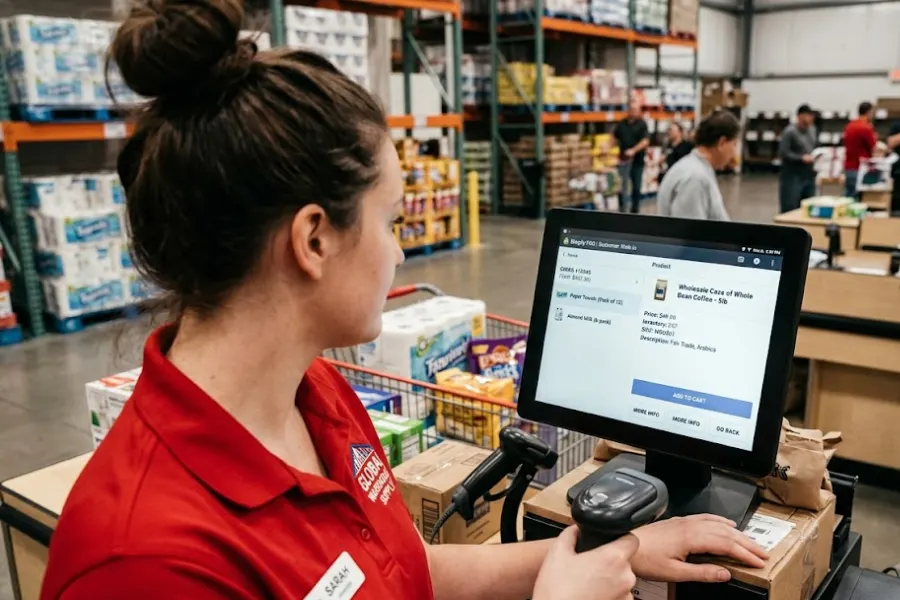
Retail operations depend on more than a POS system. ERP platforms manage inventory and business resources, CRM systems maintain customer information, and loyalty programs track rewards and purchase activity. When these systems operate independently, retailers may encounter inventory discrepancies, fragmented customer records, and delays in processing transactions across channels. A well-planned retail POS integration strategy connects these systems around daily store workflows while limiting the impact of synchronization failures. The objective is to keep information consistent without making checkout and other store operations dependent on every connected platform being available at all times.
Highlights
- Retailers need to establish which systems control inventory, transactions, customer profiles, and loyalty records to prevent conflicting updates and duplicate information.
- POS, ERP, CRM, and loyalty integrations should coordinate sales, stock movements, customer activity, and rewards without creating unnecessary manual work for store teams.
- Separating checkout-critical processes from background updates, alongside retry mechanisms and appropriate fallback procedures, helps limit disruption when connected systems become unavailable.
Connect POS, ERP, CRM, and Loyalty Around Retail Workflows
A retail POS integration strategy should account for how information moves during everyday store activities. Each connected system has a different responsibility, so synchronization rules need to reflect the data required for inventory management, customer service, and transaction processing.
POS and ERP Integration
POS and ERP integration connects store transactions with inventory, product, and accounting records to keep retail operations coordinated. According to the Patchworks Retail Tech Integration Report 2025/2026, 34% of surveyed retail leaders found POS systems challenging to integrate, compared with CRM (32%) and ecommerce platforms (27%), highlighting the need for clear synchronization rules.
A typical workflow follows this sequence:
- A customer completes a purchase at the store.
- The POS records the transaction and associated stock movement.
- The integration transfers the relevant sales and inventory information to the ERP.
- The ERP processes the updates according to its inventory and business rules.
- Updated product availability reaches other connected sales channels.
The exact sequence depends on which system owns inventory records and how synchronization is configured. For example, an ERP may remain the authoritative source for stock availability, while the POS records individual store transactions.
Synchronization delays can create problems when the same inventory is available through several channels. An item sold in-store may still appear available online if the stock adjustment has not reached the ecommerce platform. Retailers should therefore define update frequency, inventory ownership, and procedures for resolving conflicting quantities.
POS and CRM Integration
Retail POS integration connects purchase activity with customer information so retail teams can recognize customers across physical and digital channels. Transaction history, customer identifiers, and relevant profile updates can be transferred between POS and CRM systems according to the retailer’s data management requirements.
A common challenge involves matching customer records correctly. For example, a customer may register online using an email address but make an in-store purchase using a phone number. Without consistent identification rules, the POS and CRM may create separate profiles for the same person.
Retailers should establish a reliable matching process based on customer IDs and verified identifiers, with rules for handling missing information and duplicate records. They should also define which system controls profile updates, since unrestricted two-way synchronization can overwrite more recent customer information.
Only customer information needed for the intended workflow should move between systems, with appropriate access controls and privacy considerations.
POS and Loyalty Integration
Loyalty integration connects purchase activity with rewards, points, and redemption eligibility. During checkout, the POS may need to retrieve a customer’s available rewards, apply an eligible discount, or record points earned through a completed transaction.
The retail POS integration should account for the full transaction lifecycle rather than treating rewards as a separate activity. For example, when a customer returns a product, the corresponding points may need to be reversed or recalculated according to the loyalty program’s rules.
Retailers should define how the following activities are handled:
- Points Accrual: Award points only after a qualifying transaction reaches the appropriate completion status.
- Reward Redemption: Check eligibility and available balances before accepting a redemption.
- Returns and Cancellations: Reverse or adjust rewards when the original purchase changes.
- Temporary System Outages: Establish whether rewards can be redeemed, deferred, or temporarily restricted when the loyalty platform is unavailable.
These rules help prevent duplicate rewards and inconsistent balances while keeping loyalty-related processes aligned with store transactions.
Design POS Integrations So Failures Do Not Stop Store Operations
Connecting more systems can create additional dependencies. If every checkout action requires an immediate response from ERP, CRM, or loyalty software, a delay in one platform may affect the entire transaction. A resilient retail POS integration strategy separates processes that must happen during checkout from updates that can safely occur afterward.
Separate Checkout-Critical and Non-Critical Processes
A reliable retail POS integration should distinguish between activities that require an immediate response during checkout and those that can happen afterward. Payment authorization, applicable tax calculation, and reward redemption validation may fall into the first category, depending on the retailer’s configuration.
Other activities, such as updating customer purchase history, sending transaction data to an ERP, or refreshing reporting dashboards, can often happen after checkout.
Retailers should classify integration processes according to their operational impact:
- Checkout-Critical Processes: Activities required to complete or authorize a sale, such as payment approval or validation of certain discounts and redemptions.
- Post-Transaction Updates: Inventory notifications, CRM purchase-history updates, ERP transaction transfers, and other records that can be processed after a completed sale when the architecture permits.
- Background Operations: Reporting, analytics, customer segmentation, and other activities that do not require an immediate response during checkout.
For example, a completed in-store sale should not ordinarily wait for the CRM to update the customer’s purchase history. The POS can record the transaction and transfer the customer activity afterward.
This separation limits unnecessary dependencies while preserving the information connected systems need.
Prepare for Integration Failures
Even well-designed integrations can experience network interruptions, unavailable APIs, or delayed responses. Retailers need procedures for handling these failures without losing transaction information or creating conflicting records.
Several safeguards are worth considering:
- Queues and Retries: Store pending updates and process them when the receiving system becomes available again, rather than discarding failed transfers.
- Duplicate Prevention: Assign unique transaction or event identifiers so repeated synchronization attempts do not create duplicate sales, inventory movements, or loyalty points.
- Offline and Degraded Workflows: Define which store activities can continue during an outage and which require an active connection. Payment authorization and loyalty redemption may still be restricted by external service requirements.
- Monitoring and Alerts: Track failed events, synchronization delays, queue backlogs, and inventory discrepancies to identify issues before they affect more transactions.
- Recovery and Reconciliation: Compare records after connectivity returns and establish procedures for correcting missing or conflicting updates.
For instance, if an ERP becomes temporarily unavailable, a suitably configured POS may continue recording eligible store transactions locally and send the pending updates once the connection recovers. This depends on the POS architecture, payment requirements, and the retailer’s offline operating policies.
The objective is not to eliminate every integration failure, but to prevent recoverable synchronization issues from unnecessarily interrupting store operations.
Signs Your Current POS Integration Setup Needs an Upgrade
A retail POS integration setup that works for one store may struggle as retailers expand across locations, warehouses, and sales channels. Disconnected systems and inconsistent synchronization can create several operational challenges:
- Inventory Inconsistencies: Stock quantities differ across stores, warehouses, and ecommerce channels, creating fulfillment challenges and inaccurate product availability. According to a Nedap and Retail Dive Studio survey, 35% of surveyed retail finance decision-makers reported that inventory inaccuracies disrupted omnichannel fulfillment reliability, highlighting the operational impact of inconsistent stock records.
- Disconnected Sales Channels: Online orders, store fulfillment, and returns require manual coordination due to delayed or missing updates.
- Fragmented Customer Records: Separate POS, CRM, and loyalty systems create duplicate profiles and inconsistent reward balances.
- Manual Reconciliation: Teams spend additional time correcting inventory discrepancies and matching transaction records.
- Growing Integration Dependencies: More connected applications introduce failure points that may interrupt checkout or other store operations.
Retailers should assess whether these issues stem from connector configurations, synchronization rules, or POS limitations before considering a system upgrade. For businesses evaluating broader POS capabilities, ConnectPOS can be considered alongside their existing ERP, CRM, and loyalty systems. Its relevant capabilities include:
- Inventory Synchronization: When stock records become inconsistent across locations, ConnectPOS helps coordinate inventory information between connected stores, warehouses, and sales channels.
- Ecommerce Integration: When online and in-store orders follow disconnected workflows, ConnectPOS connects with Shopify, Magento, WooCommerce, and BigCommerce through its POS integration solutions to coordinate product, inventory, and transaction information.
- CRM and Loyalty Workflows: When customer records and rewards become fragmented, ConnectPOS supports customer profiles, purchase activity, and loyalty capabilities within connected retail operations. Specific third-party CRM and loyalty compatibility should be confirmed against the retailer’s requirements.
- ERP and Business System Integration: When store transactions need to reach ERP or other back-office platforms, ConnectPOS integration capabilities can be evaluated for the required data mappings, API connections, and synchronization workflows.
- Multi-Store Management: When retailers need centralized visibility across locations, ConnectPOS supports connected store operations, sales tracking, and inventory management through its multi-store POS solution.
- Pricing: ConnectPOS Standard is listed at $49/register/month, Advanced at $79/register/month, and Premium at $99/register/month. Previously published annual-billing equivalents are $39, $69, and $89 per register per month, respectively. Enterprise pricing is quotation-based. Retailers should confirm current prices and the capabilities available in each plan before making a purchasing decision.
These capabilities address broader retail operations, but the retailer should still verify individual integration requirements, offline behavior, and recovery procedures before implementation.
FAQs About Retail POS Integration
1. What Is Retail POS Integration?
Retail POS integration connects a point-of-sale system with other business platforms, such as ERP, CRM, ecommerce, and loyalty software. It enables retailers to synchronize relevant transaction, inventory, and customer information across systems, limiting manual data entry and keeping store operations coordinated.
2. What Are the Main Challenges of POS Integration in Retail?
Common challenges include inconsistent inventory records, duplicate customer profiles, delayed synchronization, and incompatible data formats between systems. Integration failures can also affect checkout if transactions depend on external platforms. Retailers should establish clear data ownership, synchronization rules, and recovery procedures to manage these risks.
3. Can Retail POS Integration Work During Internet or System Outages?
Some POS systems can continue processing eligible transactions during connectivity disruptions, depending on their offline capabilities and configuration. Non-critical updates, such as CRM activity or ERP transaction records, may be queued for synchronization once connectivity returns. Payment authorization and loyalty redemption may still require an active connection to external services.
Conclusion
A reliable retail POS integration strategy connects ERP, CRM, loyalty, and ecommerce systems around the workflows retailers manage every day. Clear data ownership and synchronization rules help maintain consistent inventory, transaction, and customer information across stores and sales channels.
As retailers expand across stores and sales channels, reliable integrations become increasingly important for keeping data consistent without disrupting checkout and daily operations. If your current POS struggles with inventory synchronization, disconnected systems, or growing integration dependencies, talk to the ConnectPOS team about your retail integration requirements.
Chat with our team►►► Optimal solution set for businesses: Shopify POS, Magento POS, BigCommerce POS, WooCommerce POS, NetSuite POS, E-Commerce POS