Choosing the right POS system is a key step for any small business looking to grow efficiently. A good system streamlines sales, tracks inventory, manages customer data, and keeps operations running smoothly, all without breaking the budget. But how much is a POS system for a small business? Prices vary depending on features, hardware, and subscription plans, so understanding what you really need is essential.
This guide breaks down the costs of POS systems for small businesses and highlights three budget-friendly options that offer solid functionality without sacrificing quality. Whether you run a boutique, café, or online store, you’ll find practical insights to make an informed decision.
Highlights
- ConnectPOS, Square POS, and Lightspeed offer affordable plans with essential features like inventory management, loyalty programs, and eCommerce integration.
- Identify must-have features, estimate sales volume, select suitable hardware, and consider training, support, and future expansion to calculate your POS budget.
What Affects the Cost of a POS System
Knowing what influences the cost of a POS system can help small business owners make smarter choices. Costs go beyond the software itself, including hardware, payment processing, add-ons, and ongoing support. Here’s a closer look at the main factors:
Software Pricing Models
- Subscription plans: Most POS providers charge monthly or annual fees. These cover software updates, security patches, and basic support. The longer the subscription, the more predictable your costs.
- One-time license: Some systems require a single upfront payment for lifetime use, but additional updates or premium features may cost extra.
- Tiered plans: Many providers offer plans with different levels of features. You may pay more for extra users, advanced reporting, or inventory management tools.
Hardware Costs
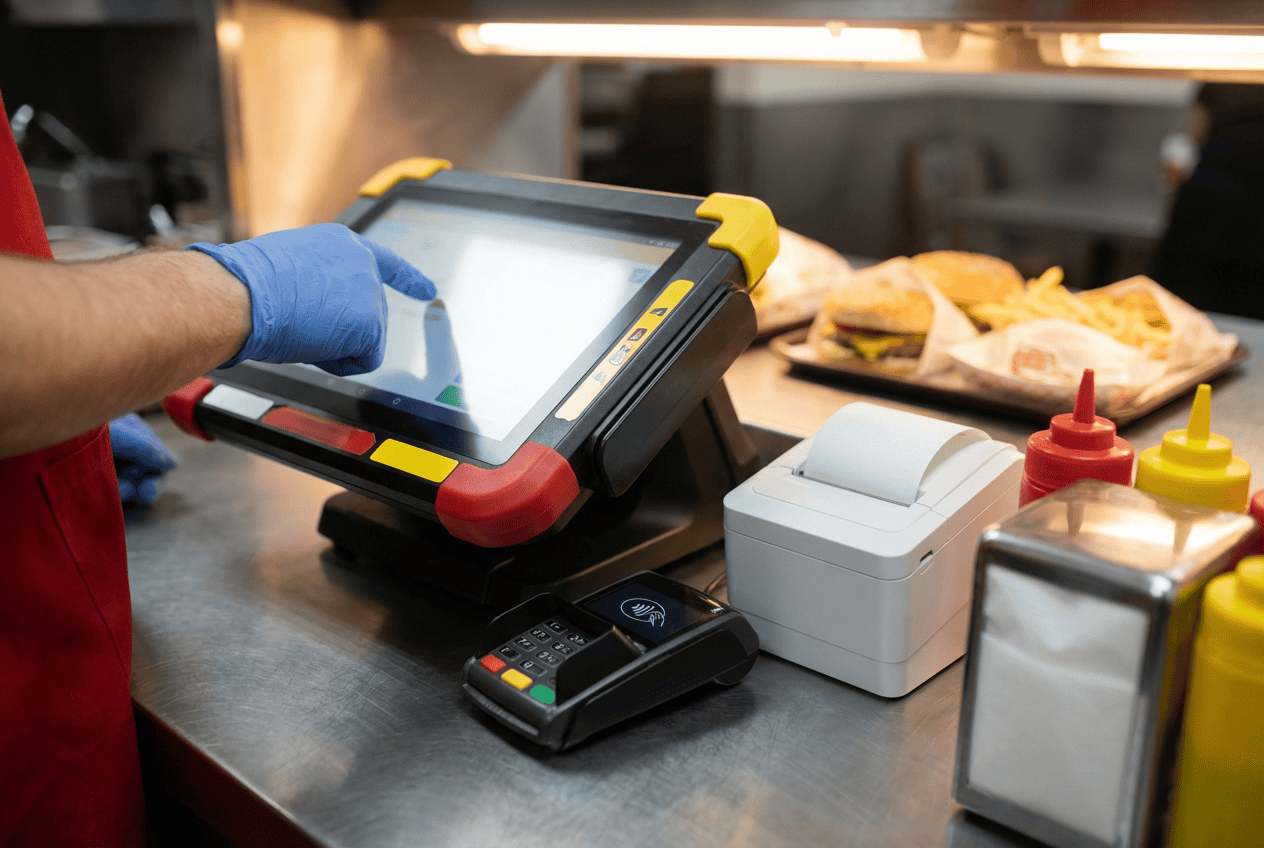
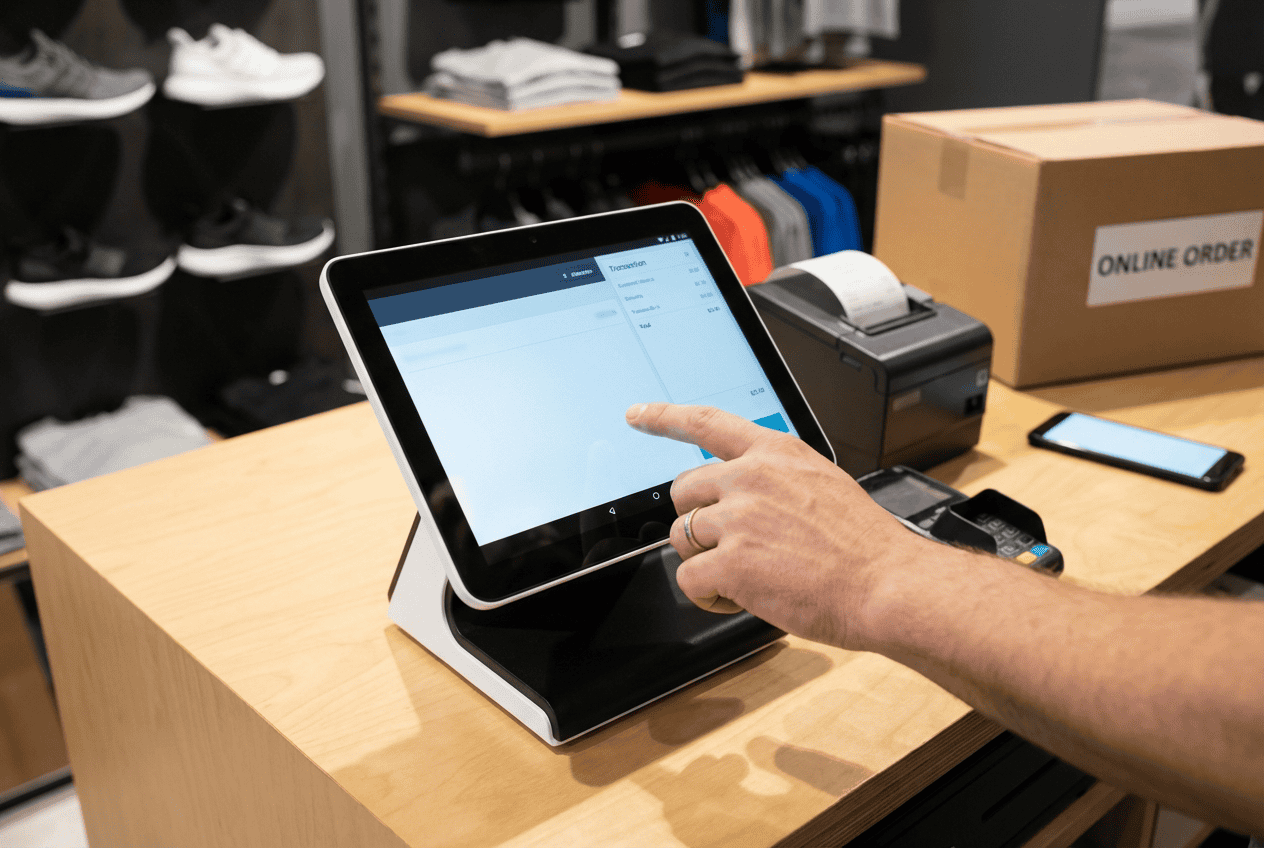
- Essential devices: A POS system usually needs a tablet or terminal, a card reader, a cash drawer, and a receipt printer. Each device adds to the total cost.
- Purchase options: Hardware can be bought new, leased for a lower upfront cost, or reused from an older system if compatible.
- Extra accessories: Stands, barcode scanners, or additional peripherals can improve efficiency but increase expenses.
Payment Processing Fees
- Transaction fees: Providers typically charge a percentage of each sale or a flat fee per transaction.
- Interchange and gateway costs: These depend on your payment processor and the type of card used.
- Sales volume impact: High-volume stores often get lower per-transaction rates, while smaller businesses may pay proportionally more.
Add‑Ons and Integrations
- Integrating eCommerce, accounting, CRM, or loyalty apps enhances functionality.
- Custom reports or analytics tools provide deeper business insights but usually come at an extra cost.
Setup & Training
- Onboarding fees cover installation, system configuration, and initial setup.
- Staff training ensures employees can use the system efficiently.
- Ongoing support and maintenance plans help avoid downtime and technical issues.
Scalability and Future Costs
- Expanding the business by adding more registers, users, or locations increases costs.
- Upgrading plans ensures access to new features and higher capacity as your operations grow.
Read more: How Much Does a POS System Cost
How Much is A POS System for A Small Business?
POS systems come in different levels, and the cost depends on the features and hardware you need. Let’s get to understand what each tier offers, helps you decide what fits your budget and business needs.
Basic / Entry-Level POS
- Software: Monthly fees typically range from $39 to $59 per user. This usually includes core features like sales tracking, basic inventory, and simple reporting.
- Hardware: Expect to spend around $200–$600 for a tablet, card reader, or basic cash drawer. These setups are sufficient for small stores or mobile businesses.
- Ideal for: Startups, small boutiques, or cafés with straightforward operations and limited locations.
Mid-Tier POS
- Software: Costs range from $59 to $140 per month. This tier offers more advanced features such as detailed reporting, employee management, and limited integrations.
- Hardware: In addition to a tablet or terminal, this setup usually includes a receipt printer and cash drawer for smoother checkout processes.
- Ideal for: Growing stores that need better inventory management, multi-user access, and more robust support.
Advanced / Omnichannel POS
- Software: Prices start at $140+ per month. Systems in this category support multi-store operations, full inventory control, and online/offline synchronization.
- Hardware: Complete register setups, barcode scanners, customer displays, and other peripherals are included for full-service operations.
- Ideal for: Established businesses with multiple locations or online stores looking to integrate all sales channels into a single system.
Top 3 Budget‑Friendly POS Systems for Small Businesses
The right system should streamline sales, manage inventory, and integrate with online platforms without putting a strain on your finances. Here are three budget-friendly POS options that deliver strong functionality for small retailers.
ConnectPOS (Budget Tier / Essentials Plan)
- Features: ConnectPOS provides real-time inventory synchronization across multiple locations, keeping stock levels accurate and up to date. The system works both online and offline, allowing mobile checkout even without a stable internet connection.
- Integrations: Seamless integration with major eCommerce POS platforms like Shopify, Magento, and WooCommerce makes it easy to manage both online and in-store sales in one place.
- Cost & Value: ConnectPOS offers multiple plans per register: Standard ~$49/month, Advanced ~$79/month, and Premium ~$99/month. There’s also an Enterprise option with custom pricing for larger operations. Pricing is competitive, covering the cloud software, basic features, and support, making it a strong choice for retailers starting out or expanding gradually.
Why ConnectPOS can be a great ROI for small businesses?
ConnectPOS offers features and pricing designed to deliver strong value, making it a smart investment for small businesses looking to grow. Below are the main factors that you can consider:
- Transparent Pricing & Scalable Plans: Clear pricing with no hidden fees makes budgeting simple. Plans can scale as your business grows, allowing you to add users, registers, or locations without switching systems.
- Strong Features at a Competitive Price: Inventory management, omnichannel integration, and loyalty programs come built-in, providing essential tools without extra costs.
- Reliable Mobile POS & Offline Support: ConnectPOS works on tablets and mobile devices, with offline functionality that ensures sales continue even during internet disruptions, preventing downtime and lost revenue.
- Growth-Friendly: Start with a single store setup and expand to multiple locations seamlessly. The system adapts to increasing transaction volume and business complexity, protecting your initial investment.
Square POS
- Features: Square offers a free basic software plan with pay-as-you-go hardware options. It comes with built-in payment processing, a card reader, and tools for invoicing, receipts, and basic reporting.
- Flexibility: The system is highly scalable and works well for pop-up shops, small retail stores, or mobile vendors. Businesses can start with the free plan and gradually add hardware or premium features as needed.
- Cost & Value: Square’s basic software is free, and you pay payment processing fees. Premium features are available with paid add-ons (e.g., Plus or Premium plans with monthly charges per location starting around $49–$149+, depending on services). Also, you pay for hardware when needed, and transaction fees apply only when you process payments. It’s an accessible option for small operations that prioritize simplicity and fast setup.
Lightspeed (Starter Plan)
- Features: Lighspeed’s Starter Plan provides an affordable monthly subscription tailored for small inventory retailers. The system includes detailed sales reporting, customer loyalty tools, and cloud-based access for easy management from any device.
- Hardware & Integrations: Lightspeed supports compatible hardware such as tablets, receipt printers, and barcode scanners. It integrates with eCommerce platforms, payment processors, and accounting software to streamline operations.
- Cost & Value: Lightspeed’s retail plans start at $89/month for the Basic tier, move to $149/month for the Core plan, and go up to $289/month for the Plus plan, each billed monthly. The plan balances affordability and functionality, offering essential POS tools without overwhelming small business budgets. It suits shops that need a reliable, cloud-based solution with room to grow.
How to Calculate Your Own POS Budget?
Calculating a POS budget starts with identifying the features your business truly needs. List all must-have tools, such as inventory management, reporting, loyalty programs, or eCommerce integrations.
Next, estimate your monthly sales and transaction volume. This gives insight into payment processing fees and helps determine whether a flat-rate or percentage-based plan is more cost-effective.
►►► Optimal solution set for businesses: Multi store POS, Next-gen POS, Inventory Management Software (MSI), Self Service, Automation, Backorders

Hardware needs should match your store type. Counter-based shops often require a full register setup, receipt printer, and cash drawer, while mobile or pop-up stores may only need a tablet and card reader.
It’s important to account for training and support costs. Staff onboarding ensures smooth adoption, and access to technical support can prevent downtime. Consider future expansion as well; adding locations, registers, or users will increase costs over time.
Finally, compare quotes from multiple POS providers. Look at both software and hardware prices, included features, and any hidden fees.
In Summary
How much is a POS system for a small business? POS systems come in a wide range of prices, but even budget-friendly options can provide powerful features to manage sales, inventory, and customer interactions efficiently. Choosing the right system helps streamline operations, improve accuracy, and support business growth without overspending. For small businesses looking to maximize value, ConnectPOS offers scalable plans, essential tools, and reliable support to match your current needs and future expansion.
Contact us today to request a quote or schedule a demo to find a plan that fits your budget and helps your business thrive.
FAQs
Can I start with a cheap POS and upgrade later?
Yes. Many POS providers offer scalable plans, allowing you to start with a basic or budget-friendly system and add features, users, or locations as your business grows.
Do I really need to buy new hardware to use a POS system?
Not always. Some POS systems work with existing devices like tablets or computers. You may need specific peripherals such as a card reader, cash drawer, or receipt printer, but many providers allow leasing or reusing compatible hardware to reduce upfront costs.
How do transaction fees and software fees compare in different POS systems?
Transaction fees vary by payment processor and volume. Some systems charge a flat fee per transaction, others a percentage of sales. Software fees depend on the plan tier and included features.
Is cloud‑based POS cheaper than on‑premise?
Cloud-based POS systems usually have lower upfront costs since they don’t require expensive servers or IT infrastructure. Monthly subscriptions cover updates, security, and support. On-premise systems often have higher initial costs and ongoing maintenance, which can make them more expensive over time.
►►► Optimal solution set for businesses: Shopify POS, Magento POS, BigCommerce POS, WooCommerce POS, NetSuite POS, E-Commerce POS