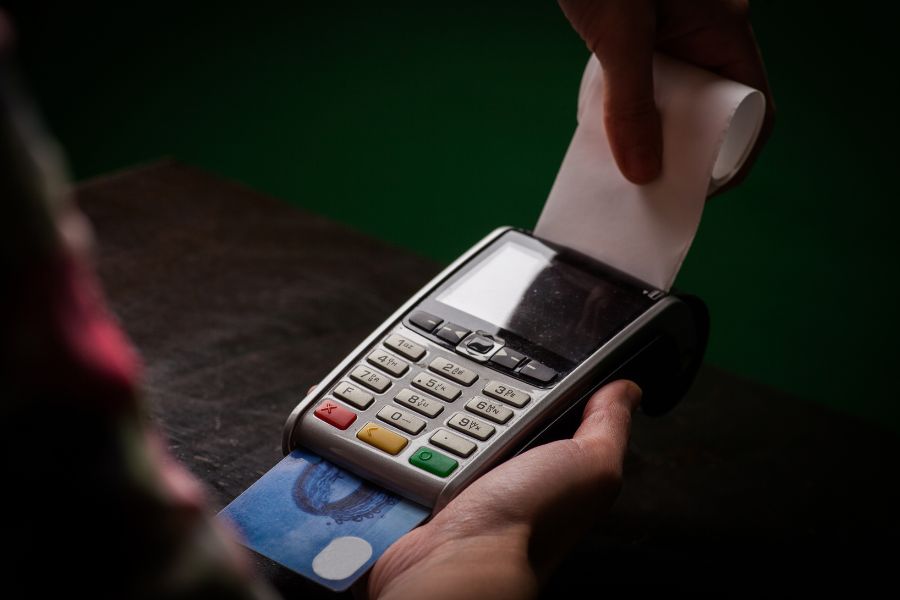
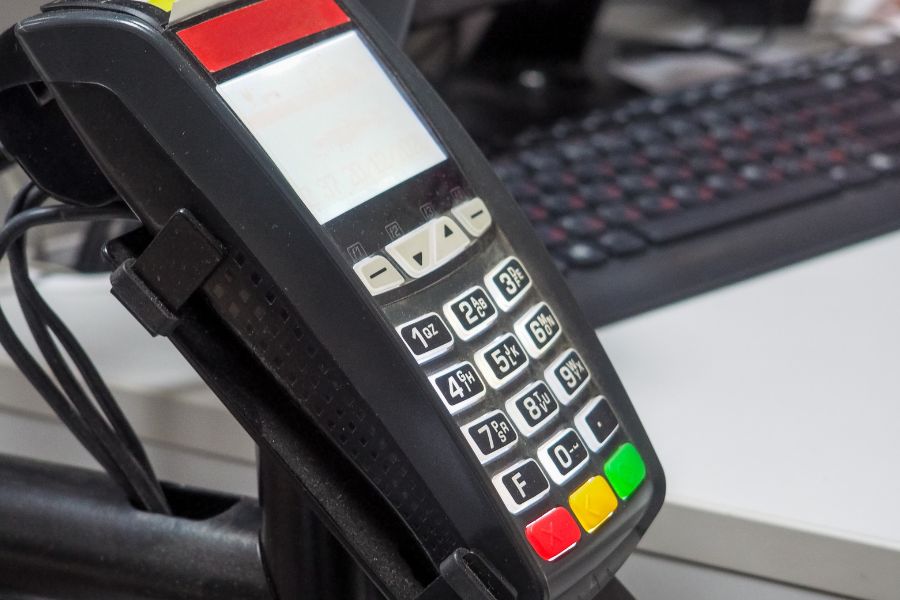
A POS system may seem affordable when a small business operates one store with a few checkout registers. Yet as the business expands, the original subscription price may represent only a small portion of its total POS expenses. Additional registers, hardware, transaction fees, and integration requirements can change how much the system costs to operate. Understanding the cost of POS system for small business requires looking beyond advertised monthly plans. This guide examines five factors that affect POS expenses as retailers grow and explains how to estimate the total cost before committing to a platform.
Highlights
- Additional registers, locations, hardware, and staff requirements can change both upfront investment and recurring software costs as small businesses expand.
- Payment processing fees, paid capabilities, and third-party integrations can add substantial costs, particularly for retailers handling higher transaction volumes or more complex workflows.
- Comparing software, hardware, processing, implementation, and maintenance expenses at the business’s expected scale gives retailers a clearer basis for choosing a POS system.
How Much Does a POS System Cost for a Small Business?
The cost of POS system for small business depends on its pricing model, checkout setup, transaction volume, and operational requirements. Some platforms charge a monthly subscription per location, while others calculate software fees per register or apply different rates based on the selected plan.
Beyond software subscriptions, retailers should account for hardware purchases, payment processing, integrations, implementation, and ongoing technical assistance. These expenses fall into two main categories:
- Upfront Costs: Initial hardware purchases, installation, configuration, data migration, and employee training.
- Recurring Costs: Software subscriptions, payment processing, paid add-ons, integration services, and ongoing maintenance or technical assistance.
For example, a single-store retailer may only need one register, a card reader, and basic inventory tracking. Opening a second location could require additional licenses, checkout equipment, inventory coordination, and reporting capabilities that were unnecessary in the original setup.
The most useful comparison is therefore not simply the advertised starting price, but the total cost of running the POS at the business’s expected size.
5 Factors That Drive Up the cost of POS system for small business
The cost of POS system for small business can grow beyond the initial subscription as retailers expand their operations. Five major factors contribute to these expenses: additional registers and locations, hardware requirements, payment processing fees, paid features and integrations, and implementation and maintenance costs. Understanding how each factor affects the total cost helps businesses plan their POS budgets as they scale.
Adding More Registers and Locations
POS software pricing often changes as businesses add checkout registers or physical locations, affecting the overall cost of POS system for small business. Depending on the vendor, subscriptions may be charged per register, per store, or through account-level plans with limits on devices and capabilities.
Consider a retailer paying $49 per register each month. One register costs $49 monthly, while four registers would cost $196 monthly under the same pricing model, before hardware, payment processing, or other charges. If the business expands to several stores, the number of required licenses can become an important recurring expense.
Retailers should check whether their selected plan charges separately for additional registers, locations, and staff accounts. It is also worth confirming whether centralized reporting, inventory transfers, and multi-store management require a higher subscription tier.
Hardware Requirements and Replacement Costs
A POS subscription does not necessarily cover the equipment required at checkout. Retailers may need tablets, terminals, card readers, barcode scanners, receipt printers, cash drawers, and other peripherals, depending on their store format.
Hardware expenses can vary considerably between systems that work with existing devices and those requiring proprietary equipment. According to the U.S. Chamber of Commerce, POS tablets and registers can cost $300 to over $2,000, while receipt printers typically range from $100 to $300. These costs can add up as retailers expand their checkout capacity or open additional locations.
Replacement costs also deserve attention. Devices can become damaged, outdated, or incompatible with newer software requirements, creating expenses beyond the initial installation.
Before choosing a POS platform, businesses should confirm supported devices, hardware ownership conditions, warranty coverage, and the cost of adding or replacing equipment.
Payment Processing and Transaction Fees
Payment processing can become a substantial recurring expense as transaction volume grows, affecting the overall cost of a POS system for small business. According to a J.D. Power survey reported by Payments Dive, 34% of surveyed U.S. small businesses added surcharges to credit card transactions to pass processing costs on to customers. This highlights why retailers should compare transaction fees and payment processor restrictions alongside POS subscription prices.
Even a small difference in processing rates can affect annual expenses. For example, a retailer processing $100,000 in card payments each month would pay $2,500 at a hypothetical 2.5% rate, compared with $2,900 at 2.9%. That represents a $400 monthly difference, or $4,800 annually, before any fixed per-transaction charges.
Retailers should also check whether the POS requires a particular payment processor or permits connections with other providers. A system with a low software subscription may become more expensive if its payment rates are less competitive for the business’s transaction volume.
Paid Features, Add-ons, and Integrations
Entry-level POS plans may cover basic checkout and sales reporting, while growing retailers need additional capabilities for inventory management, customer loyalty, ecommerce, employee permissions, and multi-location operations.
These requirements can introduce higher subscription tiers or separate add-on charges. For instance, a retailer expanding into online sales may need ecommerce synchronization, while a business opening another warehouse may require inventory transfers and location-specific stock tracking.
Integration costs can also extend beyond the POS subscription. Connecting ERP, CRM, accounting, and ecommerce systems may involve connector fees, custom development, or ongoing maintenance.
Retailers should review the capabilities available in each plan and identify which requirements carry additional charges. A low entry price may be less attractive once the necessary integrations and operational tools are included.
Implementation, Support, and Ongoing Maintenance
The cost of POS system for small business also depends on how much work is required to configure and maintain it. Initial expenses may cover system setup, product imports, tax configuration, employee training, and migration of existing transaction or customer records.
As the business grows, implementation becomes more demanding. Multi-store retailers may need different pricing rules, employee permissions, warehouse settings, and connections with external applications. Custom integrations can introduce additional development and maintenance costs.
Technical assistance is another consideration. Some vendors reserve priority assistance, extended service hours, or dedicated account management for higher-priced plans.
Businesses should also account for potential switching costs. If the original POS cannot accommodate future requirements, replacing it may involve new hardware, data migration, employee retraining, and operational disruption.
How to Estimate the Real POS Cost Before You Scale?
Comparing POS systems at their entry-level prices can hide the expenses associated with expansion. A more practical approach is to estimate total costs at several stages of business growth.
Retailers should calculate projected expenses using the number of locations, registers, expected transaction volume, hardware requirements, subscription tiers, and integration needs.
| Cost component | Current setup | Second location | Multi-location and omnichannel |
| Software | Existing register licenses | Additional registers and possible location fees | More licenses and potentially higher tiers |
| Hardware | Basic checkout equipment | Additional terminals and peripherals | Equipment across stores and replacements |
| Payment processing | Current transaction volume | Higher combined payment volume | In-store and online processing |
| Add-ons and integrations | Basic operational tools | Inventory coordination and reporting | Ecommerce, ERP, CRM, and other connections |
| Implementation and support | Initial setup and training | New-store configuration | Broader maintenance and technical assistance |
Businesses can estimate their annual total cost using the following calculation:
Annual POS Cost = Annual Software Fees + Annual Payment Processing Fees + Annual Add-on and Integration Fees + Annual Support and Maintenance Fees + One-Time Costs Incurred During the Year
The estimate should account for hardware purchases and implementation expenses in the years they occur. Retailers comparing systems over several years can also calculate cumulative ownership costs to understand the longer-term financial impact.
Before making a decision, businesses should confirm whether necessary capabilities are included in the selected plan or require a paid upgrade. This is particularly important for multi-store inventory, ecommerce integration, and more complex reporting requirements.
POS Cost Challenges as Small Businesses Scale
A POS system that works for one store may become more expensive as retailers add registers, locations, and sales channels. Several challenges can drive up the cost of POS system for small business as operations expand:
- Rising Software and Hardware Costs: Additional registers and stores require more licenses, equipment, and maintenance.
- Growing Transaction Fees: Higher payment volumes lead to greater processing expenses.
- Paid Upgrades and Integrations: Inventory, loyalty, ecommerce, and third-party connections may require higher subscription tiers or separate fees.
- Unpredictable Expansion Costs: Unclear pricing structures make it difficult to forecast future POS expenses.
Retailers should assess whether their existing POS can accommodate expansion at a reasonable cost before committing to upgrades or switching platforms.
ConnectPOS is an option for growing retailers evaluating POS costs alongside expanding operational requirements. Its per-register pricing and retail management capabilities can help businesses plan software expenses while addressing challenges associated with additional stores, checkout points, and sales channels.
- Multi-Store Management: Managing separate systems across locations can create additional administrative work. With ConnectPOS multi-store POS, retailers can oversee sales, inventory, and store operations centrally, limiting manual coordination as their business expands.
- Hardware Compatibility: Purchasing new checkout equipment for each location can add substantial upfront costs. ConnectPOS works with various compatible barcode scanners, receipt printers, and cash drawers through its POS hardware solutions, giving retailers the option to retain existing equipment where supported.
- Mobile POS: Adding checkout counters often requires further hardware investment. ConnectPOS supports mobile checkout on compatible devices, giving retailers alternatives to traditional fixed-register setups when expanding sales capacity.
- Inventory Management: Inventory discrepancies across stores and warehouses can lead to unnecessary stock purchases and reconciliation work. ConnectPOS supports real-time inventory synchronization, stocktaking, and transfers to help retailers maintain consistent stock records.
- Ecommerce Integration: Managing online and physical stores through disconnected systems can create additional administrative and integration expenses. ConnectPOS connects with Shopify, Magento, WooCommerce, and BigCommerce to coordinate sales, inventory, and order information across channels.
- Reporting and Analytics: Tracking performance across locations becomes more demanding as businesses grow. ConnectPOS reporting tools help retailers monitor sales, inventory, and employee performance to identify operational issues and assess store-level results.
- Pricing: ConnectPOS Standard costs $49/register/month, Advanced $79/register/month, and Premium $99/register/month. Annual billing brings the equivalent monthly rates to $39, $69, and $89 per register, respectively. Enterprise pricing is available upon request.
With per-register pricing, retailers can estimate how software subscription expenses will change as they add checkout points. Hardware, payment processing, integrations, and additional services should still be considered separately when calculating the total cost of ownership.
FAQs: The Cost of a POS System for Small Business
1. How Much Does a POS System Cost for a Small Business?
The cost depends on the number of registers, software subscription, hardware requirements, and payment processing fees. Some businesses may only need a basic setup, while retailers operating across several locations may face higher recurring expenses. Comparing the total cost of ownership gives a clearer picture than looking at monthly software fees alone.
2. Are There Hidden Costs When Buying a POS System?
Some POS systems have additional charges for payment processing, hardware, premium features, third-party integrations, and technical support. Businesses should also check installation, data migration, and training fees before choosing a platform.
3. How Can Small Businesses Keep POS Costs Under Control as They Grow?
Small businesses should estimate future register requirements, transaction volumes, and integration needs before selecting a POS system. Checking hardware compatibility, comparing payment processing rates, and reviewing which capabilities are included in each subscription plan can help avoid unexpected expenses during expansion.
Conclusion
The cost of POS system for small business depends on more than its starting subscription. Additional registers and locations, hardware, payment processing, paid capabilities, and implementation expenses can all affect the total investment as operations expand.
The cheapest entry-level plan may not represent the lowest long-term cost, particularly for retailers preparing to open new stores or connect online and offline sales. Comparing total ownership costs at the expected business size helps identify pricing structures that fit future requirements. If your current POS costs are becoming harder to predict as your business grows, compare ConnectPOS plans and pricing to assess the software costs and capabilities relevant to your next stage of expansion.
See ConnectPOS Pricing►►► Optimal solution set for businesses: Shopify POS, Magento POS, BigCommerce POS, WooCommerce POS, NetSuite POS, E-Commerce POS