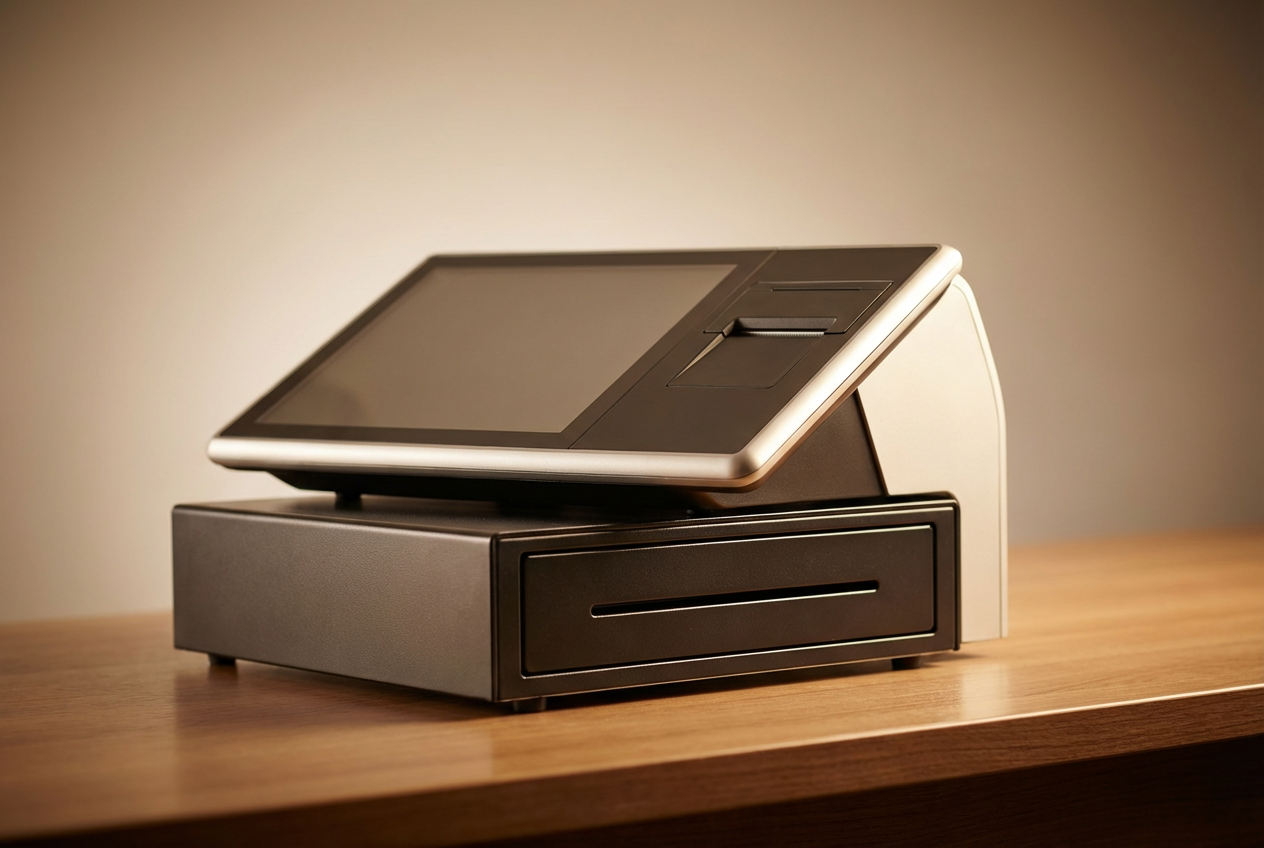
Having a Shopify POS systemcan be both beneficial and challenging for businesses. On the one hand, store owners can save time and labor costs for repetitive and manual tasks, thanks to technological support. On the other hand, it can be wasteful if you don’t know how to make the most use of its functions. There are, however, several tips to enhance Shopify POS system.
Why Shopify POS Performance Matters
Shopify POS plays a key role in how retail stores manage daily operations, from handling transactions at the counter to syncing inventory across locations. It’s designed to work closely with your Shopify eCommerce setup, giving your team a shared system for customer profiles, product data, and order flow.
Still, many stores don’t take full advantage of what it can do. Common issues like slow checkouts, missing product variants, or mismatched inventory can affect both staff productivity and the customer experience. These challenges usually don’t point to a bad system—but rather one that hasn’t been fully aligned with how the store works.
Improving performance starts with small adjustments. Whether it’s training your team, reviewing your setup, or using reporting tools more actively, these steps make a difference in how smoothly the day runs. Done right, Shopify POS becomes a tool that supports growth, accuracy, and better service.
Key Actions to Enhance Shopify POS System in Your Store
Getting the most out of Shopify POS is about setting it up in a way that fits your store’s pace and structure. Below are four actions that can improve how Shopify POS performs across your team, your catalog, and your daily operations.
Keep the System Current and Stable
Shopify updates its POS app frequently to address compatibility, performance, and functionality. If those updates are missed, the system may lag or fail during checkout—especially on older devices or during high-volume hours. Regular updates make sure the system runs on the most stable version available.
What to do:
- Assign someone in your team to check for updates weekly across all devices
- Use one test device to trial updates before applying them storewide
- Restart POS devices regularly to clear memory and prevent slowdowns
- Keep hardware (iPads, barcode scanners, printers) within Shopify’s supported range
Staying current reduces the chance of technical disruptions that interrupt service or delay transactions.
►►► Optimal solution set for businesses: Multi store POS, Next-gen POS, Inventory Management Software (MSI), Self Service, Automation, Backorders

Match the POS Plan to Your Store’s Needs
Shopify POS comes in two versions – Lite and Pro. Each provides a different level of functionality. Picking the right one from the beginning helps avoid feature gaps that slow down your team or confuse customers.
Consider this:
- POS Lite covers basic checkout, product browsing, and limited staff permissions. It works well for small stores with a single register and low SKU count.
- POS Pro includes advanced features like inventory tracking across locations, in-store pickup, staff performance tracking, and detailed reports. It fits better for growing stores or those with more than one location.
Upgrading to POS Pro might seem like a bigger investment, but it can reduce manual work and support broader retail goals—especially when stores expand or add new sales channels.
Organize Product Variants and Pricing Clearly
A cluttered or inconsistent product catalog adds unnecessary steps for staff and increases the chance of pricing errors. When products are set up with clean naming, images, and variant options, the entire checkout process becomes smoother.
Tips to improve catalog clarity:
- Group products using collections or tags for easy filtering
- Use consistent naming for variants (e.g., “Tee – Red – M” instead of “Red M Tee”)
- Add product images that match in-store items to cut down search time
- Set up pricing rules for bundles or seasonal discounts ahead of campaigns
Stores with large catalogs benefit the most from well-structured product data. It shortens training time for new staff and prevents confusion when stock looks similar across multiple variants.
Train Staff on POS Functions That Match Their Role
Many retailers give staff access to POS but skip structured training. That often leads to longer checkout times, mistakes in returns or discounts, and unnecessary support requests. Even if the system is user-friendly, training still matters.
Training should cover:
- How to process split payments, returns, and exchanges
- How to apply discounts or loyalty rewards based on customer activity
- How to search for inventory or check stock at other locations
- What to do if barcode scanners or receipt printers stop responding
You can also create short training guides or assign a team lead to support new hires during their first weeks. Staff who understand the system are more confident, which directly affects the customer experience.
When the system is properly maintained, matched to your needs, and clearly understood by staff, it becomes a smooth part of daily operations instead of a recurring challenge.
Use Shopify POS Reports to Guide Daily Decisions
Shopify POS includes built-in reports that go beyond basic sales summaries. These tools give store managers a clearer view of what’s happening across the counter and behind the scenes. When used consistently, these insights can shape smarter decisions about staffing, stock, and promotions.
Some of the most useful reports include:
- Sales by staff – Identify top performers and see who may need more support
- Product performance – Track which items sell quickly and which ones sit on shelves
- Order volume by time of day – Spot peak hours to adjust staffing levels
- Discount and refund trends – Monitor how promotions or return policies affect revenue
You don’t need to run detailed analyses every day, but checking key numbers weekly helps catch issues early. For example, if refund rates spike on a certain product, it may point to a quality issue or confusion over sizing. If one staff member processes more discounts than others, it may be worth reviewing how promotions are being applied.
Using these reports as part of your regular routine brings more clarity to daily operations and helps your team respond to problems before they grow.
Connect Online and Offline Channels for Better Customer Flow
One of the main advantages of Shopify POS is how it connects with your Shopify online store. This connection means you’re not running two separate systems—it’s one shared setup that updates across all channels.
When this is set up properly, you can:
- Sync inventory across online and physical stores in real time
- Let customers buy online and pick up in-store (click-and-collect)
- Share customer profiles and purchase history across locations
- Apply gift cards, loyalty points, or discounts regardless of where the sale happens
This structure helps staff provide faster service and helps customers move between channels without confusion. For example, a customer might browse online, check in-store availability, then head to the shop to try the product in person. With synced data, your team can confirm stock, pull the item, and complete the sale without needing to check multiple systems.
It’s not just about convenience. A connected setup reduces errors, saves time, and supports stronger loyalty by creating a smoother experience across every touchpoint.
Extend Shopify POS with Purposeful Add-ons
Shopify POS works well on its own, but some stores need more tailored features as they grow. That’s where apps and third-party add-ons come in. These tools fill specific gaps, whether it’s better inventory forecasting, more advanced loyalty programs, or smoother staff scheduling.
Here are a few types worth considering:
- Inventory planners – Help forecast stock levels based on past performance and seasonality
- Loyalty platforms – Go beyond basic discounts by tracking customer points, visits, or rewards
- Staff scheduling tools – Align team shifts with foot traffic and sales patterns
- Click-and-collect integrations – Manage pickup coordination across multiple locations
- Accounting connectors – Sync your POS data with systems like Xero or QuickBooks
When choosing add-ons, stick with tools that integrate directly into Shopify’s ecosystem. This prevents double data entry and keeps your workflows clean.
Not every store needs the same tools, but adding the right ones at the right time can reduce manual work and give your team extra support without changing your core setup.
How ConnectPOS Enhances Shopify POS System
While Shopify POS covers many core functions, some retailers eventually need more flexibility, especially when managing multiple stores, syncing complex inventory, or delivering faster service during busy hours. That’s where ConnectPOS comes in.
ConnectPOS works as a dedicated POS solution that integrates directly with Shopify. It builds on your existing setup, giving you more control over in-store operations and stronger tools for scaling your business.
Key ways ConnectPOS supports Shopify users:
Real-time inventory sync across locations
Inventory updates the moment a sale happens, both online and in-store. This helps reduce overselling and gives your team a clear view of stock without switching systems.
Offline mode for uninterrupted checkout
Sales continue even if the internet drops. Transactions are stored locally and synced back to Shopify once the connection returns, helping stores avoid delays during peak traffic.
Multi-store and warehouse management
ConnectPOS supports multiple outlets, stock locations, and warehouses. You can manage transfers, regional stock levels, and product visibility from one central dashboard.
Faster and more flexible checkout
Staff can check out customers using tablets or PC-based setups, apply promotions, or access customer profiles instantly. This shortens wait times and supports a smoother experience at the counter.
Customizable features for growing teams
From barcode scanning and loyalty programs to order fulfillment and staff permissions, ConnectPOS lets you tailor the system to match your team’s daily tasks.
For Shopify retailers looking to move faster, sell across more locations, or connect better with customers, ConnectPOS brings the structure and tools to make it happen—without replacing your core Shopify platform.
Conclusion
To enhance Shopify POS system, both store owners and staff need the right tools and workflows in place. From system setup to daily reporting and customer-facing features, every detail shapes how smoothly your store runs.
ConnectPOS works alongside Shopify to provide real-time inventory sync, offline selling, and a seamless omnichannel flow, backed by flexible features like the consumer app and advanced staff controls.
Contact ConnectPOS today to see how we can support your retail goals with a solution that fits your pace and setup.
►►► Optimal solution set for businesses: Shopify POS, Magento POS, BigCommerce POS, WooCommerce POS, NetSuite POS, E-Commerce POS