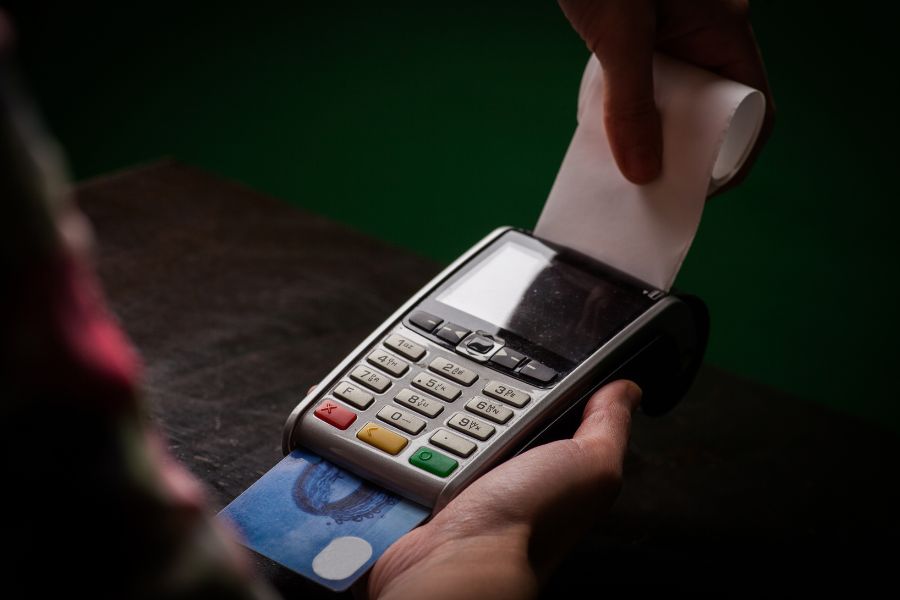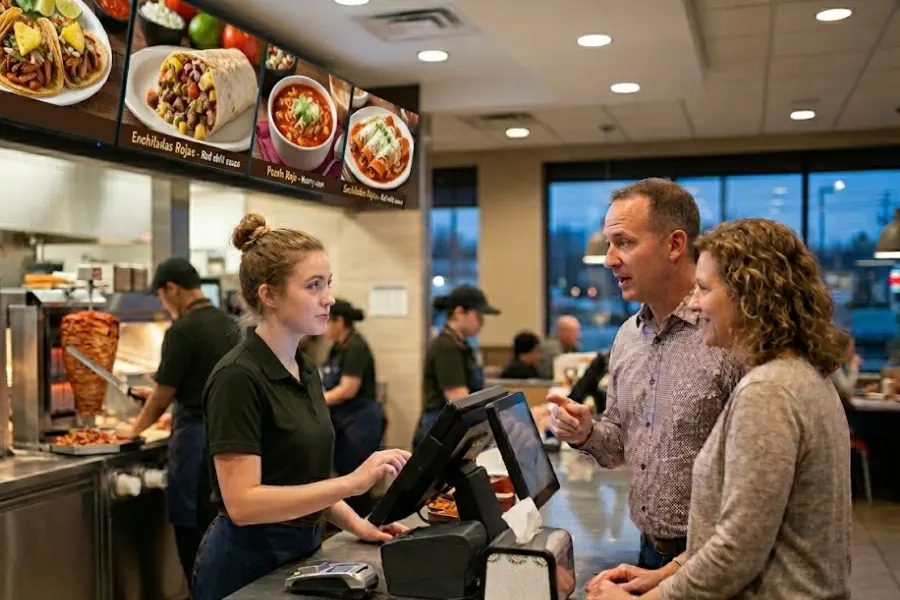
Implementing a POS system in a quick service restaurant involves more than selecting software and installing hardware. It affects how orders are taken, how kitchens receive instructions, how inventory is recorded, and how sales data is captured across every shift. Any gap during setup can disrupt service flow, create inconsistencies in order handling, and limit visibility into daily performance. A careful approach focuses on system configuration, staff readiness, data accuracy, and alignment with real operating conditions. Each decision shapes how the POS system for quick service restaurant performs under pressure, especially during peak hours when speed and coordination define customer experience. This article from ConnectPOS advises on the key considerations that guide a successful POS implementation in quick service environments.
Highlights
- Quick service restaurants rely on POS systems to connect order flow, payment handling, kitchen coordination, and reporting, creating a clear link between daily transactions and overall performance
- System setup, menu configuration, staff training, and data accuracy determine how the POS performs under real service conditions, influencing order speed, consistency, and visibility across operations
The Critical Role of POS Systems for Quick Service Restaurants
Quick service restaurants depend on speed, accuracy, and consistency across every order, where high transaction volume and short service windows leave little room for manual coordination. A POS system for quick service restaurant connects ordering, payment, kitchen execution, and reporting into a single operational flow, allowing teams to keep pace with demand while maintaining control over daily activity.
This operational discipline becomes more pressing as the global quick service restaurant market reaches USD 1,055.48 billion in 2025 and is projected to grow to USD 2,311.54 billion by 2034 at a CAGR of 9.14%, increasing pressure on restaurants to handle higher order volumes with consistent performance.
- Order Accuracy and Speed: Digital order entry and direct kitchen routing limit miscommunication between staff, keeping preparation aligned with customer requests, and maintaining steady service during peak periods
- Real-Time Operational Visibility: Live sales and inventory data provide a clear view of what is selling, what is running low, and how each location performs throughout the day
- Inventory Control at Ingredient Level: Each transaction links to stock usage, giving teams a better understanding of consumption patterns and replenishment timing
- Consistent Customer Experience: Standardized menus, pricing, and order flows help maintain the same service quality across shifts and locations
- Integrated Payment Handling: Fast and accurate payment processing supports higher transaction throughput while keeping financial records aligned with sales activity
- Data-Driven Decision Making: Sales reports, product performance, and transaction trends guide menu adjustments, pricing strategies, and staffing allocation based on actual demand
- Scalability Across Locations: Centralized control over menus, pricing, and reporting allows businesses to expand while maintaining operational consistency across stores
Key Considerations When Implementing a POS System for Quick Service Restaurants
A modern POS system for quick service restaurant must balance speed, reliability, and data visibility to support high‑volume operations. The right setup reduces friction between the front counter, kitchen, and back office while giving owners clear insight into sales, inventory, and staffing. For quick service brands, the core challenge is choosing a system that fits current workflows and can grow with new channels, locations, and menu complexity.
Order speed and interface efficiency
In quick service environments, every second counts at the counter. A clean POS interface with large buttons, logical layout, and quick access to modifiers and combos helps staff take orders faster and with fewer mistakes. Simple navigation reduces training time and lets part-time employees handle rushes more confidently.
Tactile feedback and visual cues also influence how quickly an order is completed. Immediate confirmation of each item, color-coded status indicators, and easy correction tools keep the transaction moving. When the screen mirrors the real-time needs of the kitchen and the customer, the overall pace of service improves without adding pressure on staff.
System responsiveness plays a direct role in throughput. Research shows that POS delays of more than three seconds can cause staff to lose up to 14 minutes per shift waiting for the system to respond, while high-performance systems operate at near-instant response times. During peak hours, small delays add up across transactions, slowing service and increasing wait time. Faster interfaces and stable performance support more orders within the same time window, keeping front counter speed aligned with kitchen capacity.
Integration with kitchen display and online ordering
Direct integration between the POS system for quick service restaurant, kitchen display systems, and online ordering platforms keeps the entire operation in sync. Orders from the counter, mobile app, and third‑party delivery appear in the same queue, so the kitchen does not need to track separate paper tickets or manual entries. This alignment simplifies the workflow and lowers the risk of missed or duplicated items.
Order routing rules can send drinks to the bar, burgers to the grill, and desserts to the pastry area without extra coordination. That same integration supports ticket timing and priority flags, so staff can group orders by table, pickup window, or delivery hub. When the system handles these details, the focus stays on execution rather than on managing information.
Inventory and ingredient tracking
Daily food costs and waste levels depend heavily on how well ingredients are tracked from the POS. A system that links each menu item to its component items lets managers see how much is used against actual sales. That visibility makes it easier to spot over‑portioning, shrinkage, or unexpected consumption patterns.
Real‑time inventory alerts can signal when a key item is running low before it runs out during service. Scheduled stocktakes, automated adjustments on waste screens, and reports on usage by category help owners plan orders and menus more realistically. When inventory data is tied directly to the POS, it becomes a practical tool for cost control instead of a separate admin task.
Multi‑location management
For brands with more than one outlet, a centralized POS allows owners and managers to monitor operations from a single dashboard. Sales, labor, and transaction data from each store can be compared in one place, helping to identify underperforming units or replicable successes. This structure supports consistent pricing, promotions, and menu configurations across locations.
Multi‑location features also simplify administration tasks such as staff scheduling, discount rules, and hardware updates. Menu changes or pricing updates can roll out to all connected sites at once, reducing the chance of mismatches between stores. When each location uses the same system, reporting and training become more uniform and easier to manage.
Scalability and reporting capabilities
As a quick service brand grows, the POS system for quick service restaurant must handle more terminals, channels, and data without becoming slow or unstable. A scalable architecture supports additional counters, kiosks, and drive‑through lanes without redesigning the core setup. Cloud‑based systems are especially useful when the business expands to new cities or regions.
Built‑in reporting tools let operators see trends in sales, item popularity, and labor costs over time. Daily sales summaries, category mix, and time‑based graphs help managers adjust staffing, promotions, and kitchen load. When the system can track performance at granular levels, those insights feed into decisions about new items, remodeled locations, and operating hours.
ConnectPOS: Empowering Quick Service Restaurant Operations
ConnectPOS is the leading POS system for quick service restaurants that connects order flow, kitchen coordination, inventory tracking, and customer engagement within a single system. It aligns front counter activity with backend data, allowing quick service restaurants to maintain speed, accuracy, and visibility across daily operations.
- Raw-Material Inventory: Tracks ingredient usage at the item level, linking each order to stock consumption and giving operators a clear view of inventory movement and replenishment timing
- Real-Time Analytics: Provides live sales data, order volume, and product performance, helping managers monitor operations and adjust decisions based on current demand
- Digital Kitchen Displays: Sends orders directly to kitchen screens with clear prioritization, supporting better coordination between front-of-house and kitchen staff during busy periods
- Smart Combo Prompts: Recommends add-ons and combo options during order entry, supporting higher transaction value while keeping the process fast and intuitive
- Self-Service and QR Ordering: Allows customers to place orders through kiosks or QR codes, easing pressure at the counter and supporting faster service flow
- Customer Loyalty Programs: Tracks purchase behavior and customer history, supporting targeted promotions and encouraging repeat visits through personalized engagement strategies through a POS loyalty program.
FAQs: POS System for Quick Service Restaurant
1. What should be evaluated before selecting a POS system?
Focus on system stability, interface clarity, and compatibility with existing operations. The POS should match service speed requirements, menu complexity, and transaction volume during peak hours.
2. How does implementation impact daily operations?
Initial setup may require adjustments in workflows, especially in order routing and kitchen coordination. Clear configuration of menu items, modifiers, and pricing helps avoid disruptions after launch.
3. How long does it take to train staff?
Training time depends on interface design and staff familiarity with digital systems. A well-designed POS allows most employees to reach basic proficiency within a few days, while advanced functions may take longer.
4. What role does data migration play in implementation?
Accurate transfer of product lists, pricing, and historical sales data affects reporting continuity. Errors at this stage can lead to inconsistencies in inventory tracking and financial records.
Conclusion
A POS system for quick service restaurant becomes part of the operational foundation of a quick service restaurant, influencing how teams work, how orders move, and how decisions are made based on actual sales activity. Thoughtful implementation supports stable operations, clearer reporting, and better coordination between front counter and kitchen teams. Without that foundation, even strong systems can fall short in real service conditions.
For businesses looking to implement a POS system that aligns with real operational demands, ConnectPOS provides a solution designed for quick service environments. Explore ConnectPOS to build a system that supports your restaurant’s growth with greater control and clarity across every transaction.
►►► Optimal solution set for businesses: Shopify POS, Magento POS, BigCommerce POS, WooCommerce POS, NetSuite POS, E-Commerce POS