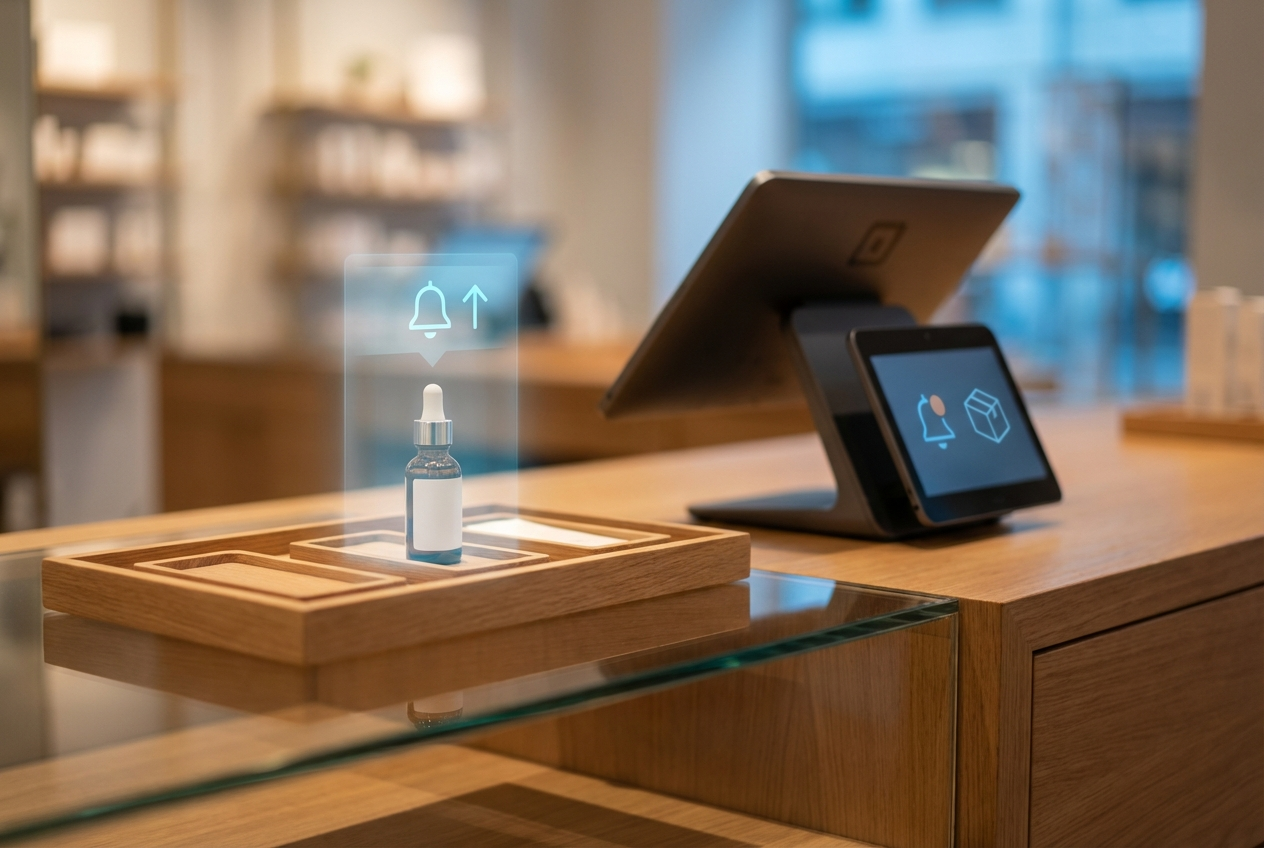
A visitor lands on your site, finds what they want, sees “Out of Stock,” and disappears. Most never return, and that missed opportunity quietly cuts into revenue. But it doesn’t have to stay that way. An in-stock notify feature gives shoppers a simple way to subscribe to restock alerts, turning lost traffic into future sales. Instead of letting interest fade, you capture demand the moment it happens and automatically bring shoppers back. Learn more about how it works now!
Highlights
- In-stock notifications let customers sign up for alerts on out-of-stock items, turning missed opportunities into completed purchases and ensuring high-intent shoppers return when products are available.
- Tracking alert signups and customer interest provides insights into product demand, helping you plan stock more effectively and prioritize high-demand items for restock or pre-order campaigns.
What Is In-Stock Notification?
An in-stock notification is a simple feature that lets shoppers sign up to be alerted when an out-of-stock item becomes available again. Instead of leaving your store disappointed, customers can enter their email or phone number and receive an automatic message as soon as the product is restocked. This keeps their interest alive and helps you win back sales that would otherwise be lost.
Most eCommerce stores offer restock alerts through email, SMS, or browser push notifications. Email is the most common option because it’s easy and familiar. SMS works well for urgent or high-demand products since people check messages quickly. Push notifications reach shoppers instantly on desktop or mobile without requiring contact details.
Customers rely on restock alerts because they save time and reduce frustration. Instead of repeatedly checking a product page, they get a reminder the moment their item returns. It creates a smoother shopping experience and builds trust in your store.
The Real Cost of Out-of-Stock Situations
In the U.S. retail food sector, stockouts are estimated to result in annual lost sales ranging from $15 billion to $20 billion, representing up to 3% of the industry’s total sales. Running out of popular products can hurt a business in several ways. The impact extends beyond a single lost order. It affects loyalty, reputation, and long-term growth. Minimizing stockouts and keeping shoppers informed helps protect revenue and keeps your brand top-of-mind.
- Loss of immediate sales: Every unavailable item is a direct missed revenue opportunity. Even short-term stockouts add up quickly.
- Increased customer churn: Shoppers who can’t find what they want may abandon your store and choose competitors instead.
- Damage to brand trust and experience: Frequent stockouts make a store feel unreliable, leaving shoppers frustrated and less likely to return.
- Sending buyers to competitors: When customers see “Out of Stock,” they often click away to find the item elsewhere, boosting rivals’ sales.
How the In-Stock Notify Feature Captures Lost Revenue
In-stock notifications turn potential missed sales into actual revenue by keeping shoppers engaged. Customers with high purchase intent can sign up for alerts, ensuring they return the moment a product is available. This reduces bounce rates and abandoned carts by giving visitors a clear path to complete their purchase instead of leaving empty-handed.
Restock alerts also create anticipation and urgency, encouraging shoppers to act quickly once an item is back in stock. Even during stockouts, stores can continue generating demand and capturing sales that might otherwise be lost.
On the business side, tracking who signs up for alerts provides insights into product popularity, helping plan inventory more effectively. This smarter stock management reduces future stockouts and aligns supply with actual demand. In short, the in-stock notify feature protects revenue and strengthens customer relationships simultaneously.
Read more: Unified Inventory Management Software for smart business growth
Best Practices to Maximize Sales with In-Stock Notifications
Using in-stock notifications effectively can turn missed opportunities into consistent revenue.
- Collect signups early: Encourage customers to join alerts before items sell out, keeping demand organized and ready.
- Offer alternatives: Suggest related products or substitutes when stock runs low, giving shoppers other ways to complete a purchase.
- Personalize alerts: Use restock notifications to include upsell offers or complementary items, increasing average order value.
- Highlight urgency: Mention limited quantities or fast-moving stock to encourage faster action when the product returns.
- Follow up quickly: Send alerts immediately after restock to reduce abandonment and secure sales while interest is high.
How ConnectPOS Helps You Recover Revenue with In-Stock Notifications
ConnectPOS makes capturing lost sales simple and effective with powerful tools for managing stock and customer demand:
- Real-time stock sync: Keep online and offline inventory aligned so customers always see accurate availability.
- Smart waitlist: Let shoppers join a queue for high-demand products, ensuring top customers don’t miss out.
- Automatic alerts: Send instant notifications via email, SMS, or in-app popups as soon as products are back in stock.
- Seamless integration: Works smoothly with popular eCommerce POS platforms, keeping setup and management straightforward.
- Back-in-Stock + Pre-Order: Combine restock alerts with pre-order options to capture sales even during temporary stockouts.
- Advanced analytics: Track customer interest, monitor restock demand, and gain insights to plan inventory smarter.
By using these features, ConnectPOS helps stores recover lost revenue, improve customer POS satisfaction, and make stock management more strategic. Every alert becomes an opportunity to turn missed visits into actual sales.
In Conclusion
Stockouts don’t have to mean lost revenue. The in-stock notify feature helps you keep high-intent customers engaged, reduce abandoned carts, and turn demand into sales. By combining smart alerts, personalized offers, and real-time inventory management, your store can recover missed opportunities and build stronger customer relationships. Tools like ConnectPOS make it easy to implement these strategies and track what products drive the most interest.
Ready to stop losing sales and start capturing every opportunity? Contact us today to learn how ConnectPOS can help your store set up in-stock notifications and maximize revenue effortlessly.
FAQs: In-stock Nofity
How do in-stock notifications work in real-time?
When a product that was out of stock is replenished, the system instantly detects the update and sends notifications to subscribed customers via email, SMS, or push alerts. This ensures shoppers are informed the moment the item is available.
Can I customize back-in-stock messages for branding?
Yes. You can tailor messages with your brand’s tone, logos, colors, and promotional offers. Personalized alerts help maintain a consistent brand experience and can even include upsell or cross-sell suggestions.
What’s the difference between Pre-Order and in-stock notify?
In-stock notify alerts customers when a product is back in stock, while Pre-order allows shoppers to purchase the item in advance before it becomes available. Pre-orders secure sales earlier, but alerts only notify interested buyers.
Does this work for omnichannel stores with multiple warehouses?
Absolutely. Modern systems sync inventory across all locations in real-time, ensuring customers see accurate availability and receive alerts based on stock from any warehouse.
Can I track conversions from restock alerts?
Yes. Analytics show which notifications lead to clicks, purchases, and revenue. This helps measure effectiveness, optimize campaigns, and understand customer demand patterns.
►►► Optimal solution set for businesses: Shopify POS, Magento POS, BigCommerce POS, WooCommerce POS, NetSuite POS, E-Commerce POS