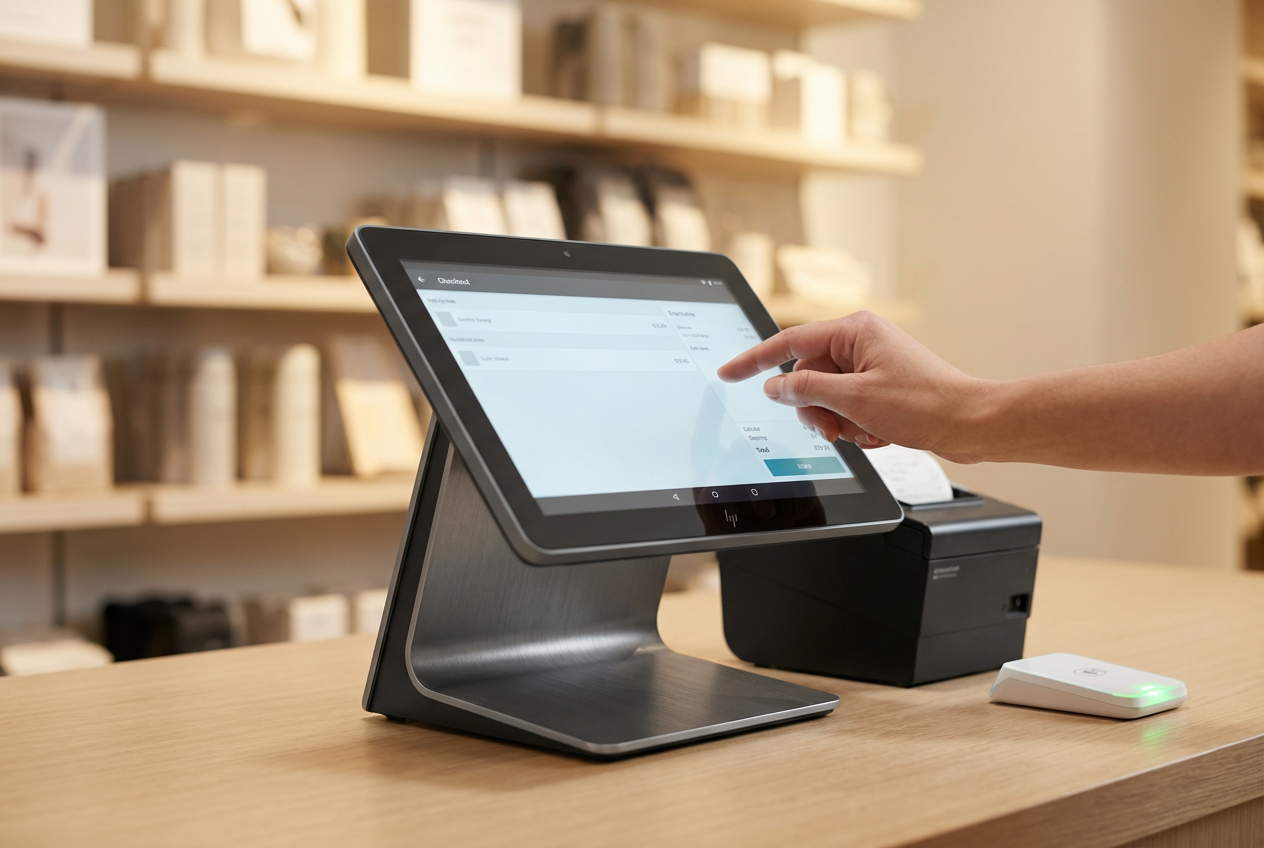
Cash float in POS systems refers to the set amount of cash placed in the register at the start of a shift to manage transactions and provide change. For businesses that handle cash daily, such as retailers, cafés, or service providers, managing float consistently across shifts is a basic operational requirement. Mistakes in float handling can lead to cash shortages, slower transactions, and increased manual work.
This guide outlines what cash float in POS means, why it matters, and how to manage it with better structure and fewer errors.
Highlights
- Managing cash float in POS systems starts with setting a standard float amount, assigning ownership, and recording all changes during each shift.
- Built-in POS features like float declarations, role-based access, and real-time activity logs make daily reconciliation faster and more accurate.
- Regular reconciliation and a clear float policy reduce errors, support staff accountability, and keep cash handling consistent across locations.
What is Cash Float in POS Systems?
Cash float refers to the amount of physical cash placed in the till at the start of a shift. It’s used to handle customer payments, give back change, and support small transactions throughout the day. Establishing a consistent cash float in a POS system helps businesses manage their opening balance, minimize confusion during sales activity, and track cash flow accurately.
Most businesses assign a fixed float amount, commonly $100 to $300 in small change, depending on foot traffic and transaction size. The float is counted and confirmed before trading begins, then rechecked at the end of the shift during reconciliation.
POS systems that support float management allow staff to declare their start-of-day cash amount, log adjustments throughout the day, and compare closing amounts to match system totals. This keeps records clean and reduces time spent resolving inconsistencies after the register closes.
Importance of Cash Float Management
Managing cash float in POS systems brings consistency to daily cash flow and improves accountability across shifts. Without a defined float process, businesses face common operational issues that affect both staff and customer experience.
Poor float handling can lead to:
- Transaction delays when there isn’t enough change to complete cash sales
- Frequent cash discrepancies from unrecorded top-ups or handoffs between staff
- Increased end-of-day balancing errors, slowing down reconciliation and reporting
- Unclear accountability if multiple team members access the cash drawer freely
- Higher risk of loss or theft without a record of who handled float changes and when
A structured float process, backed by your POS system, limits these issues. It gives store managers better visibility into cash movement and creates a clear record that can be reviewed at any time. When float routines are consistent, staff know what’s required, shifts run smoother, and daily reporting becomes easier to maintain.
Steps to Set Up a Reliable Cash Float Process in POS
Managing cash float in POS systems starts with setting consistent rules. A working cash float process should show who’s responsible, where the cash came from, and how it’s reconciled after each shift. When backed by properly configured POS tools, this process becomes repeatable and traceable across teams.
Set a Standard Float Amount per Register or Shift
Decide on a fixed float amount early, ideally based on average sales volume, expected transaction types, and customer preferences (i.e., how often people pay with cash). Keeping the float consistent helps staff work more efficiently and makes variances easier to track.
►►► Optimal solution set for businesses: Multi store POS, Next-gen POS, Inventory Management Software (MSI), Self Service, Automation, Backorders

- Float could include amounts like $150 or $300, depending on transaction volume
- Use small bills and coins: e.g., five $10 bills, ten $5s, and a mix of quarters, dimes, and nickels
- Make the float amount part of the store’s daily opening checklist
Consistency in this step makes it easier to spot issues in reporting and reduces confusion during shift changes.
Assign Float Ownership by Role or Staff Member
Each float needs to be tied to an individual during a shift. That person is responsible for starting balance checks, mid-shift top-ups, and final reconciliation.
- Assign float ownership during login (via user credentials in the POS)
- Limit mid-shift drawer sharing unless the POS supports formal handovers
- Add float training to onboarding for cash-handling staff
This step gives your team a clear point of responsibility. If there’s a mismatch later, managers know who to speak with or review shift records against.
Perform Float Declaration and Confirmation at Login
When a shift begins, staff should count the register and declare the exact float amount in the POS. If any discrepancy exists before sales begin, it should be flagged immediately.
- Use POS prompts to require float input before any sales are processed
- Store float declarations in your shift reports or cash drawer log
- Display the last shift’s closing float for better handover clarity
This step gives you a clean starting balance and helps close the loop between end-of-day totals and opening cash figures.
Log All Adjustments and Manual Top-ups
If the register runs low on coins or bills, staff may need to top up the float manually. These float adjustments must be recorded directly in the POS to maintain a clear transaction trail.
- Use POS manual cash-in features to log added amounts with timestamps
- Require a reason code or note field (e.g., “Added coins during lunch rush”)
- Apply a manager approval condition if possible, especially in multi-location setups
Unlogged top-ups make reconciliation slower and lead to unexplained differences in drawer summaries.
Reconcile Cash at Shift End Using POS Reports
At closing, staff should count the drawer, confirm what’s left as float, and compare the total cash against POS records. Discrepancies must be explained or flagged within the same shift.
- Use cash-up or “X/Z reports” to show sales vs. expected drawer total
- Confirm whether the float is being carried into the next shift or removed
- Include variance tracking and comments in your system-generated reports
Completing reconciliation through the POS reduces guesswork and prevents manual errors during reporting.
Best Practices for Managing Cash Float in a POS System
Even with the right setup, float mistakes can happen, especially during busy shifts or if access isn’t controlled. Putting guardrails around the float process reduces the chances of shortages and missed cash transactions.
Limit Drawer Access to Assigned Users
The fewer people accessing one cash drawer per shift, the easier it is to track cash movement and identify issues. Your POS system should enforce user-level permission settings.
- Only assigned staff should be able to open the drawer outside of a sale
- Use biometric or PIN verification on terminals where available
- Disable shared logins – assign one POS user profile per cashier or shift lead
This improves accountability and limits float access to trained staff only.
Use Float Track Cash Movement in Real-Time Features
A well-configured POS system tracks every float-related event as it happens, letting both staff and managers view up-to-date figures.
- Monitor declared float, sales activity, and drawer adjustments live
- Make real-time alerts available for large cash-ins or variances
- Use central admin tools to compare data across multiple stores or teams
Real-time access reduces delays in spotting irregularities or missing funds.
Handle Reconciliation Immediately After Close
Waiting until the next day to review float differences leads to errors and forgotten details. Reconciliation should happen right after the shift ends while numbers are fresh.
- Require each cashier to reconcile before logging out
- Separate float from sales proceeds during counting
- Print closing receipts and digitally store them for end-of-day review
Completing reconciliation on time reduces the need for retroactive investigation.
Keep Float Separate from Change or Sales Cash
Mixing float with earned revenue can cause counting issues if not separated clearly. Throughout the day, original float should stay distinct.
- Store float in a dedicated space in the cash drawer
- Use POS categories or internal tags for float vs. transaction cash
- During end-of-day drops, separate out float for the next shift before securing the day’s takings
This practice speeds up closing and simplifies float setup for the following shift.
Built-in Float Features Worth Having in Your POS System
POS software should support float management with built-in tools that make the process smoother and easier to track. Relying on handwritten notes or manual spreadsheets leads to more errors and accountability gaps, especially in busy retail environments.
Float declaration prompts during login/logout
Staff should be asked to confirm their float amount before a shift begins. This creates a starting reference and links each user to their declared float, all stored in the POS history.
User-level role restrictions for float actions
Assign who is allowed to declare floats, log top-ups, or authorize float changes. This reduces unauthorized access and prevents unnecessary withdrawals or additions mid-shift.
Access logs and float activity history
The system should keep a full record of drawer activity, such as cash-in/cash-out events tied to usernames, timestamps, and reason codes. This improves accountability without relying on daily manager oversight.
Integration with back-end accounts or reports
Float data should automatically flow into your daily financial summaries without re-entry. If your POS connects to your accounting tools, finance teams can track float variances in context across shifts and locations.
Real-time visibility of cash inside each register
For store managers or multi-outlet businesses, it’s helpful to view live cash balances across drawers. This speeds up troubleshooting if something doesn’t match expected totals on-site or at close.
A POS system with these features reduces manual work, speeds up shift reconciliation, and improves overall control over physical cash.
When and How to Adjust Your Float Strategy?
Your float process isn’t meant to stay static forever. As your business changes, whether through higher sales, new locations, or seasonal shifts, your float amount may need to adapt.
Some key moments when it’s worth reviewing:
- Store traffic changes
If you’re consistently running out of small change during peak hours, it may be time to increase your float for those time blocks or add more coin denominations. - New product types or pricing adjustments
If your average transaction size shifts (e.g., adding more low-cost items or daily specials), you’ll likely need different denominations to keep up. - Multiple registers per location
Each register should be assigned its own float amount, based on the expected transaction volume. A one-size-fits-all float approach often creates shortages in high-activity lanes. - Holiday seasons or special events
Short-term increases in in-store traffic can put pressure on float levels. Planning ahead with temporary adjustments, logged in the POS, prevents register slowdowns and drawer shortages. - Cash transition planning
If your store is moving toward contactless or digital-heavy payments, float amounts may be lowered over time to match changing demand.
Float strategies work best when tied to actual transaction data. Reviewing your register history and POS activity reports helps you fine-tune float amounts based on real usage over time.
How ConnectPOS Helps You Manage Cash Float Better
ConnectPOS offers a comprehensive cloud-based POS solution tailored for retail operations of all sizes. With its intuitive dashboard, you can effortlessly track cash adjustments alongside key metrics like sales, inventory, and customer data for in-depth business analysis.
Key ways ConnectPOS supports float management:
Float declaration on login
Each cashier is prompted to declare their float amount before starting sales. This gets stored in system logs and improves shift-level accuracy.
User roles and permission settings
Managers can restrict cash functions, like declaring float or logging top-ups, to specific roles. This protects cash drawers from unauthorized changes.
Drawer activity tracking by user
Every float action is logged by a staff member, with timestamps and notes when available. You can review any adjustment or discrepancy by shift, store, or team.
POS reports linked to drawer totals
ConnectPOS combines float data with sales and cash movements in its reporting dashboard. This supports smoother reconciliation and fast end-of-day comparisons.
Multi-location visibility
Regional managers can check cash balances in real time, identify irregular float behavior, and catch problems before reconciliation becomes difficult.
Wrap Up
Managing cash float in POS systems requires clear procedures and the right tools in place. When tracked consistently, the float process supports faster transactions, accurate reconciliations, and better control over cash handling across shifts.
Using a POS that includes float declarations, user-level access, and real-time visibility makes the process more structured and easier to maintain. Combined with store-level policies and clear staff responsibilities, this can reduce float errors and improve daily operation flow.
Explore the capabilities of ConnectPOS to streamline your retail operations and enhance your cash handling processes. Reach out to us today!
FAQs: Cash Float in POS System
1. What is cash float in POS, and why is it used?
Cash float refers to the amount of cash placed in a register at the beginning of a shift to provide change and manage cash payments throughout the day.
2. How can a POS system support better cash float management?
A POS system supports cash float by prompting float declarations, restricting access by role, and tracking all drawer activity in real time.
3. When should a business adjust its float amount?
Businesses may need to adjust float levels during peak seasons, changes in transaction volume, or when adding more registers or shifts.
►►► Optimal solution set for businesses: Shopify POS, Magento POS, BigCommerce POS, WooCommerce POS, NetSuite POS, E-Commerce POS