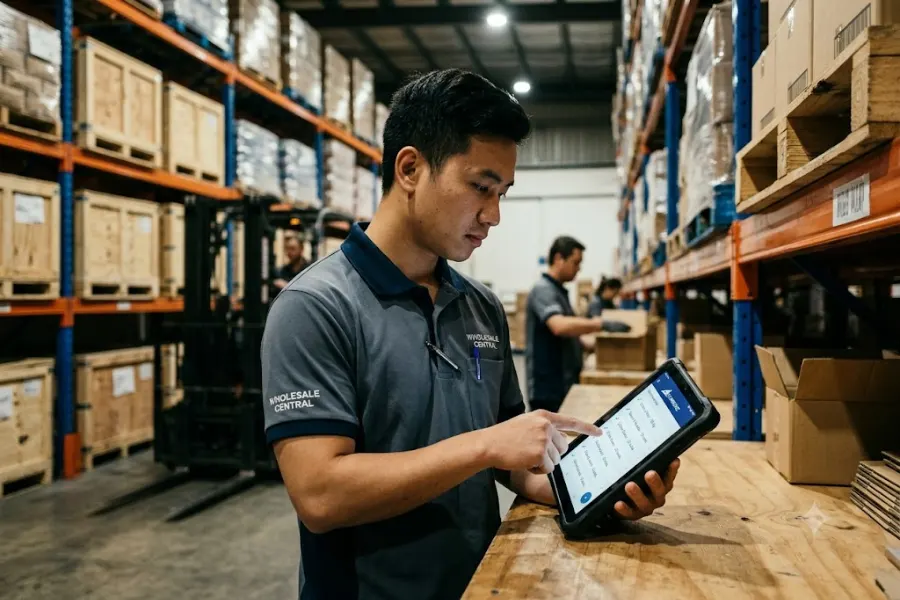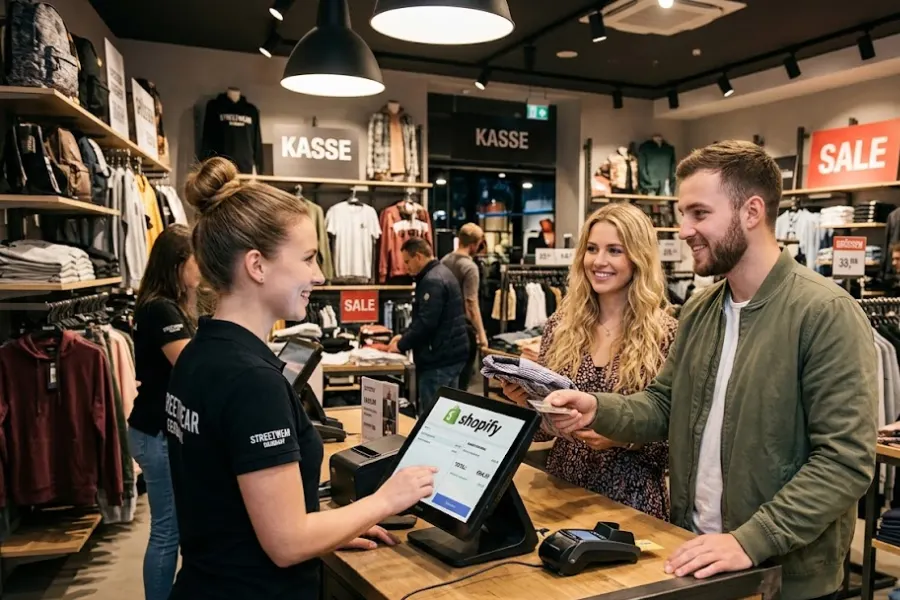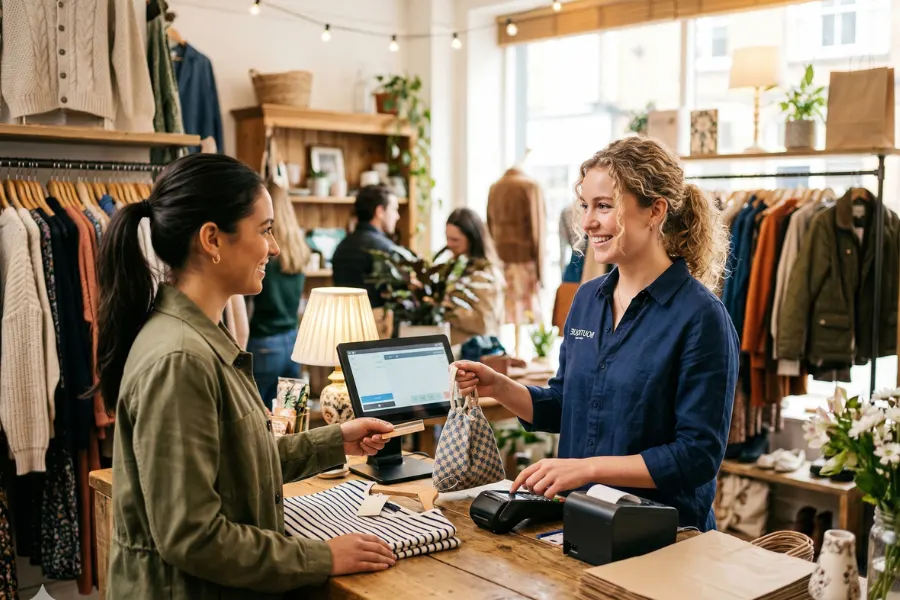
For boutique owners, the pressure to balance high-touch personal service with high-tech efficiency has never been greater. Whether you are launching your first apparel shop or scaling a multi-location brand, the engine behind your operations is your POS system. To stay competitive, you need a system that shows how to choose a POS system for clothing boutique while unifying your online and physical presence. In this guide, we’ll explore how to navigate the complex world of retail tech, featuring insights from ConnectPOS, a leader in omnichannel boutique solutions.
Highlights
- Choosing the right boutique POS system means prioritizing omnichannel synchronization, advanced variant inventory management, and CRM tools to deliver seamless customer experiences while reducing operational costs and manual workload.
- A scalable, cloud-based POS with strong integrations, real-time data access, and reliable support ensures your boutique can grow confidently without technology limitations slowing expansion.
The Value of Using a POS System Built for Boutiques
Not all POS systems are created equal. Generic retail systems often lack the flexibility boutiques need.
According to recent data from Statista, retailers that invested in advanced AI-integrated POS systems reported up to a 94% reduction in operational costs and significant revenue increases.
Boutiques face unique challenges:
- Multiple sizes and color variants for each SKU
- Seasonal collections and limited drops
- Personalized styling and customer relationships
- Smaller but highly curated inventory
A POS system built specifically for boutiques helps you:
- Track variants (size, color, style) accurately
- Avoid stockouts and overstocking
Build detailed customer profiles - Deliver consistent service across in-store and online
When your POS aligns with boutique workflows, daily operations become smoother and more profitable.
Key Features Every Boutique POS System Must Have
To thrive in today’s market, your POS system for clothing boutique needs to handle more than just swipes and taps. Here are the five non-negotiable features:
- Advanced Inventory Management: Fashion retail is built on variants. Your system must support a multi-level product matrix (Size/Color/Style) and provide real-time stock alerts. It should also facilitate easy stock transfers between locations or from your warehouse to your showroom.
- Omnichannel Selling Capabilities: The modern shopper might browse on Instagram, check local availability on your website, and then walk into your store to try it on. An omnichannel POS for boutiques guarantees that your “Buy Online, Pick Up In-Store” (BOPIS) and “Buy In-Store, Ship to Home” workflows are seamless.
- Customer Relationship Management (CRM): Boutiques survive on loyalty. Your POS should store customer profiles, purchase histories, and even style preferences. This allows your staff to offer personalized recommendations, a process known as “clienteling,” that drives a 30% higher lifetime value from omnichannel shoppers.
- Fast and Flexible Checkout: In 2026, long lines are deal-breakers. Your system should support mobile POS (mPOS) on tablets so staff can check out customers anywhere on the floor. It must also accept a wide array of payments, from digital wallets like Apple Pay to “Buy Now, Pay Later” (BNPL) options.
- Detailed Sales Reporting and Analytics: You can’t manage what you can’t measure. The best POS for boutique owners provides real-time reports on sell-through rates, top-performing staff, and seasonal trends, allowing you to make data-backed purchasing decisions.
Cloud-Based vs On-Premise POS: Which Is Best for Boutiques?
When choosing a POS system for clothing boutique, understanding the differences between cloud-based and on-premise solutions is essential. Below is a clear comparison based on key factors:
Accessibility
- Cloud-Based POS: Allows you to access your data anytime, anywhere through the internet.
- On-Premise POS: Data is stored locally and typically limited to the physical store server.
Cost
- Cloud-Based POS: Lower upfront costs with predictable monthly subscription (SaaS) fees.
- On-Premise POS: Requires a higher initial investment for hardware and software licenses.
Updates
- Cloud-Based POS: Updates are automatic and deployed instantly.
- On-Premise POS: Updates are manual and often require technical assistance.
Internet Requirement
- Cloud-Based POS: Requires a stable internet connection, although some systems offer offline modes.
- On-Premise POS: Can operate entirely offline without internet access.
Scalability
- Cloud-Based POS: Easily scales to new locations or registers within minutes.
- On-Premise POS: Expansion usually requires purchasing and installing additional server hardware.
How to Choose A POS System for Your Boutique?
Choosing the right POS system for clothing boutique is a strategic move that requires a structured approach. Follow these 10 steps to ensure you pick a winner.
1. Analyze Your Boutique’s Operational Requirements
Do you handle a high volume of returns? Do you offer alterations? Map out your daily workflows. A bridal boutique has vastly different needs than a fast-fashion pop-up. Identify where your current process feels “clunky.”
2. Define a Realistic POS Investment Budget
In 2026, expect to pay between $60 and $200 per month for high-quality software. Hardware bundles (iPad stands, scanners, printers) typically range from $800 to $2,000.
3. Identify Must-Have POS Functionalities
List your “deal-breakers.” If you sell heavily on Shopify or Magento, a POS with a native, real-time sync to those platforms is a “must-have,” not a “nice-to-have.”
4. Ensure Hardware and Software Compatibility
If you already own iPads or Star Micronics printers, look for software that supports them. Avoid “proprietary hardware traps” where a provider forces you to buy their expensive, branded equipment that won’t work with any other software.
5. Review Available Customer Support Services
Retail doesn’t stop at 5:00 PM on a Friday. Ensure your provider offers 24/7 support via multiple channels (live chat, phone, email). A system crash during a Saturday rush can cost you thousands if help isn’t immediate.
6. Examine Real User Feedback
Check platforms like G2, Capterra, or the Shopify App Store. Look for reviews from other clothing boutiques specifically. Pay attention to comments regarding “sync issues” or “ease of use” for floor staff.
7. Schedule Live Demos or Free Trial Periods
Never buy sight-unseen. A live demo allows you to ask specific questions like, “How do I process a split-payment return for an online order?” Use the free trial to see if the interface feels intuitive to your team.
8. Plan for Future Business Growth and Expansion
Will the system support 10 stores as easily as one? Can it handle international currencies or multi-warehouse inventory? Choose a system that you can grow into, not one you will grow out of in twelve months.
9. Confirm Data Protection and Security Standards
Ensure the system is PCI-DSS compliant and offers end-to-end encryption. In an era of increasing data breaches, your customers need to know their credit card and personal info are safe.
10. Assess Third-Party Integration Options
Your POS should be the “brain” of your business, but it needs to talk to your other tools. Look for integrations with accounting software (Xero, QuickBooks), email marketing (Klaviyo), and loyalty programs.
ConnectPOS – Best Option POS System for Clothing Boutique
If you are looking for a solution that checks every box on this list, ConnectPOS stands out as a top-tier choice for fashion retailers. Unlike “one-size-fits-all” platforms, ConnectPOS was engineered with the complexities of apparel in mind.
- Real-time inventory sync: Whether a customer buys a dress in your London shop or on your Shopify store, stock levels update across channels right away.
- Deep e-commerce integration: Robust support for Magento, Shopify, BigCommerce, and WooCommerce, built for omnichannel retail.
- Variant-friendly product setup: Apparel requires clean handling of size, color, style, and season. ConnectPOS supports these variants so staff can find the right SKU quickly at checkout.
- Multi-store and multi-warehouse management: Track inventory across stores, backrooms, and warehouses, with clearer stock visibility for transfers and replenishment.
- Click-and-collect workflows: Support BOPIS-style journeys so customers can buy online and pick up in-store with accurate inventory and smoother handoff.
- Cross-device compatibility: Run POS on PCs, tablets, and mobile devices, which works well for pop-ups, styling appointments, and queue-busting on busy days.
- Flexible payments: ConnectPOS supports diverse payment methods, with no compulsory payment processing and no extra fees for third-party payment gateways (based on the provider setup).
- Support for multiple currencies: Useful for boutiques serving tourists or running cross-border operations.
- Customizable features: Tailor workflows with custom receipts and loyalty flows that match your brand experience.
- Scalability: Trusted by brands like Store 1892 and JAT Clothing, scaling from single-lane pop-ups to larger retail operations.
- Offline mode: Keep selling through internet issues, then sync data once you’re back online.
ConnectPOS provides a sophisticated yet user-friendly interface that reduces staff training time while providing the deep data insights senior strategists crave.
FAQs: Pos System For Clothing Boutique
- How much does a boutique POS system usually cost?
For a single-store boutique, you should budget approximately $1,500 – $2,500 for the first year. This includes hardware (around $1,000) and a mid-tier software subscription ($70–$120/month).
- Can a POS system manage both online and in-store sales?
Yes, provided it is an omnichannel POS. Modern systems like ConnectPOS link directly to your e-commerce platform so that your inventory, customer data, and sales reports are unified in one central dashboard.
- How important is POS integration with accounting software?
It is extremely important. Integration reduces manual data entry, minimizes errors, and ensures accurate financial reporting.
Wrap Up
Learning how to choose a POS system for clothing boutique is one of the most important investments you will make in your business’s future. The right system won’t just sit on your counter; it will help you sell more, understand your customers better, and reclaim hours of manual admin time. Focus on finding a partner that offers real-time omnichannel synchronization, robust inventory management, and a scalable cloud-based architecture. With the right technology in place, you can stop worrying about the “back end” and get back to what you do best: curating amazing collections and serving your community. Ready to see how a unified POS can transform your boutique? Contact us today to book a demo and take the first step toward a seamless retail future.
►►► Optimal solution set for businesses: Shopify POS, Magento POS, BigCommerce POS, WooCommerce POS, NetSuite POS, E-Commerce POS