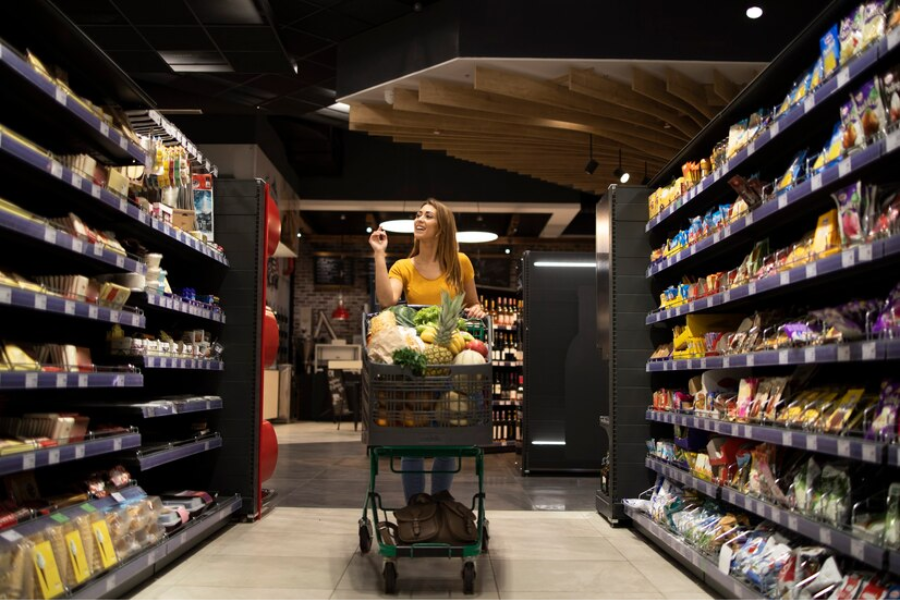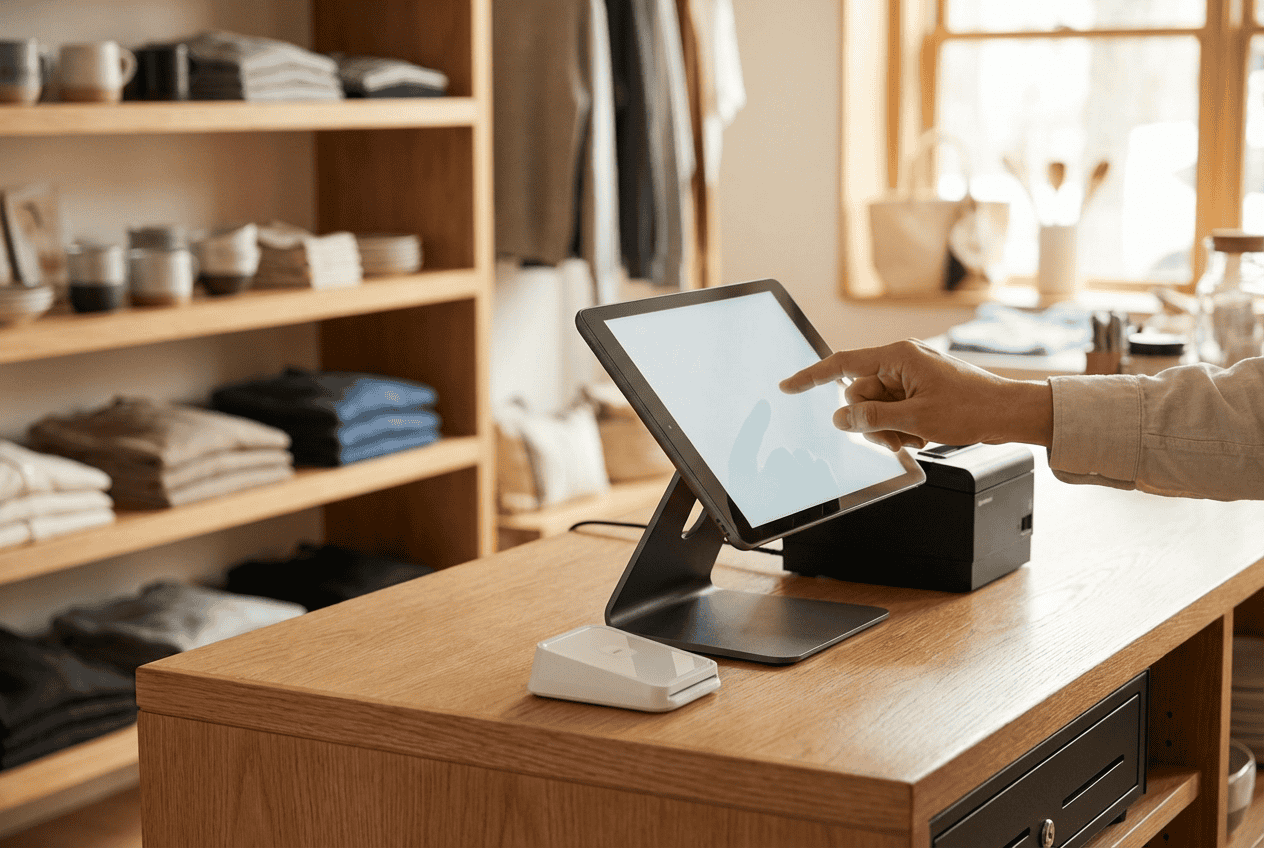
Retail no longer runs on a single counter or one sales channel. Shoppers move fast between stores, websites, and phones, and gaps show up quickly when systems fall behind. Many teams feel the strain first in inventory errors and slow checkouts. The best POS systems for retail stores in US respond to that shift. In this guide from ConnectPOS, we’ll focus on what truly separates strong retail POS setups and how to choose with confidence.
Highlights
- Top POS systems for retail stores in the US include ConnectPOS, Shopify POS, Lightspeed Retail, Square for Retail, and Clover, each serving different omnichannel and store growth needs.
- Core POS capabilities US retail stores rely on include real-time inventory sync, unified order management, customer profiles, flexible payments, and clean integrations across eCommerce and back-office systems.
Why Omnichannel POS Is Becoming Standard in US Retail
Retail in the US now moves across screens and sidewalks. A customer may browse online, check stock on a phone, then walk into a store to buy. That flow feels normal today. POS systems had to catch up. In fact, U.S. Census data shows eCommerce made up 16.4% of total retail sales in Q3 2025, so “online-first” is now a real slice of everyday retail, not a side channel.
Many stores still run separate tools for online and in-store sales. That split creates daily friction. Stock looks available online but sits empty on shelves. Orders pile up in one channel while staff scramble in another. Apparently, these issues grow as sales volume rises. McKinsey also notes that online is the starting point for 60% to 90% of customer journeys (depending on category), so even small gaps between systems show up fast for shoppers.
Multichannel setups list products in more than one place. Omnichannel goes further. It connects inventory, orders, and customer data into one shared view. That difference shows up fast during busy hours. Returns move smoother. Staff answer questions with confidence. Customers notice.
Unified data also changes how teams plan. Sales trends become clearer. Inventory decisions rely less on guesswork. For that reason, retailers lean toward systems that link every channel instead of juggling tools. McKinsey adds that omnichannel customers shop 1.7 times more than single-channel shoppers. This raises the stakes for having one clean view of the customer and their orders.
You may already see this shift in your own store. POS platforms now act as the control center, not just a checkout screen. Better yet, this approach sets the stage for scaling without adding daily chaos.
Core POS Capabilities Retail Stores in the US Should Expect
Retail teams in the US expect more from POS tools today. Checkout speed still counts, yet daily control now depends on how well systems connect data. Inventory, orders, and customer history must stay aligned across channels. Below, we walk you through what modern retail POS platforms should handle smoothly, so daily operations stay clear and predictable.
- Real-time inventory sync across channels: Stock levels should update the moment a sale happens, no matter the channel. That accuracy prevents overselling and missed sales. ConnectPOS keeps inventory aligned across stores, warehouses, and online shops, so staff always see what is actually available. This kind of accuracy often starts with solid inventory management software.
- In-store and online order management in one system: Orders should flow through a single dashboard. That setup helps teams handle pickups, shipping, and returns without jumping tools. When everything lives in one place, daily work feels lighter and faster, and order fulfillment stays easier to track.
- Customer profiles and purchase history: Knowing who buys and how often changes service quality. A POS should store profiles, past orders, and preferences. Staff can then recognize repeat shoppers and respond with confidence instead of guesswork, especially with CRM POS tools in place.
- Flexible payments and checkout options: Shoppers expect choice at the counter. Cards, wallets, split payments, and refunds must work without delay. Modern point of sale software for retailers supports these flows so lines keep moving during peak hours.
- Scalability for multi-store growth: Growth should not break systems. A POS needs to handle new locations without data silos. ConnectPOS supports a multi store POS setup, letting retailers manage pricing, inventory, and staff access from one control point.
- Integrations with eCommerce, ERP, CRM, and accounting tools: Retail rarely runs on one system alone. POS solutions for retail stores across the US must connect cleanly with eCommerce and core business platforms. ConnectPOS integrates with Shopify, BigCommerce, Magento, WooCommerce, Oracle NetSuite, and commercetools, keeping online and offline data aligned across daily operations.
- Transparent pricing and long-term cost clarity: POS costs should feel predictable. Clear plans help retailers plan growth without surprise fees. That clarity builds trust and avoids painful switches later.
These capabilities form the baseline for POS systems designed for retail stores. When they work as a set, daily operations stay steady as sales grow.
The Best POS Systems for Retail Stores in US for Omnichannel Selling
Retailers now face a crowded POS market. Many tools promise coverage across channels, yet daily results shift once real traffic hits. We’ll walk you through how the best POS systems for retail stores in US compare, focusing on omnichannel support, room to grow, and the level of control teams feel day to day.
1. ConnectPOS: Best Overall Omnichannel POS for Retail Stores in the US
ConnectPOS was built with retail workflows in mind, not adapted from restaurant or generic checkout tools. It connects online stores and physical locations in real time, giving teams in the US one shared view of sales, stock, and customers. That structure suits retailers planning to grow beyond a single store.
For businesses managing several locations, this approach removes daily friction. Inventory stays aligned. Orders move smoothly between channels. Staff work from the same data, whether they stand at a counter or manage orders in the back office.
Key features
- Real-time inventory sync across stores, warehouses, and online channels: Stock updates instantly after each sale or return. That accuracy helps avoid overselling and stock confusion during busy periods.
- Unified customer profiles with full purchase history: Customer data lives in one place. Teams can see past orders across channels and respond with confidence.
- Omnichannel order flows including BOPIS, ship-from-store, and cross-channel returns: Orders move freely between online and in-store paths. Customers choose how they buy and how they receive items.
- Multi-store and multi-warehouse inventory management: Retailers manage pricing, stock, and transfers from one dashboard, even as locations expand.
- Flexible payment gateway and hardware support: Stores support various payment methods and devices without forcing rigid setups.
- Open API with deep eCommerce platform integrations: ConnectPOS links cleanly with eCommerce platforms like Shopify and BigCommerce, keeping data consistent across systems.
- Advanced reporting and role-based staff access control: Managers track sales, staff activity, and trends while controlling access by role through report & analytics.
Pros
- Built specifically for omnichannel retail operations
- Strong inventory accuracy and order control
- High customization and integration flexibility
- Scales well from mid-size retailers to enterprise chains
Cons
- Requires planning to unlock full omnichannel setup
- Not intended for single-channel or very small sellers
Best for
- Retailers selling both online and in physical stores
- Multi-location and fast-growing US retail businesses
Pricing
- Standard: $49 per register per month
- Advanced: $79 per register per month
- Premium: $99 per register per month
- Enterprise: Custom pricing
2. Shopify POS: Best for eCommerce-First Retailers Expanding In-Store
Shopify POS works as a natural extension of Shopify’s online store system. It suits brands in the US that started with eCommerce and now want a physical presence without rebuilding their setup. Online products, pricing, and basic data already live in one place, which shortens the move into retail.
This setup appeals to teams that want familiar tools at the counter. Orders placed online appear in the same system as in-store sales. Customer profiles follow shoppers across channels, giving staff a simple way to recognize repeat buyers.
Key features
- Product and inventory sync with Shopify stores: Items listed online stay aligned with in-store stock, reducing manual updates.
- Shared customer profiles across online and in-store sales: Purchase history connects channels, helping staff answer questions quickly.
- Integrated checkout and payments: Payments run through Shopify’s system, keeping transactions consistent.
- App marketplace for added retail functions: Extra tools fill gaps based on store needs.
- Basic multi-location support: Small chains manage several stores with limits.
Pros
- Strong eCommerce foundation
- Simple setup for Shopify users
- Large app ecosystem
Cons
- Omnichannel depth depends on paid add-ons
- Advanced POS tools raise monthly costs
- Limited flexibility outside Shopify
Best for
- Shopify-based retailers opening physical locations
Pricing
- POS Lite: Free with Shopify plans
- POS Pro: $89 per location per month
3. Lightspeed Retail POS: Best for Inventory-Heavy Retail Brands
Lightspeed Retail POS targets stores that manage deep catalogs and constant stock movement. It fits specialty retailers where size, color, and style variations drive daily complexity. Inventory control sits at the center of the system.
This platform focuses on detail and structure. Stock updates flow across locations, giving teams clearer counts as sales move. Built-in eCommerce tools also keep online listings tied to store inventory, which helps avoid overselling during peak periods.
Key features
- Advanced inventory and product variant management: Handles large catalogs with detailed attributes and SKU tracking.
- Multi-location stock tracking: Supports visibility across stores with location-based counts.
- Built-in eCommerce capabilities: Keeps online and in-store inventory aligned.
- Supplier and purchase order management: Helps teams plan restocks with more control.
- Sales and performance analytics: Provides reports that highlight product movement.
Pros
- Strong inventory handling
- Retail-focused feature set
- Detailed reporting tools
Cons
- Higher monthly pricing
- Steeper learning curve
- Omnichannel setup needs time and planning
Best for
- Specialty and inventory-heavy retail businesses
Pricing
- Plans usually range from $69 to $199 per month, depending on selected features
Read more: POS Review: ConnectPOS vs Lightspeed POS
4. Square for Retail POS: Best for Small and Growing Retailers
Square for Retail POS appeals to teams that want a fast start with minimal setup. It fits small stores, pop ups, and sellers testing physical retail for the first time. The system stays simple, which helps staff get moving quickly.
This POS focuses on core retail needs. Inventory tracking stays basic but clear. In-store and online sales run through one dashboard. Payments work out of the box, which removes early friction for new sellers.
Key features
- Basic inventory tracking: Keeps counts updated for simple product lists.
- In store and online selling support: Handles sales across channels without extra setup.
- Mobile and countertop hardware options: Works for fixed counters or flexible layouts.
- Built in payments: Accepts cards and wallets through Square’s system.
- Sales reports and staff management: Gives visibility into daily performance.
Pros
- Free starter plan
- Easy to deploy
- Works well for small retail operations
Cons
- Limited omnichannel depth
- Processing fees rise as volume grows
- Not suited for complex retail workflows
Best for
- Small US retailers and pop up shops
Pricing
- Free plan: $0 per month
- Retail Plus: $60 per location per month
5. Clover POS: Best for Loyalty and In-Store Experience
Clover focuses on the counter first. This POS centers on hardware, speed, and in-store engagement. It suits stores that care most about checkout flow and repeat visits rather than complex channel logic.
Clover’s strength sits in loyalty and staff control. Programs reward regulars at the register. Employees clock in, ring sales, and follow clear roles. The setup feels familiar to teams that prefer physical terminals over tablets.
Key features
- Built-in loyalty tools: Tracks visits and rewards customers at checkout.
- Inventory and sales tracking: Covers daily counts and sales summaries.
- Customizable POS hardware: Supports counters, handhelds, and kiosks.
- App marketplace: Adds functions based on store needs.
- Employee management features: Manages access and shifts.
Pros
- Strong loyalty and in-store tools
- Stable checkout performance
- Wide range of hardware options
Cons
- eCommerce works through add-ons
- Hardware lock-in with providers
- Limited omnichannel flexibility
Best for
- Brick-and-mortar focused retail stores
Pricing
- Software plans range from $14.95 to $69.95 per month
- Hardware usually costs $300 to $1,700
Read more: Comprehensive Clover POS Review: Features, Pros & Cons, Pricing Plans
Quick Comparison of the Best POS Systems for Retail Stores in US
This quick comparison gives you a clean snapshot of how leading options stack up, making it easier to narrow the best POS systems for retail stores in US to those that fit how your stores operate.
| POS System | Omnichannel Strength | Inventory & Order Management | Multi-Location Scalability | Pricing Transparency | Best Fit Retailers |
| ConnectPOS | Very strong. True real-time sync across online, in-store, warehouses | Advanced. Multi-warehouse, omnichannel orders, returns anywhere | Excellent. Built for growing and large retail chains | Clear. Plans from $49 per register per month | Omnichannel retailers, multi-location, growth-stage businesses |
| Shopify POS | Moderate. Strong online to store, limited without add-ons | Basic to mid-level. Depends on apps | Good for small to mid-size Shopify stores | Moderate. POS Pro costs $89 per location per month | eCommerce-first brands opening physical stores |
| Lightspeed Retail | Moderate. Omnichannel supported but setup-heavy | Very strong. Best for complex catalogs | Good. Scales with cost increases | Moderate. Plans from $69 to $199 per month | Inventory-heavy and specialty retailers |
| Square for Retail | Basic. Limited omnichannel depth | Basic. Works for simple retail needs | Limited. Best for few locations | High. Free plan and $60 per location per month | Small retailers, pop-ups, early-stage stores |
| Clover POS | Low to moderate. Store-focused | Basic to mid-level. Strong in-store tools | Moderate. Hardware dependent | Low to moderate. Pricing varies by provider | Brick-and-mortar stores focused on loyalty |
How to Choose the Right POS System for Your Retail Business
Picking a retail POS in the US shapes how each day runs. Screens, stock counts, and payments all meet at this point. A clear approach helps you narrow choices without chasing shiny extras. The goal stays simple. Find a system that fits how you sell today and where you plan to go next.
- Match POS capabilities to sales channels: Stores selling online and in person need tools that connect both sides. Systems that keep channels separate often create gaps during busy hours.
- Evaluate future growth plans: A single store today may turn into five next year. POS platforms should handle added locations without heavy rebuilds.
- Compare total cost beyond monthly fees: Software pricing is only one part. Hardware, processing, and setup costs add up over time.
- Consider integration needs: Accounting, eCommerce, and CRM tools must share data cleanly. Poor links slow daily work.
- Assess onboarding and support quality: Training and support affect how fast teams adapt when issues appear.
Read more: How to Choose the Best POS Systems in US?
FAQs: Best POS Systems for Retail Stores in US
1. What is the best POS system for retail stores in the US?
The best POS system for retail stores in the US is one that supports omnichannel selling. It should sync inventory, orders, and customer data across in-store and online channels. Retailers should look for strong inventory control, flexible payments, and scalability as the business grows.
2. How much does a POS system cost for a retail store in the US?
POS pricing in the US varies widely. Some systems start with free or low-cost plans, while advanced retail POS platforms charge monthly fees per location or register. Costs usually include software subscriptions, payment processing fees, and hardware purchases.
3. Do retail POS systems support omnichannel selling?
Many modern retail POS systems support omnichannel selling, but not all at the same level. True omnichannel POS solutions allow real-time inventory sync, buy online pick up in store, ship-from-store, and cross-channel returns. Retailers should confirm these features before choosing a system.
4. Is a cloud-based POS better for retail stores in the US?
For most retail stores, cloud-based POS systems are a better choice. They allow real-time data access, remote management, automatic updates, and easier multi-store expansion. Cloud POS systems are especially useful for retailers selling both online and in physical locations.
5. What features should a retail POS system have in the US market?
A strong retail POS system should include real-time inventory tracking, omnichannel order management, customer profiles, flexible payment options, detailed reporting, and integrations with eCommerce and accounting tools. These features help retailers operate efficiently and deliver consistent customer experiences.
Final Thoughts
Retail keeps moving faster, and systems that lag behind feel the strain first. The best POS systems for retail stores in US give you more than checkout speed. They connect inventory, orders, and customer data into one clear view. That clarity supports daily decisions and long-term growth. We believe choosing the right POS should feel grounded, not rushed. If you want guidance tailored to your retail setup, we’re here to help. Feel free to contact us and explore how ConnectPOS fits your next stage.
►►► Optimal solution set for businesses: Shopify POS, Magento POS, BigCommerce POS, WooCommerce POS, NetSuite POS, E-Commerce POS