The US retail and restaurant landscape is evolving fast. As customer expectations shift toward seamless omnichannel experiences and state-specific tax regulations grow more complicated, businesses require far more than a basic cash register to operate efficiently. They need a smart system that connects payments, inventory, staff, and reporting in real time. So, how do POS systems work in the US, and what should you evaluate before investing in one? In this guide from ConnectPOS, we will demystify the mechanics of modern POS technology. You will learn how these systems handle real-time data, how they automate US-specific tax obligations, and exactly what you need to look for to ensure your investment scales with your ambition.
Highlights
- In the US, POS systems function as cloud-based hubs that sync inventory across channels, automate complex sales tax for 11,000+ jurisdictions, and route encrypted payments through secure gateways for instant authorization.
- Successful US businesses prioritize industry-specific features (like KDS for restaurants), transparent pricing models (Interchange-plus vs. flat-rate), and 24/7 US-based support to handle time-sensitive technical issues.
What Is a POS System and Its Role for US Businesses?
At its core, a POS system in the US is an integrated ecosystem of hardware and software designed to finalize a sale. While a traditional cash register simply stores money and prints a total, a modern POS system acts as a “Business Operating System.”
The Role of POS in Modern Commerce
The modern POS system does more than “ring up” items. It bridges the gap between online and offline sales (omnichannel commerce).
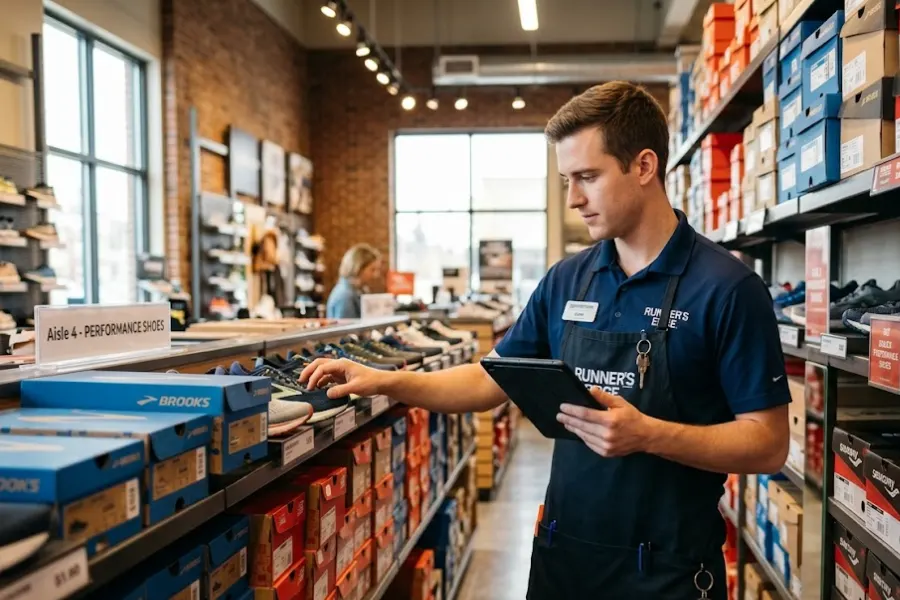
- Retail Example: A boutique in Nashville uses its POS to ensure that when a dress sells online via their website, the in-store inventory count drops instantly, preventing a “double-sell.”
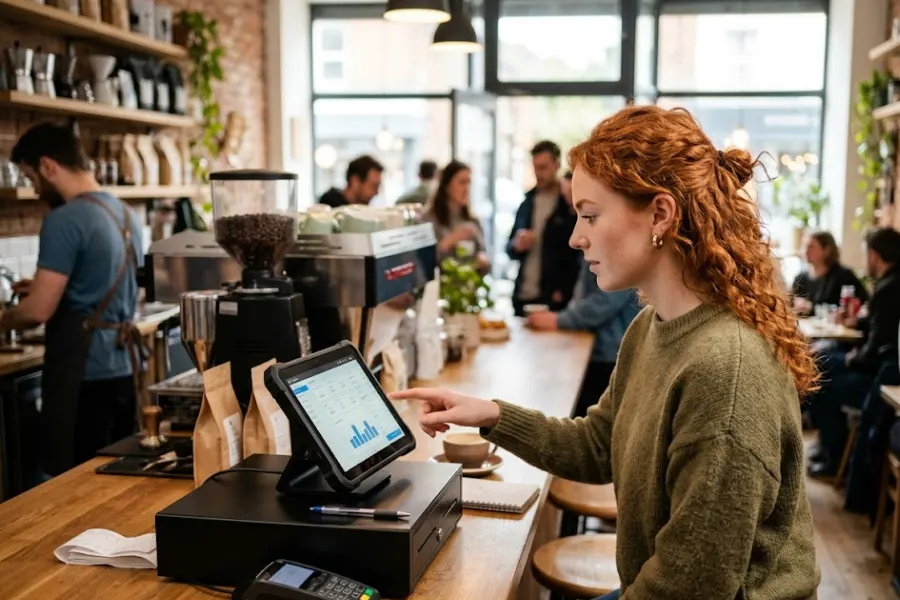
- Restaurant Example: A Chicago bistro uses its POS to send orders directly to a Kitchen Display System (KDS), track table turn times, and manage tip distribution for staff.
- Service-Based Example: A salon in Los Angeles uses its POS to book appointments, track the usage of high-end hair products, and send automated SMS reminders to clients.
Over 70% of US retailers have accelerated their technology investments post-pandemic to enhance operational efficiency. Furthermore, businesses utilizing advanced POS systems have seen an average 20% increase in sales compared to those using legacy methods.
How Do POS Systems Work in the US?
Understanding “how do POS systems work in the US” requires looking at the transaction lifecycle. In the United States, this process is heavily influenced by payment security standards and a complex tax landscape.
- Instant Item Identification: The process starts with a barcode scan or touchscreen selection, where the software automatically pulls pricing and adjusts real-time inventory levels.
- Localized Tax Automation: To navigate the 11,000+ US tax jurisdictions, systems use geolocation or zip codes to calculate specific state, county, and city sales taxes automatically.
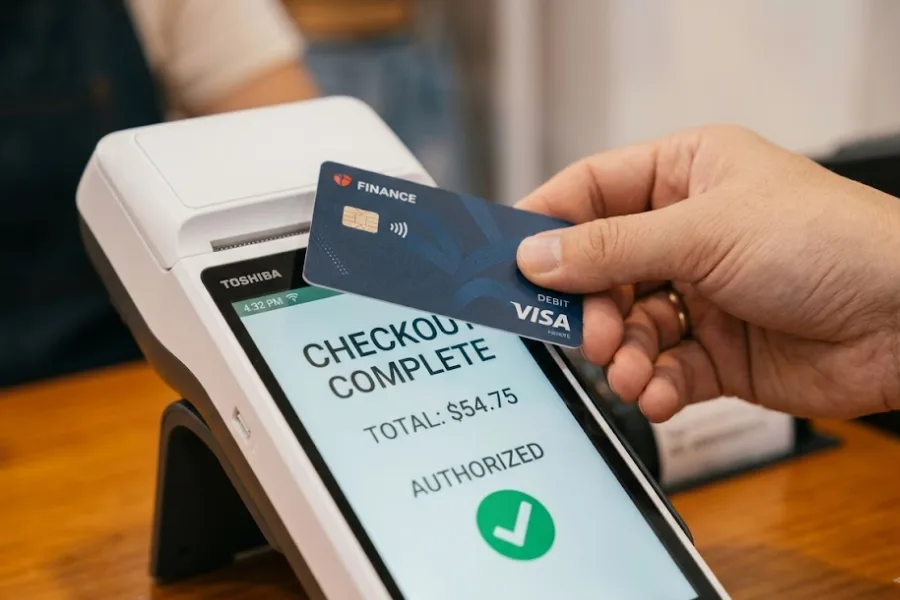
- Diverse Payment Integration: Modern systems support a wide range of US consumer preferences, including EMV “dip” chips, contactless “tap” (Apple/Google Pay), and “Buy Now, Pay Later” (BNPL) options.
- Rapid Secure Authorization: The POS acts as a secure hub, sending encrypted data through a payment gateway to the bank for an “Approved” or “Declined” signal within seconds.
- Data Compliance & Digital Receipts: Once finalized, the system stores the sale in the cloud for reporting and issues digital receipts, all while maintaining strict PCI DSS compliance to protect sensitive card data.
Key POS Features US Businesses Rely On
To remain competitive, you need more than a payment processor. Here are the features that drive ROI for American small-to-medium businesses (SMBs).
Inventory Management and Automated Reordering
Modern systems provide “low stock” alerts and can even generate purchase orders automatically when items hit a certain threshold. For businesses selling regulated goods, like electronics or pharmaceuticals, serialized inventory tracking is a must-have.
Employee Scheduling and Performance Tracking
Managing labor is often the highest cost for US businesses. Look for a POS that offers:
- Integrated time clocks for easy payroll export.
- Role-based permissions (so a cashier can’t issue a $500 refund without a manager’s code).
- Commission tracking for sales-heavy environments.
CRM and Loyalty Programs
Acquiring a new customer is 5x more expensive than keeping an old one. A POS with built-in CRM tracks purchase history, allowing you to send a “We miss you” coupon to a customer who hasn’t visited in 30 days.
Multi-Location Management
If you plan to grow, you need a centralized dashboard. You should be able to see the Tuesday morning revenue for your New York, Miami, and Dallas locations on a single screen without logging into three different accounts.
US Sales Tax Automation
With “Economic Nexus” laws, you might owe sales tax in a state even if you don’t have a physical store there. The best POS systems integrate with tools like Avalara or TaxJar to handle this automatically.
What to Consider Before Choosing a POS System in the US
Choosing a system is a long-term commitment. Transitioning to a new POS can take weeks of training and data migration, so you want to get it right the first time. When evaluating how do POS systems work in the US for your specific needs, consider these factors:
Business Type and Industry Needs
A “one-size-fits-all” POS rarely works.
- Restaurants need table mapping and split-check capabilities.
- Retailers need a robust matrix inventory (tracking one shirt in 5 colors and 4 sizes).
- Specialized Industries: Cannabis dispensaries or liquor stores need specific compliance reporting modules to stay legal under state law.
POS Pricing Models Explained
Pricing is often the most confusing part of the process. Most US providers use one of three models:
- Monthly Subscription: Typically $60–$200 per month per register.
- Payment Processing Rates: You might see “Flat-rate” (e.g., 2.6% + 10¢) or “Interchange-plus,” which is more transparent for high-volume stores.
- Hardware Costs: You can buy a simple iPad stand for $100 or a full “all-in-one” terminal for $1,500+.
Customer Support Availability
If your POS goes down on Black Friday or during a Saturday night dinner rush, you cannot wait for an email response from an offshore team in a different time zone. Prioritize providers that offer 24/7 US-based phone support.
Security & PCI Compliance
Make sure the provider uses tokenization and end-to-end encryption (E2EE). In the US, the merchant is often liable for data breaches if their equipment is outdated.
Why ConnectPOS is a Top Choice for US Businesses
When evaluating how do POS systems work in the US for high-growth businesses, ConnectPOS stands out as a leading omnichannel solution. It specifically addresses the pain points of US merchants who need to balance physical store speed with complex e-commerce integrations.
With the core features as follows:
- Real-Time Omnichannel Sync: ConnectPOS guarantees stock levels are identical across your US-based Shopify, Magento, BigCommerce, or WooCommerce stores and your brick-and-mortar locations, preventing the risk of overselling during peak US shopping holidays.
- High-Performance Offline Mode: Internet outages shouldn’t stop your business. The “Always-On” feature allows you to continue scanning items and processing sales without a connection, automatically syncing data once you’re back online.
- Native Support for Modern US Workflows: Effortlessly manage high-demand consumer behaviors such as BOPIS (Buy Online, Pick Up In-Store), ship-from-store, and cross-channel returns (buy online, return in-store) through a single interface.
- Optimized US Payment & Tax Integration: The system integrates seamlessly with major US providers like Stripe, PayPal, and Authorize.net, supporting EMV chips, Apple Pay, and Google Pay while automating complex state-specific sales tax calculations.
- Scalable Multi-Store Management: Whether managing a single boutique in New York or a franchise across five states, the centralized dashboard provides high-level visibility, serialized inventory tracking, and easy stock transfers between warehouses.
- Mobile-First “Endless Aisle” Capability: Empower your staff to assist customers anywhere on the sales floor via iPads or smartphones. If an item is out of stock in-store, staff can order it from the warehouse for home delivery right from the tablet.
FAQs: How Do POS Systems Work
- How does a POS system process payments in the US?
A POS system processes payments by capturing card or digital wallet data, encrypting it, and sending it to a payment gateway. The gateway communicates with the acquiring bank, which contacts the issuing bank for approval. Once authorized, the transaction is completed, a receipt is generated, and funds are transferred to the merchant account within one to three business days.
- What is the average cost of a POS system in the US?
The average cost depends on business size. Small businesses typically spend:
- $0–$150 per month for software
- $500–$2,500 for hardware
- 2.3%–3% per transaction in processing fees
Multi-location businesses or enterprise setups may incur higher monthly and integration costs.
- How long does POS implementation usually take?
For small businesses using cloud-based systems, implementation can take a few days to two weeks. Multi-location or enterprise deployments may take one to three months, especially if inventory migration, staff training, and system integrations are required.
Wrap Up
In sum, understanding how do POS systems work in the US is about more than just accepting credit cards; it is about gaining total visibility into your business. A well-chosen system automates your most tedious tasks, from calculating complex state taxes to tracking your best-selling products.
Before making a final choice, assess your industry-specific requirements, transaction volume, expansion plans, pricing transparency, customer support reliability, and security standards. The ideal POS solution should simplify daily operations, maintain compliance with US regulations, and scale effortlessly as your business grows.
If you’re looking for a robust, scalable, and US-ready solution, ConnectPOS is built to support retailers and multi-location businesses with advanced features, seamless integrations, and dedicated support.
Contact us today to schedule a personalized demo and discover how the right POS system can power your next stage of growth.