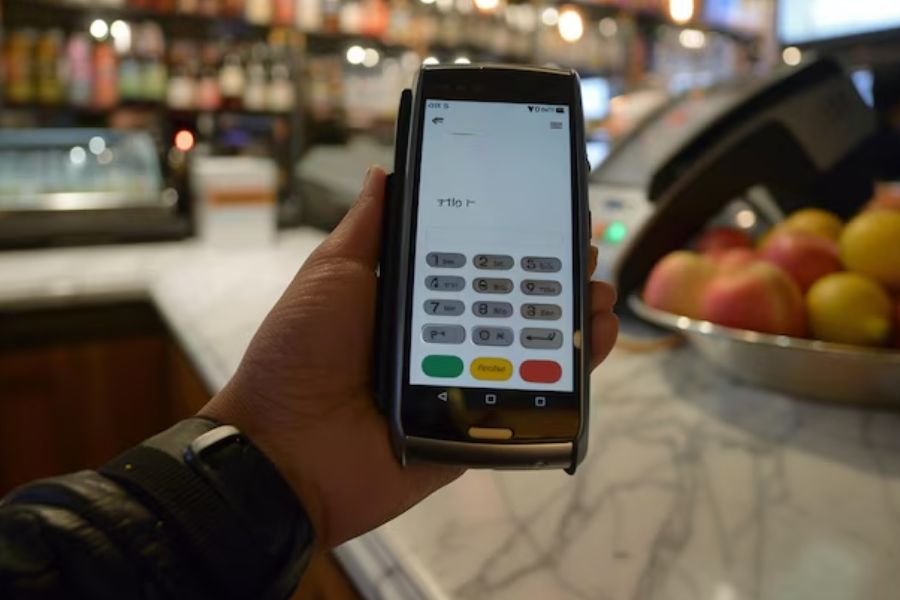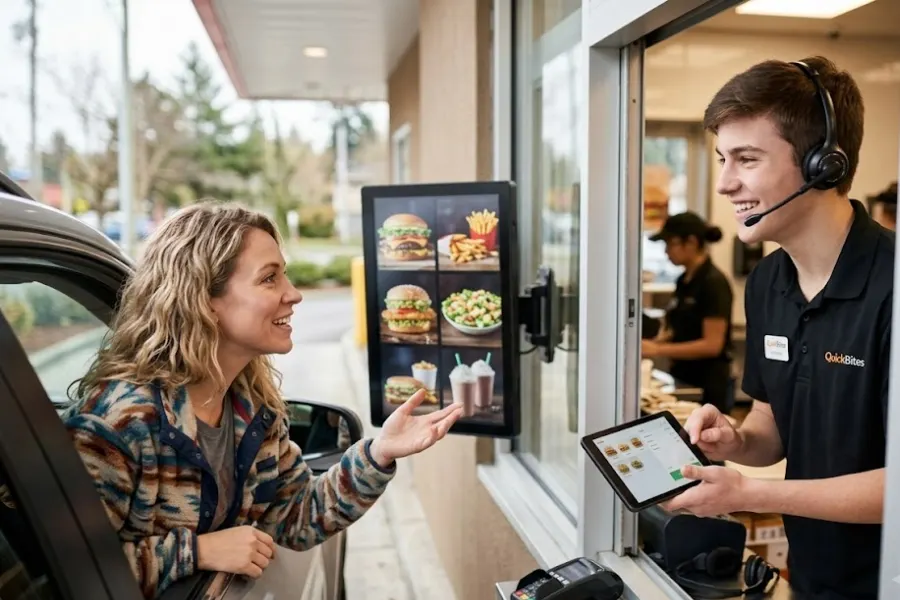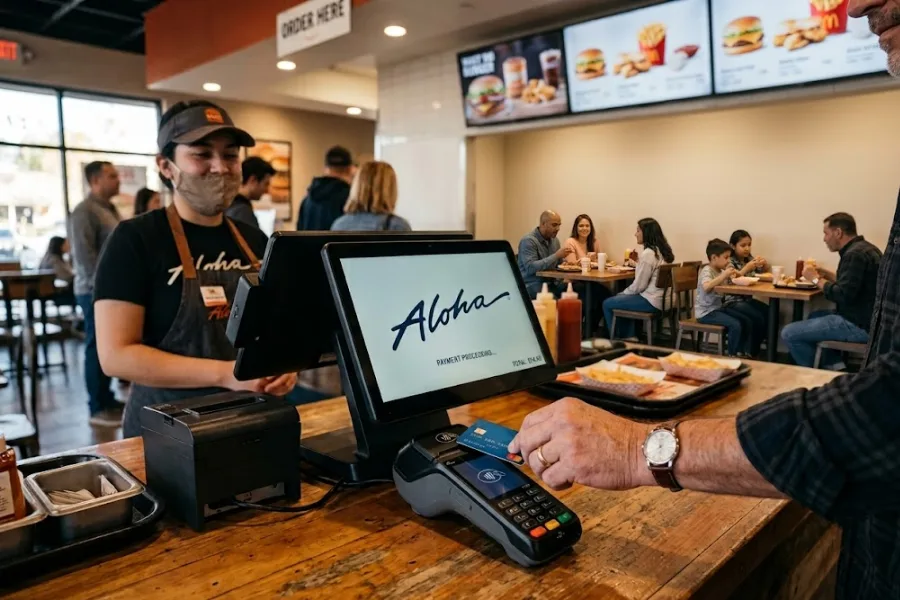
Quick-service restaurants rely on speed, consistency, and tight coordination between front counter, kitchen, and back-office systems. POS platforms shape how orders are processed, how teams interact during peak hours, and how data is captured across the business. Aloha POS has built a strong presence in the restaurant industry through its focus on stability, deep functionality, and support for high-volume environments. Many operators turn to Aloha when managing complex workflows or large-scale operations that demand reliability at every transaction point. This article from ConnectPOS provides a full review of Aloha Quick Service POS to so you may assess how it performs under real operational pressure.
Highlights
- Aloha Quick Service POS focuses on restaurant operations with a system that connects ordering, payments, kitchen workflow, and back-office management in one environment
- Key capabilities include conversational ordering, strong offline operation, direct kitchen display integration, and centralized control across locations
- The system fits large or established restaurant groups, with higher cost, complex setup, and pricing that combines software, hardware, and add-on modules
Overview of Aloha Quick Service POS
NCR Corporation developed the Aloha point of sale system decades ago. It holds a massive market share in the hospitality sector. The quick service version targets fast food chains, cafes, and fast-casual dining spots. These businesses require high transaction speeds and durable hardware. Data from ResearchAndMarkets shows the global quick service restaurant market will reach $931 billion by 2027. Operators need robust tools to capture this revenue.
Aloha provides a localized server architecture. This setup differs from modern cloud-only systems. It relies on heavy-duty on-premise terminals to process payments. Many global enterprise chains trust this infrastructure for daily operations. The system handles drive-thru routing, counter service, and self-service kiosks. It acts as the central nervous system for thousands of restaurants worldwide.
Key Features of Aloha Quick Service POS
Aloha POS is designed to handle the speed and complexity of quick-service operations through tightly connected front-of-house and back-office functions. Its feature set focuses on maintaining order accuracy, system reliability, and centralized control across single locations and large restaurant networks.
Conversational Ordering and Interface
The interface is built to match how staff naturally take orders, using a conversational flow rather than rigid navigation paths. Menu items, modifiers, and combos appear in a logical sequence, allowing employees to move through orders quickly without switching between multiple screens. This approach reduces input errors during busy service periods.
The system also supports dynamic menu prompts that guide staff through upsells and required selections. For example, when a combo is selected, the interface can prompt for drink size or side choices automatically. This guided interaction keeps orders complete and consistent while maintaining speed at the counter.
Unrivaled Offline Redundancy
Aloha POS is known for its ability to operate even when internet connectivity is lost. The system uses a local server-based architecture that allows transactions to continue without interruption, which is especially valuable during peak hours when downtime can directly impact revenue.
Data is stored locally and synchronized once the connection is restored. This approach allows restaurants to maintain full operational continuity, including order processing and payment handling, without relying entirely on cloud access.
In high-volume environments, this level of redundancy reduces the risk of service disruption caused by network instability. Staff can continue working without needing to switch processes or delay transactions, maintaining a consistent customer experience.
Integrated Kitchen Display Systems (KDS)
Aloha quick service POS integrates directly with kitchen display systems, allowing orders to move instantly from the POS to the kitchen. This removes the need for printed tickets and lowers the risk of lost or misread orders during busy periods, where speed and clarity directly affect service quality.
Kitchen screens organize orders based on priority, preparation time, and item type. This setup means kitchen staff handles high order volumes across dine-in, takeaway, and delivery channels without confusion. By structuring the workflow visually, staff can focus on preparation instead of sorting through paper tickets or unclear instructions.
Real-time updates between the POS and KDS also allow front-of-house staff to track order status as it progresses. This visibility improves communication with customers and reduces uncertainty around wait times. Industry data shows that kitchen display systems can reduce order errors by up to 40%, which reflects how direct POS-to-kitchen communication improves both accuracy and operational consistency in high-volume environments.
Centralized Enterprise Management
For multi-location operations, Aloha provides centralized control over menus, pricing, and system configurations. Changes can be applied across all locations from a single platform, helping maintain consistency across the brand. For example, a head office can roll out a new promotion or adjust pricing across dozens of stores at once, without requiring manual updates at each location.
The system also aggregates data from different stores into unified reports, giving operators visibility into performance, sales trends, and operational metrics. Aloha’s reporting engine includes more than 700 predefined reports and allows multi-store data consolidation with drill-down analysis by location or region, helping management track performance across the entire network in real time.
Pros, Cons, and Pricing of Aloha Quick Service POS
Aloha POS is built specifically for restaurant environments, combining front-of-house operations, kitchen coordination, and back-office management into one system. It is widely adopted in mid-size to enterprise restaurant groups due to its depth of functionality and long-standing presence in the industry, though cost structure and system complexity often influence adoption decisions.
The Pros of Using Aloha POS
Aloha POS stands out through its restaurant-focused design and ability to handle complex operations across large teams and multiple locations. Its strength lies in deep operational control and industry familiarity, which supports consistent performance in demanding service environments.
Key advantages
- Built specifically for restaurants, covering ordering, payments, reporting, and labor management in one system
- Strong kitchen and order management capabilities, supporting high-volume service environments
- Widely used platform, meaning many staff are already familiar with the system
- Comprehensive reporting and analytics with detailed operational insights
- On-site training and support available to assist onboarding and daily operations
The Drawbacks to Consider
Despite its strong capabilities, Aloha POS presents challenges related to cost transparency, system flexibility, and operational complexity. These factors can create barriers for smaller restaurants or businesses seeking faster deployment and simpler workflows.
Key limitations
- Pricing is not transparent and often requires custom quotes
- High total cost over time, including software, hardware, and processing fees
- Locked payment processing limits flexibility in choosing providers
- Complex setup and configuration, often requiring professional installation
- Add-on modules for features like inventory or loyalty increase overall cost
Pricing Structure
Aloha quick service POS uses a combination of subscription fees, payment processing charges, and add-on modules, with pricing varying based on business size and configuration. The structure is flexible for enterprise-level operations, though total cost can become substantial as more features and locations are added.
Key pricing components
- Software subscription: Starts from around $0 to $65 per month for cloud plans, with higher tiers quoted based on business needs
- Payment processing fees: Approximately 2.6% + $0.10 per transaction for card payments
- Custom enterprise pricing: Larger operations receive tailored pricing based on scale and requirements
- Add-on modules: Inventory, payroll, loyalty, and online ordering may require extra fees
- Hardware and setup costs: Touchscreen terminals, KDS, and installation services add to upfront investment
- Long-term cost impact: Total cost can exceed $55,000 over three years for mid-sized operations when including all fees
ConnectPOS: The Agile, Cloud-Based Alternative for Growing Brands
ConnectPOS quick service POS is built as a cloud-based POS platform designed for brands that operate across channels and locations. It connects ordering, kitchen operations, inventory, and reporting into a single system, allowing quick-service restaurants to maintain control as transaction volume increases and operations expand. ConnectPOS supports both in-store and digital ordering flows, helping teams manage demand without relying on disconnected tools.
Key advantages
- Unified operational flow: Connect ordering, kitchen preparation, and checkout in one system to keep service moving without delays
- Cloud-based architecture: Access data across locations in real time, supporting centralized management and remote control
- Real-time synchronization: Orders, inventory, and customer data update instantly across online and offline channels
- Advanced inventory tracking: Monitor raw materials, supplier activity, and stock usage to control food costs and reduce waste
- Flexible ordering experience: Support self-service kiosks, QR ordering, and customizable menus for different service models
- Integrated kitchen operations: Connect POS with kitchen display systems to improve order accuracy and preparation speed
- Multi-location scalability: Manage menus, pricing, and performance across stores from a centralized system
- Offline mode reliability: Continue processing orders during internet disruptions with automatic data sync after reconnection
- Comprehensive analytics: Track sales trends, peak hours, and top-performing items to support operational decisions with POS Reporting and Analytics
| Criteria | Aloha POS | ConnectPOS |
| System Type | Traditional POS with strong on-premise foundation (cloud options available) | Fully cloud-based POS |
| Target Business | Established restaurant chains and enterprise F&B groups | Omnichannel retail and growing QSR brands |
| Deployment | Complex setup, often requires technical installation | Faster deployment with flexible setup |
| Omnichannel Capability | Limited, often requires add-ons | Strong real-time sync across online and offline channels |
| Inventory Management | Designed for restaurant operations | Real-time multi-store and multi-warehouse tracking |
| Order Management | In-store focused with strong KDS integration | Omnichannel order flow across dine-in, pickup, and delivery |
| Hardware | Proprietary hardware, higher upfront cost | Flexible hardware options |
| Offline Capability | Strong due to local server architecture | Offline mode with automatic sync after reconnection |
| Integration | Available but often requires extra cost | Strong integration with eCommerce and third-party systems |
| Ease of Use | Requires training due to system depth | More intuitive interface with easier onboarding |
| Scalability | Fits large, traditional enterprise operations | Built for fast scaling across locations and channels |
| Pricing Model | Custom pricing with hardware, licensing, and add-ons | Subscription per register, scalable pricing tiers |
| Long-term Cost | Higher due to hardware, setup, and add-ons | More flexible, grows with business usage |
| Innovation Speed | Slower due to legacy structure | Faster updates with cloud-based architecture |
FAQs: Aloha Quick Service POS
1. What is Aloha Quick Service POS designed for?
Aloha POS is built for quick-service and fast-casual restaurants that require fast order processing, kitchen coordination, and centralized control. It supports high-volume environments where speed and accuracy directly impact service quality.
2. Is Aloha POS suitable for large restaurant chains?
Yes. The system is widely used by multi-location restaurant groups due to its ability to manage menus, pricing, and operations across stores. It supports centralized reporting and consistent workflows across locations.
3. How does Aloha handle offline operations?
Aloha uses a local server-based setup that allows transactions to continue even when internet connectivity is interrupted. This setup helps maintain operations during network issues without stopping order flow.
4. Is Aloha POS easy for staff to learn?
The interface is designed for restaurant workflows, but the system can require training due to its depth and configuration options. Many providers include onboarding and support to help staff adapt.
Conclusion
Aloha quick service POS delivers a system designed around restaurant operations, with strong capabilities in order management, kitchen coordination, and centralized control across locations. It fits businesses that rely on established workflows and require a stable environment to handle large transaction volumes. At the same time, factors such as deployment complexity, cost structure, and integration flexibility can influence how well it aligns with modern operational needs.
If your business is scaling across channels or dealing with fragmented systems, it may be time to consider a more connected POS approach. ConnectPOS brings your data, orders, and inventory into one unified platform, helping you maintain control as operations grow. Reach out to ConnectPOS to see how it can fit your business needs.
►►► Optimal solution set for businesses: Shopify POS, Magento POS, BigCommerce POS, WooCommerce POS, NetSuite POS, E-Commerce POS