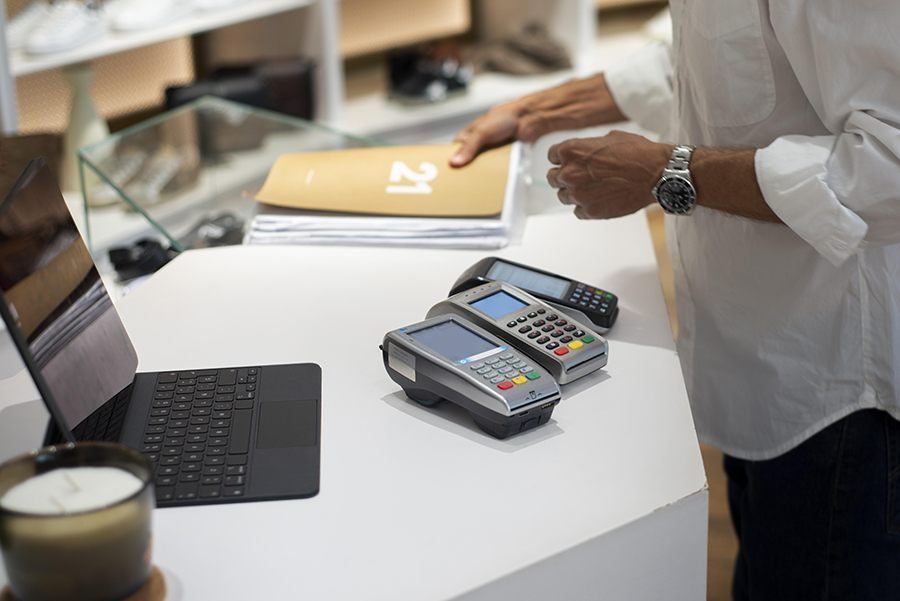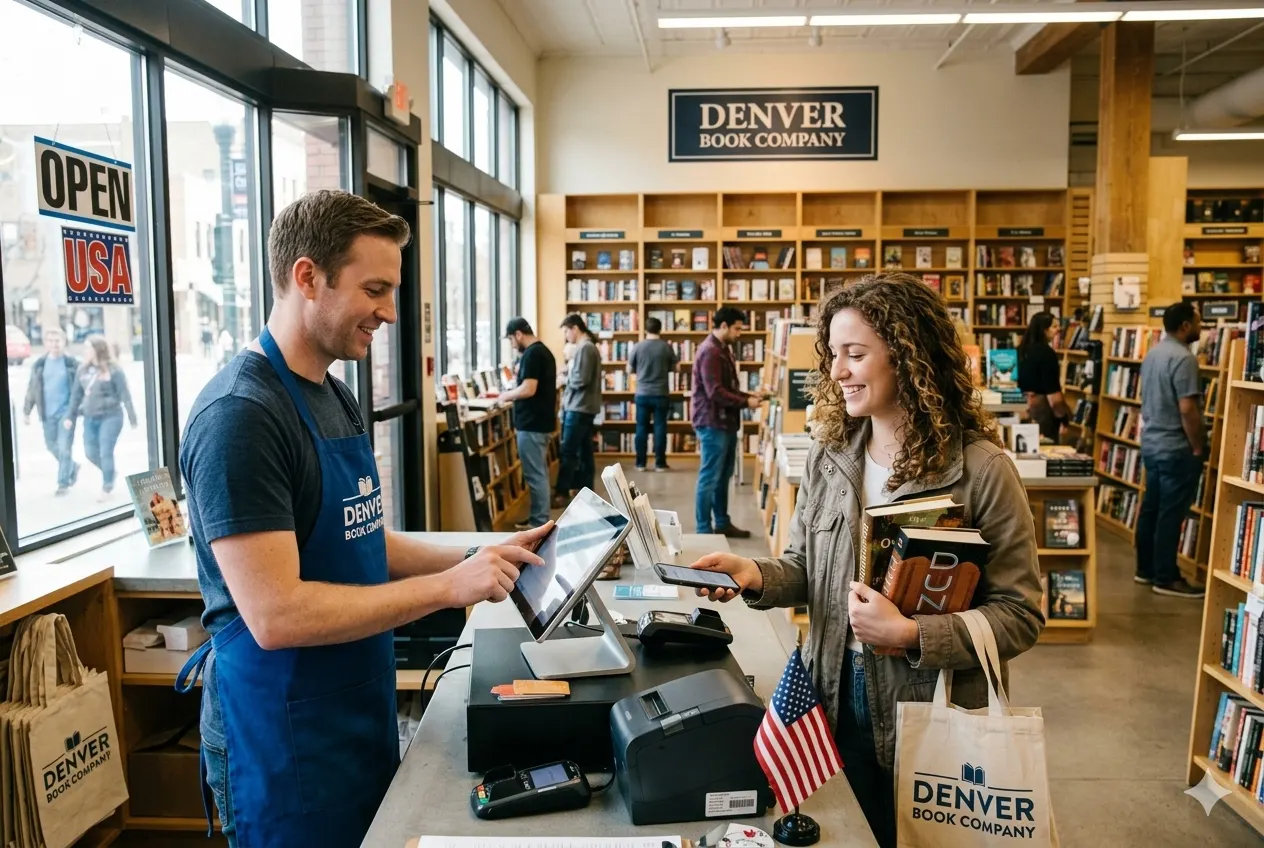
Checkout used to feel simple. A register, a receipt, and you were done. Today, that moment carries more weight. Stock levels change fast. Customers expect speed. Errors cost real money. Understanding what is POS in retail helps you see why many stores struggle without the right setup. In this ConnectPOS guide, we’ll break down how modern retail sales systems really work and why they are important.
Highlights
- A POS in retail refers to the moment a sale happens and the system that processes it, handling product scanning, payment processing, sales recording, and automatic updates to inventory and business data.
- POS systems play several operational roles in retail: checkout processing, inventory updates, sales reporting, customer data tracking, employee activity monitoring, and multi-store coordination.
- Retail businesses use different types of POS systems depending on their setup: fixed terminal POS, mobile/tablet POS, cloud-based, omnichannel retail systems, and industry-specific POS.
What is POS in Retail?
At its core, POS means Point of Sale. It sounds basic, yet the meaning has shifted as retail has scaled and sped up. That change shows in adoption alone. The Nilson Report counted 128.1 million POS terminals shipped worldwide in 2024, a sign that checkout technology now touches nearly every retail format and market.
So, what does POS stand for in retail today? It points to the exact moment a sale happens, when products move, payments clear, and data updates. That moment now triggers far more than a receipt.
The point of sale once described a single action. A cashier scanned items. The customer paid. The process ended there. Now, that same moment feeds inventory counts, customer records, and daily report & analytics.
This shift explains why retail checkout systems feel different. They no longer sit at the edge of the store. They sit at the center. Each transaction updates stock, records staff activity, and captures buying patterns.
That’s also why POS software for stores replaced old registers. A cash drawer can take money, but it can’t track trends or spot issues. Modern POS platforms handle sales, returns, discounts, and data in one flow.
Across daily operations, in-store transaction systems support far more than payment. They guide restocking, shape promotions, and keep teams aligned. Once you see POS this way, its role in retail becomes clear.
How a POS System Works in a Retail Store
Every sale looks simple from the outside. An item gets scanned. Payment goes through. The customer leaves. Behind that calm moment, retail sales systems run a tight sequence of actions. To make sense of it all, we’ll explain how the retail POS handles a transaction from start to finish.
- Sale initiation at the counter: A transaction begins the moment an item reaches the point of sale. The system opens a new order and prepares pricing rules, taxes, and discounts.
- Barcode scanning and price logic: Each scan pulls product data from the catalog. Prices, variants, and tax rules apply instantly, so totals stay accurate without manual checks.
- Real-time total calculation: As items add up, the retail checkout system updates subtotals on the spot. That keeps both staff and customers clear on what’s happening.
- Payment processing: Once payment starts, the system routes the transaction through the chosen method. Cards, wallets, or split payments follow the same clean flow.
- Receipt creation: After payment clears, a receipt is generated right away. It can print or send digitally, depending on store preference.
- Inventory adjustment: The moment a sale completes, stock levels update automatically in your inventory management software. That change reflects across connected locations and channels.
- Sales record creation: Each order logs product details, payment type, staff ID, and time. That record feeds daily and long-term reporting.
- Customer data capture: When a shopper checks out under an account, a CRM POS links the purchase to their profile.
- Live data sync: Modern POS platforms send all updates to the central system right away. Reports and dashboards reflect the sales without delay.
This flow explains why retail checkout systems feel so smooth when they work well. Every step connects. Nothing waits. When the process runs clean, stores move faster, and mistakes fade into the background.
Why POS Systems Are Essential for Modern Retail Businesses
Retail pressure doesn’t come from one place. It builds at checkout, in stockrooms, and in daily reporting. Modern POS platforms sit at the center of that pressure and turn it into order. In this section, we’ll explain why many stores rely on the retail POS to stay steady as volume grows.
Faster Checkout and Fewer Sales Errors
Checkout speed shapes first impressions. Manual entry slows lines and invites small mistakes that add up fast. Retail checkout systems move pricing, tax rules, and discounts into one clean flow.
Scanning replaces typing. Totals update as items are added up. That alone cuts common pricing slips and awkward pauses at the counter.
Payment flexibility is important too. Cards, wallets, and split tenders follow the same path through POS software for stores. That flow is crucial because MIT Sloan research shows shoppers leave a queue after nine minutes without buying anything, and 86% will avoid a store if they expect long lines. When payment runs smoothly, queues shrink, and customers leave calmer than when they arrived.
Real-Time Inventory Tracking
Inventory problems rarely start big. One missed update turns into a shelf gap. In-store transaction systems close that gap the moment a sale ends.
Stock adjusts as soon as an item sells. That update reflects across products, sizes, and locations without extra steps. Teams stop guessing and start seeing what’s actually available.
This is where understanding this platform shifts from theory to value. When inventory stays accurate, lost sales drop and overbuying fades. Revenue follows clarity, not guesswork.
Centralized Sales and Business Reporting
Sales data loses value when it arrives late. End-of-day reports show what already happened, not what’s happening now. Retail sales systems change that rhythm by capturing results as transactions close.
Live dashboards reveal which products move first and which sit still. Peak hours stand out. Staff performance becomes visible without extra effort. Those signals help pricing and promotions shift at the right time.
When reporting lives inside the retail POS, decisions stop relying on instinct alone. Numbers guide actions, and the payoff is real. McKinsey’s DataMatics survey found that intensive users of customer analytics are 23 times more likely to outperform competitors in new customer acquisition and almost 19 times more likely to rank above average in profitability. With that level of insight, patterns speak before problems grow, giving teams time to act instead of react.
Better Customer Experience and Retention
Customer experience often rises or falls at checkout. Long waits and repeated questions break momentum. Modern POS platforms keep that moment short and clear.
Each purchase can link to a customer profile. Past orders, preferences, and rewards stay easy to access. That context makes loyalty programs feel personal rather than forced.
Consistency also plays an important role. The same experience should follow shoppers in-store and online. When in-store transaction systems connect with digital channels, trust builds naturally. Shoppers return when every visit feels familiar, not fragmented.
Simplified Multi-Store and Omnichannel Management
Growth often breaks old systems first. Running two or three locations with separate tools creates gaps that teams feel every day. Retail sales systems close those gaps with a multi store POS setup that keeps everything under one roof.
Prices, products, and inventory stay aligned across stores and online channels. A sale at one location updates stock everywhere else. That unity removes confusion and keeps promises to customers intact.
Disconnected tools slow expansion. The retail POS keeps data moving in one direction, so growth feels controlled rather than chaotic.
Employee Management and Operational Control
Staff activity shapes store performance. Without visibility, small issues spread quietly. POS software for stores brings structure without adding friction.
Each employee works under a clear account with defined access. Sales attach to staff IDs, making performance easy to review. Shifts and actions stay visible in real time.
This control also limits internal mistakes. Clear permissions reduce errors and shrinkage. When teams know the system tracks fairly, accountability improves without tension.
Scalability for Growing Retail Businesses
Growth changes everything. More locations, more orders, and more data put pressure on old tools fast. Modern POS platforms absorb that pressure without forcing a system overhaul.
New stores plug into the same setup. Products, prices, and rules stay consistent, even as transaction volume rises. Retail checkout systems keep pace when foot traffic spikes or sales jump.
Integration is important at this stage. POS software for stores connects cleanly with e-commerce and accounting tools, keeping records aligned as operations expand. When systems scale smoothly, long-term growth feels planned rather than rushed.
Compare POS Systems vs Traditional Cash Registers in Retail
At first glance, a register and a modern system can look similar. Both take payment. Both print receipts. The difference shows up once daily operations start piling up. In this section, we’ll compare how point-of-sale systems differ from old cash registers in real retail work.
| Area | Traditional Cash Registers | Modern POS Platforms |
| Core function | Record payments only | Handle sales, inventory, and customer data |
| Inventory handling | Manual updates after sales | Automatic stock updates at the point of sale |
| Reporting | End-of-day totals | Live sales and performance reports |
| Customer data | Not stored | Profiles and purchase history linked |
| Scalability | Limited to one location | Supports multi-store growth |
| Integration | Standalone device | Connects with ecommerce and accounting tools |
Types of POS Systems Used in Retail
Retail setups don’t all look the same. A small shop runs differently from a multi-store brand. That’s why point-of-sale systems come in several forms, each built around how sales happen at the counter and beyond.
- Fixed terminal systems: These setups are anchored to a checkout counter. They suit stores with steady foot traffic and a clear register flow, where speed and consistency matter most.
- Mobile and tablet setups: Staff carry the system to the customer. This style fits pop-ups, showrooms, and busy floors where flexibility keeps lines short.
- Cloud-based POS platforms: Data lives online rather than on one device. Sales, stock, and reports stay accessible from anywhere, even outside the store.
- Omnichannel retail systems: These systems link physical stores with digital channels. Inventory, pricing, and orders stay aligned across every touchpoint.
- Industry-specific configurations: Some retail sales systems tune workflows around fashion, specialty goods, or high-SKU catalogs. That focus keeps daily tasks practical rather than generic.
Choosing the right setup depends on how a store sells, not just what it sells. When the system matches real operations, the point of sale stops feeling like a bottleneck and starts acting as support.
Who Needs a Retail POS System the Most?
Retail pressure shows up differently at each stage of growth. Some stores feel it at checkout. Others feel it in inventory or reporting. Retail sales systems step in wherever manual work starts slowing things down.
- Small and mid-size retailers: Daily tasks stack up fast in smaller teams. POS software for stores replaces notebooks and spreadsheets with live data that stays easy to manage.
- Multi-location stores: Once more than one store enters the picture, consistency becomes hard to maintain. The retail POS keeps pricing, products, and stock aligned across locations.
- Omnichannel and e-commerce brands: Selling online and in-store adds complexity. In-store transaction systems connect those channels, so inventory and orders stay accurate everywhere.
- High-volume retail environments: Busy counters leave no room for delays. Retail checkout systems keep lines moving while capturing clean data at the same time.
- Retailers planning to scale: Growth plans fail when systems can’t keep up. Modern POS platforms support expansion without forcing a full reset.
The pattern stays the same. When operations stretch beyond simple sales, the right system stops stress from spreading.
Why Modern Retail Cannot Operate Without a POS System
Retail no longer runs on memory and manual checks. Every sale touches stock, staff, and customer records at once. Point-of-sale systems bring those pieces together into one working structure.
- Operational backbone: The retail POS links checkout, inventory, and reporting. Remove it, and daily work starts to fracture.
- Risk of disconnected tools: Separate systems create delays and blind spots. Errors hide until they turn into lost sales.
- Competitive pressure: Shoppers expect speed and accuracy. Stores using live data move faster than those relying on end-of-day numbers.
- Foundation for growth: Retail sales systems support expansion without chaos. Data stays clean as volume rises.
Without a modern setup, small issues multiply quietly. With the right system in place, retail stays steady even as demands climb.
ConnectPOS: A Retail POS Built for How Modern Stores Actually Operate
Retail moves fast. Systems need to keep up without adding friction. ConnectPOS sits at the center of daily retail work, tying sales, stock, staff, and customers into one clean flow. It works for single stores and keeps pace as brands grow across locations and channels.
- Omnichannel Sales Sync: In-store and online orders live in one system. No gaps, no double handling.
- Real-Time Inventory Synchronization: Stock updates instantly after every sale. Across stores, warehouses, and ecommerce.
- Centralized Product Management: Prices, SKUs, variants, and categories stay consistent everywhere.
- Fast Retail Checkout: Built for barcode scanning, quick payments, and high-volume counters.
- Multiple Payment Support: Cards, wallets, QR payments, split tenders. All handled in one flow.
- Offline Selling Mode: Sales continue during outages. Data syncs back once the connection returns.
- Customer Profile Unification: Purchase history, contact details, and loyalty data stay linked.
- Built-In Loyalty Programs: Points, rewards, and member pricing apply automatically at checkout.
- Multi-Store Management: Control pricing, inventory, and staff rules from a single dashboard.
- Flexible Staff Permissions: Roles and access levels reduce mistakes and protect sensitive actions.
- Sales and Performance Reporting: Track revenue, best sellers, peak hours, and staff results.
- Click and Collect Support: Online orders route to the right store for pickup.
- Accounting Integration: Sales data syncs with finance tools to cut manual work.
- E-commerce Platform Integrations: Works smoothly with major e-commerce stacks.
- Hardware Compatibility: Tablets, terminals, scanners, printers, and cash drawers supported.
- Scalable Architecture: Add stores, registers, and users without system changes.
- Retail-Focused Workflows: Designed for inventory-heavy retail, not adapted from food service.
ConnectPOS gives retailers one system instead of workarounds. Sales move faster. Inventory stays accurate. Decisions rely on live data, not guesswork. That is what a modern POS should feel like.
FAQs: What Is POS in Retail?
1. What is a POS system in retail?
A retail POS system combines software and hardware to process payments, record sales, manage inventory, and store customer data in one place.
2. What happens at the point of sale in retail?
It is where items are scanned, payment is processed, and the sale is finalized in the retail system.
3. How is a POS system different from a cash register?
A cash register only records payments. A POS system also tracks inventory in real time, generates reports, manages staff access, and supports loyalty programs.
4. Why is a POS system important for retail businesses?
A POS system speeds up checkout, reduces errors, keeps inventory accurate, and gives owners real-time sales data to make better decisions.
5. Do small retail stores need a POS system?
Yes. Even small stores benefit from faster transactions, clearer stock visibility, and easier daily management compared to manual tracking.
Final Thoughts
Retail no longer runs on simple checkouts and manual tracking. Understanding what is POS in retail helps clarify why modern stores rely on connected systems to stay steady under pressure. When sales, inventory, staff, and customer data move together, daily decisions feel lighter and growth feels planned. The right setup doesn’t just support transactions. It supports the entire business rhythm.
If you’re ready to move beyond workarounds and bring clarity back to store operations, contact us to see how ConnectPOS fits your retail goals.
►►► Optimal solution set for businesses: Shopify POS, Magento POS, BigCommerce POS, WooCommerce POS, NetSuite POS, E-Commerce POS