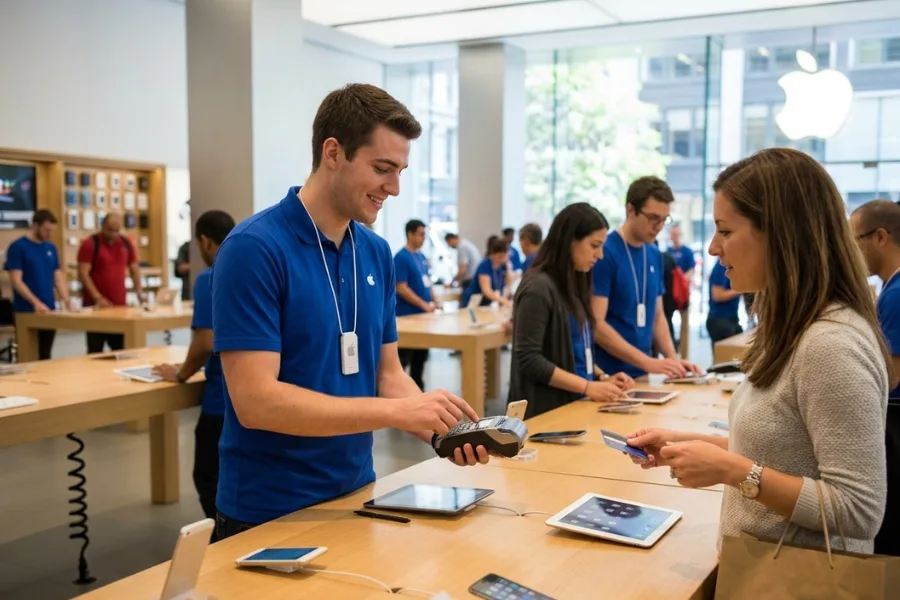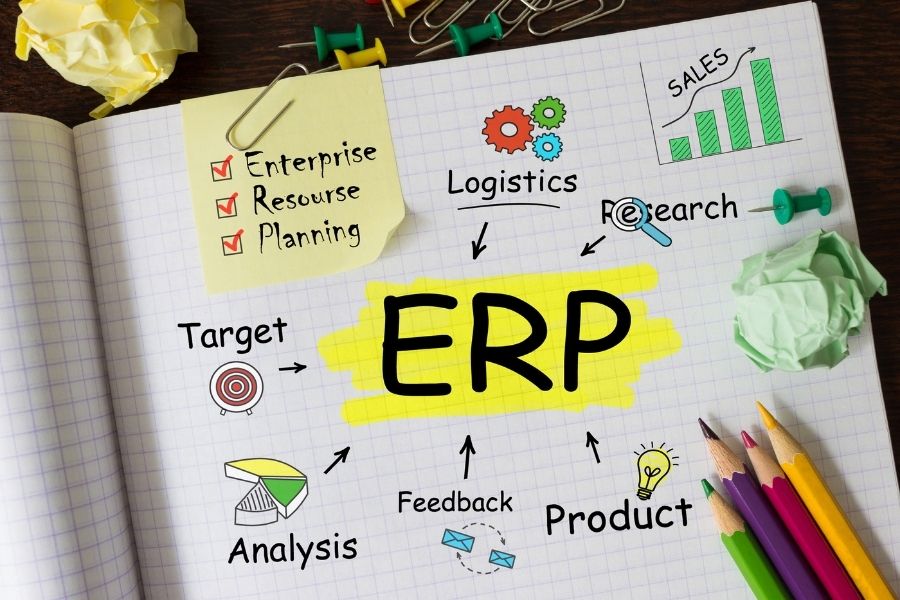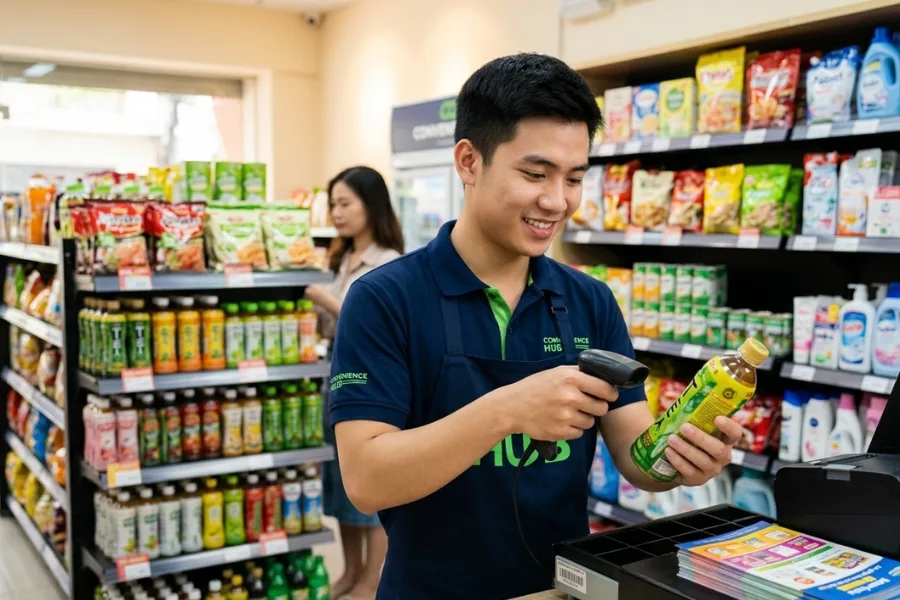
Decisions around POS systems often stall at the surface level, where hardware lists and software demos dominate early comparisons. In practice, long-term performance depends on how well physical devices and system logic work together across daily transactions, reporting, and store growth. Hardware controls the pace and reliability of checkout, while software defines how sales data turns into inventory actions, customer insight, and operational control.
Evaluating one without the other leaves gaps that only appear after rollout, when scale, complexity, or peak demand test the system. This article, shared as practical guidance from ConnectPOS, outlines how retailers can assess both sides with clarity before committing to modern POS retail systems.
Highlights
- POS hardware and software play distinct roles, yet poor outcomes appear when they are evaluated in isolation. Devices handle transactions, while software turns sales activity into inventory control, reporting, and customer insight.
- A buyer checklist centers on fit, not specs. Hardware compatibility, software flexibility, data access, and vendor support shape daily operations more than feature lists.
Understanding POS Hardware vs. POS Software in POS Retail Systems
POS retail systems consist of both POS hardware and POS software, and each plays a distinct role in how retail transactions are processed and managed. Hardware includes physical devices like terminals, scanners, and card readers that handle checkout interactions, while software provides the logic, data tracking, and business workflows that make those transactions meaningful.
As retailers modernize, the balance between hardware and software becomes strategic: hardware must support current payment trends, and software must drive inventory, customer, and sales intelligence.
- Adoption and Market Trends: Retailers continue to update both sides of the equation. Retail POS systems accounted for around 35 % of the global point-of-sale market share in 2024, reflecting their broad use in physical commerce. At the same time, cloud-based software dominates new installations, with over 64 % of retailers using cloud-based POS systems, allowing remote access to sales and inventory data across stores.
- Hardware Growth and Capabilities: POS hardware remains a significant component of total system investment as terminals, scanners, and contactless payment devices connect the physical checkout experience to the broader retail workflow. The global POS hardware market was valued at over $16.07 billion in 2024 and is projected to grow alongside the adoption of mobile and wireless POS devices, reflecting how in-store technology continues to evolve.
- Software Scale and Intelligence: Software is what translates raw transaction data into business insight. POS software tracks inventory movement, sales patterns, and customer behavior, enabling retailers to forecast demand, manage stock levels, and adjust pricing. The increasing preference for cloud-based POS systems shows how software has become central to omnichannel retail and data-driven decision-making.
- The Hardware–Software Continuum: In practice, hardware and software function as one system rather than separate tools. Hardware records the sale, while software turns that data into actions such as restocking, loyalty tracking, and reporting, supporting visibility and informed decisions beyond checkout.
A Buyer’s Checklist for Evaluating Modern POS Retail Systems
Selecting POS retail systems shapes how a retail business operates day to day and how it adapts over time. Beyond checkout speed, modern POS platforms influence inventory accuracy, customer visibility, and decision-making across locations. A structured evaluation helps retailers avoid systems that fit today’s needs but limit growth later.
Define Your Retail Requirements Before Comparing POS Systems
The evaluation starts with a clear picture of how the store actually runs. Product mix, transaction volume, staffing model, and sales channels all influence which POS capabilities matter most. A boutique handling variant-heavy apparel faces different pressures than a high-volume convenience store or a specialty retailer with loyalty-driven sales.
Clarity at this stage prevents feature overload or underbuying. When requirements are defined upfront, comparisons focus on operational fit rather than marketing claims, helping teams narrow choices to systems that align with real workflows.
Check Hardware Compatibility Checklist
Hardware determines how smoothly transactions happen on the floor. Terminals, scanners, receipt printers, and payment readers need to work reliably with the POS retail systems and fit the physical layout of the store. Existing devices should be reviewed to see whether they can be reused or require replacement.
Compatibility affects cost and uptime. Systems that lock retailers into proprietary hardware can limit flexibility, while broader hardware support allows gradual upgrades and easier replacements as store needs change.
For example, a boutique already using iPads, Bluetooth barcode scanners, and standard receipt printers can deploy a POS system that supports those devices without replacing its setup. Sales associates complete checkout on tablets during busy periods, while the same scanners and printers continue to work at fixed counters.
In contrast, a POS tied to proprietary terminals would force the retailer to purchase new hardware for every register. When a device fails or a store layout changes, replacement takes longer and costs more, leading to downtime that affects daily sales.
Consider Software Capabilities That Matter Long-Term
POS software should support more than basic sales recording. Inventory visibility, reporting depth, customer profiles, and integrations with accounting or ecommerce systems influence how the business operates beyond checkout. These capabilities shape planning, merchandising, and customer engagement over time.
Long-term value comes from adaptability. Software that handles growing product catalogs, new sales channels, or changing compliance requirements reduces the need for disruptive system changes as the business evolves.
Review Cost, Security, and Vendor Reliability
Pricing goes beyond the headline subscription rate and shapes the real cost of running a POS over time. Transaction fees accumulate with every sale, hardware purchases vary by store format, and optional support or upgrade plans can add recurring expenses as operations grow. When pricing tiers and fee structures are clearly defined, retailers gain better visibility into long-term spending and avoid surprises as transaction volume or store count increases.
Security and vendor reliability directly affect day-to-day risk and continuity. Compliance with payment standards, clear data handling policies, and regular system updates protect both customer information and business reputation.
Equally important is how quickly and consistently the vendor responds when issues arise, since downtime during peak hours or delayed support can carry a higher cost than software fees alone.
Check Scalability and Future-Proofing Your POS Investment
POS retail systems should support growth without forcing a rebuild. Multi-location support, centralized reporting, and flexible user permissions become important as operations expand. Systems that adapt to new stores or higher transaction volumes reduce friction during growth phases.
Future-proofing also means staying compatible with evolving payment methods and retail models. POS platforms that update regularly and integrate with new tools help retailers stay competitive without frequent platform changes.
For example, a retailer opens a second store and adds new staff roles without changing systems. The same POS manages both locations from one dashboard, applies different permissions for managers and cashiers, and accepts newer payment methods as they roll out, all without interrupting daily operations.
ConnectPOS – Ideal Option For POS Retail System
If you’re looking for a POS retail system that goes beyond basic checkout and hardware lock-ins, ConnectPOS stands out as a flexible, software-first solution built for modern store operations. The platform is designed to work across diverse retail environments, allowing merchants to choose hardware that fits their floor layout and budget while keeping system performance stable as transaction volume grows.
ConnectPOS operates as a cloud-based retail system that connects sales, inventory, and customer data in real time. Products, stock levels, orders, and returns stay aligned across stores and channels, while extensible integrations with accounting tools, CRMs, ERPs, and payment providers support a connected retail back office rather than isolated systems.
What positions ConnectPOS strongly within POS retail systems include:
- Broad hardware compatibility: Terminals, scanners, printers, and payment devices can be selected based on store needs instead of vendor restrictions.
- Centralized inventory control: Track stock by SKU and variant across stores, warehouses, and online channels, supporting transfers and replenishment decisions.
- Multi-store operations: Sales data, pricing rules, and inventory movement remain consistent across locations through a single management layer.
- Staff and customer management: Role-based access, transaction tracking, customer profiles, and loyalty logic support controlled operations and repeat business.
- Reporting and operational visibility: Real-time dashboards surface sales performance, inventory status, and store activity without manual reconciliation, giving retailers a centralized view through ConnectPOS retail POS reporting and analytics
- Scalability across retail models: Fashion, specialty retail, electronics, and home goods workflows fit naturally as store networks expand.
For retailers evaluating POS retail systems that balance hardware freedom with structured software control, ConnectPOS provides a practical foundation for running daily store operations while staying adaptable as the business grows.
FAQs: POS Retail Systems Hardware vs. Software
1. What is the difference between POS hardware and POS software?
POS hardware refers to physical devices such as terminals, barcode scanners, receipt printers, and payment readers. POS software runs the checkout process, records transactions, manages inventory, and turns sales data into reports and operational actions.
2. Can POS retail systems work with existing retail hardware?
Many modern POS platforms support standard devices like tablets, scanners, and printers. Compatibility should be checked early, since systems tied to proprietary hardware can increase replacement costs and limit flexibility during store upgrades.
3. Which matters more when choosing a POS system: hardware or software?
Software usually drives long-term value because it controls reporting, inventory logic, customer data, and integrations. Hardware affects speed and reliability at checkout, but software determines how the business scales and adapts over time.
Conclusion
Well-chosen POS retail systems balance dependable hardware with software that supports change, visibility, and expansion over time. The goal is not to chase specifications, but to select a system that fits store layouts today and adapts as locations, channels, and transaction volume grow. Retailers that take a structured view of hardware compatibility, software capability, cost transparency, and vendor reliability place themselves in a stronger position to operate without friction as conditions shift.
To see how a software-first POS can run across flexible hardware while supporting real retail workflows, connect with the ConnectPOS team and explore how the platform fits your operational priorities. Contact us now!
►►► Optimal solution set for businesses: Shopify POS, Magento POS, BigCommerce POS, WooCommerce POS, NetSuite POS, E-Commerce POS