In today’s competitive retail landscape, a well-integrated Point of Sale (POS) system is essential for streamlining transactions, managing inventory, and enhancing the customer experience. As e-commerce continues to grow, retailers must ensure their POS system seamlessly connects online and offline sales, enabling smooth operations and data-driven decision-making.
Building a custom POS system goes beyond choosing software and hardware—it’s about creating a tailored solution that supports business growth, improves efficiency, and maximizes profitability. In this guide, we’ll walk you through the essential steps to build a POS system that empowers your retail business.
Step-by-Step Guideline On How To Build A POS System
A Point of Sale (POS) system is more than just a tool for processing transactions—it plays a crucial role in inventory management, sales tracking, customer relationship management, and business analytics. Whether you’re a retailer, restaurant owner, or service provider, a well-designed POS system can help streamline operations and drive profitability. Below, ConnectPOS will guide you step by step through building a POS system, ensuring the system is customized to your business needs, scalable, and optimized for efficiency.
Launch and log in the software
Begin by starting up your POS software. On-premise solutions may require a complex installation process. However, with a cloud-based POS system like ConnectPOS, you simply download and install the application on your devices, which streamlines the setup.
Next, log in to your newly installed POS software. You will need to configure your account with details such as your store’s name, address, and the number of outlets you’re managing. There may be additional settings to adjust based on the features offered by your specific POS system.
Input your product information
Inputting your product inventory is a critical step. Start by cataloging all items with relevant details, such as:
- Product names
- SKUs
- Prices
- Quantities
Many POS systems facilitate bulk uploads via CSV files, which can expedite this process. Ensure that each item is accurately represented to maintain inventory integrity. Additionally, set up categories, tags, and modifiers to streamline the sales process and reporting.
Configure user accounts
POS systems allow for the creation of multiple user accounts and profiles, each with designated roles such as admins, managers, or cashiers.
Customize access for each role to enhance security and efficiency. For example, admins might have full access to the system, while cashiers are limited to transactional functions. This differentiation helps in safeguarding sensitive data and streamlining operations.
Integrate hardware
Essential hardware components for a physical retail setup typically include:
- A touchscreen monitor or tablet
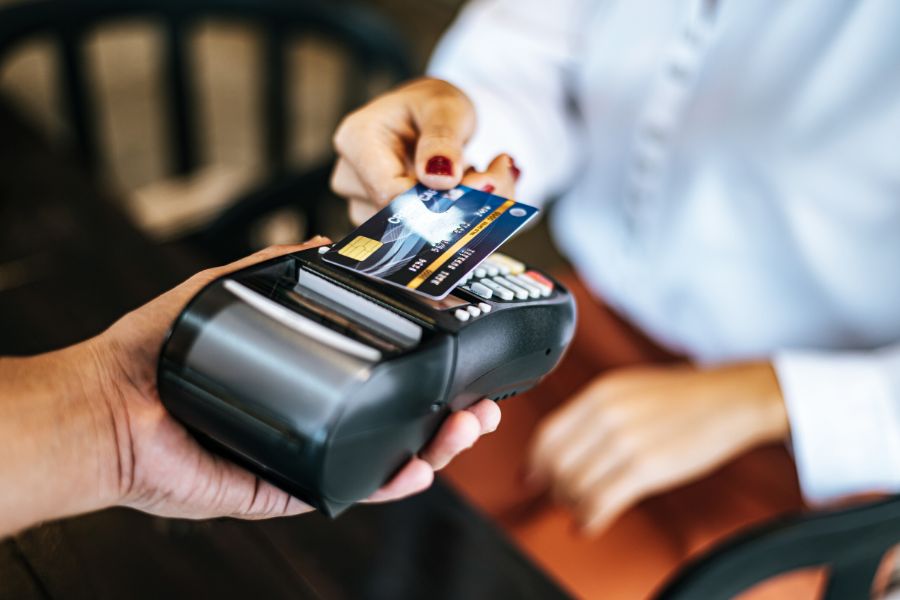
- Credit card terminal
- Cash drawer
- Receipt printer
- Barcode scanner
Ensure all devices are compatible with your POS software and can connect to your Wi-Fi network for seamless operation. Partnering with a POS provider that offers an integrated hardware and software solution can significantly simplify this process.
Set up payment gateways
Diversifying your options by integrating multiple payment gateways is essential to meet customer preferences. When selecting a POS system, consider its ability to connect with various payment processors.
Once your choices are made, configure your POS software to recognize and work with your selected payment gateways, ensuring a smooth transaction process.
Integrate with online retail platforms
Finally, link your POS system with your online retail platforms to unify your sales channels. This integration ensures that data such as inventory levels, sales, and customer information is synchronized, which is crucial for maintaining a consistent omnichannel customer experience.
Be aware that the integration process may vary between different platforms and POS systems. A direct connection optimizes your POS functionality and supports your retail business processes efficiently.
Connect with online retail platforms
After finishing the above steps, you can integrate your POS system with your existing online stores. Once they are connected, all information about your retail businesses will be automatically synchronized and support all business processes. Noticeably, each platform and POS system may require different steps to bring them together.
If your data is not synchronized and constantly updated between stores and POS systems, you may face a huge risk in the omnichannel customer shopping experience. Additionally, many POS systems are built with various features that greatly benefit your retail business. Connecting directly with the platform is an effective way to optimize your POS.
This guide on how to build a POS system will help you establish a robust platform capable of streamlining your retail operations and enhancing the customer experience across all sales channels.
Best Practices to Accelerate Sales with Your POS System
Customer experience enhancement
Your POS system can be a gateway to a superior customer experience. To accelerate sales:
- Streamline checkout: Ensure the checkout process is quick and effortless. A fast, reliable POS system reduces queues and waiting times, directly influencing customer satisfaction.
- Personalized promotions: Use customer purchase history and preferences logged in your POS to create personalized deals and promotions, increasing the likelihood of repeat business.
- Loyalty programs: Integrate a loyalty program within your POS system. This can encourage repeat visits by offering rewards based on customer spending patterns.
Data-driven decision making
Leverage the power of data analytics in your POS system to drive business growth:
- Sales data analysis: Regularly review sales reports to understand your best-selling items and peak sales periods. Use this data to adjust staffing levels and inventory.
- Inventory optimization: Monitor inventory levels to ensure top-selling products are always in stock, while also identifying and addressing slow-moving items.
- Targeted marketing: Utilize customer data to segment your market and create effective, targeted marketing campaigns that speak directly to the needs and desires of your customers.
Cross-sell and up-sell opportunities
Equip your staff with knowledge and tools to enhance sales through strategic product recommendations:
- Informed recommendations: Use your POS system to inform staff about related products or higher-end alternatives that complement what the customer is already purchasing.
- Training: Regularly train your team on product details and the benefits of additional features or premium items to confidently encourage customers to consider additional purchases.
Mobile POS utilization
Mobile POS systems can transform the sales experience by providing flexibility and improving service:
- Reduced wait times: With mobile POS, staff can complete transactions anywhere in the store, cutting down lines at traditional checkout counters.
- On-the-spot transactions: Equip staff with mobile devices to assist customers with purchases on the sales floor, providing a more personalized shopping experience.
- Enhanced customer service: Utilize mobile POS to look up product information, check stock, or even save a sale by ordering an out-of-stock item for home delivery.
Regular software updates and staff training
Staying current with POS technology and ensuring your team is well-versed in its features are crucial:
- Software updates: Regular updates can offer new functionalities, improved security, and better integration with other systems. Keep your POS updated to take advantage of these improvements.
- Continuous training: As new features are released, ensure your staff is trained to utilize them fully. This ensures that your team is maximizing the potential of the POS system to accelerate sales and provide exceptional service.
When a Customizable POS Platform Makes More Sense
Building a POS from scratch gives businesses maximum control, but it also means owning every technical decision after launch. For many retailers, the challenge is not creating the first version. It is continuously maintaining integrations, adding new workflows, and supporting growth across locations.
ConnectPOS provides a customizable POS platform for businesses that need flexibility without developing every component internally. It supports workflows such as inventory management, multi-location operations, reporting, customer management, and integrations with external systems.
For retailers comparing build versus buy, ConnectPOS can be considered when:
- Standard POS software is too restrictive
- Existing systems need additional integrations
- Multiple locations require centralized management
- Business workflows do not fit a fixed checkout process
Pricing follows a per-register model: Standard starts at $49/register/month, Advanced at $79/register/month, and Premium at $99/register/month. Annual billing options are available at a lower monthly rate.
Lastly
Building a POS system requires more than creating a checkout interface. Businesses need to consider payments, inventory, integrations, security, hardware, and long-term maintenance.For companies with highly specialized workflows, custom development may be the right approach. For others, a customizable POS platform can provide the flexibility of tailored workflows while reducing the effort required to maintain the underlying system.
If you are unsure whether building or adapting an existing POS is the better fit, chat with ConnectPOS to discuss your current workflow and requirements.
Discuss your needs►►► Optimal solution set for businesses: Shopify POS, Magento POS, BigCommerce POS, WooCommerce POS, NetSuite POS, E-Commerce POS