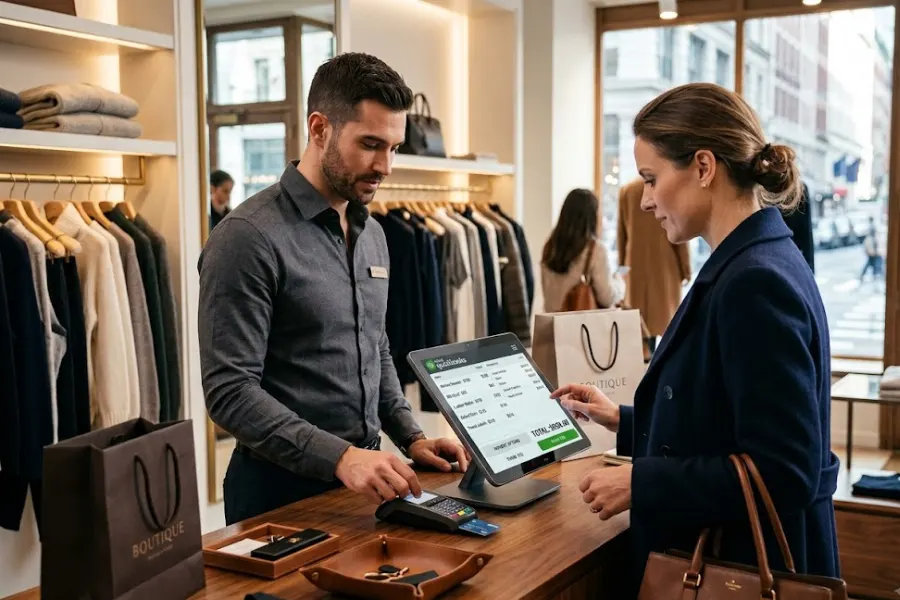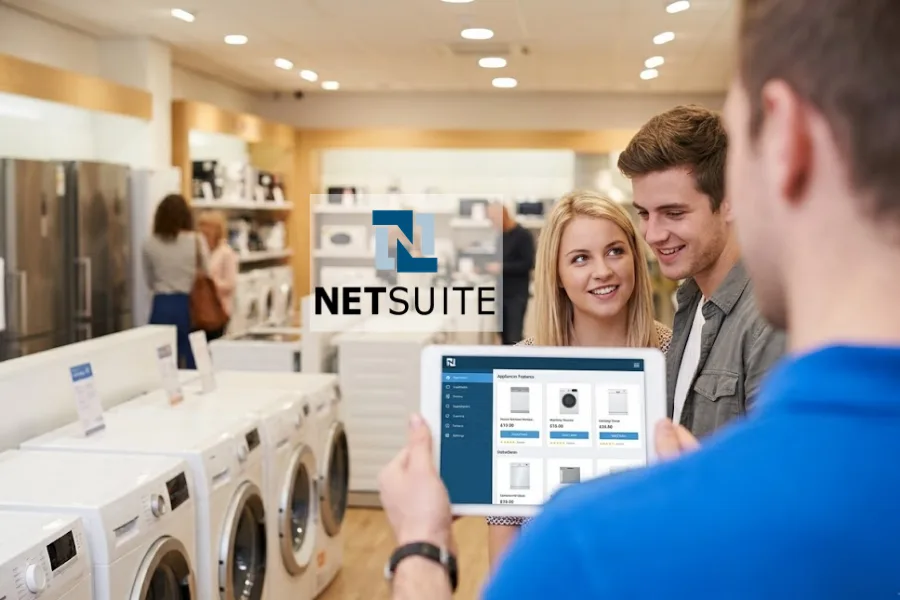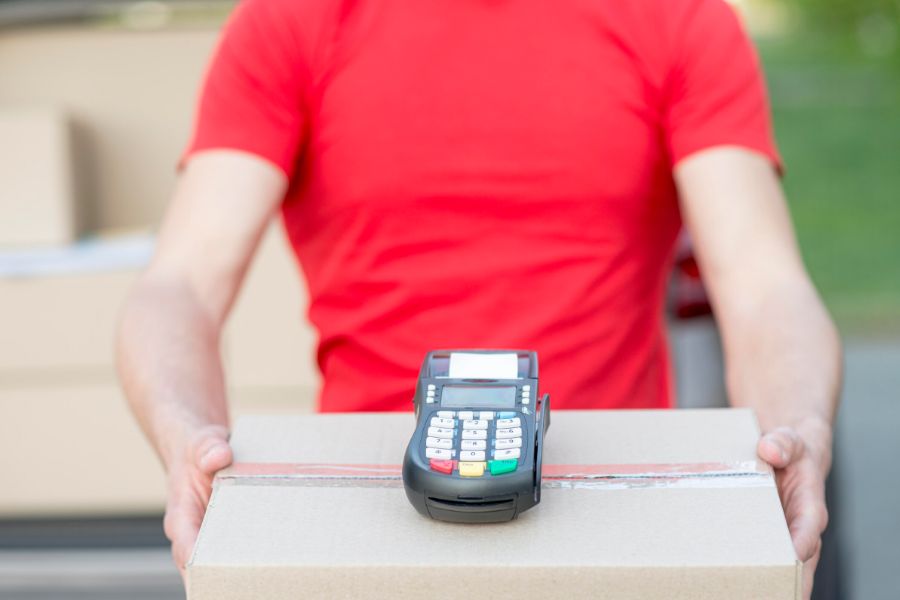
Retail teams can’t pause sales just because the internet drops. Yet many stores still run checkout setups that depend on a stable connection. That’s where an offline-ready POS setup becomes a smart safety net. A modern POS system includes software and hardware. Most buyers focus on the software, but the POS machine and peripherals affect speed at checkout, accuracy, and day-to-day reliability. We’ll look into more details now, including what an offline POS machine really means, the hardware you need, and what to check before you buy.
What is an Offline POS Machine?
An offline POS machine refers to the POS hardware setup to run a POS system that can keep selling without an active internet connection. During downtime, the POS app stores transactions locally (on the device or local network) and syncs them once the connection returns.
In practice, “offline POS” is a combination of:
- Device + peripherals (terminal, scanner, printer, cash drawer, etc.)
- POS software with offline mode (local transaction storage, queueing, and auto sync)
Offline-ready setups range from desktop terminals at a fixed counter to tablet-based registers used for mobile checkout.
Best fit: stores in areas with unstable internet, pop-ups, busy locations that can’t risk queue build-up, and retailers that need business continuity during outages.
Offline POS Machine You Will Need
POS terminal
This is the central device that runs the POS application. You can run POS on a desktop, laptop, tablet, or mobile device, depending on store layout and service style.
What to look for
- Stable performance during peak hours
- Enough ports/connectivity for peripherals
- A form factor that matches your counter space and workflow
Customer screen
A customer-facing screen shows the cart, discounts, taxes, and totals during checkout. It supports transparency, and it also cuts down “wait, that price is wrong” moments.
Works well for
- Loyalty prompts and member identification
- Faster confirmation before payment
Credit card reader
Card payments can still run into connectivity limits during outages, depending on your processor and local regulations. Even so, choosing the right reader matters for day-to-day speed and customer expectations.
What to look for
- Chip + tap + swipe support
- Compatibility with your payment provider(s)
- Stable connectivity (USB/Bluetooth/Wi‑Fi) based on your environment
Cash drawer
Cash remains part of many retail operations, especially for lower-ticket categories and high-footfall stores. A solid drawer supports faster cash handling and cleaner shift closes.
Tip: Pick a drawer that integrates with your receipt printer or terminal so it opens automatically when needed.
Receipt printer
Paper receipts still matter for returns, warranty claims, and customers who want a physical record. Thermal printers remain common because they’re fast and low-maintenance.
What to look for
- Simple paper loading and reliable cutters
- Print speed that matches your checkout volume
Barcode scanner
Scanning improves checkout speed and reduces pricing and SKU entry errors. For multi-SKU catalogs, it becomes a daily efficiency driver.
Two common setups
- USB wired scanners for fixed counters
- Wireless scanners for floor selling and stockroom use
Where ConnectPOS Fits: Offline Selling With Omnichannel Sync
If you want offline capability without getting locked into one hardware ecosystem, businesses can reach similar speed and control using ConnectPOS.
ConnectPOS runs across devices (PC and mobile) and includes offline-to-online auto-sync, so stores keep selling during downtime and push queued transactions back to the central system once the connection is restored. It also supports omnichannel operations, which is important when inventory and orders flow across stores and e-commerce channels.
ConnectPOS capabilities that align with offline-ready retail
- Offline mode with automatic synchronization after connectivity is restored
- Omnichannel inventory and order synchronization across store and online channels
- Multi-store management for retailers running more than one location
- Product variants and bundling for catalogs with size/color variations and kits
- Integrations with eCommerce platforms and business systems through an API-first approach
- Flexible payment gateway integrations, with no extra processing fees from ConnectPOS itself (payment provider terms still apply)
Benefits of Using an Offline POS Machine
A strong offline setup improves daily execution, especially when your store runs lean.
- Reduced administrative tasks: Automates routine tasks, freeing up time to focus on strategic business activities.
- Minimized human errors: Integration of features like barcode scanners reduces manual data entry errors, enhancing transaction accuracy.
- Continuous operation: Functions reliably without internet, crucial during outages to ensure uninterrupted business operations.
- Enhanced sales insights: Offers detailed analytics on best-selling items, top-performing staff, and popular payment methods directly from the POS terminal, aiding in effective decision-making.
- Improved customer experience: Streamlines the checkout process, reducing wait times and improving overall customer satisfaction.
- Data-driven strategy development: Enables the creation of targeted sales strategies based on real-time data, optimizing marketing efforts and inventory management.
These benefits collectively lead to increased efficiency, better customer service, and more informed business decisions, all integral to sustaining and growing a retail business.
Considerations When Choosing an Offline POS Machine
Selecting the right offline POS machine requires careful consideration of several factors to ensure it meets the specific needs of your retail business. Here are key considerations to keep in mind:
- Compatibility and integration: Ensure the POS machine is compatible with your existing systems and can integrate smoothly with other business tools such as inventory management software, accounting programs, and e-commerce platforms.
- Ease of use: The user interface should be intuitive and user-friendly. Simplicity in operation not only speeds up transactions but also reduces training time for new staff.
- Hardware durability: Retail environments can be demanding. Choose hardware that is robust and capable of withstanding high volumes of transactions, frequent use, and potential environmental stress like dust and spills.
- Cost: Evaluate the total cost of ownership, including upfront costs, maintenance fees, and any potential subscription costs for software updates. Opt for a system that offers a good balance between cost and functionality.
- Security features: Security is paramount in any POS system. Look for machines that offer robust security features to protect sensitive customer data and prevent unauthorized access.
- Scalability: As your business grows, your POS system should be able to scale with you. Consider whether the POS machine can handle an increase in transactions, additional users, and more product lines.
- Offline capabilities: Since the focus is on offline functionality, assess how well the POS machine can perform during internet downtimes. Check how it handles data storage, backups, and synchronization once connectivity is restored.
By keeping these considerations in mind, you can choose an offline POS machine that not only fits your current business needs but also supports future growth and changes in technology.
Wrap Up
In conclusion, adopting an offline POS machine significantly enhances retail operations by streamlining transactions, reducing errors, and offering invaluable business insights. When choosing the ideal system, prioritize factors like compatibility, usability, and scalability to ensure it aligns with your business objectives. With a robust offline POS system, your business can maintain continuous operations and adapt effectively, positioning itself for sustainable growth and success in a dynamic retail environment.
ConnectPOS offers seamless integration and robust offline capabilities, ensuring continuous operation. Contact us today to explore how ConnectPOS can enhance your retail business.
►►► Optimal solution set for businesses: Shopify POS, Magento POS, BigCommerce POS, WooCommerce POS, NetSuite POS, E-Commerce POS