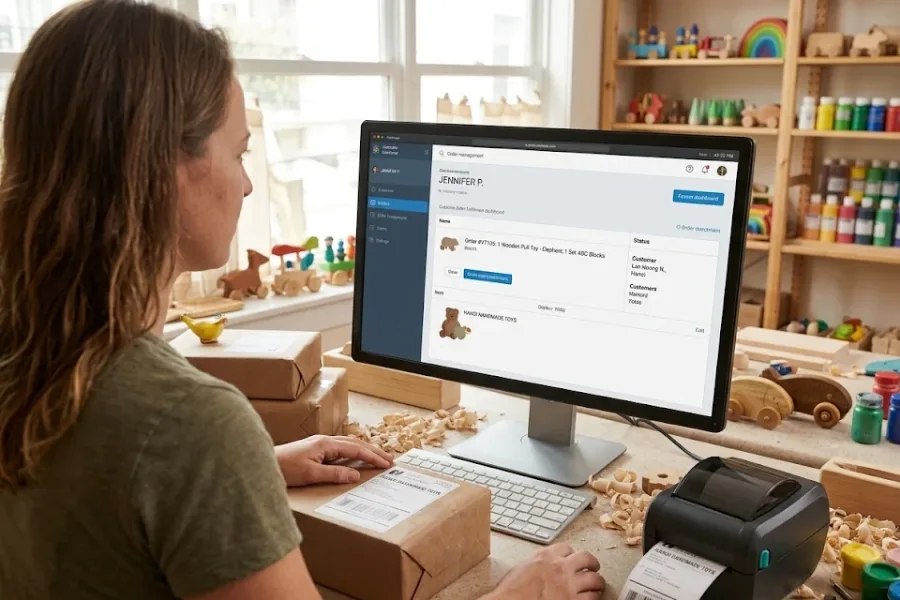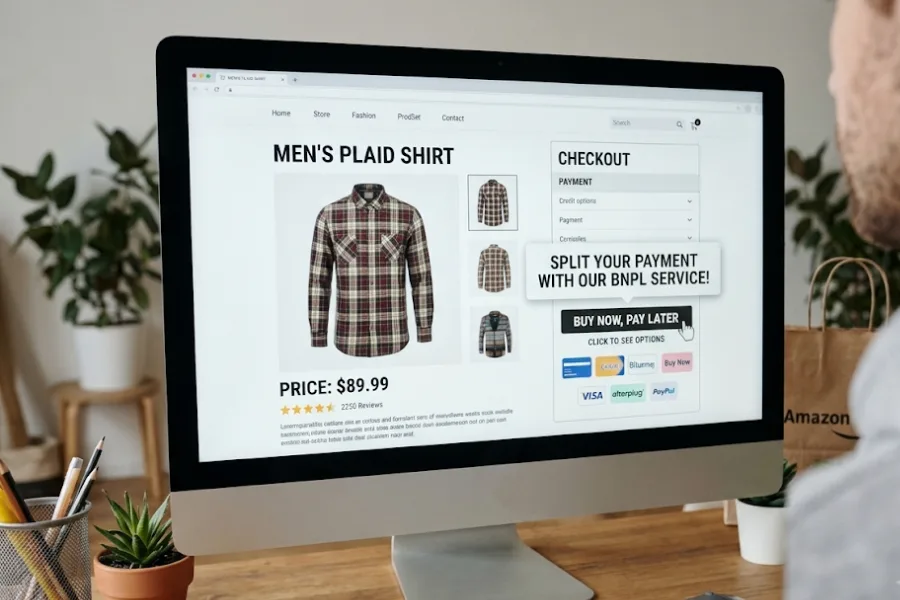
Your first store has one checkout counter, and the second is almost ready to open. Will your POS terminal cost double, then triple when you launch a third branch? Not necessarily. Hardware usually grows with register count, but software and payment charges follow different rules. In this ConnectPOS guide, we’ll compare expansion costs, published POS prices, and the fees that deserve a closer look.
Highlights
- Each new register adds hardware expenses, but software charges depend on the billing model.
- A third store can cost far more if it needs extra registers or a higher software plan.
- Comparing three-year costs gives you a clearer budget than comparing terminal prices alone.
What Goes Into the Cost of a POS Terminal?
A payment terminal accepts cards. A POS station also uses checkout software, a printer, and often a scanner. Total POS terminal cost includes daily operating charges.
The main expenses fall into three groups:
- Hardware: Tablets or touchscreen terminals, card readers, receipt printers, barcode scanners, and cash drawers. Most are upfront purchases.
- Software: Monthly or annual licenses for checkout, inventory, customer records, staff access, and reports.
- Payment processing: Charges taken from card sales, often combining a percentage and a fixed fee per transaction.
Installation, training, and network setup add upfront costs. A small retail checkout station might require $500 to $2,000 in hardware.
Hardware supplier TCANG lists $800 to $1,500 for a mid-range all-in-one POS. That’s a terminal benchmark, not a fixed checkout bundle price.
How POS Terminal Cost Changes When You Open a Second or Third Location
More stores mean more devices, yet other charges follow different rules. The largest differences appear in software licenses and payment volume.
Opening Your Second Location: More Hardware, but Not Always Double the Cost
Store two needs its own checkout, but it may share the existing POS account and product records. The hardware bill is easier to predict than the license bill.
- New checkout equipment: Budget for a terminal, reader, printer, and any needed scanner. One lane may be enough at launch.
- Shared store records: Keep products and sales visible in one account, if your plan supports another location.
- License changes: Per-location plans normally add another site fee. Per-register plans add charges according to the new store’s licensed registers.
- Hardware choices: Reusing compatible devices or adopting Mobile POS can limit the need for another fixed counter, depending on your payment setup.
Staff roles and cross-store returns may require a higher tier. Confirm this before ordering equipment.
Opening Your Third Location: When Register Counts Start Driving the Bill
Store three needs hardware too. Register counts now shape a bigger share of the bill.
- Register count: Three stores with one register each need three licensed lanes. Three stores with two each need six, even though the store count stays the same.
- Storewide controls: Stock transfers and shared sales reports may require higher software tiers.
- Negotiated terms: Ask for a group quote, but don’t assume a three-store discount.
Returns also deserve attention as branches grow. The National Retail Federation projected $849.9 billion in US merchandise returns in 2025. Your multi-store POS must support the returns your stores handle.
Software Charges Can Grow by Store, Register, or Subscription Tier
Three stores can produce very different software bills depending on the contract’s billing unit. Ask exactly what counts as a paid location or register.
- Per-location billing: Each active store carries a subscription, even when it has just one register.
- Per-register billing: Each licensed checkout station adds a fee, so busy branches may cost more.
- Tier-based billing: Inventory transfers, cross-store returns, or staff controls may require a more expensive plan.
- Custom pricing: Enterprise agreements may bundle licenses and services in one quote.
Check add-ons too. A basic plan may exclude the tools your second store needs.
Payment Processing Costs Follow Sales Volume
Card fees grow with payment volume. Card types and average transaction size affect the bill.
- Flat-rate processing: A percentage and fixed charge apply to each payment.
- Interchange-plus pricing: Network fees and processor markup are listed separately.
- Combined volume: Greater card sales may support negotiating custom rates, subject to approval.
The Federal Reserve’s 2025 Diary found that credit and debit cards made up 35% and 30% of US consumer payments in 2024. That’s a strong reason to budget processing separately from POS terminal cost.
A Practical POS Cost Comparison for One, Two, and Three Stores
Take a quick example: one register costs $1,200 upfront and $100 monthly per store. Each location needs one identical setup.
| Expense | 1 location | 2 locations | 3 locations |
| Hardware purchase | $1,200 | $2,400 | $3,600 |
| Monthly POS software | $100 | $200 | $300 |
| Annual software | $1,200 | $2,400 | $3,600 |
| First-year hardware + software | $2,400 | $4,800 | $7,200 |
These estimates aren’t vendor quotes. Processing, installation, tax, repairs, and discounts are excluded.
Actual bills change with register counts, tier upgrades, and shared subscriptions. Treat these totals as a starting point.
POS Pricing Models Compared: What Will a Second Store Actually Cost?
POS providers use different billing models, and the included tools can also affect your expansion budget. Some charge per location, while others base their fees on licensed registers.
The table below compares published US software prices for three POS systems.
| POS provider | Published monthly software price | Billing model | Added-store consideration |
| Square | Free: $0; Plus: $49; Premium: $149 | Per location | Each added paid location incurs its plan fee |
| Shopify POS | POS Pro: $89 per location, billed yearly | Per-location add-on | POS Pro costs extra on top of the applicable Shopify plan |
| ConnectPOS | Standard: $49; Advanced: $79; Premium: $99 | Per register | Monthly software costs depend on the number of licensed registers |
Prices exclude hardware, payment processing, installation, and any other applicable charges.
The billing model determines how your subscription grows. Yet the tools included in each plan deserve equal attention. Opening another store may require shared inventory, staff permissions, and better reporting.
Comparing Multi-Location Features Across the Three POS Systems
Square, Shopify POS, and ConnectPOS support retail operations across locations. Their plans differ in how retailers access inventory controls, reporting, and cross-store workflows.
| Multi-location capability | Square | Shopify POS | ConnectPOS |
| Inventory management | Basic stock tracking on Free; stock transfers and detailed inventory tools on Plus and Premium | Inventory counts, purchase orders, and stock transfers through POS Pro | Real-time inventory sync on Standard; stock transfers and multi-source inventory on Premium |
| Staff management | Team management tools, with more detailed controls on paid plans | Staff roles, permissions, and performance tracking through POS Pro | Flexible staff access on Standard; custom permissions on Premium |
| Sales reporting | Sales reports on Free; deeper inventory and performance reports on paid plans | Store-level retail reports and analytics through POS Pro | Reporting and analytics included in Standard |
| Cross-store selling | Cross-location order fulfillment and returns through supported retail workflows | Cross-location returns, exchanges, and omnichannel selling through POS Pro | Ecommerce integration on Standard; omnichannel and Click & Collect on Premium |
Each provider takes a different approach to the same retail needs.
Square suits retailers looking for location-based billing. Its paid plans include deeper inventory and reporting tools. Retailers can transfer stock between branches using supported inventory functions.
Shopify POS connects physical stores with Shopify’s ecommerce platform. POS Pro adds staff permissions, inventory controls, and cross-location returns. The added subscription applies to each location using POS Pro.
ConnectPOS is a cloud-based POS platform built for multi-location retail, supporting real-time synchronization across stores, staff, and inventory from a single account. Its per-register billing model means a store with one checkout lane pays for one license regardless of how many locations are on the account, which keeps costs more predictable as your store count grows.
Key capabilities across its plans include:
- Integrations: ConnectPOS connects with ecommerce platforms, ERP systems, and CRM tools so physical and digital channels share the same data.
- Real-time inventory sync: Stock levels update across all locations instantly, reducing overselling and manual reconciliation.
- Staff access controls: Flexible permissions on Standard, with custom role settings available on Premium.
- Multi-source inventory and stock transfers: Available on Premium for retailers managing shared stock across branches.
- Omnichannel and Click & Collect: Premium supports connected selling between physical stores and online channels.
The right pricing model depends on your store setup and the tools your team needs. Compare the full cost of the required plan across all locations before committing to another checkout terminal.
The Extra POS Costs That Often Appear After Expansion
Some store costs appear after launch. Others return each month or when devices fail.
Common additions include:
- Network and internet setup: Each site needs suitable Wi-Fi or wired connections, plus any chosen backup service.
- Installation and training: Budget for setup and staff checkout practice.
- Inventory and order integrations: Ecommerce, ERP, CRM, and inventory management software connections may involve setup or subscription costs.
- Payment account fees: Check gateway, compliance, and chargeback charges.
- Maintenance and replacements: More printers, readers, and terminals bring more repair and replacement needs.
- Data migration: Import SKUs, taxes, prices, and store-level stock.
Watch the fine print on starter promotions. Toast states that certain pricing applies to new customers and single locations only, with extra charges for further devices. Request a quote for every new location.
How to Keep POS Costs Under Control as Your Stores Grow?
Review POS terminal cost against each store’s checkout demand. Identical packages may leave registers unused.
Before signing, focus on the choices that change the total:
- Check the billing unit: Ask if charges follow locations, registers, active users, or software tiers.
- Match devices to traffic: Check busy-hour queues before buying registers.
- Review hardware compatibility: Test old readers, tablets, and printers first.
- Compare mobile and fixed checkout: Portable devices may suit stores where staff sell across the floor.
- Request an itemized quote: Separate hardware, licenses, setup, support, and discounts.
- Check processing terms: Compare effective fees, card mix, and any gateway or cancellation charges.
- Calculate three-year ownership: Add initial spending to 36 months of expected recurring fees and planned upkeep.
Use a simple working formula: three-year POS cost = upfront hardware and setup + 36 months of software and service fees + expected processing and maintenance costs. Price the new store separately from equipment already purchased.
FAQs: POS Terminal Cost
Does POS terminal cost double when you open a second location?
Not always. You normally buy more hardware, but software depends on whether your provider charges per store, register, or plan. Shared services and new tier requirements can change the total.
How much does it cost to add another POS terminal to an existing system?
A full small-store checkout station may require roughly $500 to $2,000 in hardware. Your actual bill also depends on device compatibility, software licensing, payment readers, and setup costs.
Do POS providers charge per terminal or per store location?
Both models exist. Some charge for each active store, and others charge for every licensed register. Always confirm what counts as a billable device.
Can two or three stores share the same POS software subscription?
Some systems manage several locations under one account. That doesn’t mean each store or register is free; charges depend on the provider’s terms and selected plan.
Is it cheaper to buy POS terminals outright or pay monthly for hardware?
Buying can cost less over the full ownership period, but it requires more cash upfront. Compare the complete lease or finance agreement, including interest, replacements, service, and ownership terms.
Final Thoughts
Opening a second or third store usually increases POS terminal cost, but the bill depends on more than the number of doors. Hardware follows checkout demand. Software follows licensing terms, and processing follows actual transactions.
Before expanding, compare the full cost of operating connected stores, including the work your team must handle after each sale. ConnectPOS publishes per-register software plans for retailers weighing those expenses. Check the ConnectPOS Pricing page to compare monthly plans and plan for your next location.
See ConnectPOS PricingIf you have questions about pricing or need help choosing the right setup, feel free to chat with our team for guidance.
►►► Optimal solution set for businesses: Shopify POS, Magento POS, BigCommerce POS, WooCommerce POS, NetSuite POS, E-Commerce POS