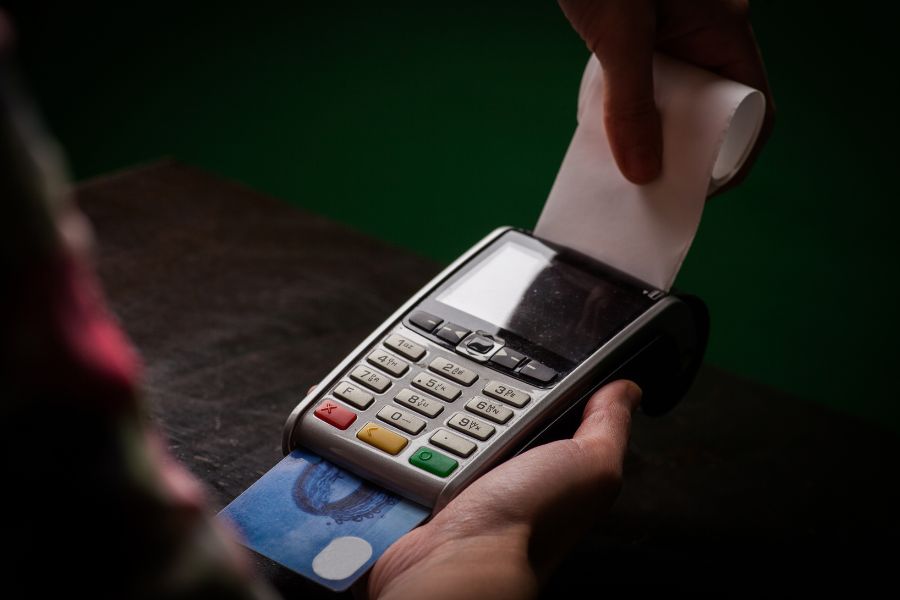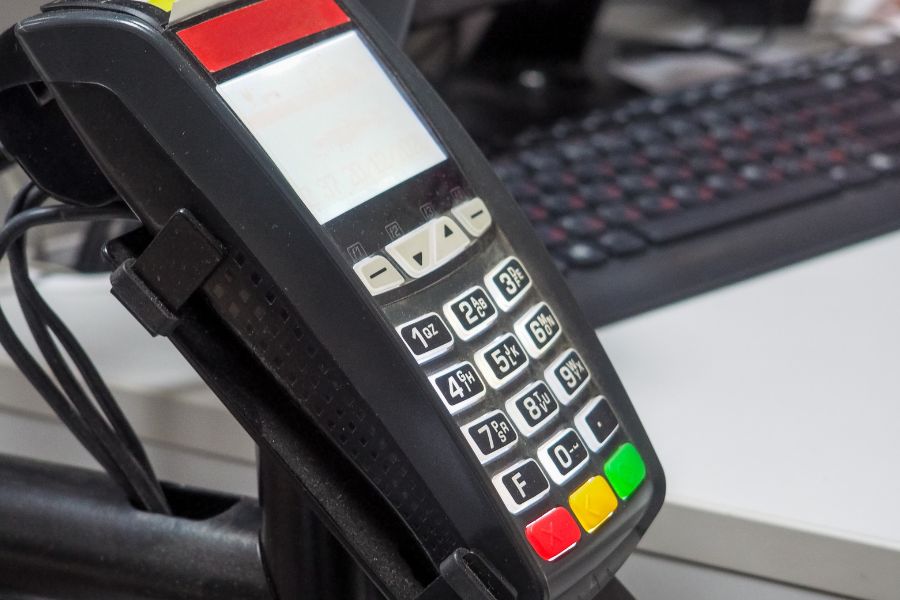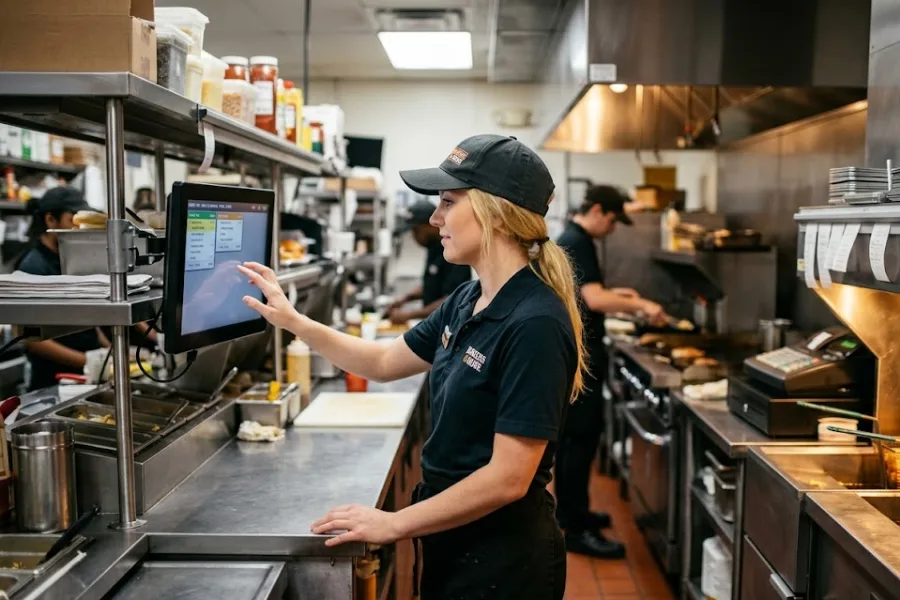
Rush hour at one store is already a lot. Add a second, third, or tenth branch, and small gaps turn into daily headaches. Quick service restaurant POS software matters most when speed, stock, service, and reporting all need to stay in sync across locations. In this ConnectPOS guide, we’ll show you which tools actually help multi-store QSR teams stay sharp, move faster, and keep control as the brand grows.
Highlights
- Multi-store QSRs need one system that keeps orders, stock, menus, and reporting aligned across every branch.
- The biggest gains usually come from live inventory, kitchen routing, combo logic, and chain-wide visibility.
- Growth gets easier when your POS can handle self-service, loyalty, store transfers, and offline selling in one place.
Reasons Multi-Store QSR Operations Break Down Faster Than Single-Location Setups
One location can still run on memory, manager habits, and quick fixes. A chain can’t. Once stores start sharing menu items, staff rules, prep flows, and daily reports, loose processes start showing cracks.
- More moving parts per shift: A single busy lunch hour can involve counter orders, pickup tickets, delivery apps, stock pulls, and kitchen timing. Spread that across several stores, and the pace gets harder to control.
- Stock gaps grow fast: One branch runs out of buns. Another store still has extra stock. If teams can’t see that in real time, somebody ends up over-ordering, under-ordering, or calling three people just to solve one missing item.
- Pricing drifts between locations: Limited-time meals, add-ons, and combo prices need to stay aligned. When updates happen store by store, pricing mistakes show up fast, and customers notice.
- Reporting turns slow and messy: Multi-store operators need a clean view of top sellers, weak shifts, and branch performance. Old-school reporting often arrives late, and late data is barely useful in QSR.
- Disconnected systems create extra labor: Managers shouldn’t have to jump between tablets, delivery dashboards, spreadsheets, and kitchen notes. The more tools a team juggles, the slower the shift feels.
The market has moved in the same direction. The National Restaurant Association said nearly 75% of all restaurant traffic now happens off-premises, and 57% of adults have recently used mobile ordering. That tells you where the pressure sits now: speed, visibility, and order control across every channel.
That’s why quick service restaurant POS software stops being a back-office purchase once a brand expands. It becomes the system that keeps the whole operation from drifting.
The Role of Quick Service Restaurant POS Software in a Multi-Store Environment
Many teams still think of POS as the thing that closes a sale. That view is too small for QSR chains. In a multi-store setup, the POS handles far more than payment.
- It acts as the operating layer: Good quick service restaurant POS software connects ordering, menu logic, stock movement, kitchen flow, payment, and reporting in one place. That gives managers a full working view of each branch.
- It keeps every store on the same playbook: Menus, prices, promotions, and permissions should not live in separate systems. A centralized setup keeps brand rules tighter across locations.
- It supports faster decisions: Live sales data and branch-level reporting help regional managers act during the day, not after the day is gone.
- It keeps growth from turning messy: New stores add more complexity. The right system keeps that complexity organized instead of letting it pile up in side tools and manual checks.
That role keeps growing. McKinsey reported in January 2026 that food away from home now accounts for more than half of U.S. food and beverage spending. That puts more weight on restaurant systems that can handle demand without losing control.
For multi-location brands, QSR POS software becomes the control center. Orders move through it. Managers read performance through it. Teams stay aligned because of it.
Key Features in Quick Service Restaurant POS Software for Multi-Store Brands
Some tools sound good in a sales demo and barely matter during a rush. Others quietly save the day every shift. The difference usually comes down to how well the POS handles chain-wide visibility and front-line speed.
Centralized Multi-Store Management
Once you’re running several stores, you need one place to watch the whole picture. That’s where centralized control starts paying for itself.
- One back office for all branches: Owners and regional leads can view sales, staff activity, and store performance from one dashboard instead of logging into separate systems.
- Faster updates across locations: Menu edits, role changes, and chain rules can be pushed out without store-by-store follow-up.
- Cleaner oversight: Problems become easier to spot when every outlet reports into the same structure.
This is where a proper multi store POS setup starts to feel less like ‘extra software’ and more like daily relief. The team spends less time chasing updates and more time running the service.
Real-Time Inventory Sync Across Stores
Inventory problems don’t stay small in QSR. They show up at the fryer, at the counter, and in customer complaints.
- Live stock visibility: Teams can see what’s available right now, not what the system said two hours ago.
- Better ingredient tracking: That matters for raw materials, prepared items, and fast-moving menu sellers.
- Smarter replenishment calls: Managers can move sooner when one branch starts burning through stock faster than expected.
A clean inventory management software layer matters even more when stores share ingredients and promos. One wrong stock count can throw off more than one branch.
Store-to-Store Stock Transfers
Not every store sells at the same pace. One branch might fly through sauces and sides. Another might sit on extra stock all week.
Store-to-store transfers help fix that before it turns into waste or lost sales. A chain can move stock based on live demand instead of waiting for the next supplier cycle.
That flexibility matters most during promotions, school holidays, and weekend spikes. Short windows. Fast decisions. Less panic in the middle of service.
Fast Order Management with Modifiers and Combos
QSR orders look simple until the modifiers stack up. Extra cheese, no onions, combo swap, drink change, side upgrade. Small edits, fast pace.
That’s why quick service restaurant POS software needs clean combo logic and modifier control. Staff should move through add-ons and substitutions in a few taps, not dig through menus while the line grows.
Take a quick example: a cashier enters a burger meal, swaps fries for salad, adds a larger drink, and saves a second cart for a group order. That flow needs to stay clear and quick, or the counter starts to slow down.
Kitchen Communication and Order Routing
The front counter can only move as fast as the kitchen receives and understands tickets. Good order flow keeps that handoff clean.
- Digital routing cuts noise: Orders move straight to the right prep station or display instead of relying on verbal updates.
- Less back-and-forth: Cashiers don’t need to repeat details to the kitchen during peak periods.
- Fewer missed items: Clear tickets help teams catch modifiers, combos, and special requests before the bag is packed.
This is also where kitchen tech starts to make a real difference. ConnectPOS supports digital kitchen displays that keep orders moving smoothly between the front counter and the kitchen, while flexible menu setup with modifiers helps staff handle custom requests without slowing things down. Smart combo prompts also assist in speeding up order entry during peak hours, making service more efficient when queues start to build.
Unified Menu and Pricing Control
Multi-store brands need pricing discipline. One meal deal should not cost one price downtown and another price across town unless you planned it that way.
- Chain-wide updates stay cleaner: Prices, limited offers, and new items can roll out together.
- Local changes are still possible: Some stores may need location-specific tweaks. The system should allow that without breaking chain rules.
- Customer trust stays stronger: Fewer pricing mismatches mean fewer awkward moments at the register.
That’s especially useful when value matters more than ever. Customers are watching totals closely, and pricing confusion can kill trust fast.
Multi-Channel Order Integration
Counter orders are only one part of QSR traffic now. Pickup, delivery, mobile, and kiosk orders all need to land in one working flow.
- One order stream: Teams shouldn’t have to watch separate tablets all shift.
- Cleaner prep timing: Orders reach the kitchen in one system, which helps reduce missed tickets.
- Better manager visibility: Branch leaders can see channel mix and order pressure without piecing data together by hand.
This is important because off-premises demand is no longer a side channel. It’s part of the daily business. That’s one reason POS software for quick service restaurants needs to handle order intake across the whole brand, not just the front counter.
Staff Permissions and Role-Based Access
Too much access creates errors. Too little access slows the shift. Teams need the right balance.
Cashiers should handle sales fast. Supervisors should fix tickets and discounts. Store managers should control reports and settings. HQ teams should view chain performance without stepping into daily cashier functions.
That kind of structure protects pricing rules, refunds, and branch settings. It also makes training a lot easier when new staff join.
Real-Time Reporting by Store and by Chain
Multi-store brands can’t wait until next week to learn what went wrong today. Reporting needs to be live enough to guide staffing, stock, and menu calls now.
A store-level view shows which branch is falling behind. A chain-level view shows which items sell everywhere and which promotions are missing the mark. Together, those views help managers act sooner.
Labor pressure makes this even more useful. Data from the St. Louis Fed, based on U.S. Bureau of Labor Statistics figures, showed the accommodation and food services quit rate was 3.9 in February 2026. That kind of churn puts extra value on systems that help managers spot weak shifts, train faster, and keep workflows simpler.
A dedicated Report & Analytics setup helps keep those calls grounded in real numbers, not guesswork.
Offline Reliability and Cloud Access
Internet drops still happen. The problem is that QSR lines don’t pause just because the signal does.
Offline mode keeps orders moving during those moments. Once the connection is back, the system syncs data to the cloud and catches up.
That matters more in QSR than people admit. A short outage during lunch can cost a lot more than the length of the outage itself. It can back up the kitchen, slow the line, and frustrate guests in minutes.
Which Features Drive the Biggest Gains for Daily QSR Operations?
Not every tool carries the same weight. Some shape the whole shift. Others are nice to have but won’t change much on a hard day.
- At the counter: Fast order entry, modifiers, combo prompts, and self-service tools usually drive the biggest gains. They cut the delay where customers feel it first.
- In the kitchen: Order routing and digital displays do heavy lifting. Clear handoff means fewer repeated questions and a cleaner prep flow.
- For managers: Real-time analytics, store comparison, and inventory sync matter most. Those are the tools that help teams plan, not just react.
- For guest retention: Loyalty and profile-based promotions keep the brand familiar across locations and channels.
Self-service is a good example. Restaurant Dive reported in April 2025 that 61% of users want more restaurant kiosks, 42% of kiosk users order from one at least once a week, and 76% say they sometimes buy more than planned when using them. That helps explain why kiosks and QR ordering keep showing up in serious QSR roadmaps.
A smart Self-Service layer can ease pressure at the counter and give guests a faster, clearer path to order.
What to Look for Before Choosing Quick Service Restaurant POS Software for Multiple Stores?
Many POS systems look fine in a product sheet. The real test is how they behave after the 2nd, 5th, or 12th store opens.
- Fast rollout for new branches: You should be able to add stores without rebuilding everything from scratch.
- Room to grow: Menus, staff accounts, and outlets need to scale without turning admin work into a full-time job.
- Integration readiness: Payments, loyalty, reporting, online ordering, and ERP tools should connect cleanly.
- Support for different service flows: Counter service, kiosk orders, QR ordering, pickup, and offline sales should all fit the same system.
- Training and support: New staff should learn the system quickly, and managers should be able to get help when a live issue comes up.
Loyalty deserves a hard look, too. Reuters reported in January 2026 that Starbucks had 35.5 million active U.S. loyalty members, and the company said that if just half of them made one more purchase each year, it would add $150 million in annual revenue. Big restaurant brands keep investing in loyalty for a reason. It gives repeat visits a clear structure.
Thus, a connected loyalty Program POS setup can’t be treated like a side add-on once a chain starts growing.
How ConnectPOS Fits Multi-Store QSR Brands That Need More Control
As a QSR brand adds more stores, daily control becomes harder to maintain. Orders come from more channels, stock moves faster, and teams need clearer visibility across every location. ConnectPOS empowers multi-store QSR brands to connect service, inventory, and decision-making in one place, so operations stay steady even during busy hours.
- Centralized Multi-store Management: ConnectPOS gives teams one place to manage sales, inventory, and store activity across locations. That makes it easier to keep every branch aligned and cut store-to-store confusion.
- Raw-Material Inventory: ConnectPOS includes advanced raw-material inventory on its official QSR page. Teams can track ingredient usage, watch waste, and keep tighter control over food cost.
- Real-Time Analytics: Live reporting helps operators spot busy hours, top sellers, and branch-level changes quickly. That gives managers a faster read on what each store needs.
- Digital Kitchen Displays: Orders can move from the front counter to the kitchen in a cleaner path. This helps prep teams stay focused and keeps the order flow more accurate during rush periods.
- Smart Combo Prompts: ConnectPOS lists smart combo prompts as part of its QSR setup. Staff can get guided upsell suggestions at checkout without slowing the line.
- Self-Service & QR: The platform also supports self-service and QR-based ordering. That gives guests a faster route to place orders and takes some pressure off the counter team.
- Customer Loyalty: Loyalty tools help brands keep customer activity connected across visits and locations. That supports repeat traffic and a more familiar guest experience.
For multi-store QSR brands, control means more than seeing sales totals. It means keeping kitchen flow, inventory, staff actions, and guest experience connected across every branch. ConnectPOS fits that need well, especially for brands that want speed and visibility to grow together.
FAQS: Quick Service Restaurant POS Software
1. What is quick service restaurant POS software?
Quick service restaurant POS software is a system built for fast-moving food businesses. It helps teams take orders, process payments, manage menus, track stock, and send tickets to the kitchen quickly.
2. What features should QSR POS software include?
The main tools usually include fast order entry, modifier support, combo logic, kitchen routing, inventory tracking, real-time reporting, loyalty tools, and self-service or QR ordering. Multi-store brands also need chain-wide control and store-level visibility.
3. Can POS software for quick service restaurants support multiple store locations?
Yes. Many systems are built to manage several branches from one place. That helps operators compare performance, update menus, track stock, and keep brand rules aligned without switching between separate tools.
4. How does a POS solution for QSRs improve order accuracy?
It gives staff a cleaner way to enter orders, apply modifiers, and pass details to the kitchen. That cuts missed items, cuts rework, and keeps service moving during busy periods.
5. Is quick service restaurant POS software worth it for growing QSR brands?
Yes. Once a brand runs more stores, more staff, and more order channels, the right system can keep operations more organized and easier to manage day to day.
Final Thoughts
Growth feels good until daily control starts slipping. That’s usually the point when quick service restaurant POS software moves from useful to necessary. The right system keeps menus aligned, orders moving, stock visible, and teams working from the same view. If your chain is adding stores or feeling the strain already, it may be time to tighten the setup. You can contact us and see how ConnectPOS fits the way your QSR brand runs.
►►► Optimal solution set for businesses: Shopify POS, Magento POS, BigCommerce POS, WooCommerce POS, NetSuite POS, E-Commerce POS