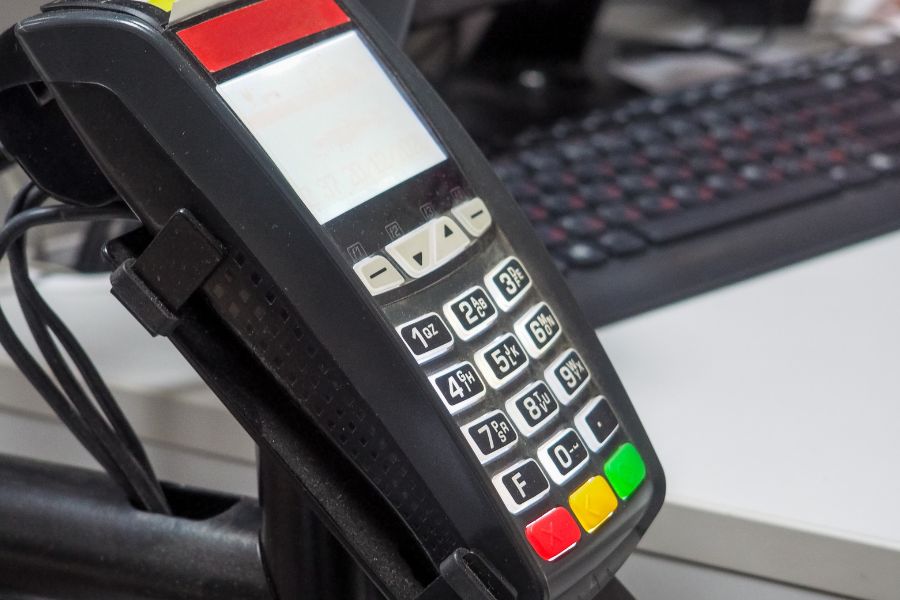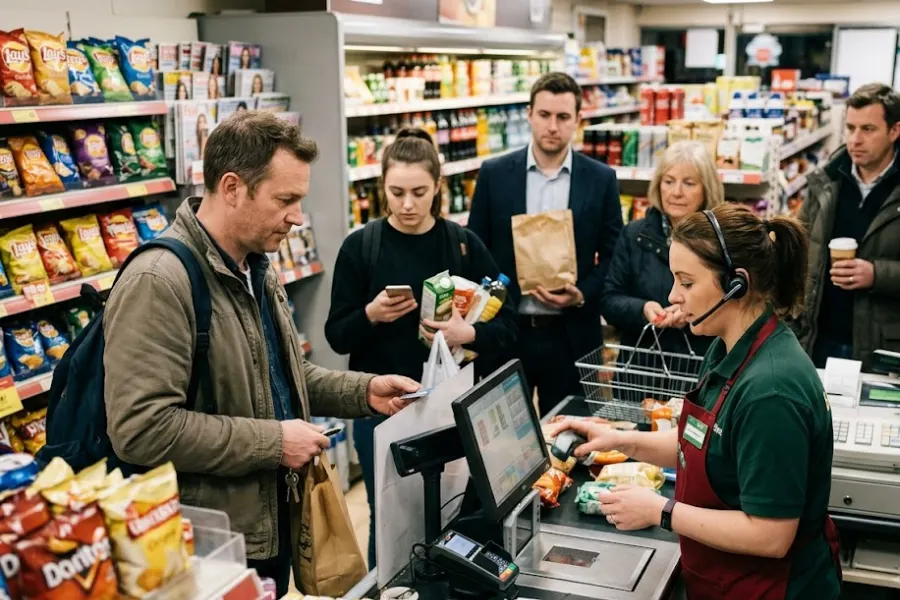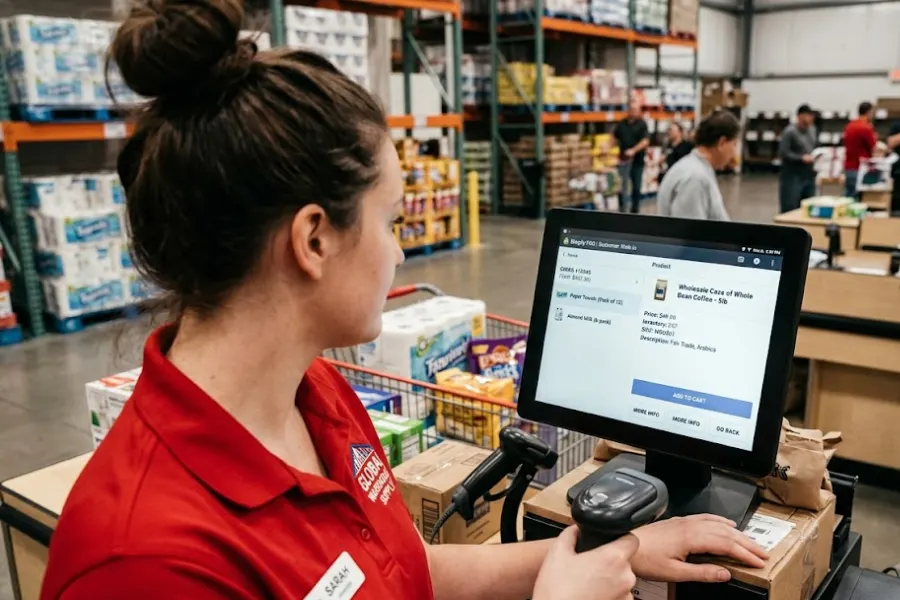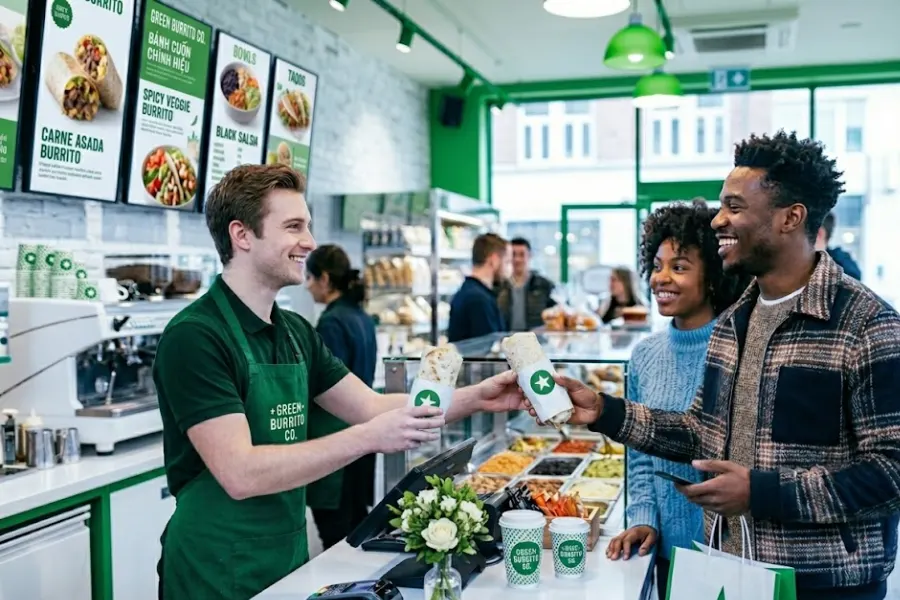
A fast line can still hide a messy operation. Orders pile up, modifiers get missed, and a slow screen can throw the kitchen off in minutes. What’s the best POS for quick service restaurants in 2026? In this guide from ConnectPOS, we’ll focus on what really matters, compare five leading systems, and help you identify the one that best fits your counter, kitchen, and growth plan.
Highlights
- Speed stays at the center when orders, kitchen prep, and checkout all move through one clean flow.
- Pricing only tells part of the story; daily control, reporting, and order accuracy count just as much.
- Top POS picks in this guide: ConnectPOS, Square POS, Toast POS, Clover POS, and Lightspeed POS.
Quick Service Restaurants Need a Different Kind of POS in 2026
Quick service runs on pace. A slow register, a messy menu screen, or a missed modifier can throw off the next twenty orders. That pressure is why QSRs need a system built for fast counters, kitchen handoff, and repeat visits.
- Speed at the counter: Quick service teams don’t have time for extra taps. Staff need fast order entry, quick modifier logic, and payment tools that keep the line moving.
- Accuracy under pressure: Peak hours leave no room for guesswork. Orders must reach the kitchen clearly, modifiers must stay visible, and saved carts must hold up when a guest changes their mind.
- Kitchen communication: Paper tickets still slow teams down. A POS tied to kitchen screens helps staff see the right order at the right time and keeps prep from turning into chaos.
- Pickup and delivery flow: Digital orders now sit beside walk-in traffic every day. The POS has to keep those channels in one place, or staff ends up chasing screens and missing handoff times.
- Labor control: Rush periods change by the hour, not by the week. Real-time sales data helps managers place the right number of people on the floor and in prep when demand jumps.
- Repeat business: A QSR doesn’t grow from one sale. It grows from return visits, remembered orders, smart promos, and loyalty tools that work without extra effort.
Off-premise traffic now shapes the whole QSR model. The National Restaurant Association says 47% of adults pick up takeout at least once a week, and 42% use the drive-thru weekly. At the same time, IFBTA says nearly half of surveyed restaurant operators plan to replace or make major POS upgrades this year. That tells you where the market is heading. Fast food teams need better systems because old ones can’t keep up anymore.
Direct digital ordering has become part of that shift, too. Deloitte found that 40% of customers prefer to order directly from restaurant websites. For that reason, the best setup now handles in-store orders, pickup, and direct digital orders in one place, not across scattered tools.
Factors That Define the Best POS for Quick Service Restaurants
A QSR POS has to do more than take payment. It has to keep service clean when the pace gets rough, and it has to give you enough control to fix small issues before they become expensive ones.
- Fast order entry: Staff should be able to add items, apply modifiers, and move to payment in a few taps. Shorter paths matter more than long menus packed with options.
- Digital kitchen support: Kitchen display links help tickets move faster and cut down on missed items. That matters most when the lunch rush hits hard.
- Ingredient and stock control: Quick-service kitchens burn through ingredients fast. A good POS should help track stock at the raw-material level, not just at the finished item level.
- Self-service ordering: Kiosks and QR menus ease pressure at the counter. They also help guests order on their own terms, which can lift throughput in a busy store.
- Clear reporting: You need live numbers, not end-of-day surprises. Good reporting shows top sellers, peak hours, weak time slots, and staff performance in a way that’s easy to act on.
- Loyalty that actually works: Loyalty tools should connect to real customer behavior. Rewards, repeat-visit tracking, and order history all make more sense when they sit inside the same system.
- Store visibility: Brands with more than one outlet need one view across all stores. Menus, pricing, and performance must stay easy to manage from one place.
- Offline reliability: Internet issues happen. A QSR POS should keep taking orders and sync later, or you risk losing sales right when traffic is highest.
- Payment flexibility: Guests expect choice. Cards, QR codes, digital wallets, and split or partial payment tools all help the checkout move faster.
Pricing is important, but it doesn’t tell the full story. A low monthly fee can still cost you more if the system adds extra fees for kiosks, kitchen screens, or ordering tools. Yet loyalty and customer memory also shape revenue. McKinsey says personalization can lift revenue by 5% to 15% and raise marketing ROI by 10% to 30%. In a QSR setting, that makes built-in loyalty and customer data far more useful than they may look at first glance.
A small example makes that clearer. ConnectPOS case studies show that Yeti Cycles cut at least one minute from each transaction, and Global Vapors saw order entry move 50% faster after switching to ConnectPOS. Different sectors, same lesson: when the system gets faster and cleaner, service gets better too.
What’s the Best POS for Quick Service Restaurants in 2026?
No single platform fits every counter. Some systems work best for first-time operators. Others make more sense for busy chains that need tighter control across stores. We’ve broken down five names that stand out in 2026, starting with the one that gives the widest control for growing QSR brands.
1. ConnectPOS
ConnectPOS takes the top spot for QSR brands that want more than a basic register. It gives you kitchen visibility, raw-material tracking, loyalty tools, self-ordering options, and control across more than one location in one connected setup. Better yet, its quick service restaurant solution flow is built around service speed, kitchen handoff, and real-time visibility instead of generic retail logic.
Key features
- Raw-material inventory control
- Supplier management
- Shift management
- Real-time sales analytics
- Digital kitchen displays
- Menu modifiers and custom item logic
- Smart combo prompts
- Save cart for larger or interrupted orders
- Self-Service and QR ordering
- Loyalty integration
- Offline mode
- Mobile POS support across devices
- Built-in Report & Analytics tools
Pros & Cons
- Pros:
- Strong fit for quick service workflows
- Good kitchen, stock, and customer tools in one stack
- Works well for brands running several stores
- Offline mode helps keep sales moving during outages
- Cons:
- Best value depends on how much setup depth your brand needs
- Larger deployments may need a demo and guided rollout
Best for: QSR brands, fast-casual chains, cafés, bakeries, and operators who need tighter control across the counter, kitchen, and back office.
Pricing
- Standard: $49/register/month
- Advanced: $79/register/month
- Premium: $99/register/month
- Enterprise: Custom quote
2. Square POS
Square stays attractive because it’s easy to start and easy to learn. Small QSRs, cafés, and food trucks often pick it because setup feels light, the entry price is low, and online orders can flow into the POS and KDS without much friction. QR ordering also helps short-staffed teams keep lines moving.
Key features
- Free entry tier
- Online ordering tied to POS
- Kitchen display support
- QR ordering
- Mobile payment tools
- Handheld-friendly setup
- Kiosk add-ons
- Loyalty and marketing tools
- Offline payment support
Pros & Cons
- Pros:
- Very easy to learn
- Good value for smaller operations
- Simple path for businesses that want to grow in stages
- Cons:
- Extra restaurant tools raise the total monthly cost
- Less restaurant-specific than platforms built only for food service
Best for: Small quick-service spots, coffee shops, bakeries, and food trucks that want a practical start without a high monthly fee.
Pricing
- Free: $0/location/month
- Plus: $49/location/month
- Premium: $149/location/month
3. Toast POS
Toast stays near the top because it was built for restaurants from the start. That shows up in its kiosk tools, online ordering, delivery links, KDS setup, and hardware made for busy food service teams. If your store handles heavy order volume every day, Toast has the depth to keep up.
Key features
- Restaurant-first software
- Guest-facing hardware
- Online ordering
- Self-order kiosks
- KDS tools
- Delivery app links
- Restaurant reporting
- Commercial-grade hardware
Pros & Cons
- Pros:
- Deep QSR and restaurant toolset
- Strong fit for busy, high-volume operations
- Good order flow from the front counter to the kitchen
- Cons:
- Add-ons and hardware can push costs up fast
- An Android-only setup may not suit teams that prefer iPads
Best for: Larger quick-service brands and established restaurant groups that need a restaurant-native stack and can justify a bigger monthly spend.
Pricing
- Starter package: $0/month
- Point of Sale: $69/month
- Build Your Own: Custom pricing
4. Clover POS
Clover works best when the hardware choice sits near the top of your list. The brand has strong countertop and handheld options, and its quick-service packages give operators a flexible route into counter-service workflows. Its wider app marketplace also appeals to teams that want more room to shape the setup over time.
Key features
- Mini, Station Duo, and Flex devices
- Quick-service bundles
- Online ordering support
- Real-time sales reporting
- App marketplace
- Order and payment management
- Inventory and staff tools
Pros & Cons
- Pros:
- Strong hardware range
- Flexible setup for several counter-service formats
- App ecosystem adds room for custom use cases
- Cons:
- Monthly costs are higher for restaurant bundles
- Contract and hardware structure can raise the total spend
Best for: QSR teams that care most about device choice, counter hardware, and app-based expansion.
Pricing
- Quick Service Starter: $135/month
- Quick Service Standard: $185/month
- Quick Service Advanced: $245/month
5. Lightspeed POS
Lightspeed makes the most sense for brands moving into a larger footprint. It’s Quick Service Mode, combo tools, kiosks, offline support, and store-level controls that give operators more oversight as they add locations and tighten reporting.
Key features
- Quick Service Mode
- Custom combo creation
- Self-order kiosks
- Kitchen display support
- Offline mode
- Multi-location management
- Reporting and benchmark tools
Pros & Cons
- Pros:
- Strong choice for growing restaurant groups
- Good feature depth for QSR service flow
- Store-level reporting and menu control are strong points
- Cons:
- Monthly pricing is higher than simpler systems
- Better fit for operators with bigger needs and tighter processes
Best for: Growing quick-service brands and store groups that need stronger control across reporting, menus, and day-to-day store performance.
Pricing
- Starter: $69/month
- Essential: $189/month
- Premium: $399/month
Quick Comparison Table of the Top 5 POS Systems
Price isn’t the whole decision, but it does help narrow the list fast. The table below pulls together the starting public rates and the main reason each system stands out. Pricing in this table reflects current public rates from ConnectPOS, Square, Toast, Clover, and Lightspeed.
| POS system | Best for | Starting price | Strongest angle | Main trade-off |
| ConnectPOS | QSR brands that want flexible workflows across stores | $49/register/month | Raw-material control, kitchen flow, self-ordering | Best setup may depend on rollout scope |
| Square POS | Small QSRs, cafés, food trucks | $0/location/month | Easy setup and low entry cost | Extra restaurant tools cost more |
| Toast POS | High-volume restaurant-first operations | $0/month starter, paid from $69/month | Deep restaurant workflow and kiosk stack | Add-ons and hardware can add up |
| Clover POS | Hardware-led counter service setups | $135/month | Device flexibility and app ecosystem | Higher restaurant bundle pricing |
| Lightspeed POS | Growing store groups | $69/month | Store control and Quick Service Mode | Higher spend for smaller teams |
Which POS Fits Your Quick Service Business Best?
The right answer depends on your service model. Size, order mix, and how many stores you run will shape this decision faster than brand hype ever will.
- Single-location QSR: Square is a smart pick if you want low entry cost and a light setup. ConnectPOS also fits if you want tighter control from day one.
- Café or bakery: ConnectPOS works well when ingredient use, loyalty, and order flow all matter. Square also makes sense for smaller counters that want simple daily use.
- Food truck: Square still has a strong edge for mobile teams. A light setup and easy ordering tools matter a lot when your service point changes throughout the day.
- Growing chain: ConnectPOS and Lightspeed stand out here. They give you more control across several stores, live reporting, and stronger menu consistency.
- Franchise or high-volume fast food brand: Toast earns a hard look when order volume is heavy and the kitchen needs tighter system logic. ConnectPOS also stays in the mix when you need stock control, self-ordering, and flexible setup across stores.
A practical split helps. If you want the lowest-friction start, Square does that well. If you need restaurant-native depth, Toast is stronger. If your brand is growing and you want broader control over stock, reporting, and service flow, ConnectPOS or Lightspeed makes more sense.
Final Verdict on the Best POS for Quick Service Restaurants in 2026
After comparing price, kitchen flow, self-ordering, reporting, and store control, ConnectPOS comes out on top for operators who need more than a simple checkout tool. It covers the parts that matter most in quick service: stock at the raw-material level, digital kitchen visibility, loyalty, mobile use, offline protection, and room to scale.
Square still works well for smaller teams that want a low-barrier start. Toast stays strong for heavy restaurant workflows. Clover makes sense for hardware-first setups. Lightspeed fits growing store groups that want deeper control. ConnectPOS stands out for brands that want long-term flexibility across service, kitchen flow, and business growth.
FAQs: Best POS for Quick Service Restaurants
1. What features matter most in a POS for quick service restaurants?
Fast order entry, modifier logic, kitchen display links, live reporting, self-ordering tools, offline mode, and loyalty tools matter most. Those are the pieces that keep service fast and repeat visits strong.
2. Is a free POS good enough for a small QSR?
It can be, especially at the start. Square’s free plan gives small operators a workable base, but paid plans often make more sense once you need kiosks, KDS, or stronger reporting.
3. Which POS is best for multi-location quick-service brands?
ConnectPOS and Lightspeed are strong choices when you need centralized control across stores. Toast also fits larger restaurant groups that need deeper restaurant logic.
4. Do QSR POS systems support kitchen display screens and self-service kiosks?
Yes. Toast, Lightspeed, Square, and ConnectPOS all support kitchen display workflows, and several also connect to kiosk or QR-based ordering.
5. How much should a quick-service restaurant expect to pay for a POS in 2026?
Public entry pricing in this roundup starts at $0 per month for Square, $49 per register for ConnectPOS, $69 per month for Toast and Lightspeed, and $135 per month for Clover’s quick-service bundle. Total cost rises when you add hardware, KDS screens, kiosks, and payment fees.
Final Thoughts
Quick service runs on timing, clean handoff, and repeat visits. That’s why the best system can’t stop at checkout. It needs to help your staff move faster, your kitchen stay clear, and your managers act on live data. If you’re still asking what the best POS is for quick-service restaurants, ConnectPOS is the strongest pick in this list. To see how it can fit your operation, contact us today.
►►► Optimal solution set for businesses: Shopify POS, Magento POS, BigCommerce POS, WooCommerce POS, NetSuite POS, E-Commerce POS