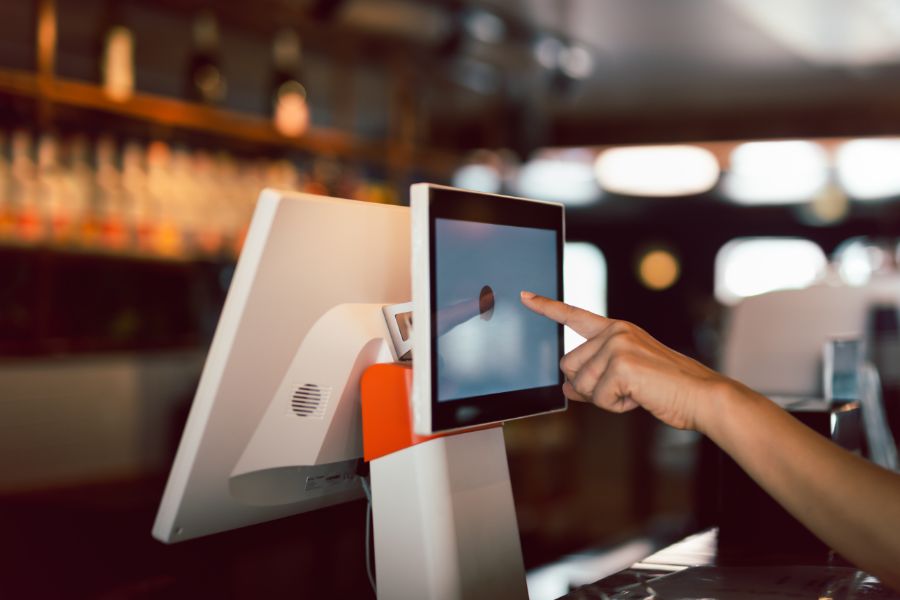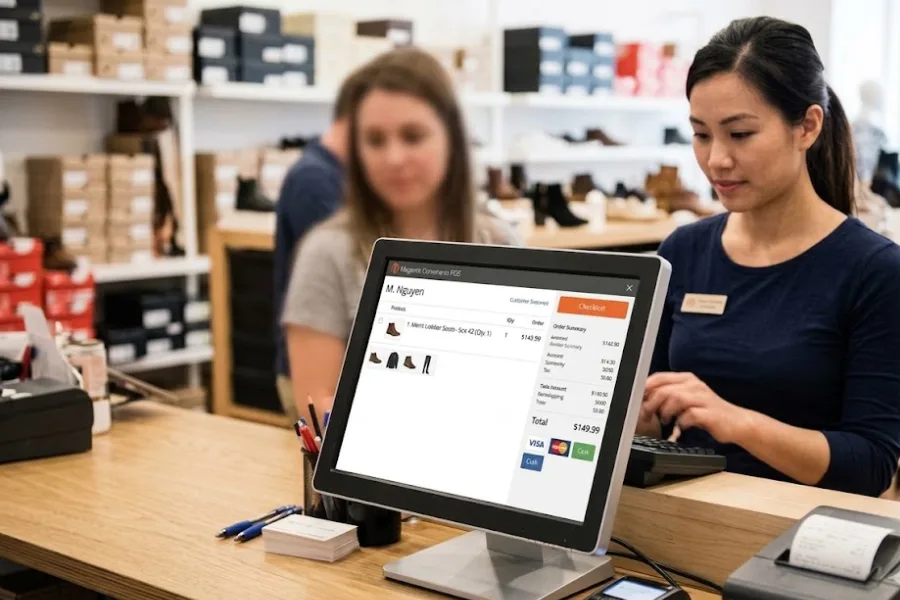
As the business landscape continues to shift towards digital solutions, many companies are seeking better ways to manage their sales processes. One tool that has become increasingly popular is the online point of sale (POS) system, which enables businesses to handle sales, track inventory, and manage customer data all in one place. In this article, we’ll break down what an online POS system is, explore its different types and features, and discuss its advantages. We’ll also touch on implementation, training, and how to choose the right system for your business.
Highlights
- An online POS system is a cloud-based solution that lets businesses manage sales, inventory, and customer data from any location with internet access.
- Businesses move to online POS systems for their flexibility, real-time data access, and ability to integrate both in-store and online operations.
- Common considerations with online POS systems include internet dependency, cybersecurity, and ongoing subscription costs.
Overview of Online Point of Sale System
An online Point of Sale (POS) system is a cloud-based platform that lets businesses process sales, monitor inventory, and view sales data in real time.
Unlike traditional POS systems that rely on on-site servers, online POS solutions work over the internet and can be accessed from tablets, smartphones, or computers. These systems support various payment methods, such as credit and debit cards, digital wallets, and contactless payments.
They also integrate with other tools businesses use every day, including customer relationship management (CRM) platforms, eCommerce systems, and payment processors. With data stored securely in the cloud, businesses can manage operations and track performance from anywhere.
As businesses increasingly move operations online, a reliable POS system matters more than ever. Customers expect a smooth shopping experience whether they’re browsing in-store or online, and these systems help meet that demand. Keeping sales and inventory data in one place makes it easier to track performance and respond quickly to changing needs.
Components of an Online POS System
An online POS system combines hardware and software components that work together to manage sales, inventory, and customer data.
Hardware Components
- POS Terminals: The physical devices where transactions take place, from computers and tablets to mobile devices running the POS software.
- Barcode scanners: Scan product barcodes for fast, accurate item entry, keeping inventory updated and speeding up checkout.
- Receipt printers: Provide paper receipts for sales, returns, and exchanges. Many systems also offer digital receipts.
- Payment processors: Card readers and contactless terminals that handle secure transactions for credit cards, debit cards, and mobile payments (Apple Pay, Google Pay, and similar wallets).
Software Components
The POS software is the backbone of the system, managing everything from sales transactions and inventory tracking to customer data and business reporting.
As explained above, it can integrate with other tools like e-commerce platforms, accounting systems, and CRM software, allowing businesses to run smoothly. Cloud-based POS software also makes it easier to access data remotely, which is especially useful for businesses with multiple locations or online operations.
Key Features of an Online POS System
- Real-Time Sales Tracking: This feature provides live updates on sales transactions, allowing you to monitor activity as it happens, no matter where you are. It offers valuable insights into stock levels, product demand, order statuses, and even operational performance. With this information at your fingertips, you can quickly adjust to market changes and make informed decisions.
- Inventory Management: Automatically tracks stock levels with each sale and sends alerts when items are running low. This helps prevent both stock shortages and overstocking, making inventory control more efficient.
- Customer Relationship Management (CRM): Collects and organizes customer data to help you understand buying patterns and preferences. With this information, you can implement loyalty programs, offer personalized promotions, and build stronger relationships with your customers.
- Reporting and Analytics: Provides detailed sales reports and performance metrics, helping you identify trends and measure success. These insights are key for making strategic business decisions and optimizing operations.
- Payment Processing: Supports multiple payment options, including credit/debit cards, digital wallets, and contactless payments, ensuring a smooth and convenient transaction experience for customers.
- Multi-Location Management: If you’re running multiple stores, this feature allows you to manage inventory, sales, and customer data across all locations from a single platform. This ensures consistency and simplifies operations for businesses with multiple sites.
- Employee Management: Tracks employee shifts, schedules, and performance. This helps businesses manage staffing more effectively and provides insights into individual sales contributions, making it easier to optimize team performance.
- Customer Loyalty Programs: Some POS systems include built-in loyalty features that allow you to reward repeat customers, track their purchase history, and create personalized offers. This helps improve customer retention and encourages repeat business.
Benefits and challenges of using an Online POS System
Online POS systems offer several advantages for businesses, but they also come with some challenges.
Benefits
- Accessibility and flexibility: Manage your business from any location with an internet connection.
- Lower upfront costs: Online POS systems generally need less expensive hardware than traditional systems.
- Data security: Cloud-based systems automatically back up data and protect transactions, reducing the risk of loss or breaches.
- Scalability: Add users, locations, or features as your business grows, without major disruptions.
- Enhanced customer experience: Quicker checkouts and personalized service, supported by customer data integration.
Challenges
- Dependence on internet: A stable connection is important. An outage may disrupt sales and affect business continuity, though many systems include an offline mode as a safeguard.
- Ongoing data privacy considerations: Most systems are secure, but businesses should keep cybersecurity practices current.
- Recurring subscription fees: Upfront costs are lower, but plan for ongoing fees for software, support, and added features.
Popular Online Point of Sale Systems in the Market
ConnectPOS
ConnectPOS is a POS system designed for retailers to connect their physical and online stores. It works with platforms like Shopify, Magento, and BigCommerce, bringing all sales into one place. With real-time updates, businesses can monitor stock levels and sales without delays. Key features include:
- Reports and dashboards: Detailed sales and performance reports support timely, data-driven decisions.
- Omnichannel integration: Connects with Shopify, Magento, and BigCommerce to keep product, order, and customer data synced across all channels.
- Real-time inventory updates: Stock levels and sales data update instantly, giving teams accurate figures at all times.
- Mobile POS: Staff can assist customers and complete sales from anywhere on the floor, without being tied to a fixed terminal.
- Self-checkout support: Customers can handle their own purchases independently, reducing queue times and freeing up staff.
- Built-in loyalty features: Reward programs are built directly into the system, making it straightforward to manage repeat buyers.
- Offline mode: The system continues running during internet outages and syncs all data once connectivity is restored.
Pricing (per register, per month):
- Standard: $49/month
- Advanced: $79/month
- Premium: $99/month
Annual billing available from $39/month per register.
ConnectPOS offers a 14-day free trial with no credit card required, giving you full access to try the system before choosing a plan.
Square
Square is one of the most widely used POS systems, particularly favored by small businesses for its simplicity and accessibility. It offers a user-friendly interface that requires minimal training, making it an excellent choice for new business owners or those without a technical background.
Square includes essential features such as inventory management, invoicing, and analytics, and supports mobile payments so businesses can accept payments in-store or on the go.
Pricing (per location, per month): Free, or Plus at $49 and Premium at $149 for advanced tools like deeper inventory management, marketing, and 24/7 phone support. Card processing rates vary by plan.
Shopify POS
Shopify POS is designed exclusively for businesses using Shopify’s eCommerce platform, providing seamless integration between online and offline sales.
It offers inventory management that tracks stock across both the online store and physical locations, and omnichannel sales tracking for a complete view of customer activity, whether purchases happen in-store or online. With customer data collection tools, Shopify POS helps businesses personalize experiences and build loyalty, making it a fit for eCommerce businesses expanding into brick-and-mortar stores.
Pricing: POS Lite is included with any Shopify plan (plans start at $39/month for Basic). POS Pro, which adds unlimited staff accounts, roles and permissions, and omnichannel fulfillment tools, costs $89/month per location, or $79/month per location billed annually.
FAQs: Online Point of Sale System
- What is an online POS system and how does it differ from a traditional POS?
An online POS system operates through the cloud, so it can be accessed from any device with an internet connection. Traditional POS systems rely on on-site servers and hardware. Online systems offer more flexibility for managing transactions, inventory, and customer data remotely, and often integrate with eCommerce platforms to manage in-store and online sales from one system.
- Is my business data secure with an online POS system?
Yes, online POS systems typically include data encryption and automatic backups to protect business and customer information. Businesses should confirm the system complies with standards like PCI DSS, and keep software updated and passwords strong.
- Can an online POS system work if the internet goes down?
Many online POS systems offer an offline mode that lets you keep processing sales during an outage. Once the connection returns, the system syncs offline transactions with the cloud automatically.
Conclusion
An online point of sale system can be a powerful tool for businesses, simplifying operations and enhancing the customer experience. When choosing a system, evaluate your business needs, such as company size, industry, and any specialized requirements, and look for the features, integrations, and support that fit how you operate.
Proper implementation and thorough training help your team get the most out of the system and boost overall efficiency.
Still figuring out what your business needs? Chat with our team on Crisp, and we’ll help you work out the right fit.
Discuss your needs►►► Optimal solution set for businesses: Shopify POS, Magento POS, BigCommerce POS, WooCommerce POS, NetSuite POS, E-Commerce POS