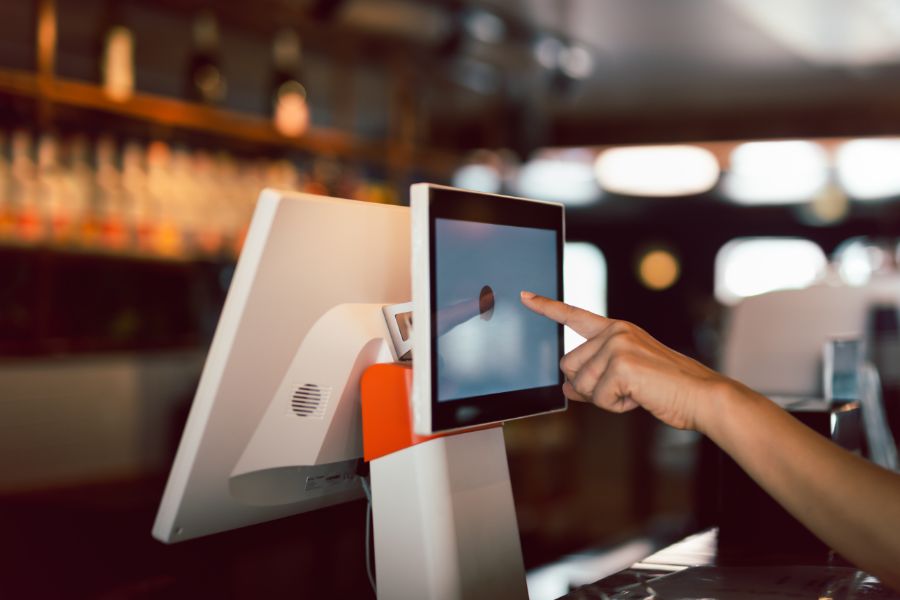
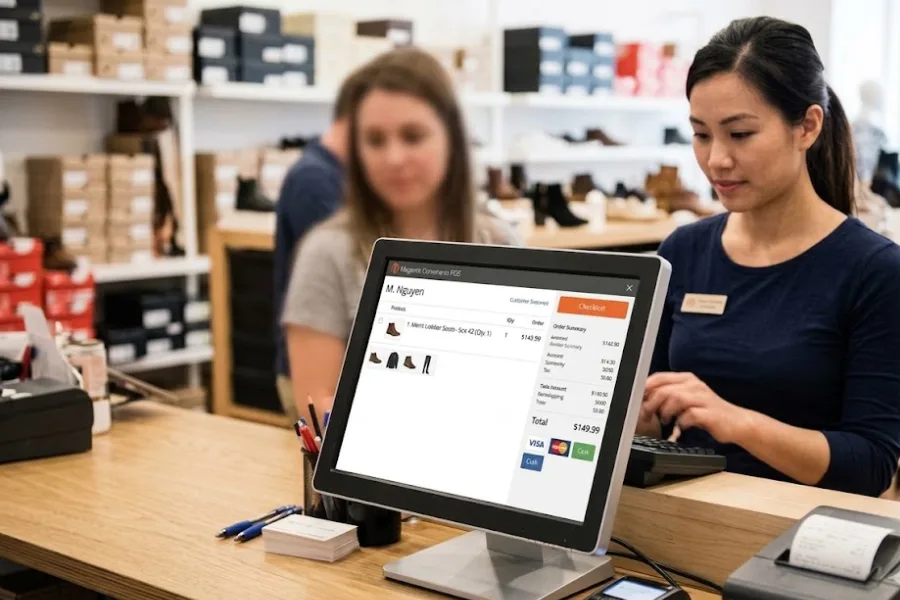
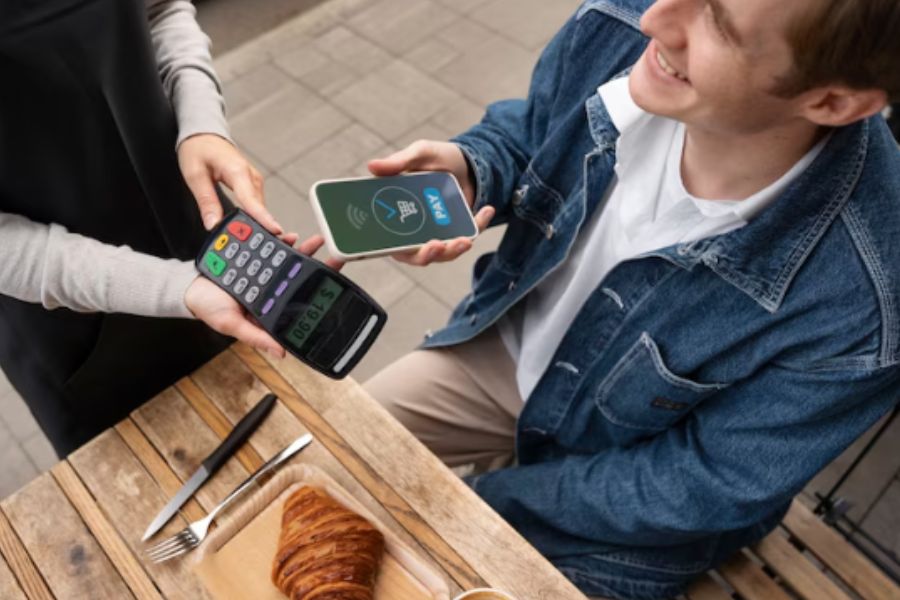
Choosing the best hardware POS integration for Shopify store starts with the way a retailer handles checkout. A fixed counter may need a terminal, barcode scanner, receipt printer, and cash drawer, while a pop-up store may need a compact mobile setup. The right combination depends on store size, payment methods, product volume, and how customers purchase.
As a retail business grows, hardware needs can also change. Adding another location, connecting online and in-store sales, or adding more checkout stations can make a basic setup harder to manage. Comparing hardware by use case helps retailers build a Shopify POS setup that fits current operations without buying equipment they do not need.
Highlights
- Match hardware to the checkout workflow: A fixed counter, mobile checkout station, or compact payment setup calls for different hardware combinations.
- Check compatibility before buying: Shopify POS works with Shopify hardware and selected third-party devices, but compatibility varies by device, connection type, country, and POS setup.
- Plan for the next growth stage: A basic checkout setup may work for one location, while additional stores, online orders, and larger product catalogs create more hardware and data coordination needs.
Best Hardware POS Integration for Shopify Store
Choosing the best hardware POS integration for Shopify store is less about buying the most expensive device and more about matching each component to the way the store sells. A fixed retail counter may need a terminal, scanner, receipt printer, and cash drawer. A pop-up store may need a compact mobile device that handles payment and product scanning in different parts of the shop.
Shopify’s 2026 POS hardware guide reports that roughly two-thirds of small and midsize retailers use POS hardware to improve billing and the customer experience, while almost 61% of surveyed small businesses identified cost as a barrier to adoption. This makes hardware selection a balance between checkout requirements and total setup cost.
Shopify POS Terminal
Best for: Retailers looking for a dedicated Shopify checkout station.
Key hardware: 5.5-inch customer-facing display, payment terminal, and dock.
Best use case: Fixed checkout counters in single-store or growing retail businesses.
The Shopify POS Terminal is a countertop payment device designed to work with the Shopify POS app on a compatible phone or tablet. It accepts tap, chip, and swipe payments through Shopify Payments and includes a customer-facing display. Shopify lists the terminal at $349 on its US hardware store.
The terminal works well when the main requirement is a dedicated payment point rather than a standalone register containing every peripheral. A retailer may still need a barcode scanner, receipt printer, cash drawer, or tablet depending on the checkout workflow.
Price: $349 for the POS Terminal, before other hardware and applicable Shopify costs.
Consideration: Retailers adding more locations should review the complete hardware setup at each site rather than treating the payment terminal as the entire POS environment.
Verifone Victa Mobile
Best for: Retailers that need mobile checkout and payment processing.
Key hardware: 6.7-inch display, barcode camera, payment capabilities, battery, and optional dock.
Best use case: Pop-up stores, mobile checkout, floor selling, and retailers that need staff to take transactions away from a fixed counter.
For retailers comparing the best hardware POS integration for Shopify store, the Verifone Victa Mobile is a practical choice for mobile checkout. It combines Shopify POS functionality, payment processing, and barcode scanning in a handheld device. Shopify lists a price of $449 for the Victa Mobile with dock on its hardware store. The device can run Shopify POS in mobile selling mode or work in countertop mode when connected through its dock.
The device can accept supported tap, chip, swipe, and mobile wallet payments. Shopify also specifies country, currency, payment provider, and network requirements, so retailers should check local availability before purchasing.
Price: $449 with dock according to Shopify’s current hardware store listing.
Consideration: The Victa Mobile is useful for mobile transactions, but retailers still need to assess receipt printing, cash handling, and other checkout requirements.
WisePad 3
Best for: Small retailers that mainly need a compact card reader.
Key hardware: Portable Bluetooth card reader.
Best use case: Stores that already have an iPhone, iPad, or compatible Android device running Shopify POS.
WisePad 3 works as a payment component within a broader Shopify POS setup rather than as a complete checkout system. Shopify requires a compatible iPhone, iPad, or Android device and Bluetooth 4.2 or higher. Country and currency requirements also apply when using Shopify Payments.
This setup can make sense for retailers that already have a suitable POS device and only need payment hardware. A store that also needs barcode scanning, printed receipts, or cash handling will need additional equipment.
Price: Pricing varies by market and seller, so check the current Shopify hardware availability for the store’s country.
Consideration: WisePad 3 handles card payments, not the complete checkout workflow. Retailers should calculate the cost of the reader together with the tablet or phone and any other required peripherals.
Zebra DS2278
Best for: Retailers that need wireless barcode scanning.
Key hardware: Wireless 1D/2D barcode scanner and charging cradle.
Best use case: Stores with larger product catalogs or checkout counters where staff need to scan products quickly.
The Zebra DS2278 works with Shopify POS through Bluetooth or USB. Shopify recommends USB connection through the Shopify POS Hub for a reliable setup and also allows direct Bluetooth pairing with compatible iOS and Android devices.
The scanner reads both 1D and 2D barcodes, making it suitable for stores that use standard product barcodes alongside newer code formats. Shopify also lists the DS2278 among its compatible barcode scanners.
Price: Pricing varies by seller and configuration.
Consideration: The DS2278 is a peripheral rather than a complete POS system. Retailers still need a Shopify POS device and suitable payment and receipt hardware.
Epson TM-m30III
Best for: Retailers that need a dedicated receipt printer.
Key hardware: Compact thermal receipt printer with USB, Ethernet, and supported wireless connectivity.
Best use case: Fixed checkout counters where customers regularly receive printed receipts.
The Epson TM-m30III connects to Shopify POS and prints customer receipts. Shopify lists the printer at $259 on its Shopify store. Compatible connection methods depend on the POS device, and Shopify specifies that its POS setup supports 80mm receipt paper.
The printer is a practical addition for retailers that already have a Shopify POS device and payment setup but need printed receipts at the counter.
Price: $259 on Shopify’s current product listing.
Consideration: A receipt printer only handles receipt output. It still needs to work alongside the POS device, payment hardware, barcode scanner, and cash drawer where required.
Shopify POS Hub
Best for: Retailers building a fixed checkout station with several connected peripherals.
Key hardware: Connectivity hub with USB ports for compatible Shopify POS hardware.
Best use case: Retail counters using an iPad or Android tablet alongside scanners, printers, payment devices, and cash drawers.
Shopify POS Hub connects compatible USB peripherals to supported iPad and Android devices. Shopify currently lists the POS Hub at $69. Compatible devices include the Zebra DS2278 barcode scanner, Epson TM-m30III receipt printer, WisePad 3 reader, and selected cash drawers.
A hub becomes more useful when a retailer moves beyond a basic tablet-and-card-reader setup and needs several physical devices at one checkout point.
Price: $69 on Shopify’s current hardware store listing.
Consideration: Check the compatibility list before purchasing peripherals. Not every device connects through the hub, and some hardware may require Bluetooth, Ethernet, or a different connection method.
When Your Current Shopify POS Setup Is No Longer Enough
Retail technology is becoming more closely tied to broader store operations. The 2024 Connected Retail Experience Study from Incisiv, Verizon, and Cisco found that 92% of retailers identified loss prevention as a key driver of their store technology strategy. The study also highlights inventory accuracy and store efficiency as areas for technology investment, showing why retailers may need to look beyond individual POS hardware as their operations grow.
Common growth triggers include:
- Opening a second location: Each store needs its own checkout setup while sales and inventory remain connected.
- Selling across online and physical stores: Staff need consistent product and order information across channels.
- Managing inventory across multiple locations: Stock visibility becomes harder when products move between stores or warehouses.
- Coordinating more employees and checkout devices: More staff and registers can create greater needs for permissions and centralized management.
When these requirements start appearing together, individual hardware devices may no longer cover the full retail workflow. For retailers comparing the best hardware POS integration for Shopify stores, the decision may also involve how hardware connects with inventory, orders, locations, and store operations.
ConnectPOS Shopify solution becomes relevant when a Shopify store grows beyond a simple checkout setup and needs better coordination across inventory, sales channels, locations, and hardware.
Centralized Inventory Across Locations
Managing stock becomes more complex when the same products are sold across multiple stores. Teams need visibility into stock by location while managers track sales and stock movements across the business. ConnectPOS provides centralized inventory management for connected locations, helping retailers manage stock, transfers, and product availability within one POS environment.
Connected Online and In-Store Sales
Adding ecommerce creates another layer to the retail workflow. Products sold online may also be available in physical stores, making consistent order and inventory data more important. ConnectPOS connects online and in-store sales within an omnichannel POS setup, giving retailers a way to manage transactions and inventory across different selling channels. This becomes more relevant as a Shopify retailer expands beyond a single sales channel.
Hardware Across a Growing Retail Operation
A retailer may start with one tablet and card reader, then add scanners, receipt printers, cash drawers, or extra checkout devices as the business grows. ConnectPOS works with a range of retail hardware, giving retailers more flexibility when adding checkout stations or expanding to new locations. Hardware compatibility should still be checked before purchase, including the device, operating system, connection method, and payment configuration.
Multi-Store Management
A second store brings new requirements around sales reporting, inventory, and employee access. ConnectPOS provides centralized management for multi-store operations, making it more relevant for retailers that have moved beyond a single-location setup.
For a business with one store and straightforward checkout needs, Shopify POS may be enough. As more stores, sales channels, products, or employees are added, a broader POS setup may become more suitable. ConnectPOS can be considered at this stage for retailers looking to coordinate sales, inventory, channels, locations, and physical checkout operations through one POS environment. Its Shopify POS solution is designed for this type of growing retail setup.
FAQs – Best Hardware POS Integration For Shopify Store
What hardware do I need for a Shopify store?
A basic Shopify POS setup can include a compatible phone or tablet, card reader, and optional accessories. A fixed retail counter may also need a barcode scanner, receipt printer, and cash drawer. The exact combination depends on payment methods, product catalog, receipt preferences, and store layout.
Can Shopify POS work with third-party hardware?
Yes. Shopify POS works with selected third-party hardware, including barcode scanners and receipt printers. Compatibility varies by device and connection method. Shopify maintains compatibility information for supported hardware, so retailers should check the current list before purchasing.
What is the best hardware pos integration for shopify store with small size?
A small store can start with a tablet or phone, payment reader, and the peripherals required for its checkout workflow. A Shopify POS Terminal fits a fixed counter, while a compact reader can work for stores that already have a compatible mobile device.
Can Shopify POS hardware support multiple locations?
Yes. Shopify POS can be used across retail locations, but each location needs compatible hardware and an appropriate setup. Retailers with more locations should consider how inventory, orders, staff access, and checkout devices will be managed across the network.
Can Shopify POS hardware support online and offline sales?
Shopify POS connects in-store selling with a Shopify online store. Hardware handles the physical checkout side, while Shopify manages product, order, and inventory data across the connected commerce setup. Retailers adding online and physical sales should check how their chosen hardware configuration fits the wider workflow.
Conclusion
The best hardware POS integration for Shopify store depends on the store’s checkout model. Shopify POS Terminal suits fixed counters, Verifone Victa Mobile fits mobile selling, and WisePad 3 works as a compact payment device. Zebra DS2278 and Epson TM-m30III cover scanning and receipt printing, while Shopify POS Hub connects compatible peripherals.
A basic setup may be enough for a single store with straightforward transactions. As retailers add locations, online sales, larger inventories, or more employees, a broader POS setup can help bring these workflows together. For retailers comparing costs, check the ConnectPOS Pricing page for current plans.
See ConnectPOS PricingIf you are still evaluating which POS and hardware setup fits your retail operation, contact ConnectPOS to discuss your requirements.
►►► Optimal solution set for businesses: Shopify POS, Magento POS, BigCommerce POS, WooCommerce POS, NetSuite POS, E-Commerce POS