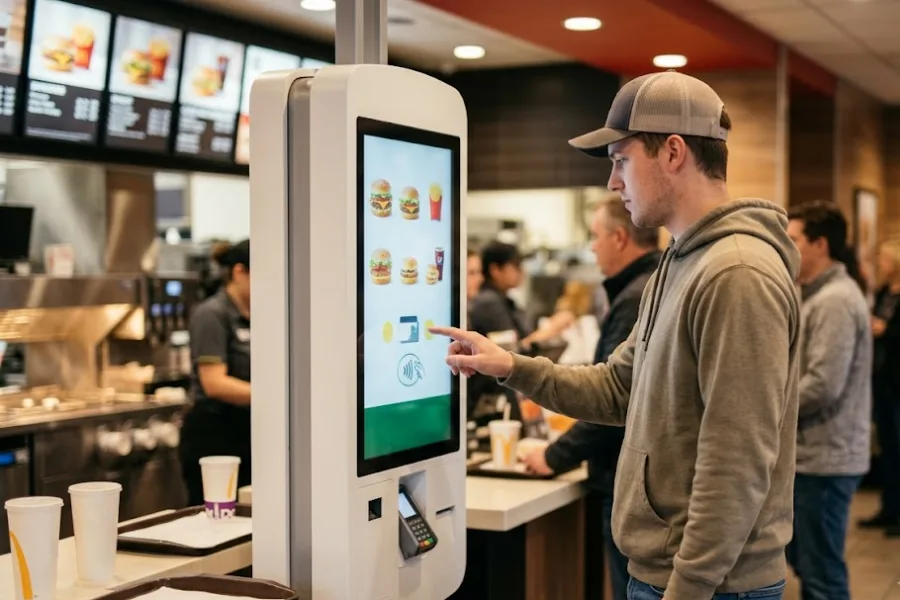
Integrating your point-of-sale system with QuickBooks Online can simplify accounting by keeping sales, payments, and financial data connected across your business. With the right POS QuickBooks integration, businesses can reduce manual data entry, improve reporting accuracy, and streamline daily operations. In this guide, we explore the top 3 POS systems that integrate with QuickBooks Online, highlighting their key features, integration capabilities, and ideal use cases.
What is POS QuickBooks Integration?
POS QuickBooks integration is the connection between a Point of Sale (POS) system and QuickBooks accounting software, allowing sales and financial data to sync automatically between the two platforms. Depending on the integration, data such as sales transactions, payments, taxes, refunds, inventory, and customer information can be transferred directly to QuickBooks.
This integration helps businesses reduce manual data entry, minimize accounting errors, and keep financial records up to date. It is particularly useful for retailers that want to manage daily sales through their POS while using QuickBooks for accounting, bookkeeping, and financial reporting.
The benefit of integration with Quickbooks
Integrating your POS system with QuickBooks can bring several benefits to your business:
- Streamlined Accounting: Integration with QuickBooks allows for automatic synchronization of sales data, inventory updates, and financial transactions. This eliminates the need for manual data entry and reduces the chances of errors, saving you time and effort in managing your books.
- Accurate Financial Reporting: With real-time data integration between your POS and QuickBooks, you can generate accurate and up-to-date financial reports, enabling you to make informed business decisions based on reliable financial insights. According to the survey conducted by Deloitte, the respondents (71%) indicate that increased quality and reliability in the auditing of financial statements will make for better financial reporting.
- Inventory Management: Integration with QuickBooks helps you maintain accurate inventory records. As sales and stock updates are automatically synced, you can easily track stock levels, analyze product performance, and optimize inventory ordering.
- Time and Cost Savings: Automating data transfer between your POS and QuickBooks eliminates the need for manual data entry, saving you valuable time and reducing the risk of errors. This efficiency translates into cost savings and allows you to focus on other aspects of your business.
- Improved Cash Flow Management: By integrating your POS with QuickBooks, you can closely monitor your cash flow. Real-time sales and payment data can help you track receivables, identify overdue payments, and take timely actions to optimize cash flow.
Overall, integrating your POS system with QuickBooks provides a seamless flow of information, improves efficiency, and helps you make data-driven decisions for the growth and success of your business.
Top 3 POS systems that integrate with QuickBooks Online
Choosing a POS system that integrates with QuickBooks Online can help businesses connect daily sales activities with accounting processes more efficiently. The right POS QuickBooks integration can automatically sync transaction data, reduce manual reconciliation, and provide better visibility into business performance. Below are three POS systems worth considering for businesses using QuickBooks Online.
ConnectPOS – Best for Retail
ConnectPOS is a retail-focused POS solution that integrates with QuickBooks Online to connect sales, inventory, and financial data. The integration helps retailers reduce manual data entry and keep accounting records aligned with day-to-day store operations.
A key advantage of ConnectPOS is its real-time synchronization. Sales transactions, inventory updates, and related financial data can be reflected in QuickBooks Online, reducing the need for manual reconciliation. Combined with inventory management, customer management, and sales tracking capabilities, ConnectPOS is particularly suitable for retailers managing multiple operational processes.
Toast POS – Best for F&B
Toast POS is designed for restaurants and food and beverage businesses. Its connection with QuickBooks Online helps businesses transfer sales and financial data from restaurant operations into their accounting workflow.
Toast POS also supports core F&B operations such as order management, payments, and inventory management. Connecting these processes with QuickBooks can reduce repetitive accounting tasks and provide restaurant operators with more consistent financial records.
TouchBistro – Best for Restaurants & Catering
TouchBistro is a restaurant-focused POS system offering features such as order management, tableside ordering, and payment processing. Its QuickBooks Online integration enables businesses to connect POS sales data with their accounting processes.
For restaurants and catering businesses, this can simplify reconciliation and help maintain more accurate financial records without manually transferring sales information between systems.
Overall, these three POS systems that integrate with QuickBooks Online address different business needs. ConnectPOS focuses on retail operations, while Toast POS and TouchBistro are designed primarily for the restaurant and F&B sector. The right POS QuickBooks integration depends on your industry, operational requirements, and the data you need to synchronize.
Conclusion
These top three POS systems that integrate with QuickBooks Online offer seamless synchronization of sales data, inventory updates, and financial transactions. These systems allow you to streamline your business operations, enhance accuracy, and make informed decisions. Choose the one that best suits your needs and take your retail business to the next level. Please feel free to contact us if you have any further concerns regarding this information.
►►► Optimal solution set for businesses: Shopify POS, Magento POS, BigCommerce POS, WooCommerce POS, NetSuite POS, E-Commerce POS