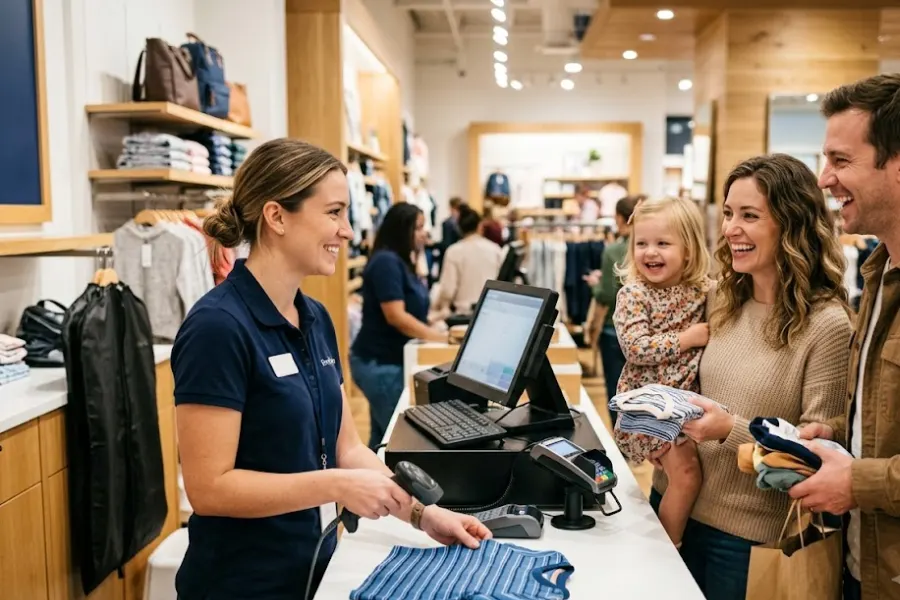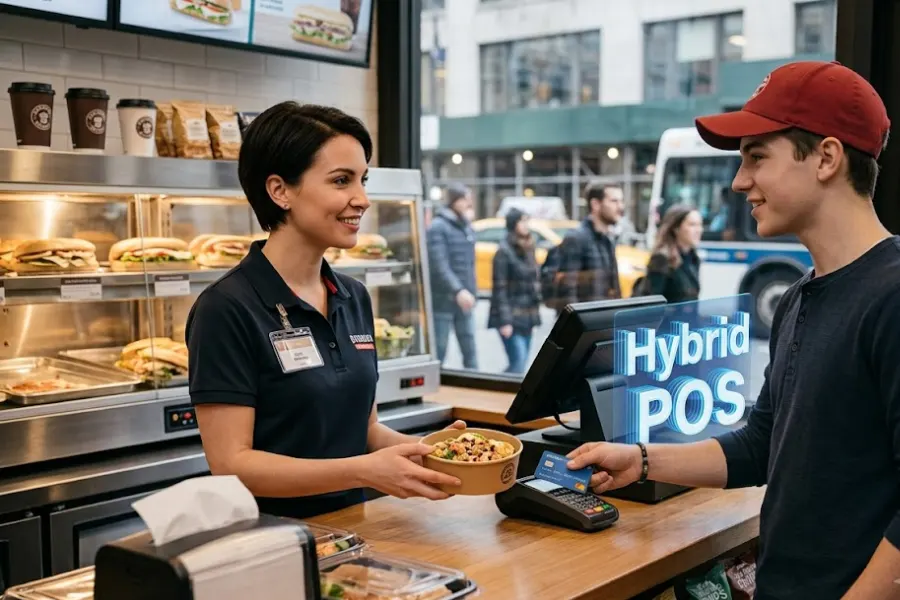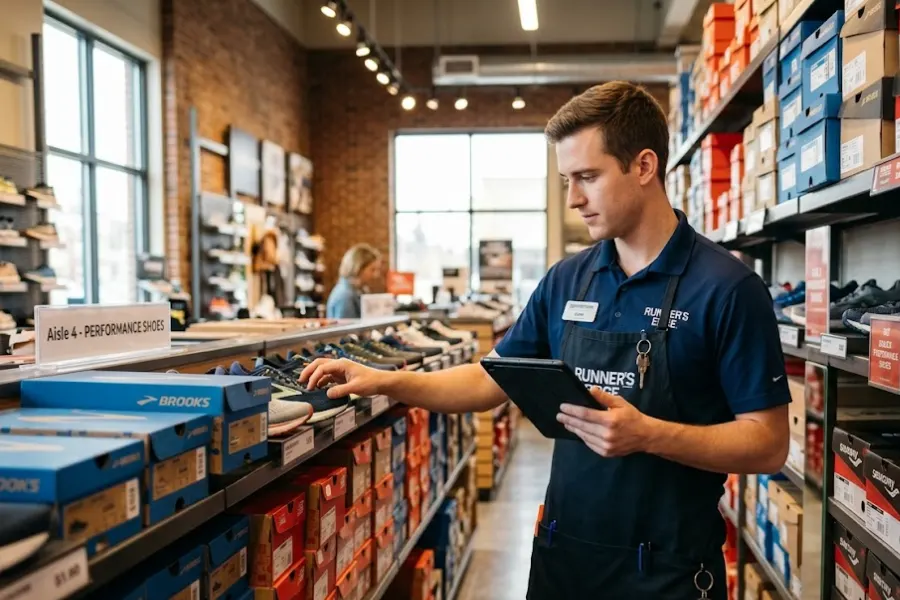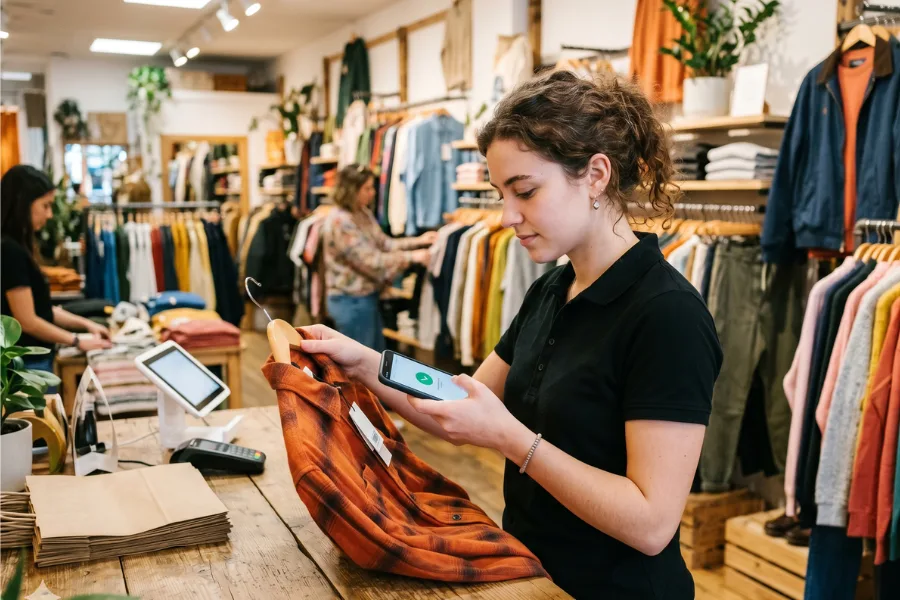
Retailers have more choices than ever when it comes to point-of-sale technology. The right POS system does much more than process payments; it connects inventory, customer data, online stores, and in-store operations into one streamlined workflow. Yet not every retail business needs the same setup. A single boutique has different requirements than a multi-store chain or a brand selling across online marketplaces. This guide explores the different types of POS systems for retail, how they work, and where they fit best. By understanding the options available, you can choose a solution that supports your daily operations and long-term growth.
Highlights
- Retailers can choose from several POS types, including traditional on-premise POS, cloud-based POS, mobile POS (mPOS), and self-service or kiosk POS systems, each designed to support different store sizes, operational models, and customer experiences.
- Modern retail demands scalable technology, and the best POS solution can unify inventory, sales, customer data, and multiple POS formats into a single ecosystem to support both single-store retailers and large multi-location brands.
What Is a POS System in Retail?
A Point of Sale (POS) system is the technology retailers use to complete sales transactions and manage daily store operations. It replaces traditional cash registers with a digital solution that records purchases, calculates totals, processes payments, and stores transaction data in real time.
A retail POS system typically includes three core components. First is the software, which manages product catalogs, pricing, promotions, inventory, and reporting. Second is the hardware, such as touch-screen terminals, barcode scanners, receipt printers, and cash drawers. Third is payment processing, which enables businesses to securely accept credit cards, debit cards, mobile wallets, and other payment methods.
Beyond handling transactions, a POS system plays a central role in retail management. It automatically tracks stock levels, updates inventory after each sale, and stores customer information for loyalty programs and marketing. This helps retailers make smarter decisions, improve service, and run more efficient operations.
Traditional On-Premise POS Systems
Traditional on-premise POS systems were once the standard choice for retail stores. These systems operate primarily within the physical store environment and rely on local infrastructure to function. While many retailers are moving toward cloud-based solutions, on-premise POS systems still serve specific business needs.
Key Characteristics
- Installed locally on in-store servers
An on-premise POS system is installed locally on in-store servers or computers. All transaction data, inventory records, and reports are stored within the store’s internal network rather than in the cloud. Internet access is not essential to daily operations, so the system can continue running even if connectivity is interrupted.
- Limited cloud connectivity
Cloud connectivity, if available, is often limited. Data sharing between locations or external platforms typically requires manual updates or additional configuration. This setup focuses on in-store operations rather than centralized, real-time management across multiple channels.
Best Use Cases
- Traditional POS systems are often suitable for small, single-store retailers operating from a single location.
- Businesses with straightforward operations and minimal need for real-time data synchronization may find this model sufficient.
- Stores that prefer to keep all data stored locally for control or compliance reasons may also consider this option.
Pros and Cons
The main advantage of an on-premise POS system is stability. Since it runs on local servers, it is less dependent on internet connectivity.
However, the trade-off is limited scalability and flexibility. Expanding to multiple stores, integrating with e-commerce platforms, or accessing real-time insights across locations can be more complex and costly.
Cloud-Based POS Systems
Cloud-based POS systems have become among the most popular types of POS systems for retail. They are designed to connect store operations through the internet, giving businesses greater visibility and control across locations.
How Cloud POS Works
A cloud POS system runs on internet-based software rather than local servers. Transaction data, inventory records, and customer information are stored securely in the cloud and synced in real time. This means every sale, return, or stock update is instantly reflected across connected devices and stores.
Updates are handled automatically by the provider, so retailers do not need to install new versions manually. Remote management is another key feature. Owners and managers can access dashboards, reports, and system settings from any device with an internet connection.
Ideal Retail Use Cases
- Cloud POS is suitable for multi-store retailers that need consistent data across locations.
- It also supports fast-growing brands and franchises that plan to expand without rebuilding their technology infrastructure each time they open a new store.
Benefits for Omnichannel Retail
- For omnichannel businesses, cloud POS offers centralized inventory and sales reporting. Stock levels are updated across physical stores and online channels in real time.
- Retailers gain anytime, anywhere access to performance data, helping them make faster, more informed decisions.
Mobile POS (mPOS) Systems
Among the different types of POS systems for retail, mobile POS systems offer flexibility by turning portable devices into full checkout tools. They are designed to help retailers serve customers beyond a fixed counter and adapt quickly to different selling environments.
What Makes a POS “Mobile”
A POS is considered “mobile” when it runs on tablets or smartphones instead of traditional countertop terminals. Staff can use these devices with portable card readers to accept payments anywhere in the store.
Many mPOS setups also support barcode scanning via built-in cameras or lightweight scanners, as well as digital receipts and contactless payments. This setup reduces the need for bulky hardware and allows sales associates to assist customers directly on the sales floor.
Common Use Cases
- Mobile POS systems are popular for pop-up stores, markets, and events where space and setup time are limited.
- They are also effective for queue-busting in busy retail locations. During peak hours, staff can process transactions on the spot, helping reduce wait times and improve the customer experience.
Limitations to Consider
- Mobile systems depend heavily on device performance and battery life. If hardware fails or connectivity drops, operations may be interrupted.
- Advanced features such as complex inventory management or in-depth reporting may be more limited compared to full-scale POS systems.
Self-Service & Kiosk POS Systems
Self-service and kiosk POS systems give customers more control over their shopping experience. Instead of relying entirely on staff, shoppers can browse, place orders, and complete payments on their own through digital terminals. This approach helps retailers improve speed and efficiency, especially during busy periods.
How Self-Service POS Works
A self-service POS uses interactive kiosks, touchscreens, or tablets placed in-store. Customers select products, review their cart, apply discounts, and complete checkout independently. The system connects directly to the store’s central POS and inventory database, so stock levels and transaction data update instantly.
Many setups also support barcode scanning and contactless payment options for faster transactions.
Best Industries and Scenarios
- Self-service POS is widely used in grocery stores, fashion retailers, and quick-service retail environments where transaction volume is high.
- It also supports buy online, pick up in store (BOPIS) workflows, allowing customers to check in or confirm orders quickly when they arrive.
Business Impact
- Retailers benefit from reduced wait times at checkout, especially during peak hours.
- At the same time, staff workload decreases, allowing employees to focus on customer assistance, merchandising, and sales support instead of handling every transaction.
Why ConnectPOS Fits Every POS Type in Modern Retail
Retailers often need more than a single POS setup. Some stores rely on fixed terminals, others use mobile devices or kiosks. The key is choosing a solution that can support every model without creating data silos or operational gaps.
One Ecosystem, Multiple POS Use Cases
ConnectPOS delivers a cloud-based, API-first, microservice architecture built for flexibility. Retailers can run traditional counters, mobile POS, and self-service kiosks within one connected ecosystem.
- Works online and offline with real-time sync
The system works both online and offline, with real-time synchronization once the connection is restored. This ensures sales, inventory, and customer data remain accurate across all locations and channels.
Features That Support All Retail Models
- The platform is designed for single stores and multi-store retailers alike.
- Multi-source inventory management tracks stock across warehouses and storefronts.
- Retailers can deploy self-service kiosks, tablets, and mobile devices to match their operational needs.
- A consumer app supports loyalty programs and personalized offers.
- Seamless integrations with Shopify, Magento, BigCommerce, and NetSuite help unify online and offline data.
ConnectPOS is well-suited for retailers across various categories, including apparel, grocery, furniture, beauty, events, and toy & hobby. It supports brands growing from one store to hundreds without rebuilding their POS infrastructure.
FAQs about Types of POS Systems for Retail
1. What is the best POS system for multi-store retailers?
Multi-store retailers need a POS system that offers centralized management, real-time data synchronization, and consistent reporting across all locations. A cloud-based POS is often the best fit because it connects all stores to a single shared database. This keeps inventory, pricing, promotions, and customer data aligned. Solutions like ConnectPOS are designed to handle multi-location operations with unified inventory and scalable infrastructure.
2. Can one POS system support both online and offline sales?
Yes. Many modern POS systems support omnichannel retail by integrating in-store and e-commerce operations. A cloud-based POS can sync online and offline sales data in real time. It also supports features such as buy online, pick up in store, and centralized inventory tracking across all channels.
3. Is cloud POS more secure than on-premise POS?
Cloud POS systems are built with advanced security standards, including data encryption and secure payment processing. Providers automatically handle regular updates and security patches. On-premise systems can also be secure, but the business is responsible for maintaining servers, backups, and system updates.
4. How do I choose the right POS for my retail business?
Start by evaluating your store size, number of locations, sales channels, and growth plans. Consider whether you need real-time inventory sync, mobile checkout, self-service options, or advanced reporting. The right POS should align with your current operational needs and support future expansion.
In Conclusion
Selecting the right POS system is a strategic decision that influences daily operations, customer experience, and long-term growth. Traditional on-premise systems provide reliability for single stores. Cloud-based POS supports real-time visibility and multi-location management. Mobile POS adds flexibility on the sales floor, and self-service kiosks improve speed and convenience. These types of POS systems for retail fit different retail needs, but modern businesses often require a solution that supports them all within a single connected ecosystem. If you are looking for a scalable, omnichannel-ready POS that adapts to your retail model, it’s time to explore ConnectPOS. Contact ConnectPOS today to discover how a next-generation POS ecosystem can power your retail growth.